Download Substrate Map#
 SubstrateMap.Download
Overview#
This operation is used to download a copy of the Substrate Map object.
Setup#
No specific setup is required other than to meet the preconditions of the transaction.
Preconditions#
- The Substrate Map exists in the system.
Sequence of Steps#
The Download Substrate Map wizard can be called from the Substrate Map page within the Business Data Group. To download a Substrate Map follow the steps below.
-
Select the Substrate Map you want to download.
-
Select Download from the top ribbon.
-
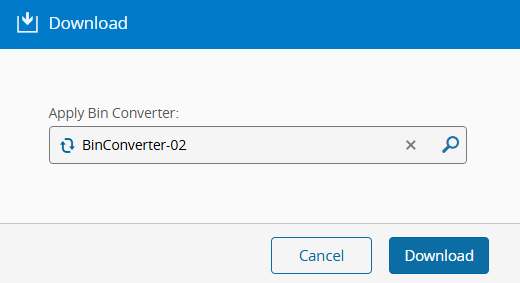
Optionally, select a Bin Converter to apply to the Substrate Map.
Note
Only Bin Converters of type Colors and Values are available when downloading a Substrate Map file.
-
Select Download to save the file.