String Remove#
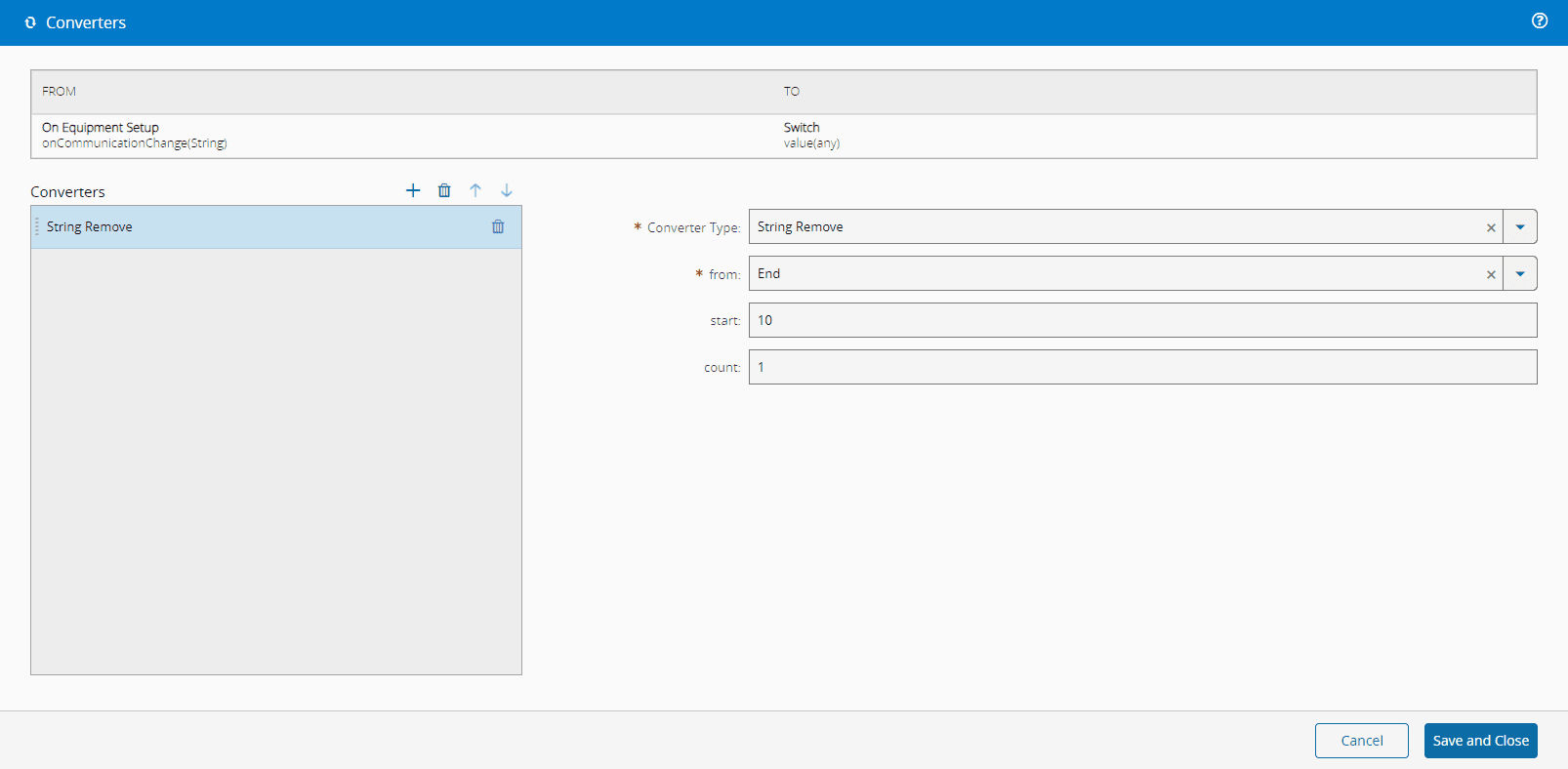
This converter extracts characters from a string.
Settings#
| Name | Data Type | Possible Values | Description |
|---|---|---|---|
| from | String | StartMiddleEnd | Where to start removing characters from the string |
| start | Number | Position in the string from which to start | |
| count | Number | Number of characters to remove |
Table 1: Settings
Examples#
start is only used when from is Middle; for Start and End the converter always removes count characters from the matching end of the string.
| Input | from | start | count | Output |
|---|---|---|---|---|
HelloWorld | Start | N/A | 5 | World |
HelloWorld | Middle | 5 | 3 | Hellold |
HelloWorld | End | N/A | 5 | Hello |
HelloWorld | (unrecognized) | 0 | 0 | HelloWorld (input is returned unchanged). |
Table 2: Examples
Failure Behavior#
This converter never fails. When from does not match Start, Middle, or End, the converter returns the input string unchanged. When the input value is null or undefined, the converter treats it as an empty string. See Converters for the full set of failure patterns across converters.