Get Equipment Properties#
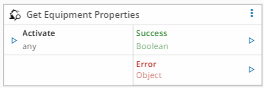
This task is used to ask the equipment for a specific property, therefore it's associated to a particular driver.
Details#
| Fields | Details |
|---|---|
| Scope | Connect IoT |
| Workflow | Data flow Control flow |
IsProtocol flag |
Inputs#
| Name | Data Type | IsTrigger | Description |
|---|---|---|---|
| Activate | any | Yes | Requests the equipment for the configured properties values. |
Outputs#
| Name | Data Type | Description |
|---|---|---|
<custom list> | ` | Output properties |
| Success | Boolean | If there was no problem emits a true |
| Error | Error | Error that occurred during the processing of this task |
Settings#
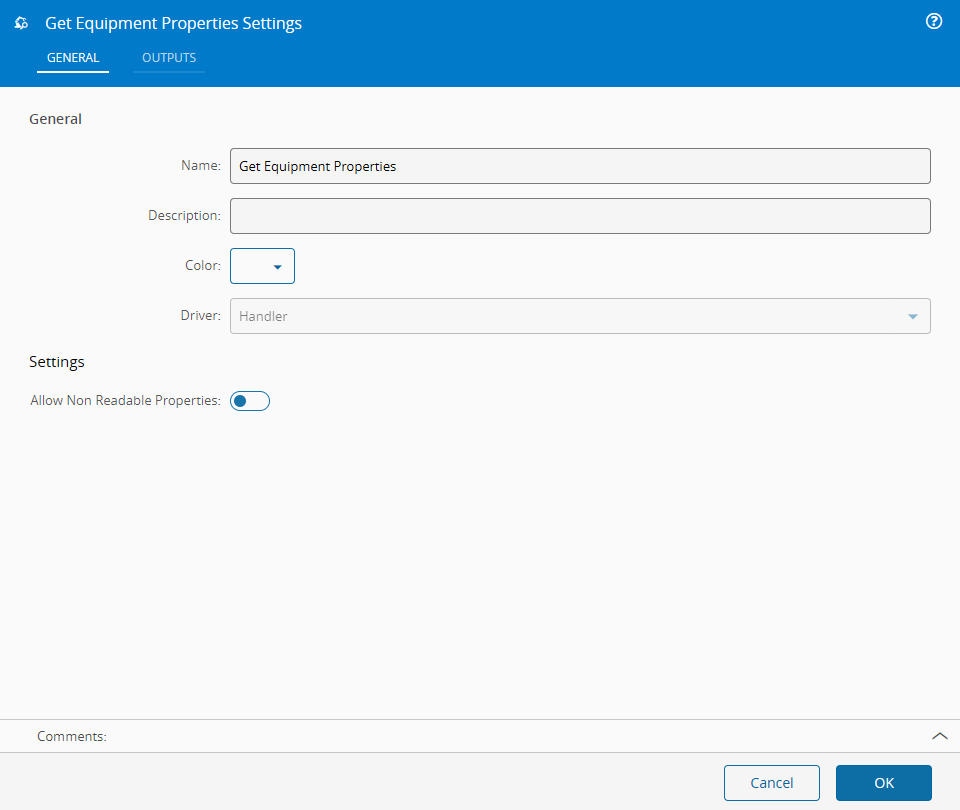
On the General Tab, you have the usual settings and the following settings:
| Name | Data Type | Description |
|---|---|---|
| Driver | String | Chosen Driver |
| Allow Non Readable Properties | Boolean | When true, the property picker also lists the properties that the Driver Definition marks as not readable. |
Extended Data
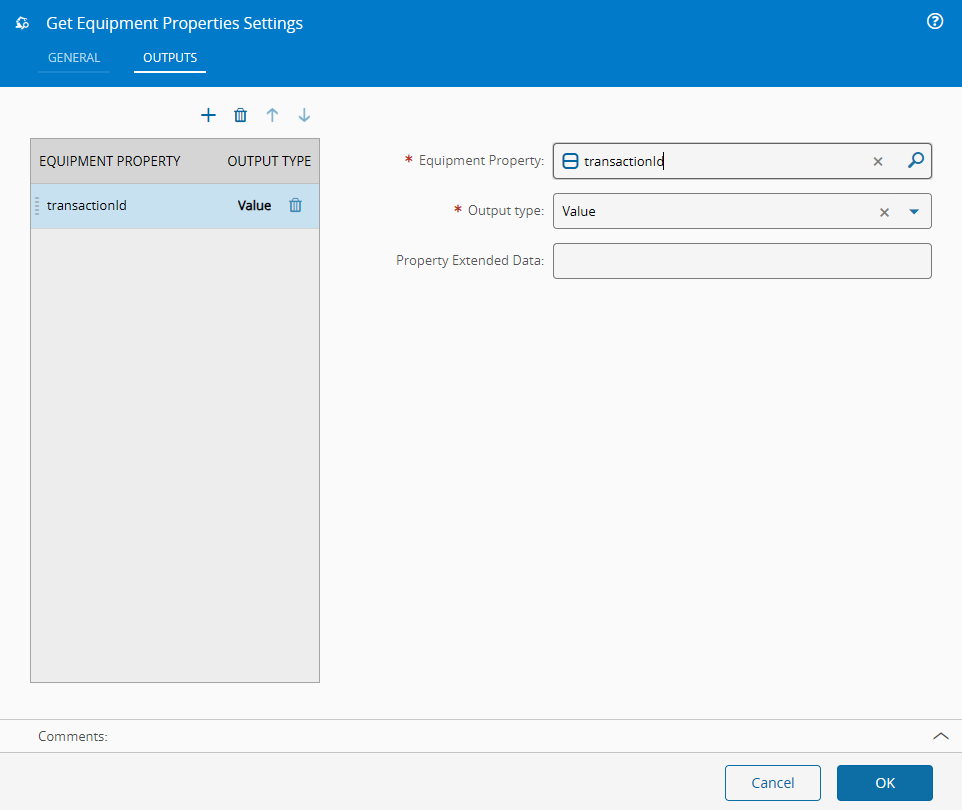
This task shows extended data in the Outputs tab. The extended data shown depends on the driver in use.
On the Outputs Tab, you have the following settings:
| Name | Data Type | Values | Default | Description |
|---|---|---|---|---|
| Equipment Property | EquipmentProperty | \<empty> | A driver definition property. | |
| Output Type | enum | ValueRawValue | Value | The output type of the property. |
Behavior#
In this task you choose a driver when dropping it into the workflow (if you have more than one driver associated with the controller). When sending a value to the input activate, the task will activate and request the equipment for the values of the properties configured.
Remarks#
All the communication with the equipment is handled by the driver in the backend.
The task reads all the configured properties in one request. When the driver fails to read any of them, the task emits that error on Error and emits no property value, not even those read successfully.