Send Recipe Body Reply#
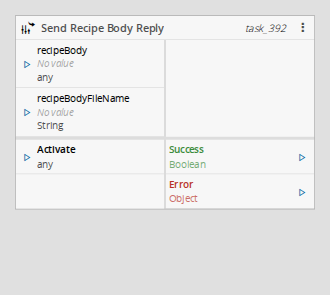
This action task sends the reply back to a recipe body request received from the MES, completing the request/reply exchange started by the Recipe Body Request task.
It belongs to the System / MES category, under Actions.
Details#
| Fields | Details |
|---|---|
| Scope | Connect IoT Data Platform Enterprise Integration Factory Automation |
| Workflow | Data flow |
IsProtocol flag |
Behavior#
When activated, this task sends the recipe back to the request that the Recipe Body Request task is waiting on, which unblocks the MES. The recipeBody input carries the recipe content retrieved from the equipment and recipeBodyFileName its file name.
This task must run in the same workflow branch (zone) as the request it answers. If there is no pending request to answer, the task emits Error instead.
Inputs#
| Name | Data Type | Description |
|---|---|---|
| recipeBody | Any | The recipe content to send to MES: a buffer, or a base64-encoded text. |
| recipeBodyFileName | String | The file name of the recipe sent to the MES. |
| Activate | Any | Activates the task, sending the reply. |
Table: Send Recipe Body Reply task inputs
Outputs#
| Name | Data Type | Description |
|---|---|---|
| Success | Boolean | Triggered when the reply is sent successfully. |
| Error | Error | Triggered when sending fails, or no pending request exists in the current context. |
Table: Send Recipe Body Reply task outputs
Settings#
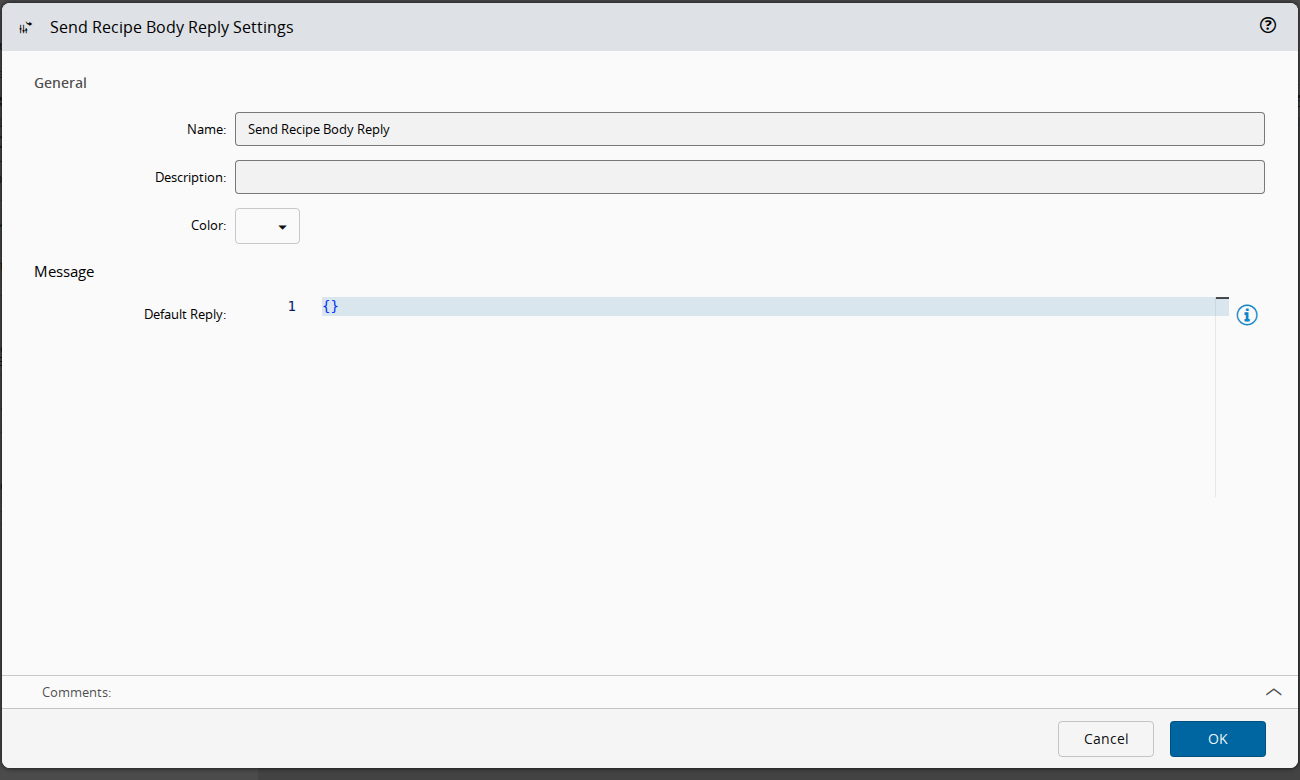
On the General tab, you have the usual settings and the following settings:
| Name | Data Type | Values | Default | Description |
|---|---|---|---|---|
| Default Reply | Object | {} | Optional default message to reply with when the task is activated and no reply is provided on the input. |
Table: Send Recipe Body Reply task settings
Remarks#
This task pairs with the Recipe Body Request task, which listens for the request that this task replies to. It must be executed within the zone created by that task.
MES decodes the recipe body from base64. Link a buffer, which is encoded for you, or a text that is already base64-encoded. See Connect IoT - MES Interoperability Scenarios Tutorial.
This task uses a specific structure of context-based data called zone. More information on this topic can be read in the Zones page.