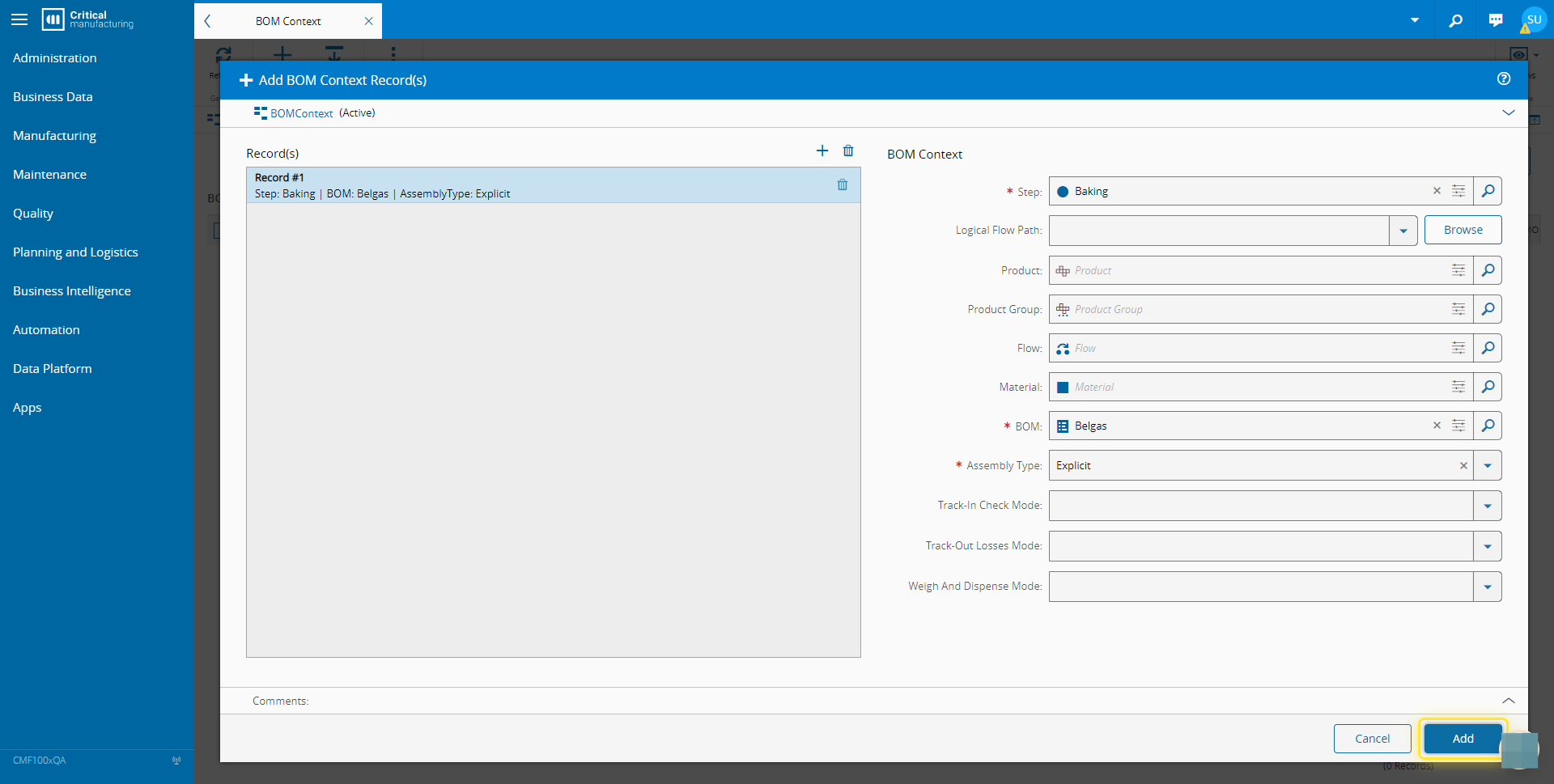
How to: Add Value to Smart Table#
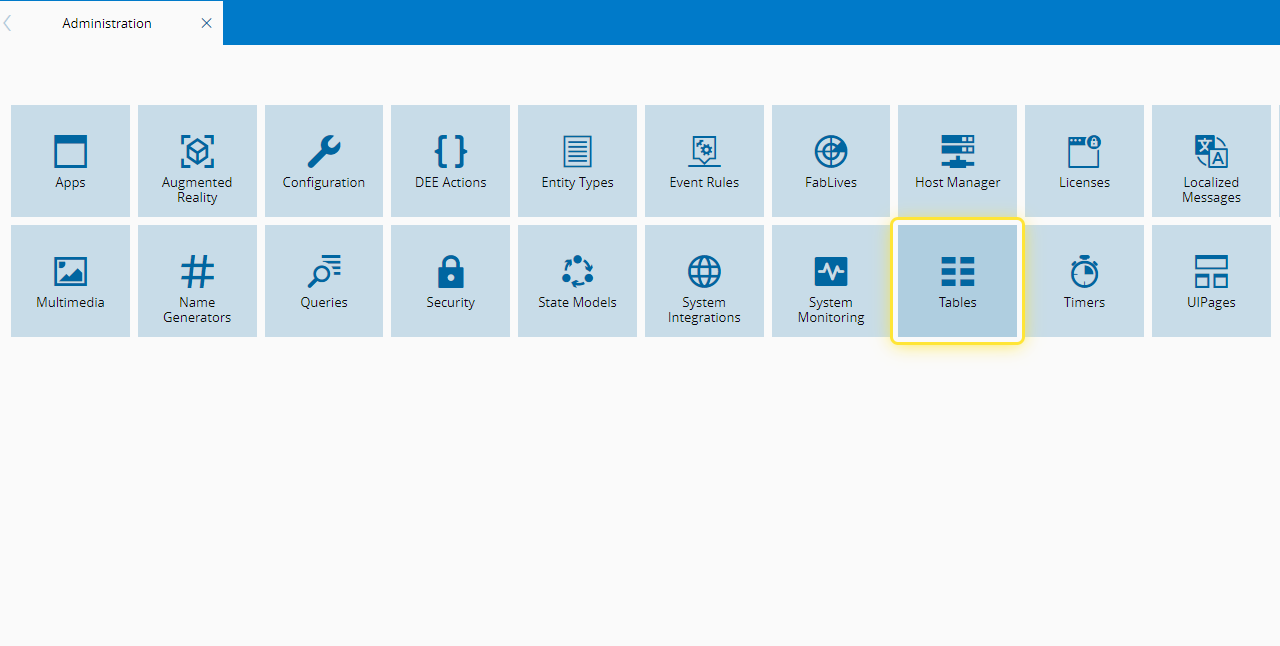
1. Go to the Administration menu.#

2. Select the Tables tile.#
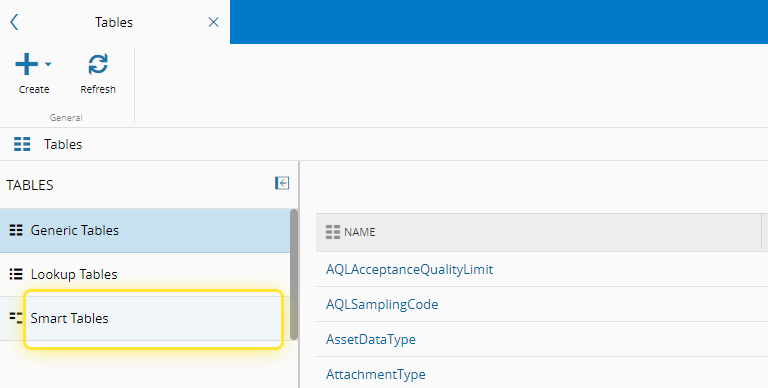
3. Select the Smart Tables option.#
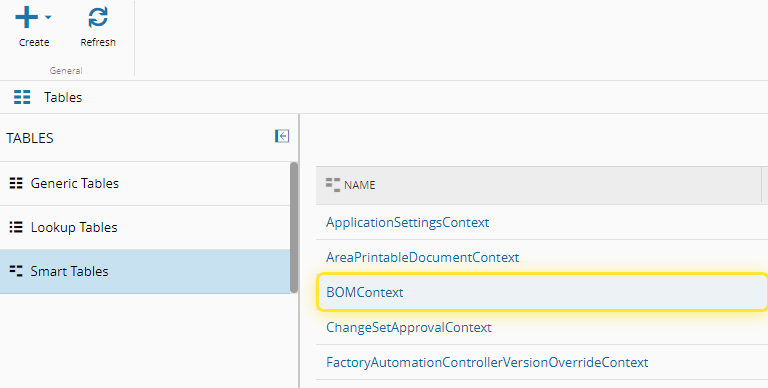
4. Select the Name of the Smart Table you need.#
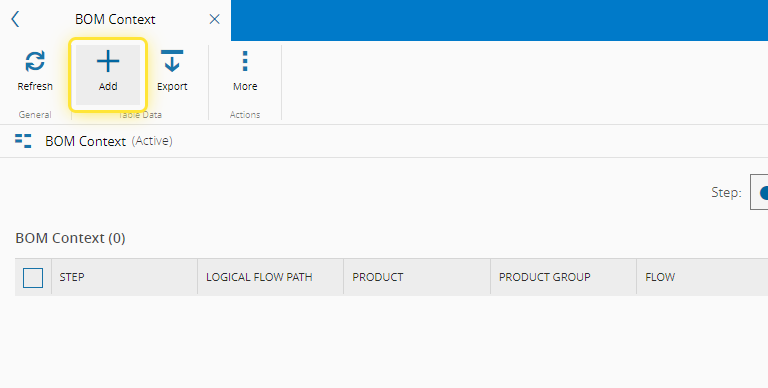
5. Select the Add button.#
For more information, see Smart Tables ⧉
6. Complete the necessary fields.#
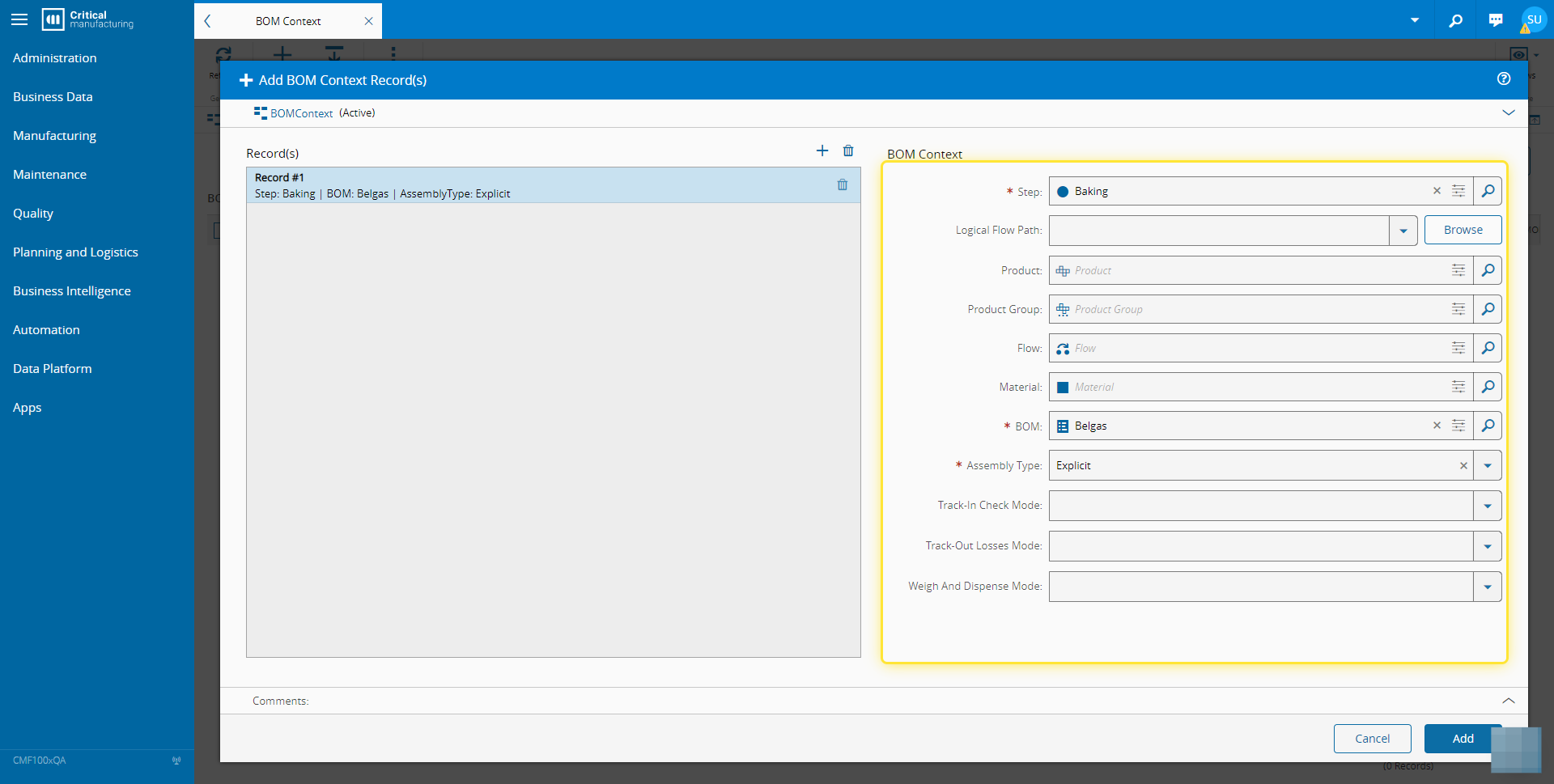
7. Select the Add button.#