How to: Manage an Off-Flow#
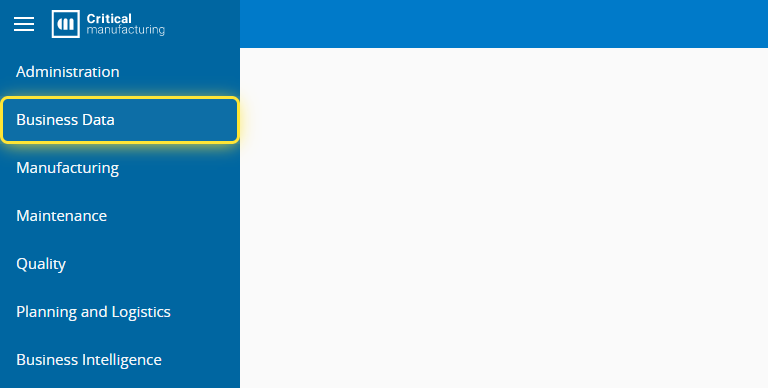
1. Go to the Business Data menu.#
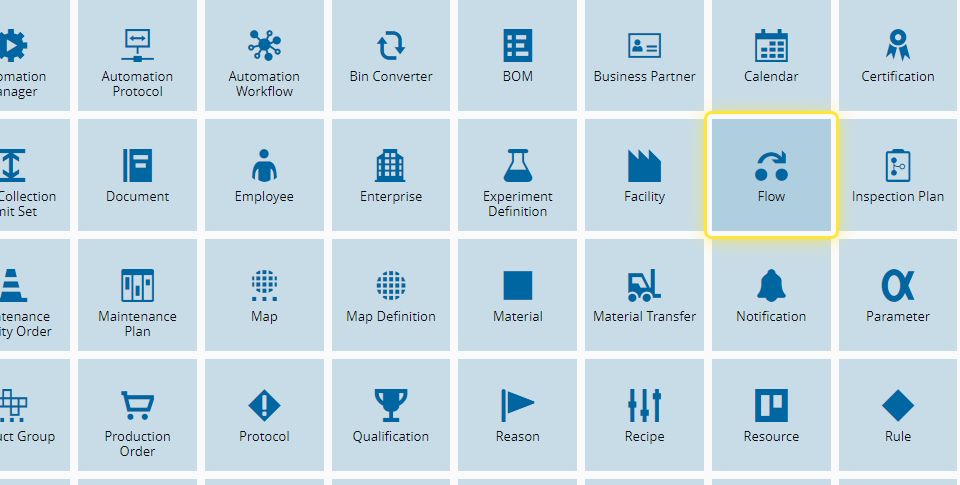
2. Select the Flow entity.#
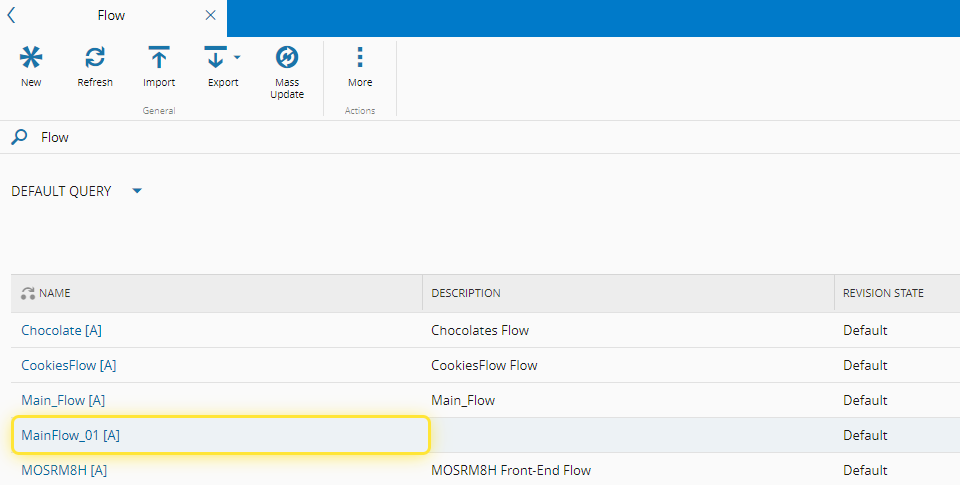
3. Select the Flow you want to use.#
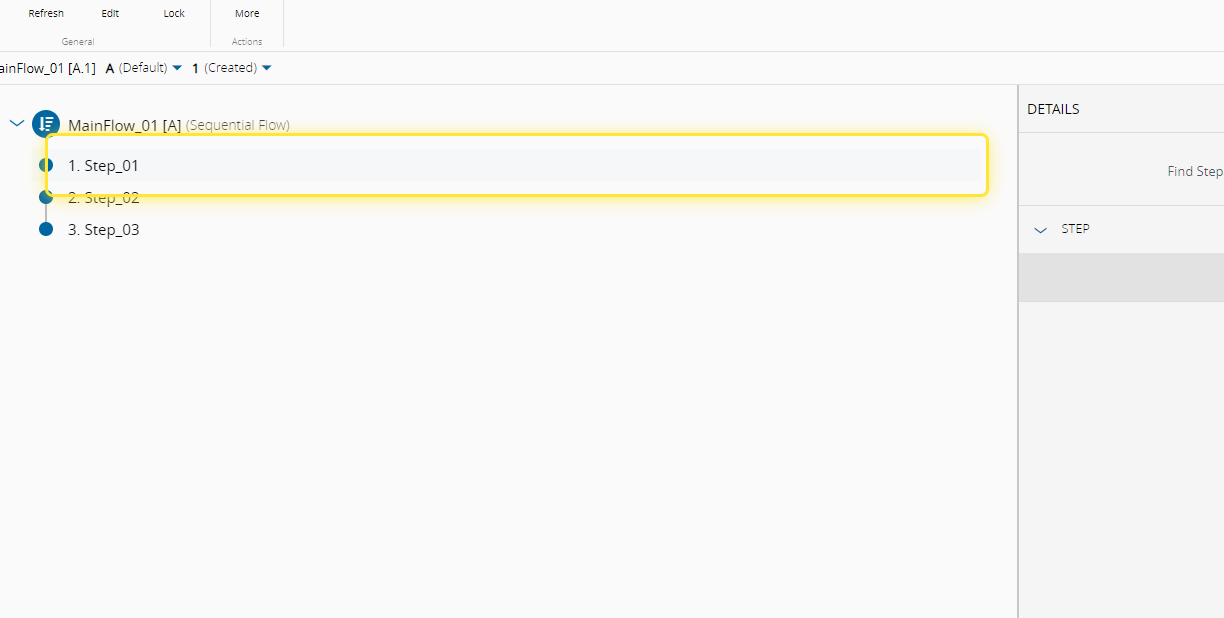
4. Select the Step for Rework.#
For more information, see Create Flow
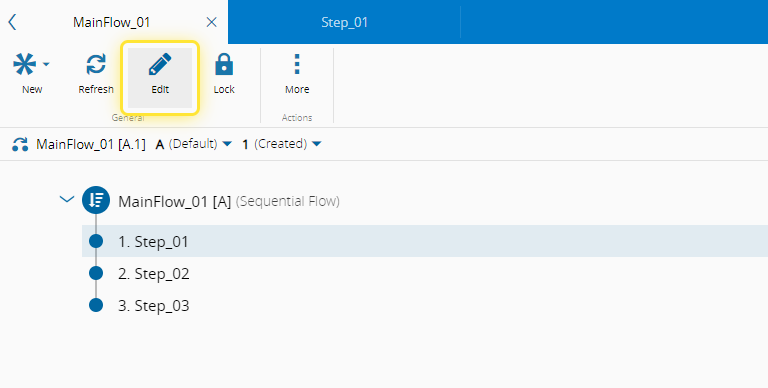
5. Select the Edit button.#
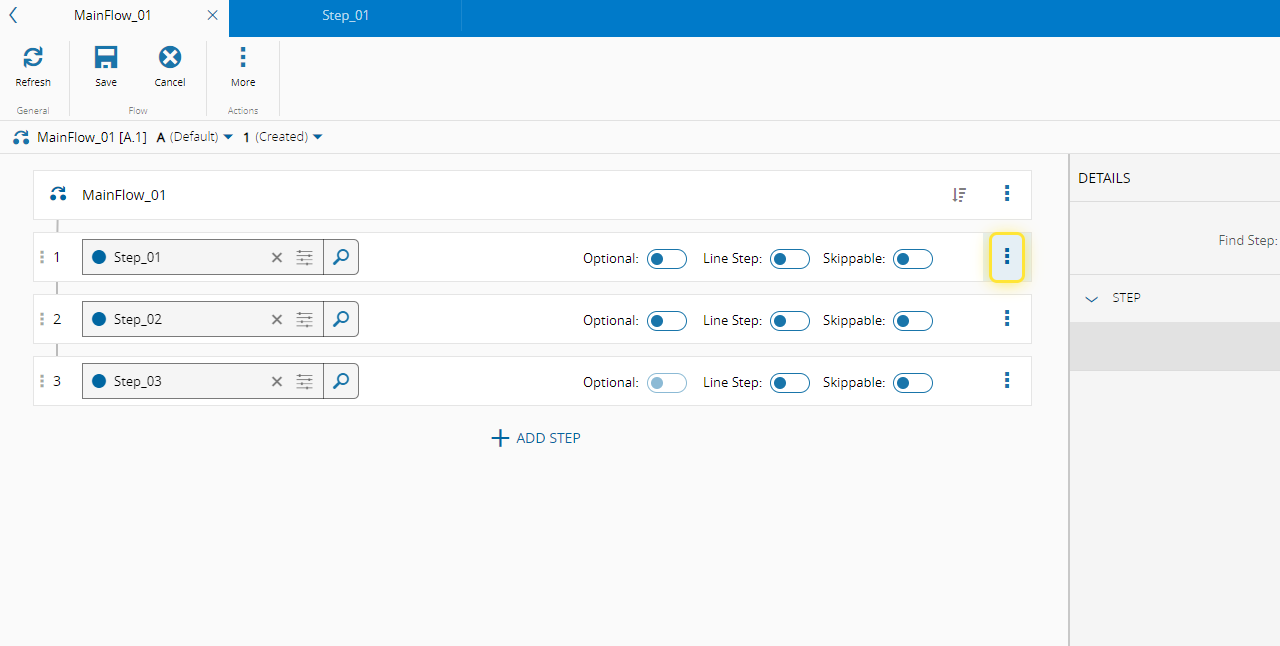
6. Select the More action.#
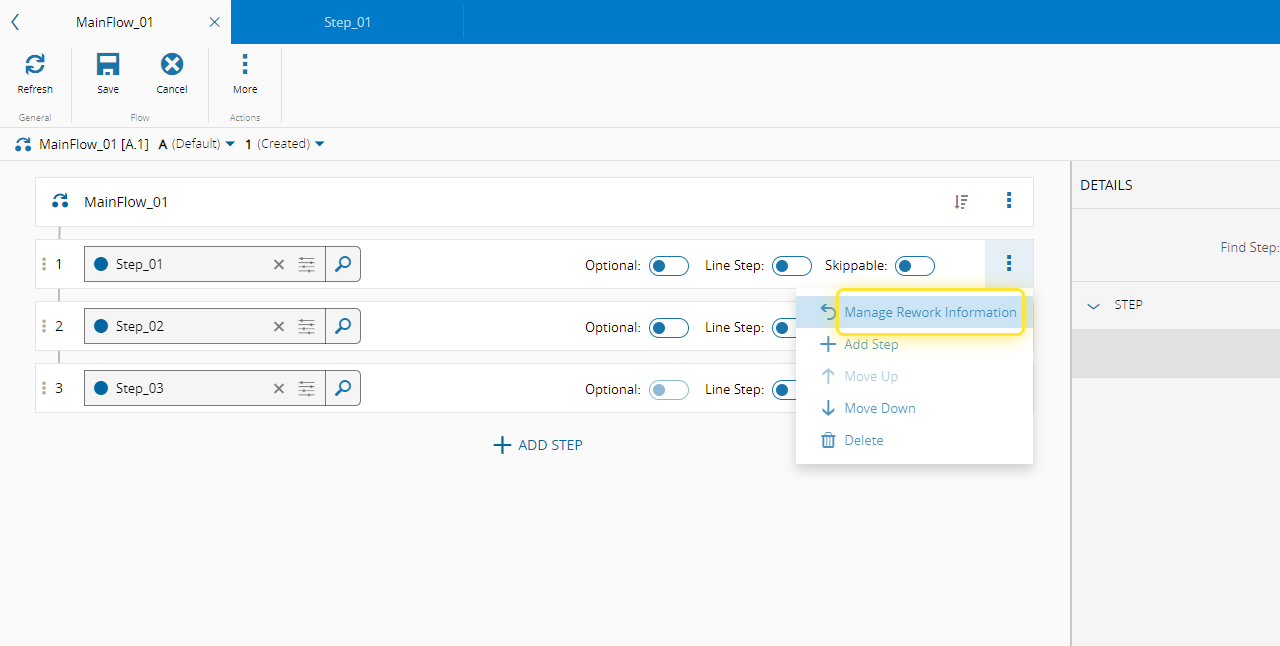
7. Select the Manage Rework Information option.#
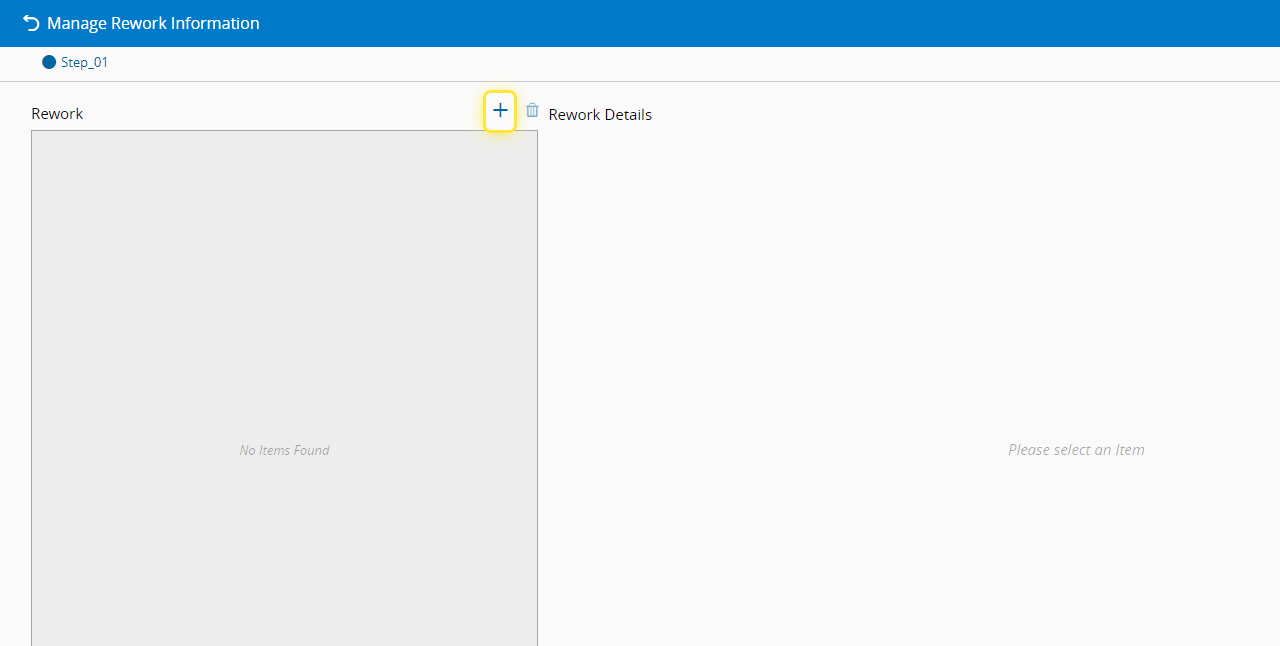
8. Select + to add Rework path to the Step.#
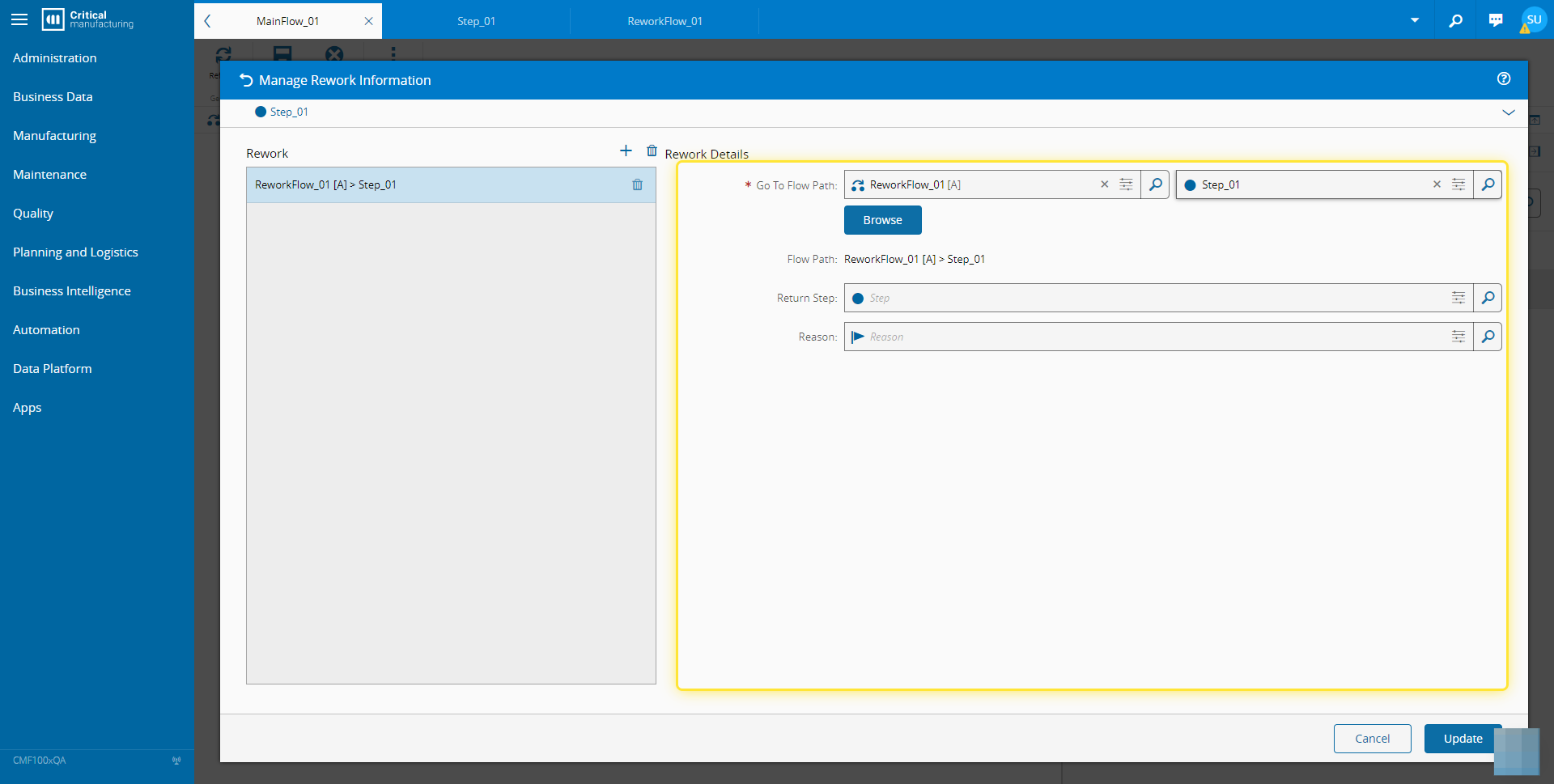
9. Complete the necessary fields.#
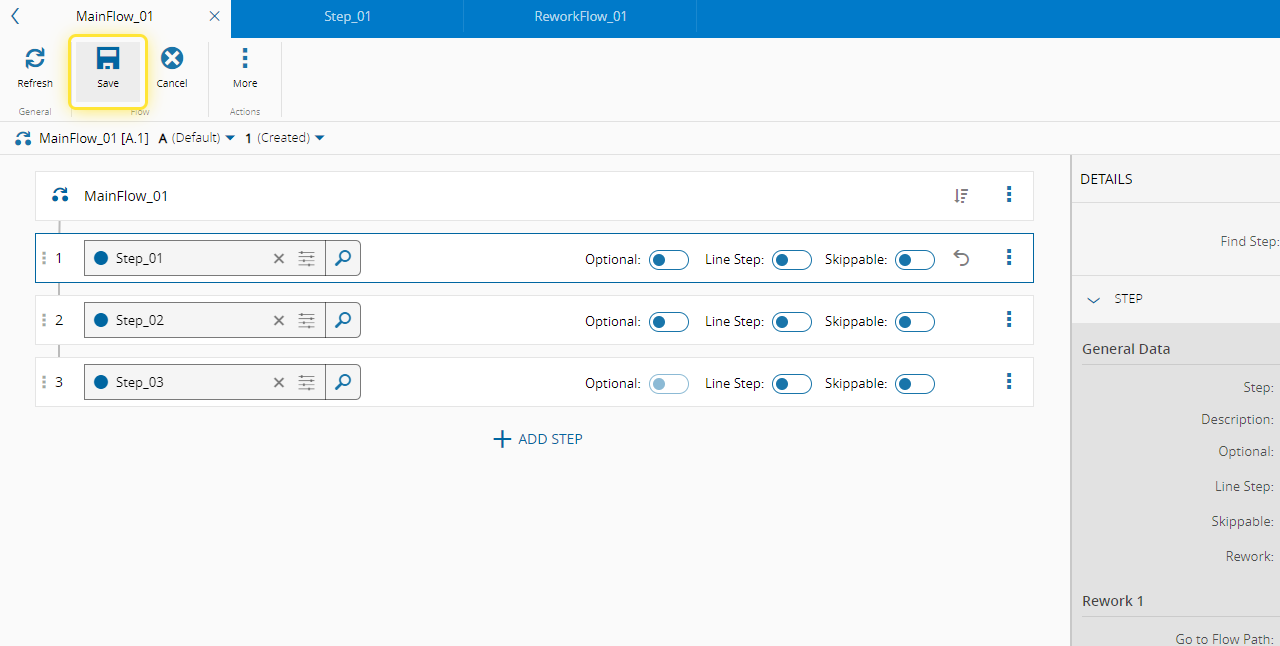
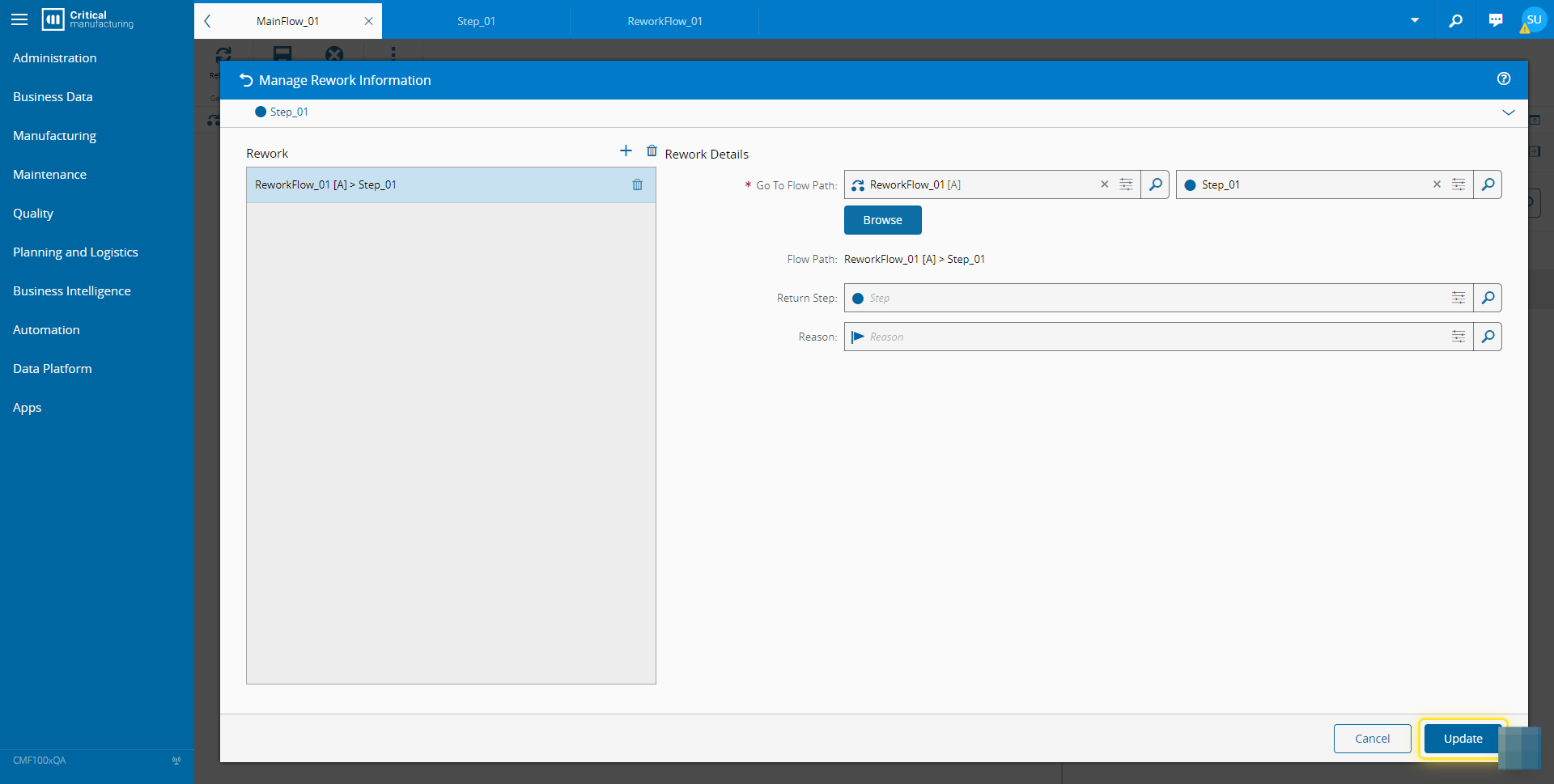
10. Select the Update button.#
11. Select Save to update the Flow.#