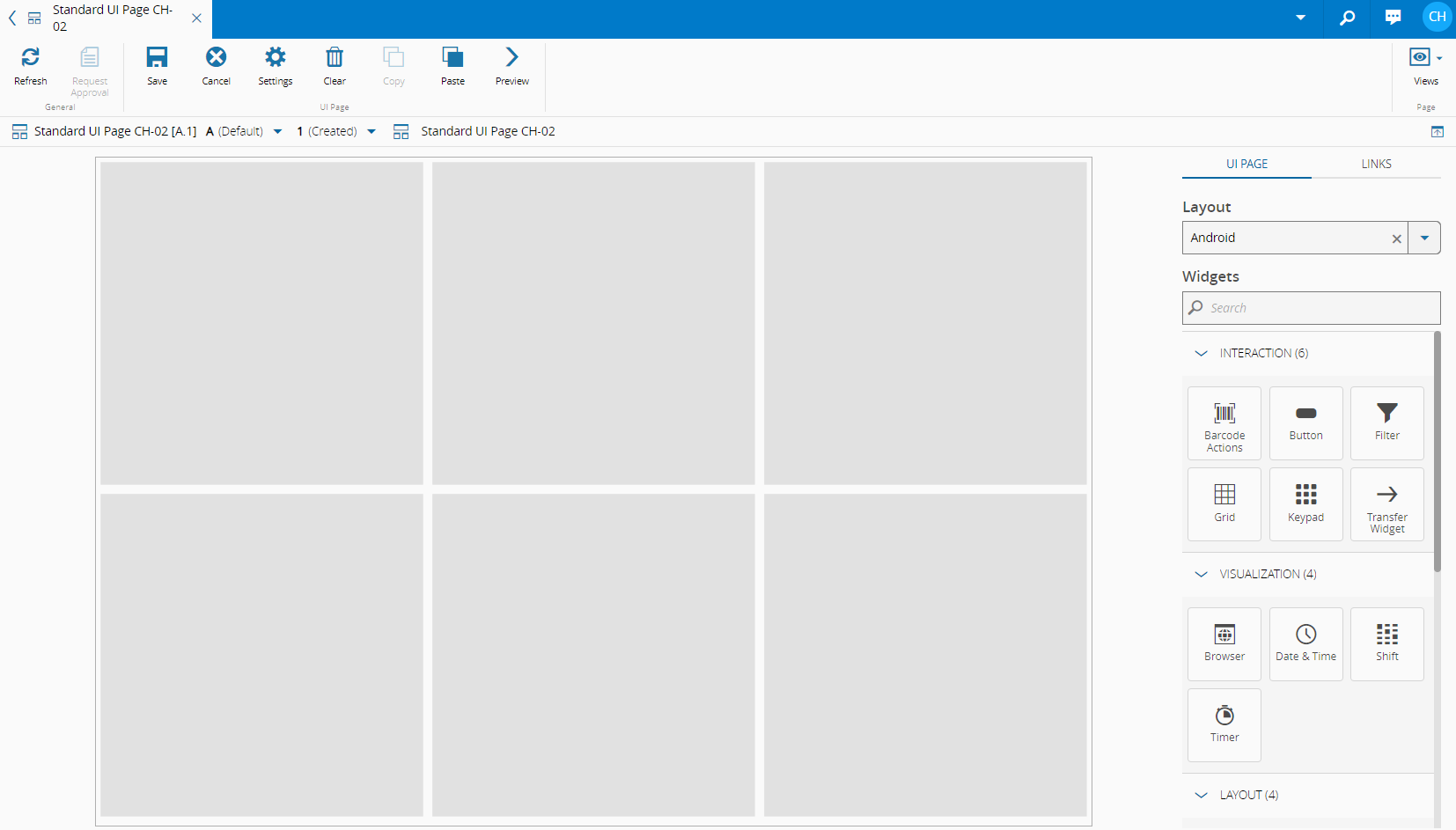
How to Create a Layout for Smaller Screens#
-
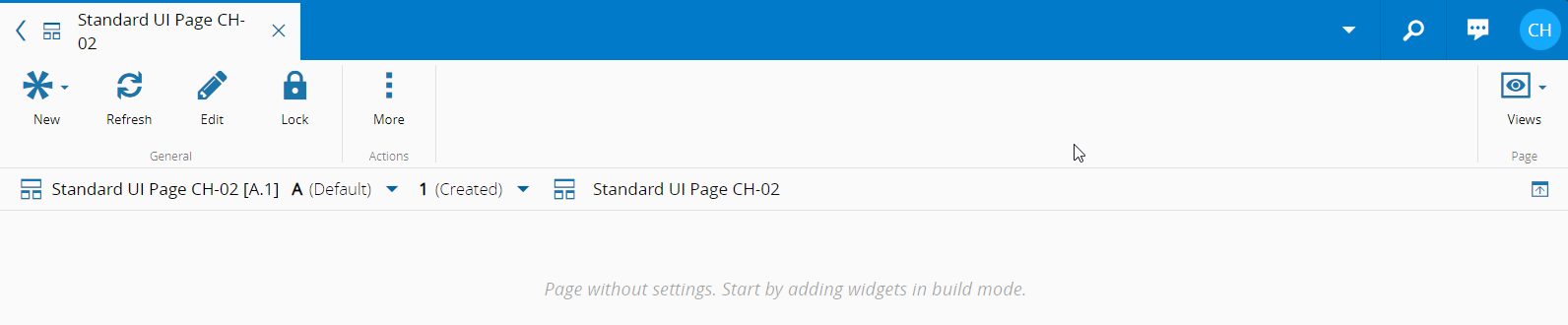
Create an UI Page and select the Edit option from the Action bar.
-
Select Settings from the Action bar at the top of the UI Page builder.

-
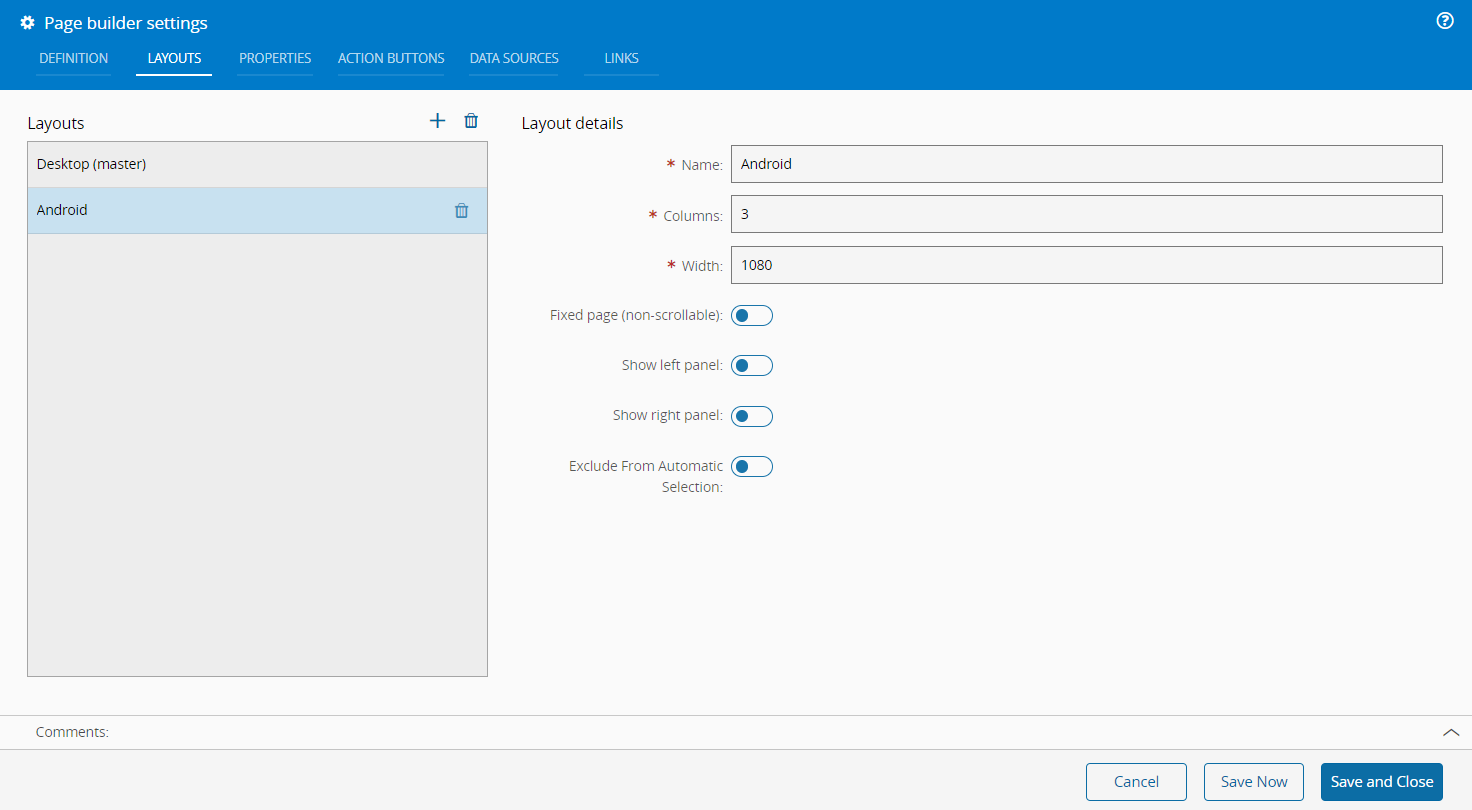
Navigate to the Layouts tab, which displays the existing layouts and provides options to add or delete layouts. Use the button to add a new layout and specify:
- Name of the new layout
- Number of columns to include in the layout
- Set the width of the page, which will be utilized by the system to determine the most suitable layout for display purposes
-
If desired, enable the following options based on your requirements:
- Fixed Page (determining that the page should be non-scrollable)
- Show Left Panel
- Show Right Panel
- Exclude From Automatic Selection
-
Once you have configured the layout settings to your preference, save the changes.