System Data Sources#
Overview#
Data sources are elements used to fetch data from the system to feed data to other page elements. This section describes how to use the system provided data sources.
Query#
The Query Data Source fetches data from a query available in the system. If the query has parameters, those can be sent through linking.
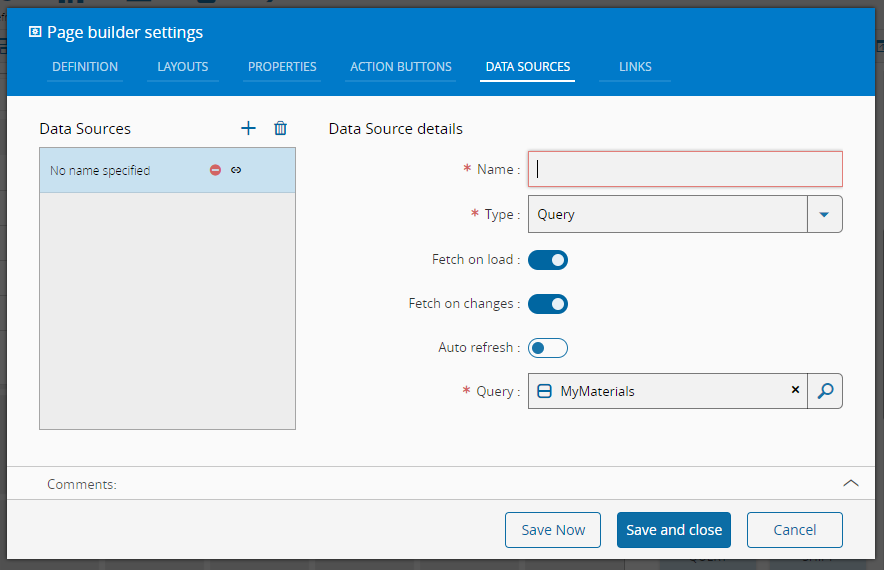
To use this data source, it is necessary to input a name and an existing query. The system will check the query: each query parameter will be an input and each query column will be an output.
Service Call#
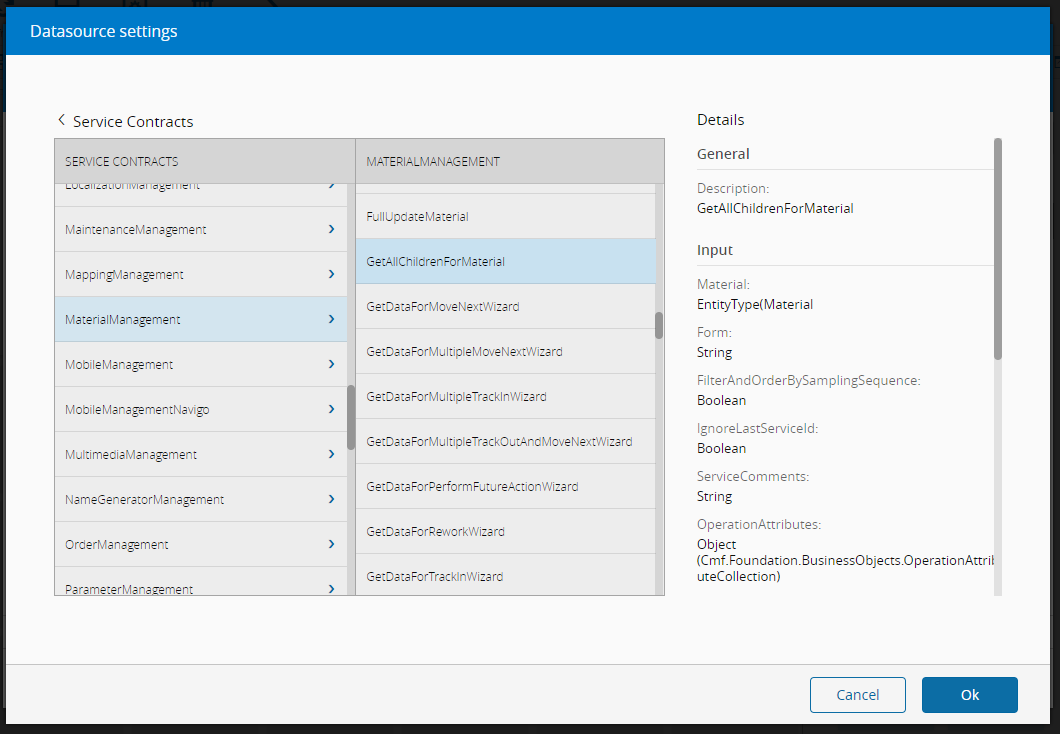
The Service Call Data Source can be used to execute a Service Call providing input and gathering the output.
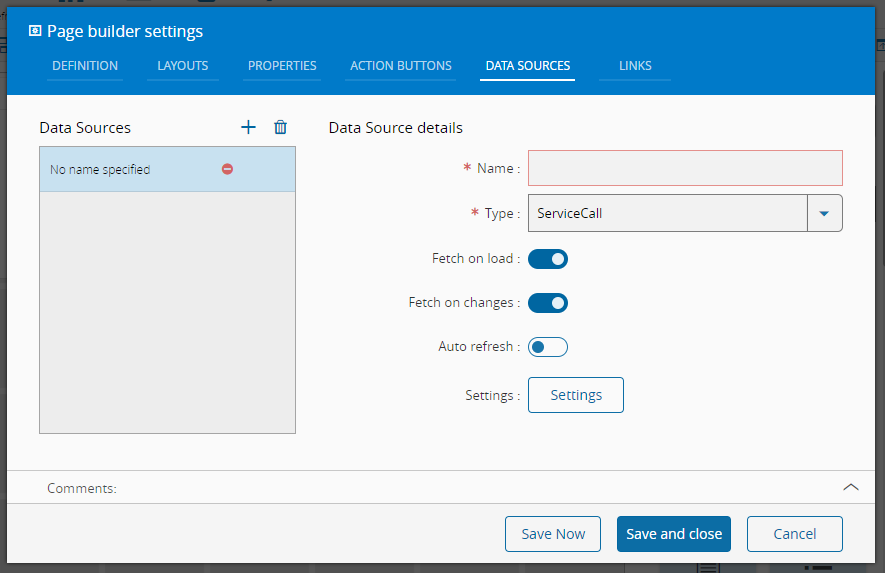
To use this data source, it is necessary to input a name. This data source has a settings button, triggering the selection of an existing service.
KPI Data Value#
KPI Data Value Data Source can retrieve information from an existing KPI. The information on the active time frame will be available.
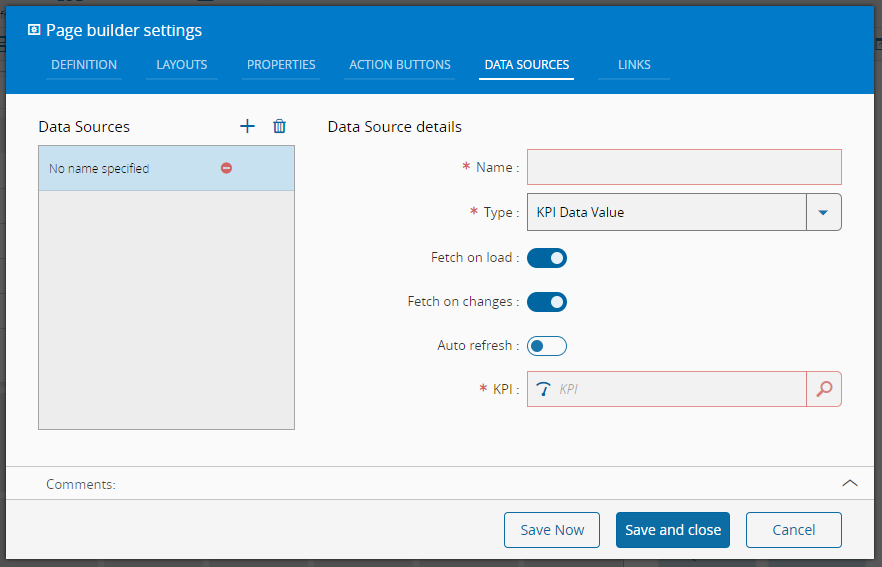
To use this data source, it is necessary to input a name and an existing KPI. The following data will be available from the data source:
- kpiName
- kpiUnits
- kpiValue
- kpiMinimum
- kpiMaximum
- kpiCloseToTargetMinimum
- kpiTargetMinimum
- kpiTarget
- kpiTargetMaximum
- kpiCloseToTargetMaximum
- kpiDelta
KPI Data Series#
KPI Data Series Data Source can retrieve information from an existing KPI. The information on the time frame list will be available.
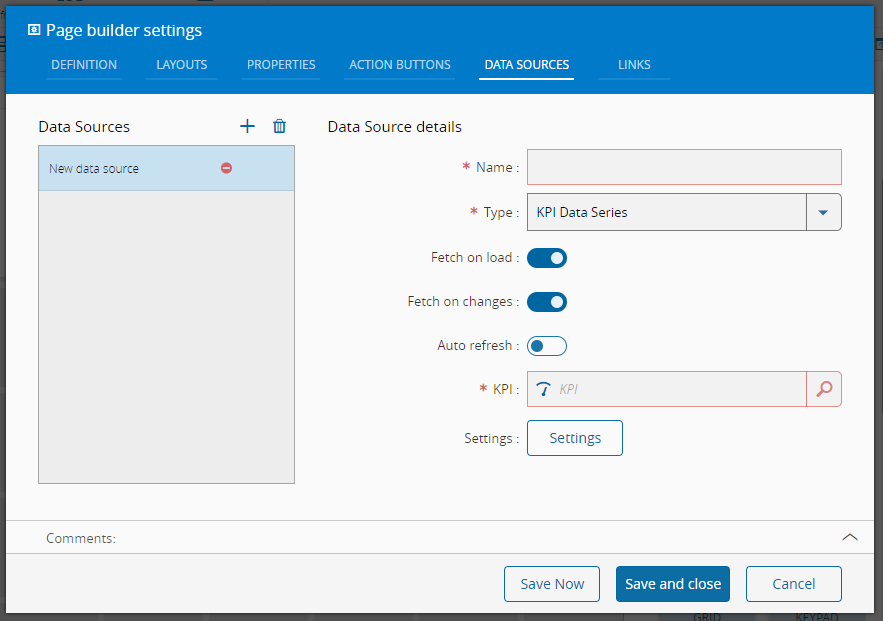
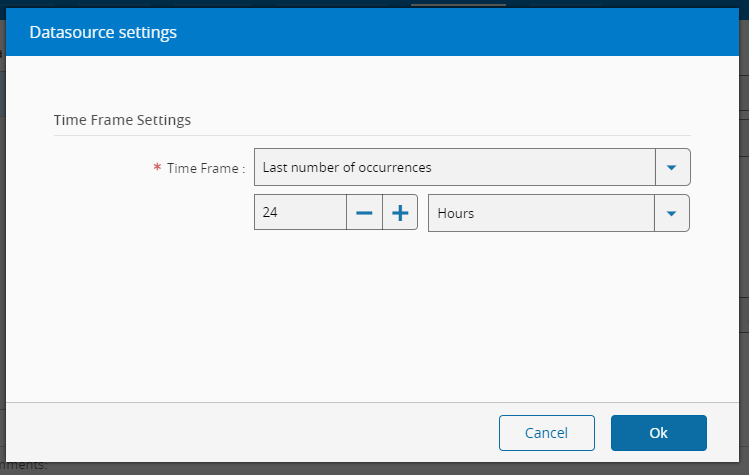
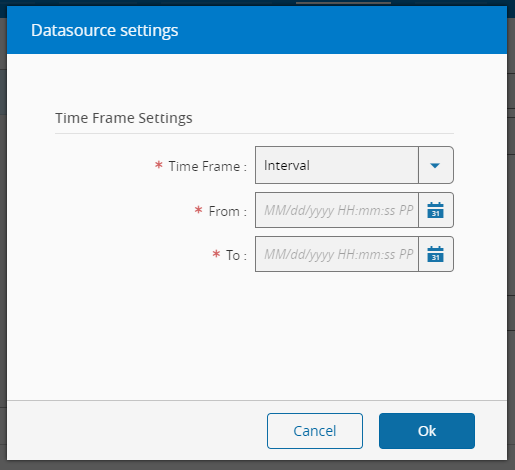
To use this data source, it is necessary to input a name and an existing KPI. This data source has a settings button, allowing for the specification of the time frame, which can be defined in different ways:
- Last number of occurrences (value and units)
- Interval (from and to date)
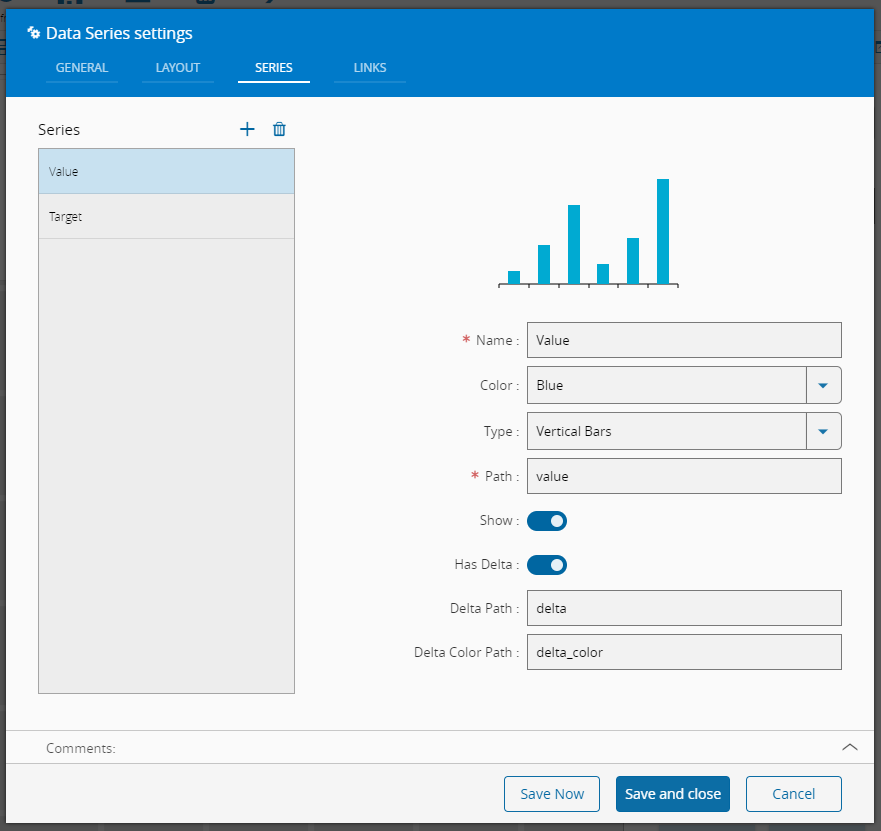
For each entry in the data series, the following data will be available:
- Value
- Target
- Delta
- Date
This data source can feed directly a Data Series widget:
System (Core)#
The System (Core) Data Source provides data from the system regarding the logged in user, current date and time (local and UTC).
To use this data source, it is necessary to input a name.
System (MES)#
The System (MES) Data Source provides data from the system regarding the logged in employee if any.
To use this data source, it is necessary to input a name.