Date & Time#

Overview#
The Date & Time widget displays the date and time. An example is shown below, where a Date & Time widget is used on the right to keep the time.
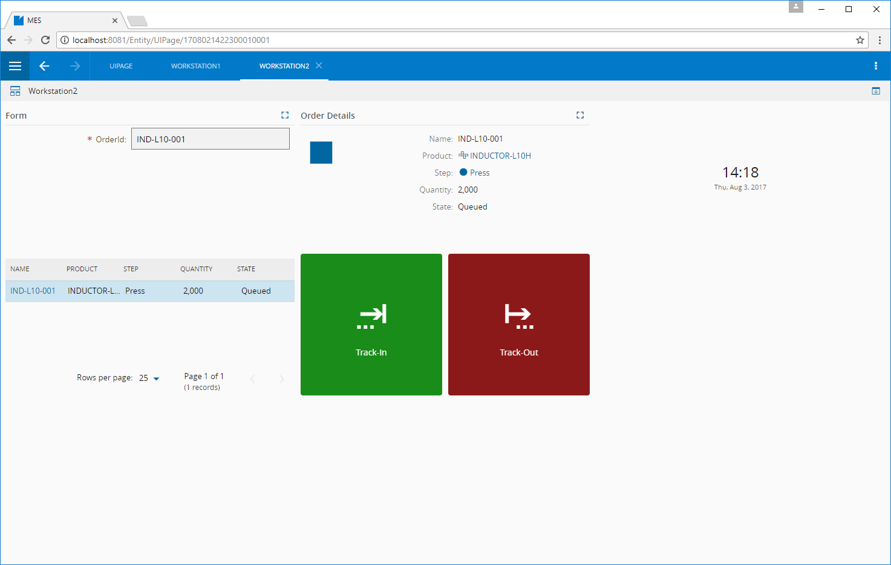
To use the Date & Time widget in an UI Page, follow the steps below:
- In any UI Page in Build mode, select the Date & Time widget from the widgets list located in the right side of the page, and drag and drop to the correct place in the UI Page.
-
Enter the Settings section of the widget via the vertical ellipsis:
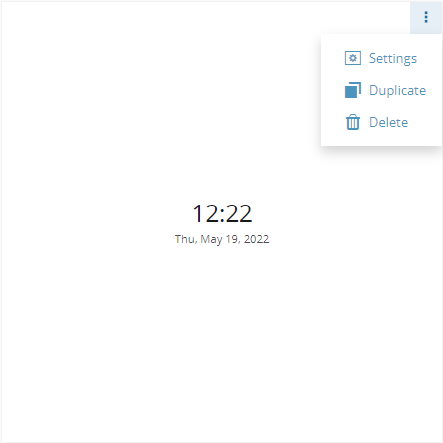
-
In the General tab, provide a name for the widget, a description, and (de)activate the other configurations as needed (default is
false):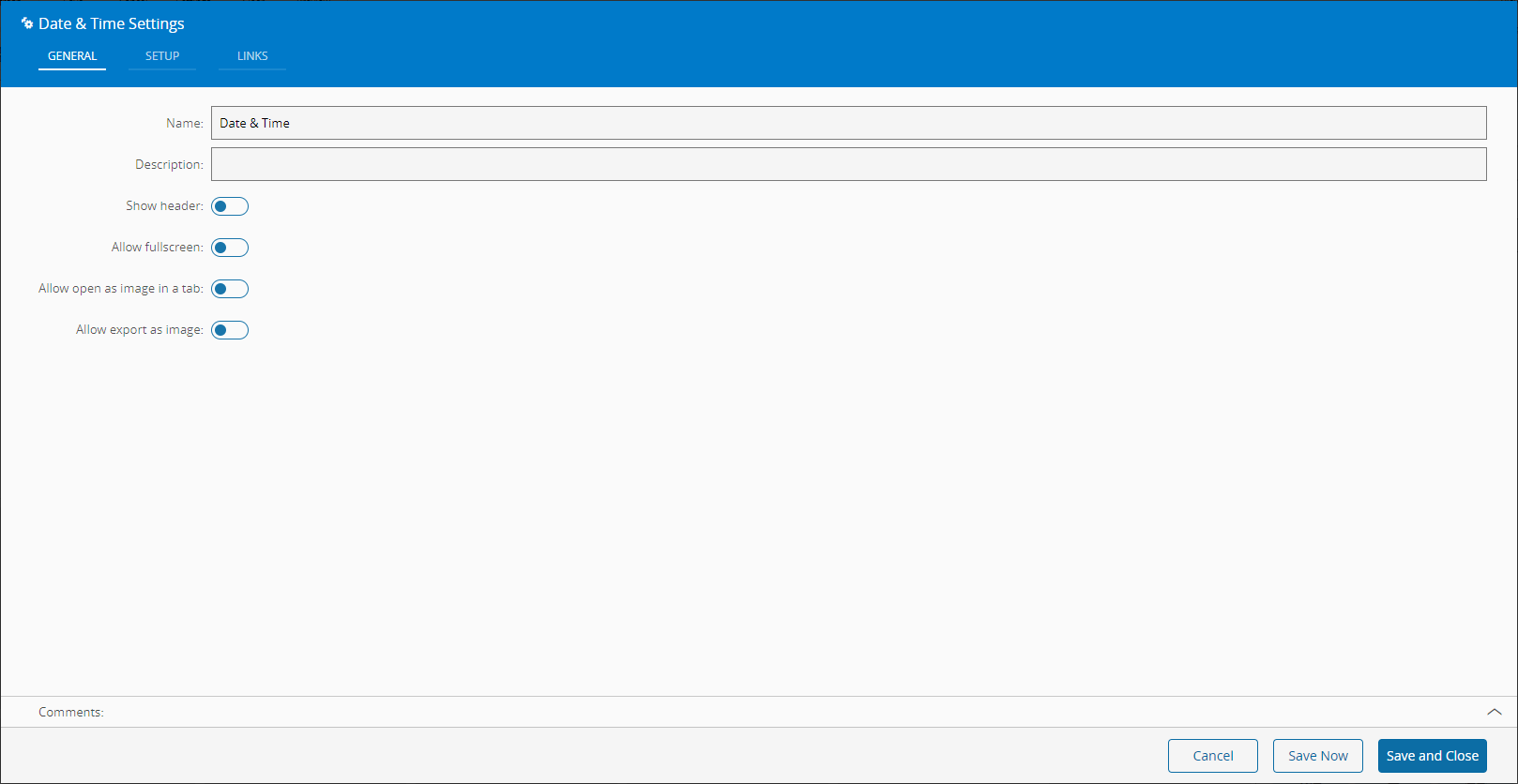
-
In the Setup tab, enter the time and date formats as well as the time zone and other display options, such as the Alignment of the time and date:
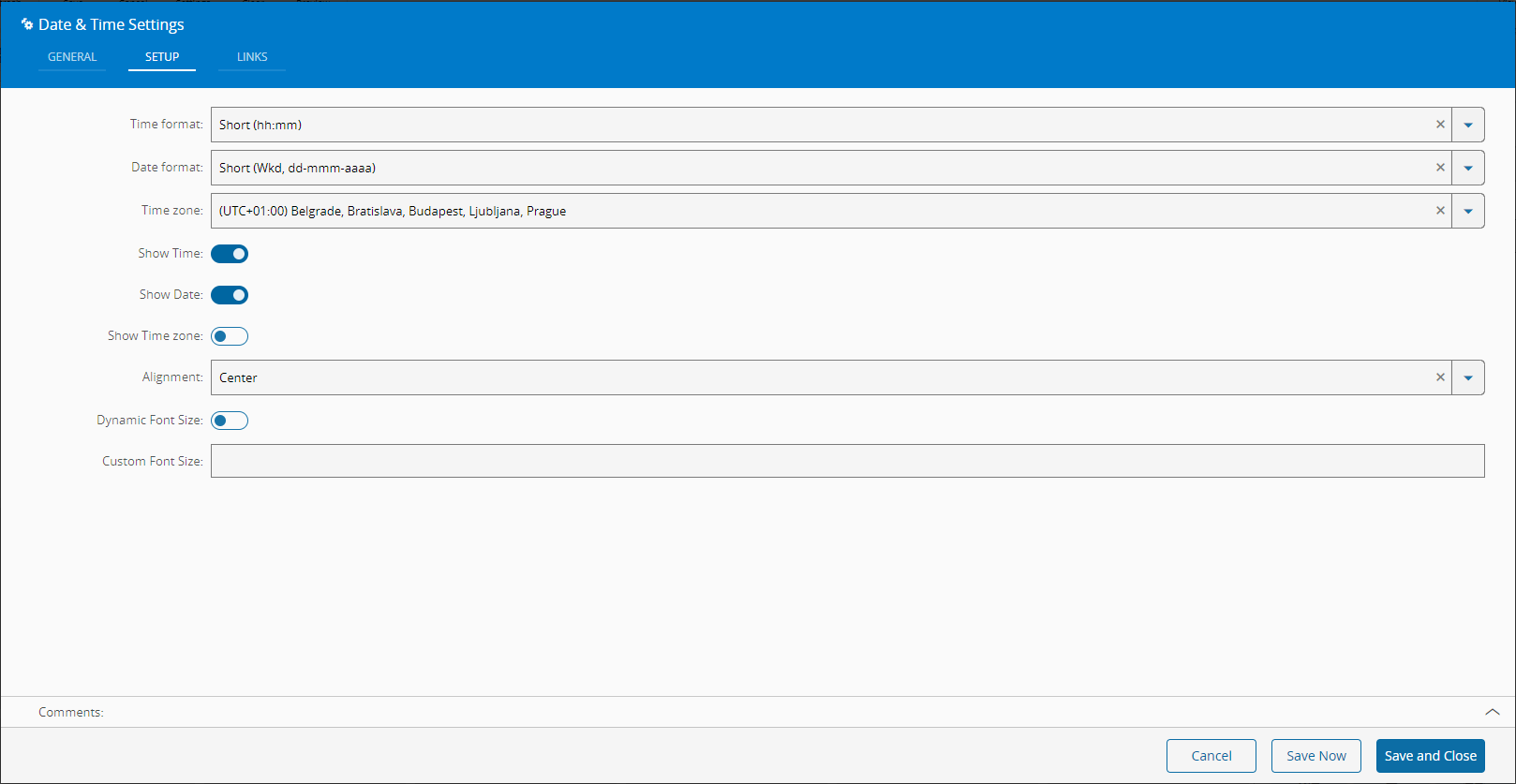
-
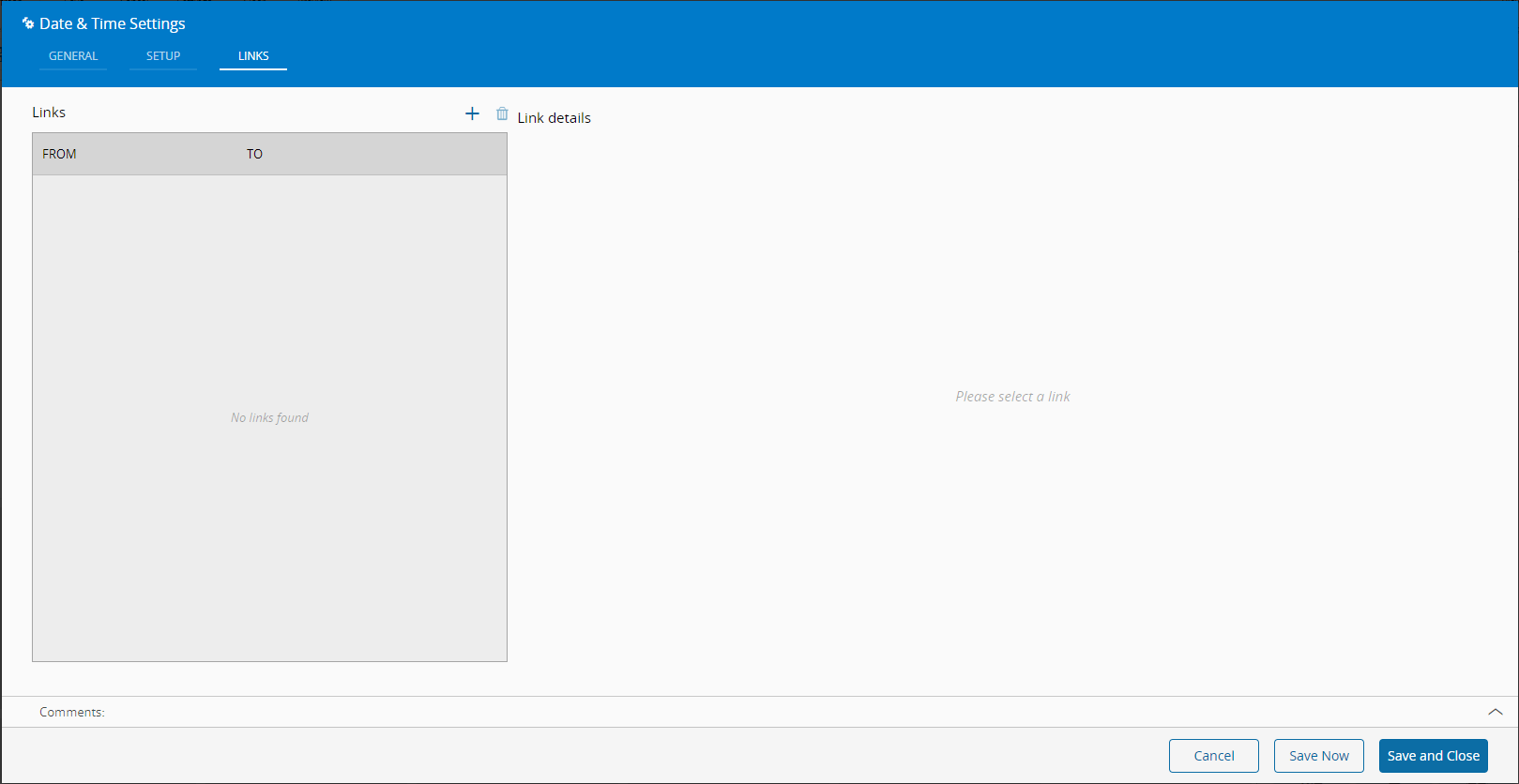
Optionally, define the links between this widget and other elements of the UI Page.
-
By saving and closing the Settings, the widget will be changed accordingly.