Entity KPI#

Overview#
The Entity KPI Widget displays information on KPIs of a given entity instance in a grid or tile format, with specific KPIs as headers.

To use the Entity KPI Widget in an UIPage, follow the steps below:
- In any UIPage in Build mode, select the Entity KPI Widget from the Widgets list located in the right side of the page, and drag and drop to the correct place in the UIPage.
- Enter the Settings section of the widget. Each tab has specific settings:
General#
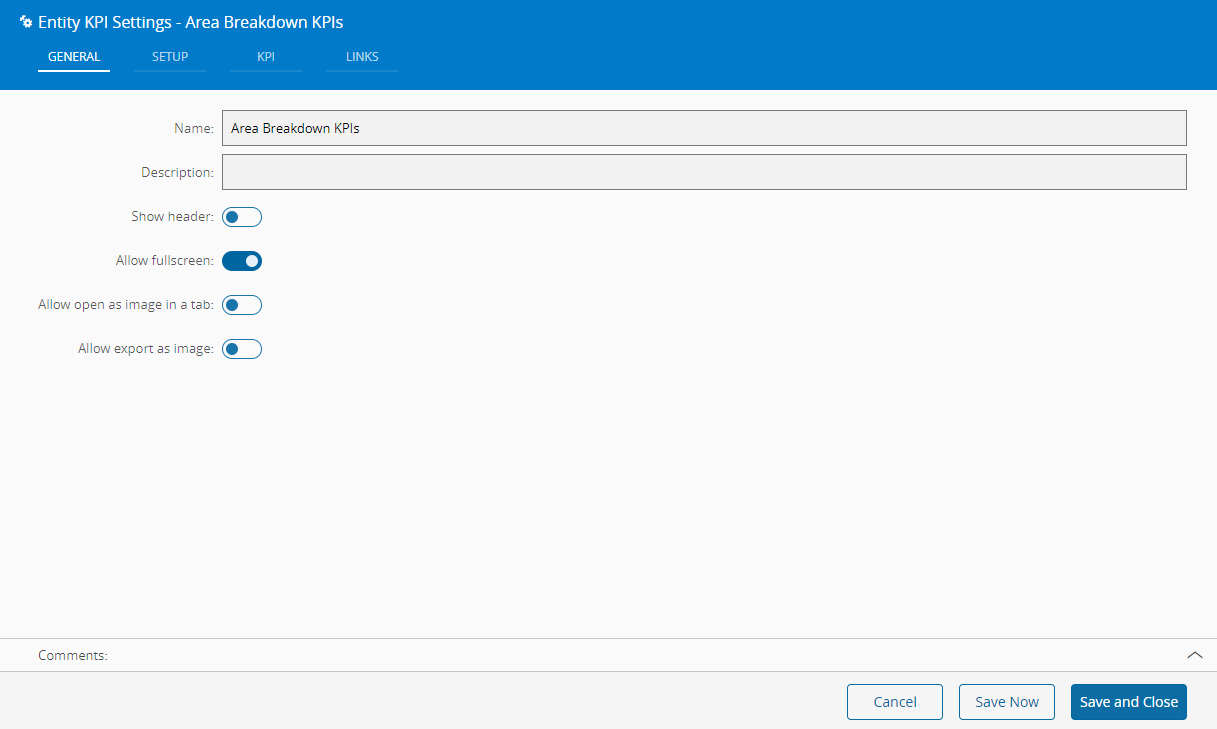
In the General tab, provide the following information:
- Widget Name
- Description
- Whether it should display the header
- Whether the user can activate the full screen mode
- Whether the user can open the widget as an image
- Whether the user can export the widget as an image for download
Setup#
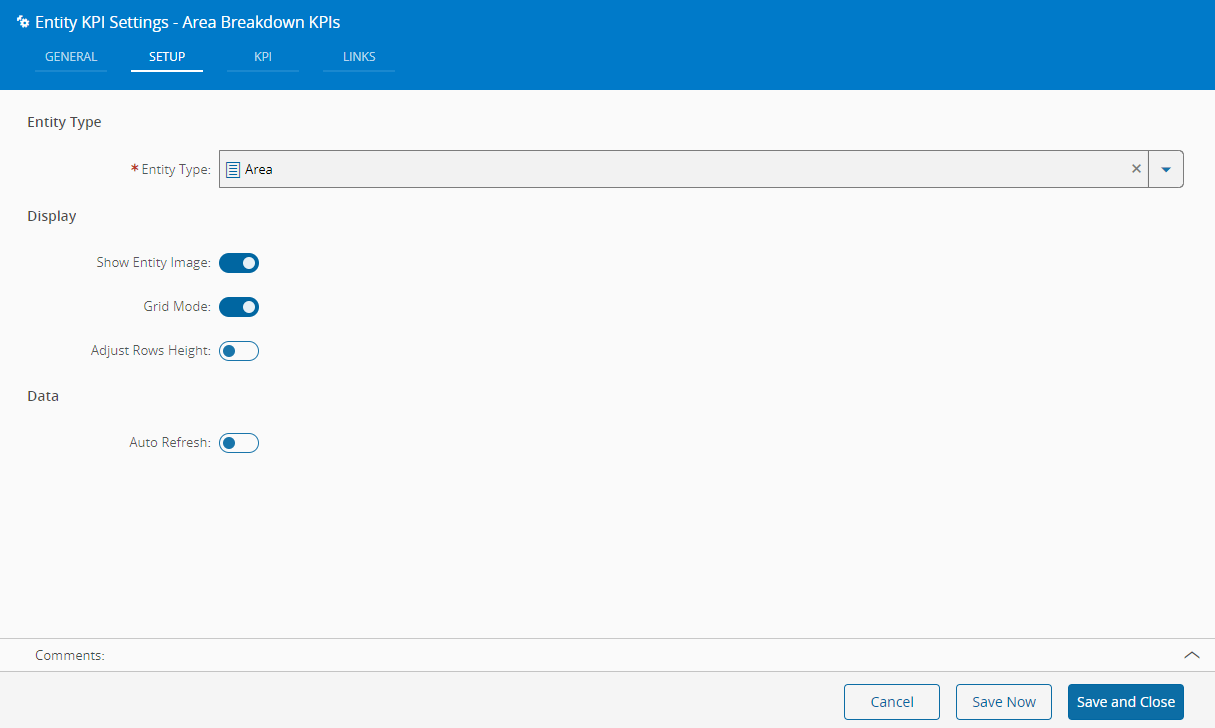
In the setup tab provide visualization and data related properties.
- Choose which Entity Type will be used for the KPI calculation
- Choose if the widget should display the entity image on the grid or tile
- Choose if the widget will be displayed in grid mode. If unchecked, widget will be displayed in tile mode.
- Choose if the widget should adjust the row height according to the data to display
- Choose whether the data should refresh periodically. If checked, define the interval for each automatic refresh.
KPI#
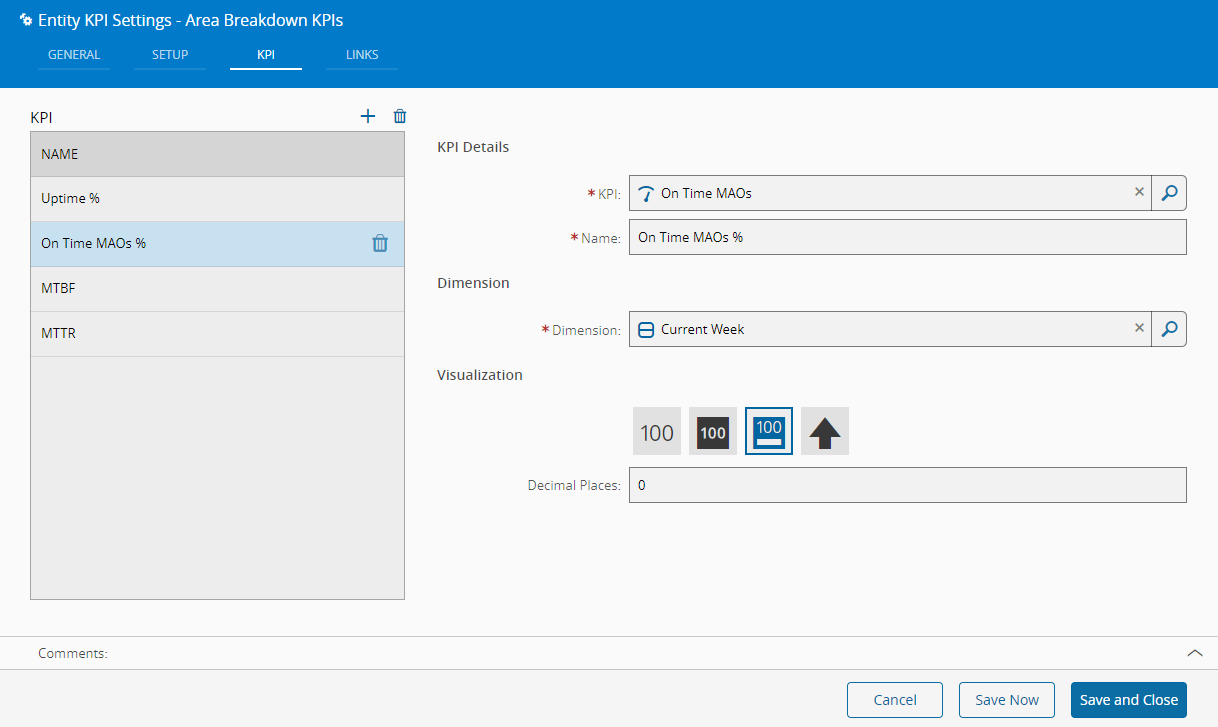
Define the KPIs to be displayed in the widget. Add as KPIs as desired (press in the top right of the grid to add, and to remove), providing for each item the following information:
- KPI
- Name of the KPI
- Dimension (depends on the selected KPI)
- Visualization (depends on the selected KPI)
Info
More information on available KPIs in the BI Cards Tutorial.
Links#
Optionally, define the links between this Widget and other elements of the UIPage.
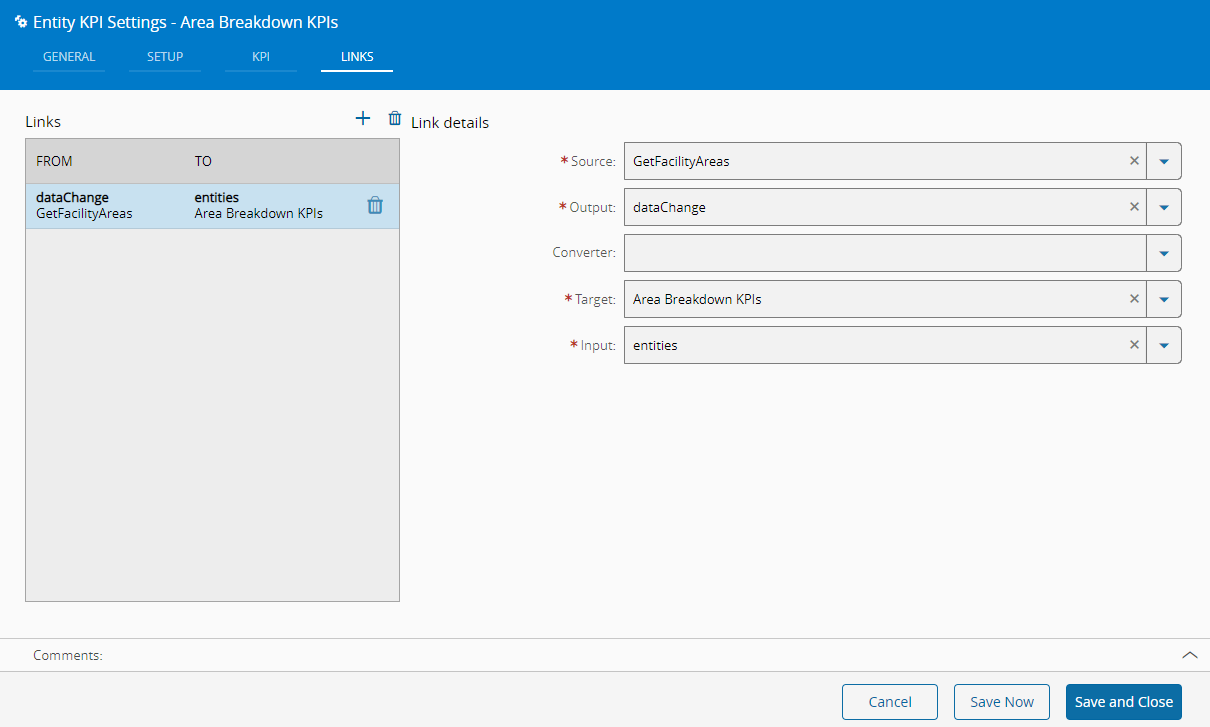
By saving and closing the settings, the widget will be changed accordingly.