Entity Tiles#

Overview#
The Entity Tiles Widget displays a list of instances for a given entity type in square or rectangle tiles. It is possible to associate an action to be triggered when the tile is double clicked. An Example is shown below, where an Entity Tiles Widget is used in the left of the UI Page, to show multiple Products.
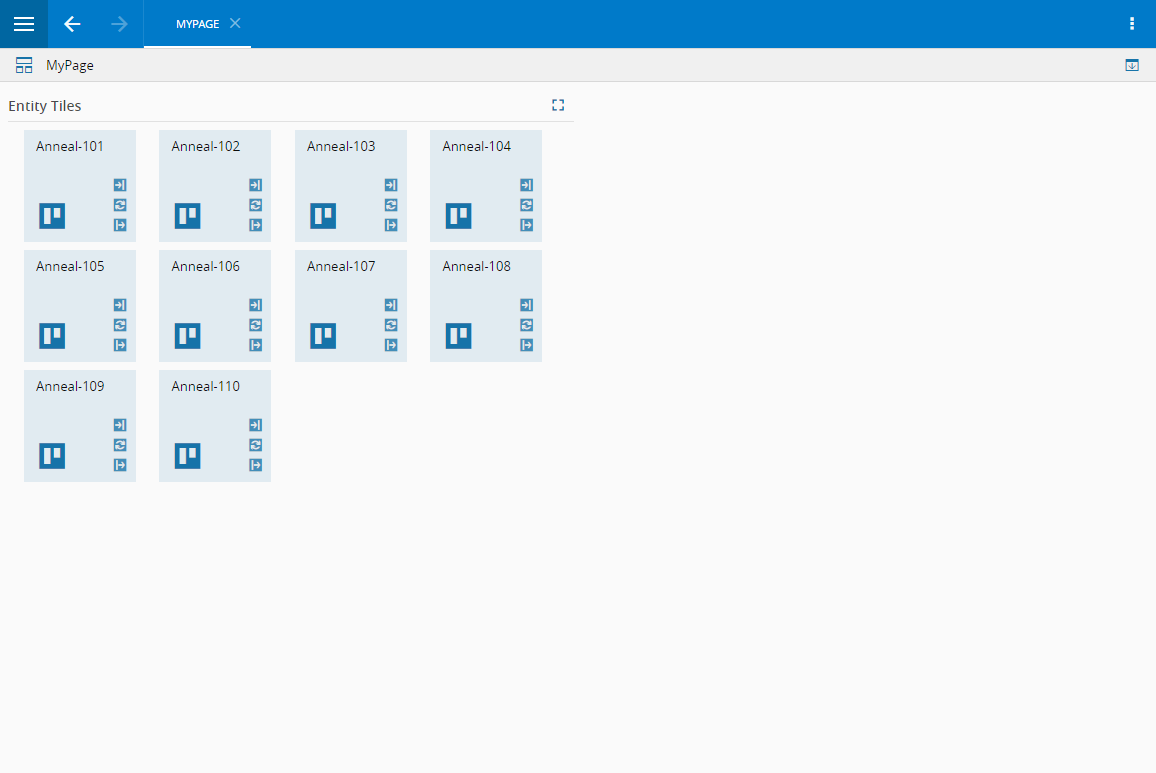
To use the Entity Tiles Widget in an UIPage, follow the steps below.
- In any UIPage in Build mode, select the Entity Tiles Widget from the Widgets list located in the right side of the page, and drag and drop to the correct place in the UIPage.
- Enter the Settings section of the Widget.
- In the General tab, provide a name for the Widget, a description, and whether it should display the header and also if the user can activate the full screen mode.
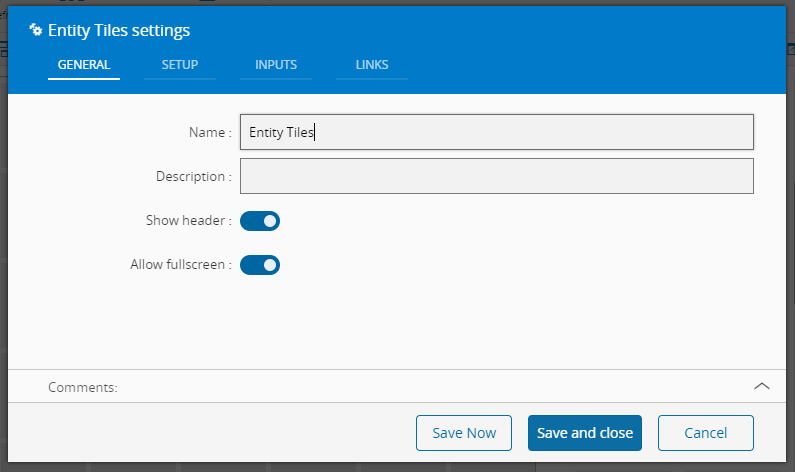
- In the setup tab provide selection and visualization, and data related properties.
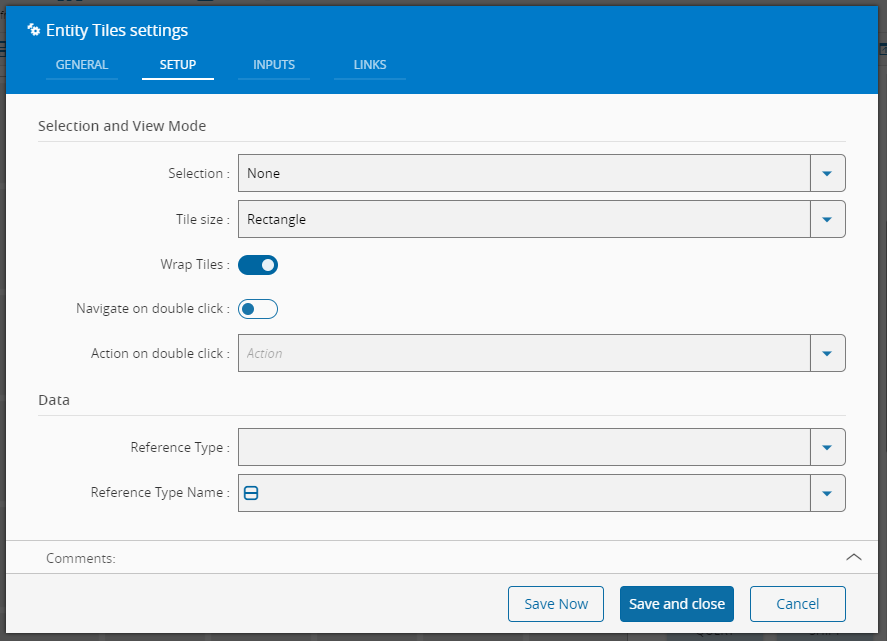 For selection and visualization, it's possible to choose the type of selection, between multiple or single selection, the tile size (square or rectangle), if the tiles should wrap and the double click action:
 - Navigation to the entity instance
- Any available action in the system For data it can be configured the type of the reference:
- Type for non-versioned entities
- Definition or Version for versioned entities and then the entity name, that will be used to filter the possible instances that will be displayed.
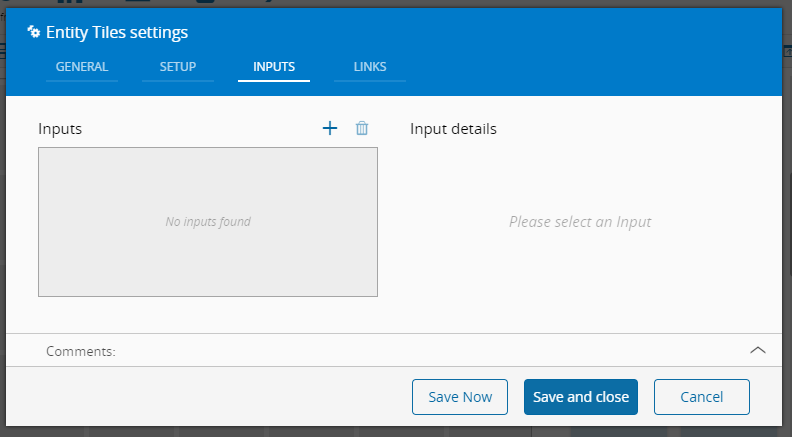
- Optionally, define inputs.
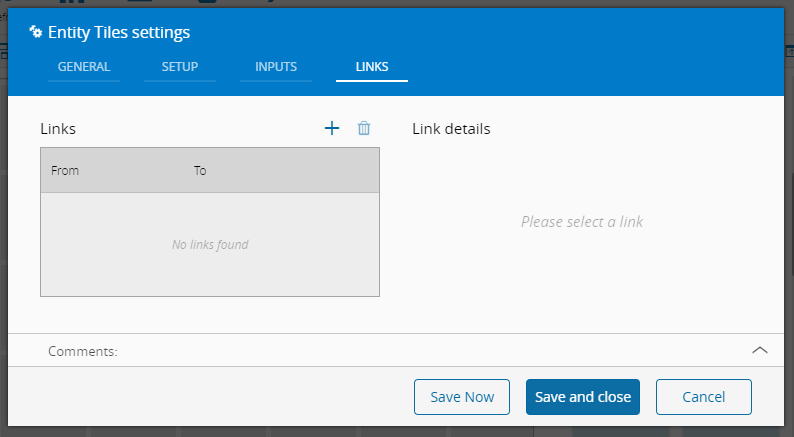
- Optionally, define the links between this Widget and other elements of the UIPage.
- By saving and closing the settings, the widget will be changed accordingly.