Flex#
Overview#
The Flex Widget provides a mechanism to define a layout grid. In the following example we use a Flex widget to hold three buttons for a UI Page.
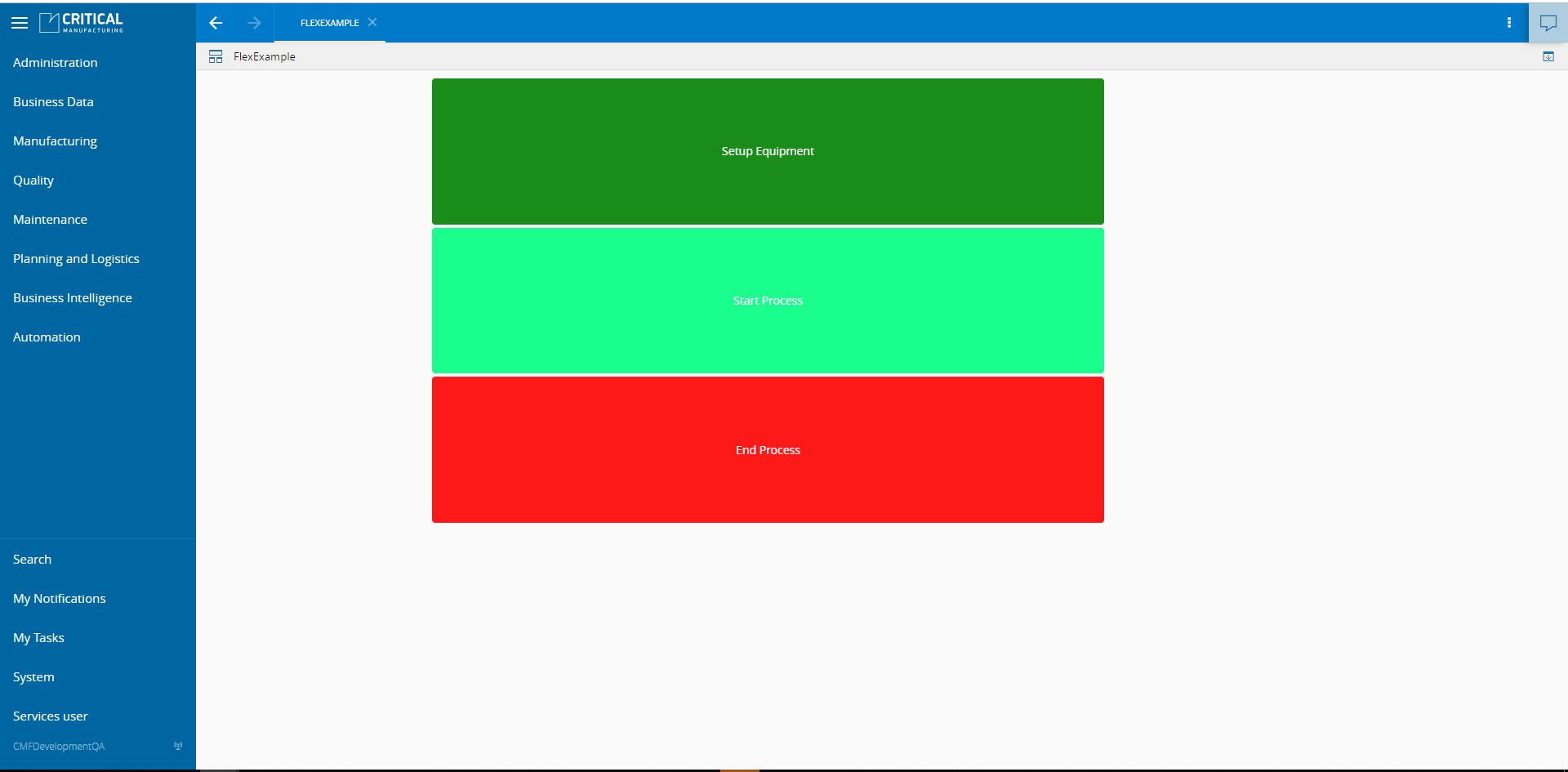
To use the Flex Widget in an UIPage, follow the steps below.
- In any UIPage in Build mode, select the Flex Widget from the Widgets list located in the right side of the page, and drag and drop to the correct place in the UIPage.
- Enter the Settings section of the Widget.
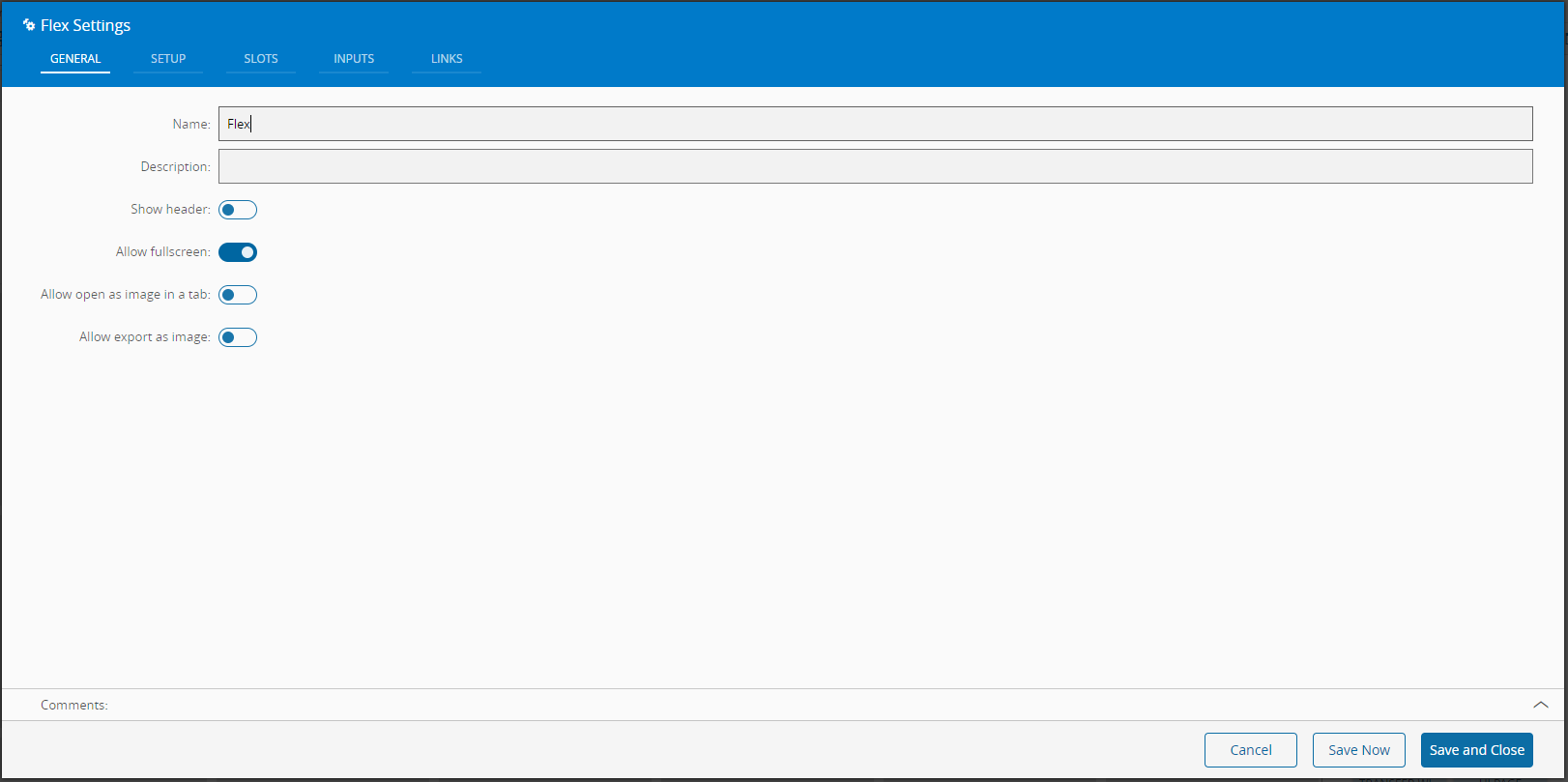
- In the General tab, provide a name for the Widget, a description, and specify whether it should display the header and also if the user can activate the full screen mode.
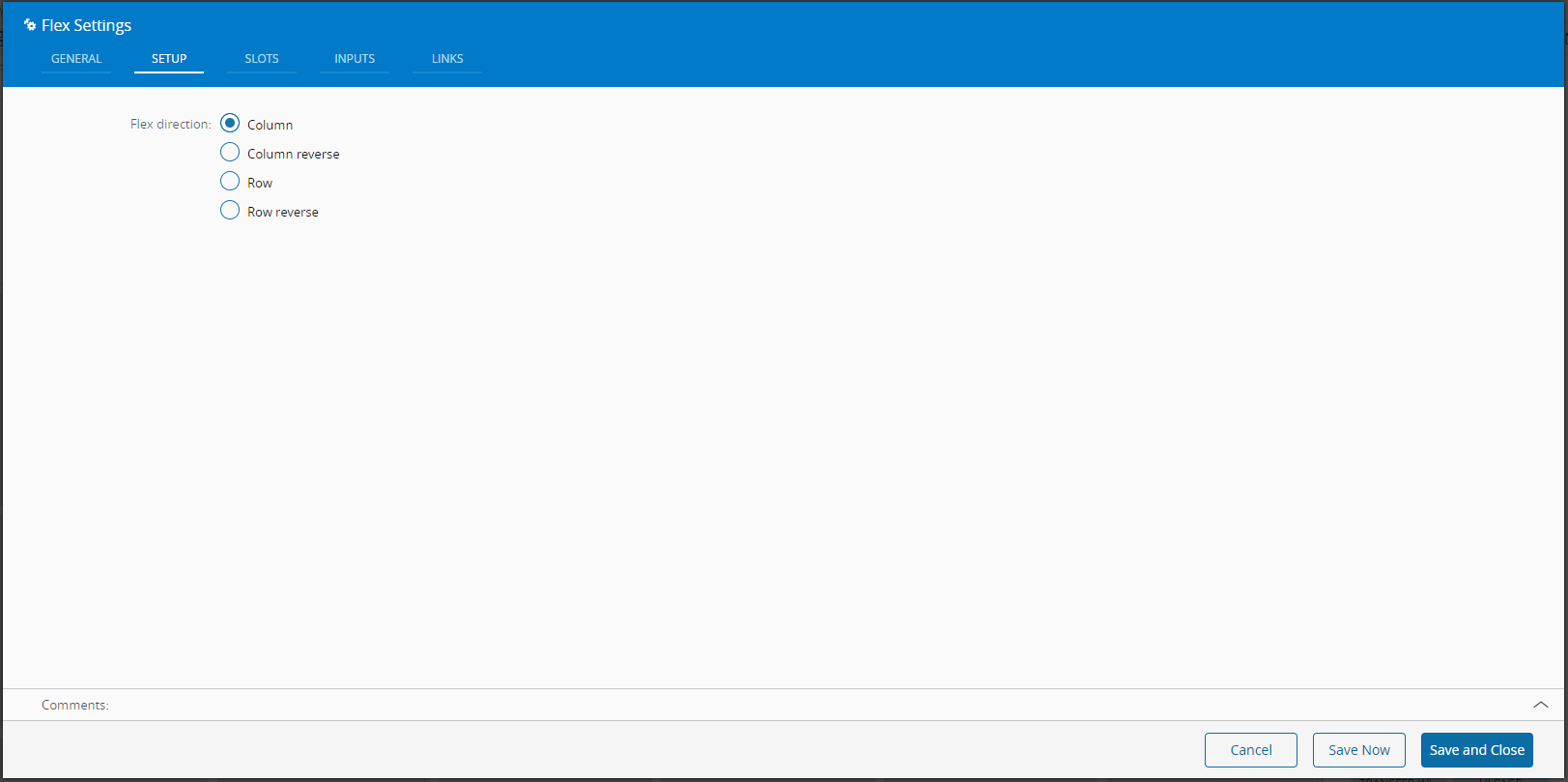
- In the setup tab provide the direction of the flex.
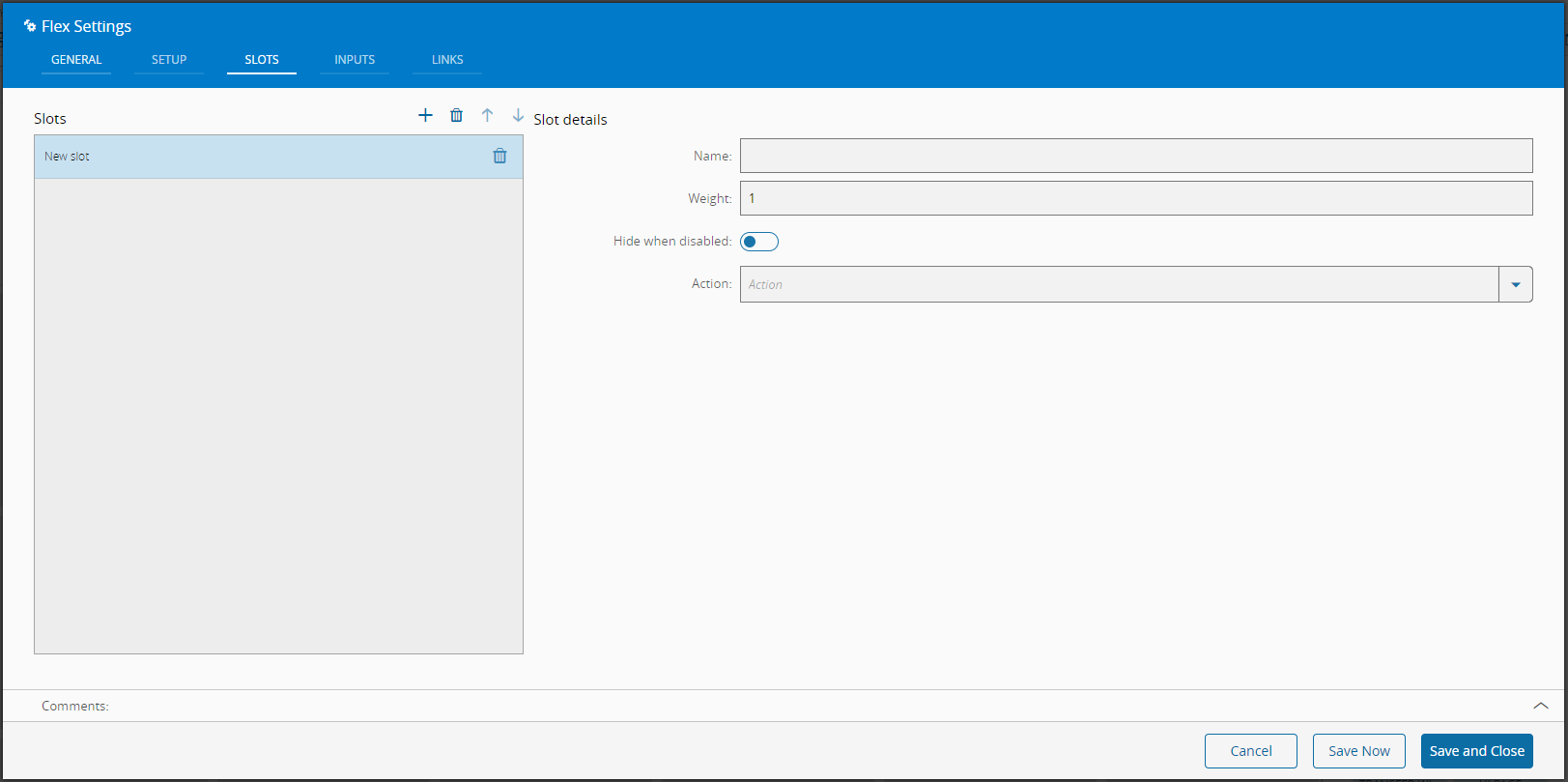
- In the slots folder define the number of slots and their properties.
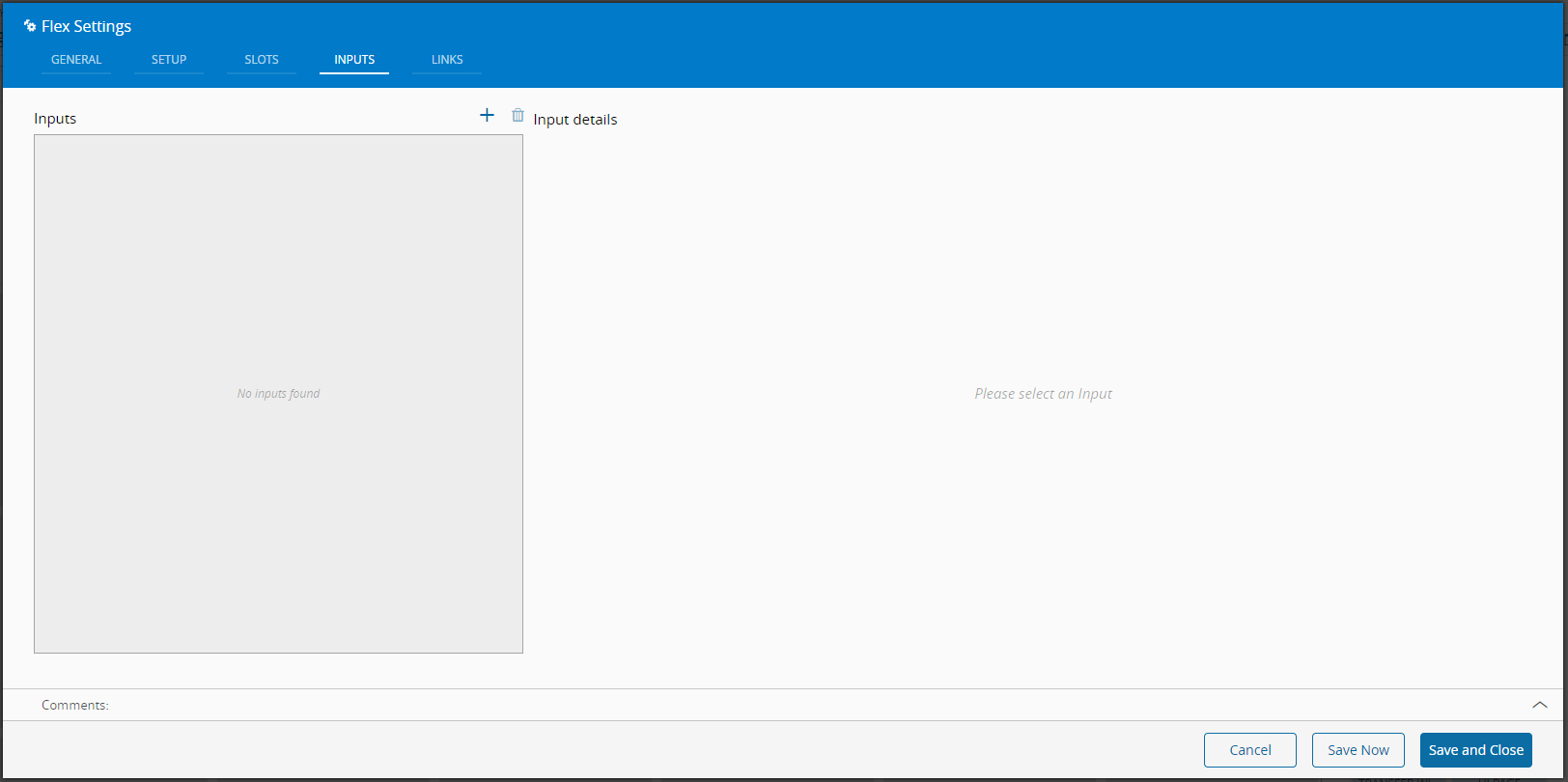
- Optionally define the inputs.
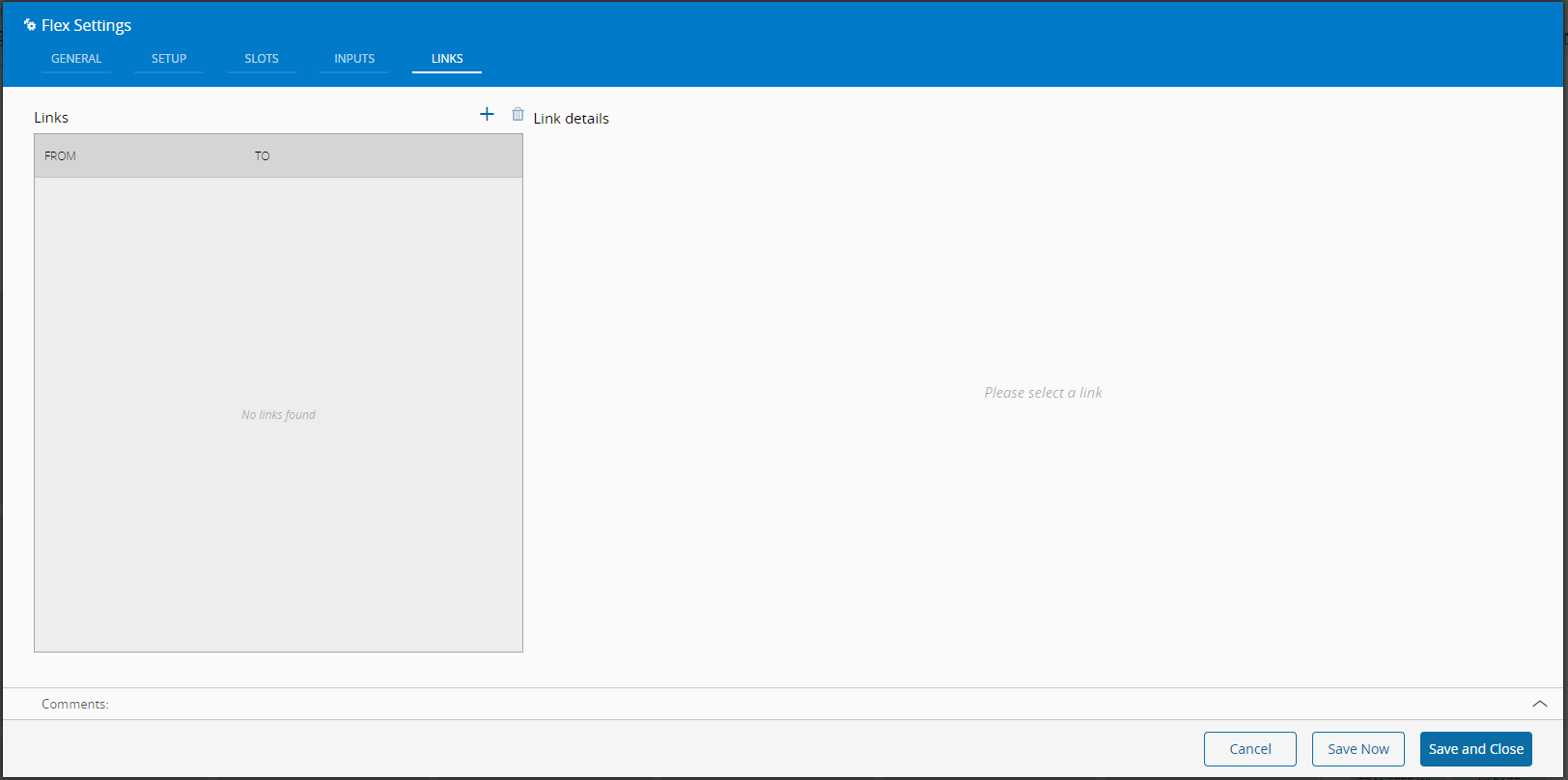
- Define the links between this Widget and other elements of the UIPage.
 By saving and closing the settings, the widget will be changed accordingly.