Tree Map#
Overview#
The Treemap widget provides a mechanism to visualize a hierarchical data in a tree structure.
To use the Data Value Widget in an UIPage, follow the steps below.
- In any UIPage in Build mode, select the Treemap Widget from the Widgets list located in the right side of the page, and then drag and drop to the correct place in the UIPage.
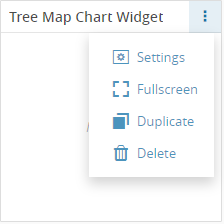
- Enter the Settings section of the Widget.
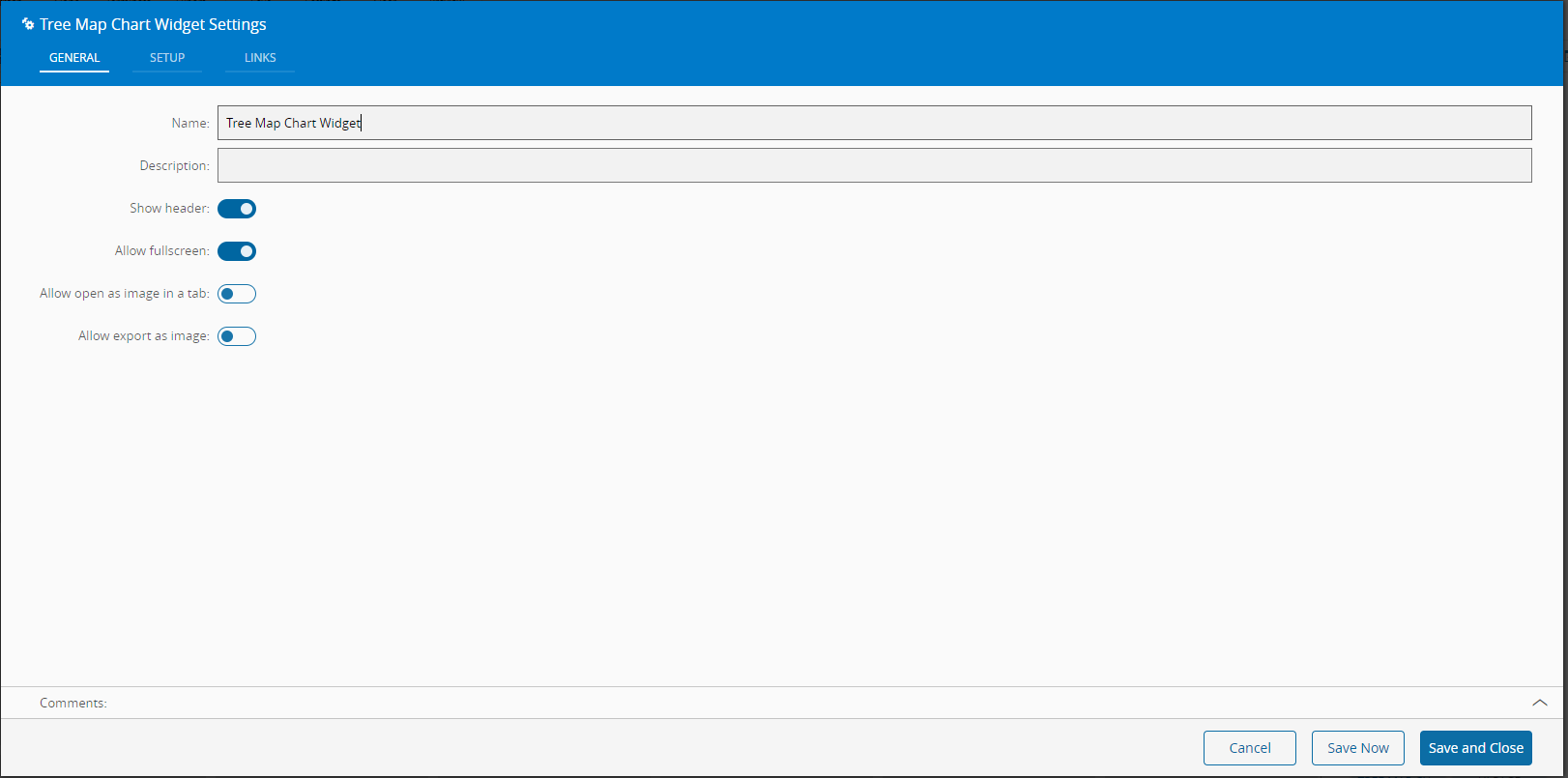
- In the General tab, provide a name for the Widget, a description, specify whether it should display the header and also if the user can activate the full screen mode.
- In the setup tab, the visual properties and the field names of the Widget are configured.
- Title - The title of the Treemap
- Sub-Title - The sub-title of the Treemap
- Name field - Name of the field that contains the names of each region in the Treemap.
- Color field - Name of the field that contains the color of each region in the Treemap.
- Value field - - Name of the field that contains the value of each region in the Treemap (the area of the visual element will be proportional to this value).
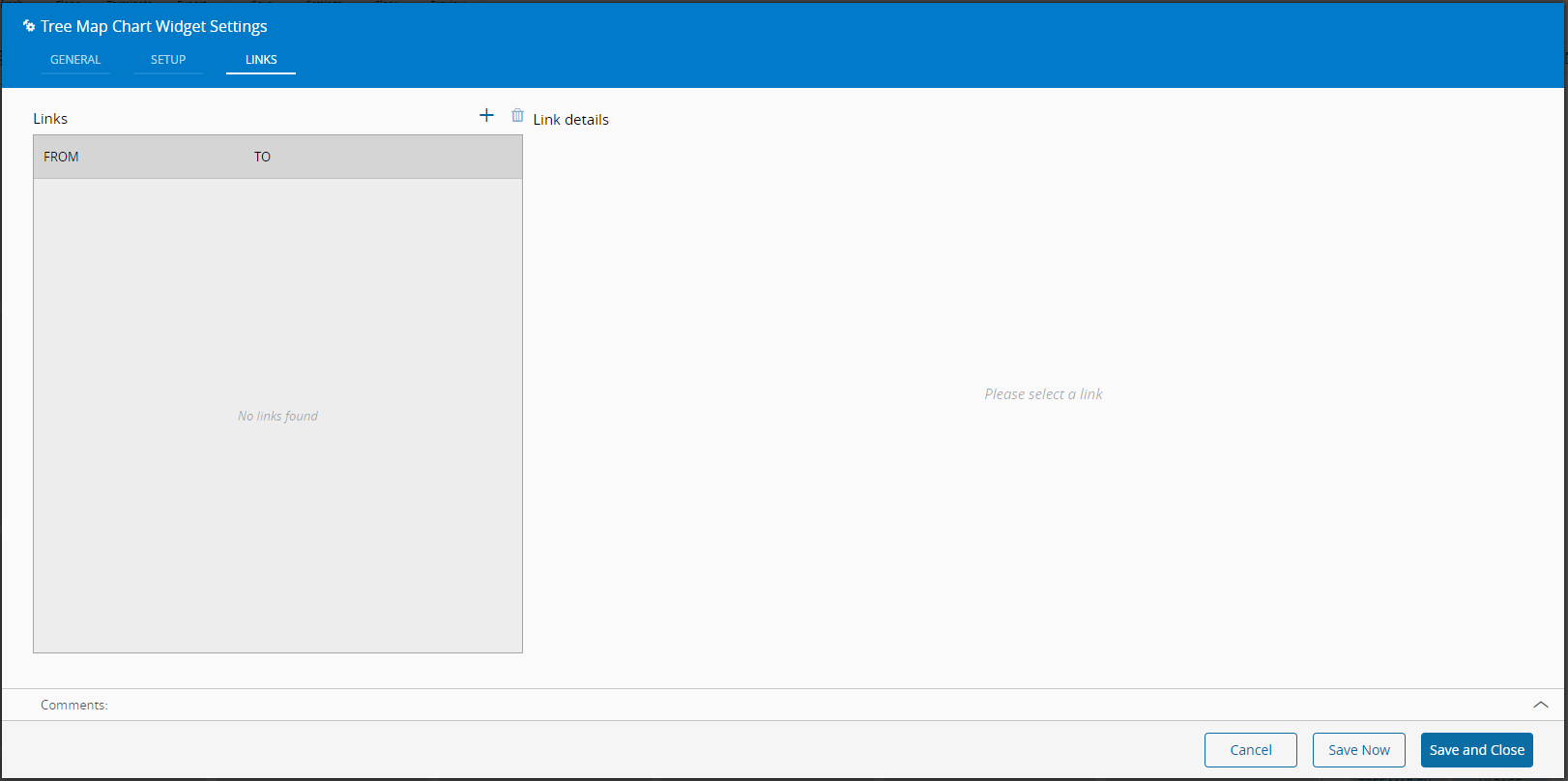
![treemapSetup][treemapSetup] - Optionally, define the links between this Widget and other elements of the UIPage.
- By saving and closing the settings, the widget will be changed accordingly.