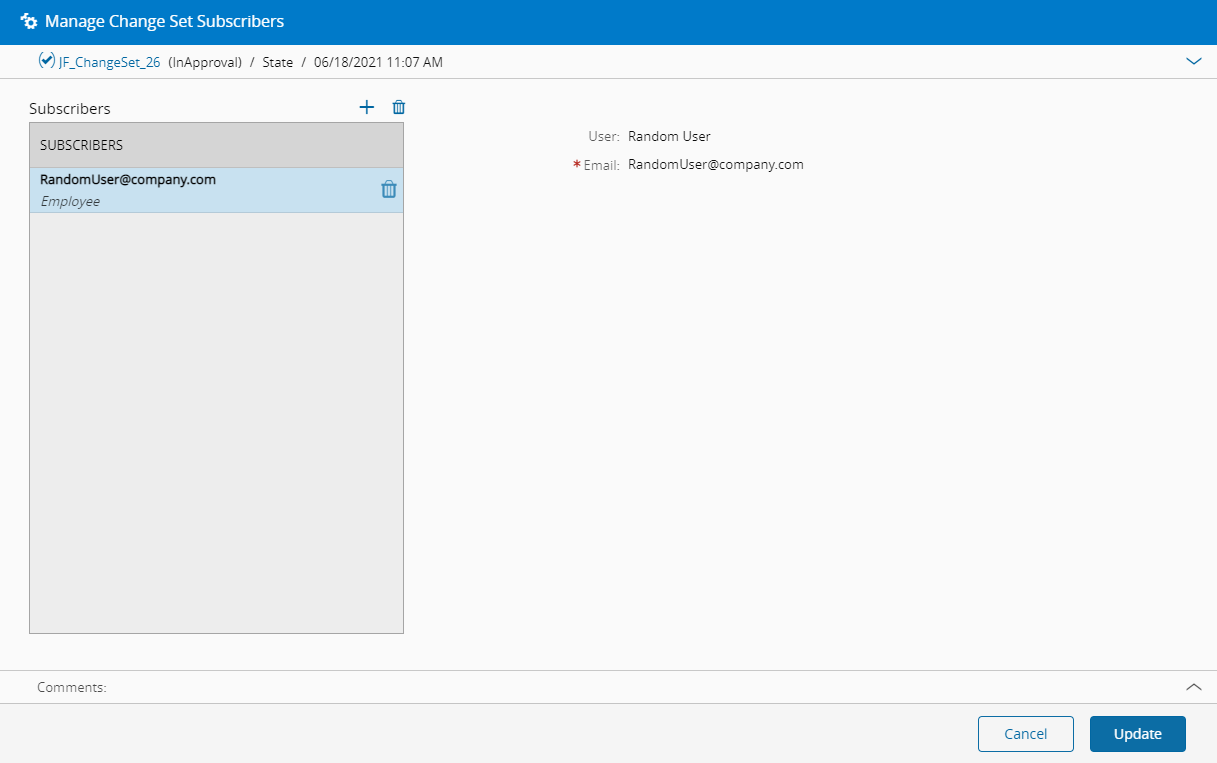
Manage Change Set Subscribers#
 ChangeSet.Subscribe
Overview#
This operation is used to manage the list of subscribers of a Change Set by adding or removing a specific user.
Note
You can Subscribe and Unsubscribe to Change Set notifications by selecting the Subscribe button on the top ribbon.
| Icon | Description |
|---|---|
 | Select to subscribe to Change Set notifications (you are not yet part of the Change Set Subscription List). |
 | Select to unsubscribe from Change Set notifications (you are already part of the Change Set Subscription List). |
Setup#
No special setup is required other than to meet the preconditions of the transaction.
Preconditions#
- Change Set exists and it is in the Active, Created or InApproval state.
Sequence of Steps#
- Select an appropriate Change Set, navigate to the Subscribers section and select the Manage button.
-
For each of the available states in the approval workflow, add as many subscribers as desired (press in the top right of the grid to add, and to remove), providing for each item the following information:
- Employee
-
Select Update to complete the operation.