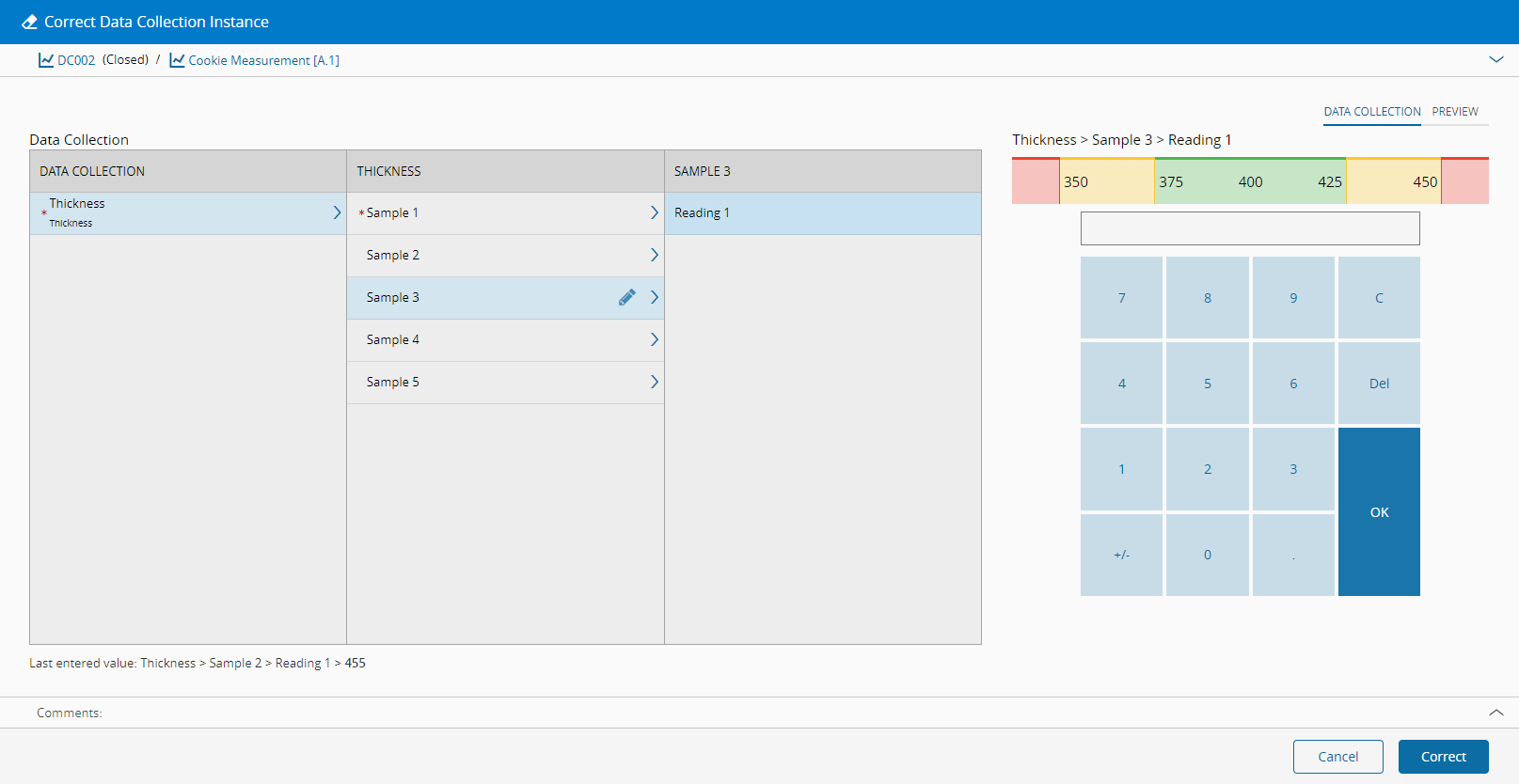
Correct Data Collection Instance#
 DataCollectionInstance.Correct
Overview#
This transaction is used to correct data that was previously posted.
Info
This transaction has some restrictions, specifically:
- It is not possible to add or remove new samples - this applies also to optional parameters which have not been filled.
- Parameters which are stored as a group calculation at the sample level are edited at the calculation level only.
- Parameters which are stored as a group calculation at the parameter level cannot be edited.
Setup#
No special setup is required other than to meet the preconditions of the transaction.
Preconditions#
- The Data Collection Instance is Terminated and Closed.
Sequence of Steps#
-
Provide the data as described by the data collection definition. It is important to understand that:
-
It is possible to get additional information about the parameter by moving the mouse over the parameter name.
- The dark blue cells refer to mandatory values, whereas the light blue cells are optional.
-
In case limits were defined (not possible for Ad-hoc Data Collections), they are shown on the top-right corner of the parameter and the color of the cell will change accordingly.
Info
The parameters may have validation ranges that have to be followed in order for the values to be accepted.
-
Select Correct to complete the operation.
Info
No data is sent to SPC in this transaction.