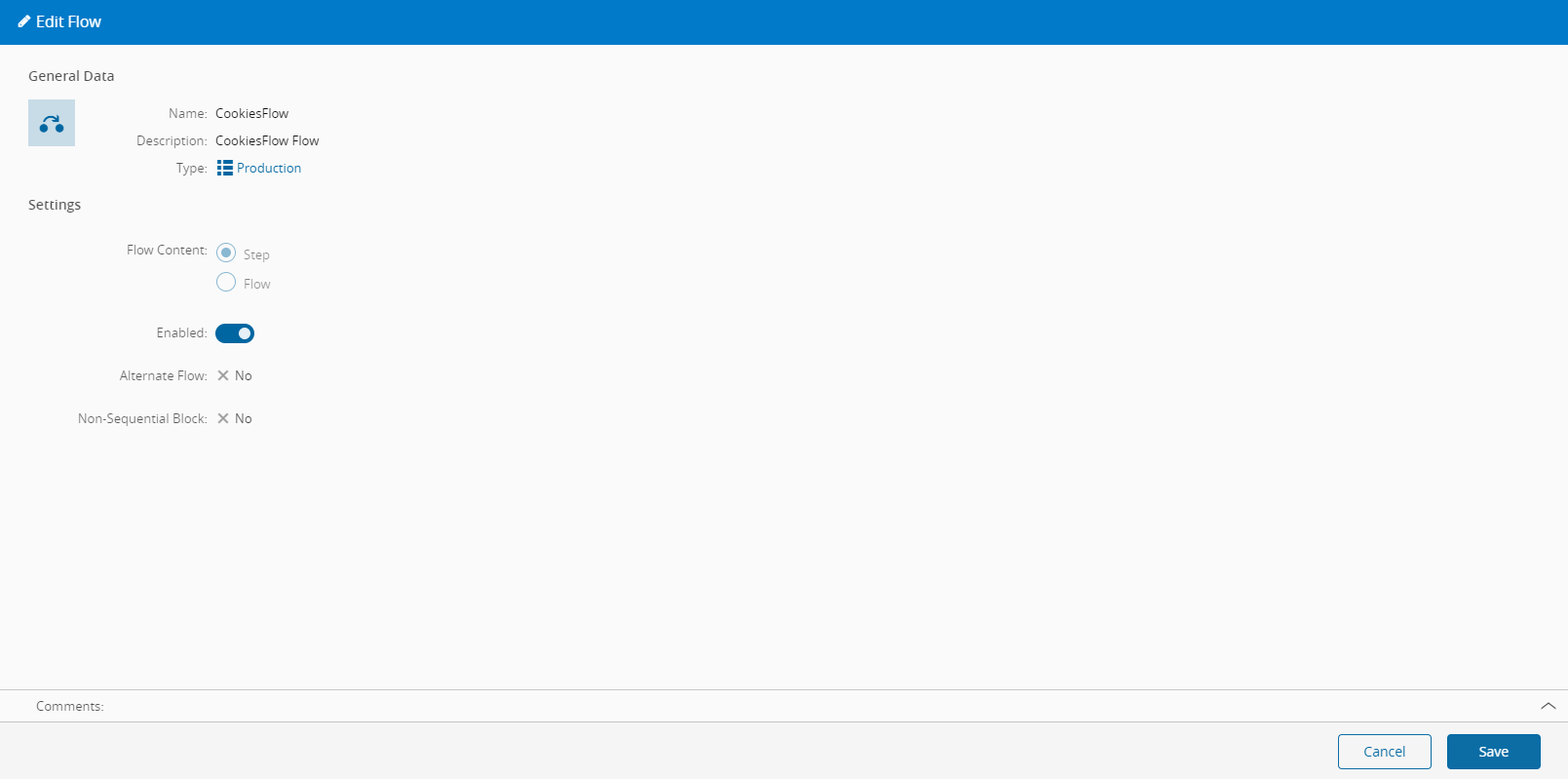
Edit Flow#
 Flow.Edit
Overview#
This operation is used to Edit a Flow.
Setup#
No specific setup is required other than to meet the preconditions of the transaction.
Preconditions#
- The Flow exists in the system.
Sequence of Steps#
The Edit Flow wizard can be called from the Flow page within the Business Data Group.
Step 1: General Data#
All non-system properties can be changed in this wizard.
The Name of the Flow cannot be altered.