Create IoT Schema#
 IoTSchema.Create
IoTSchema.CreateTemplate
IoTSchema.CreateFromTemplate
Overview#
This operation is used to create a IoT Schema. A template can also be created using a similar procedure and there is also the possibility of using a template to create the new object as well. This selection can be done in the main entity menu.
Setup#
No specific setup is required other than to meet the preconditions of the transaction.
Preconditions#
- The IoT Schema does not currently exist in the system.
Sequence of Steps#
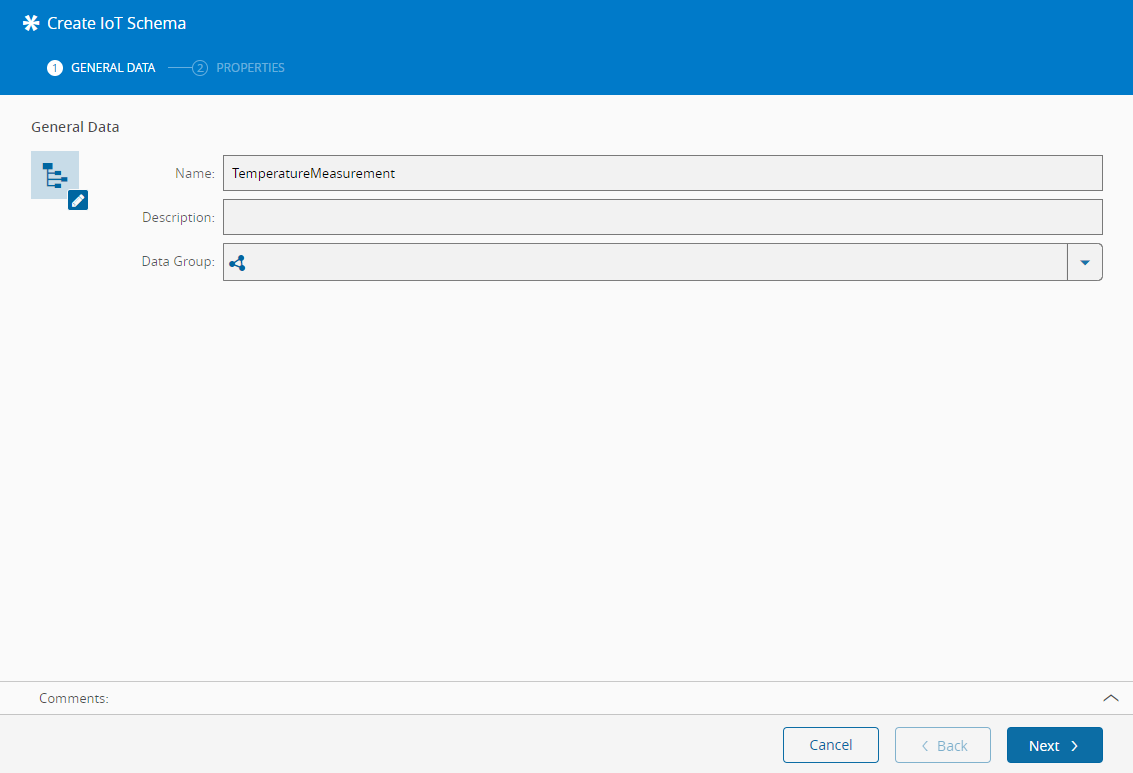
Step 1: General Data#
- Provide a name for the IoT Schema.
- Optionally, provide a description of the IoT Schema.
Step 2: Properties#
-
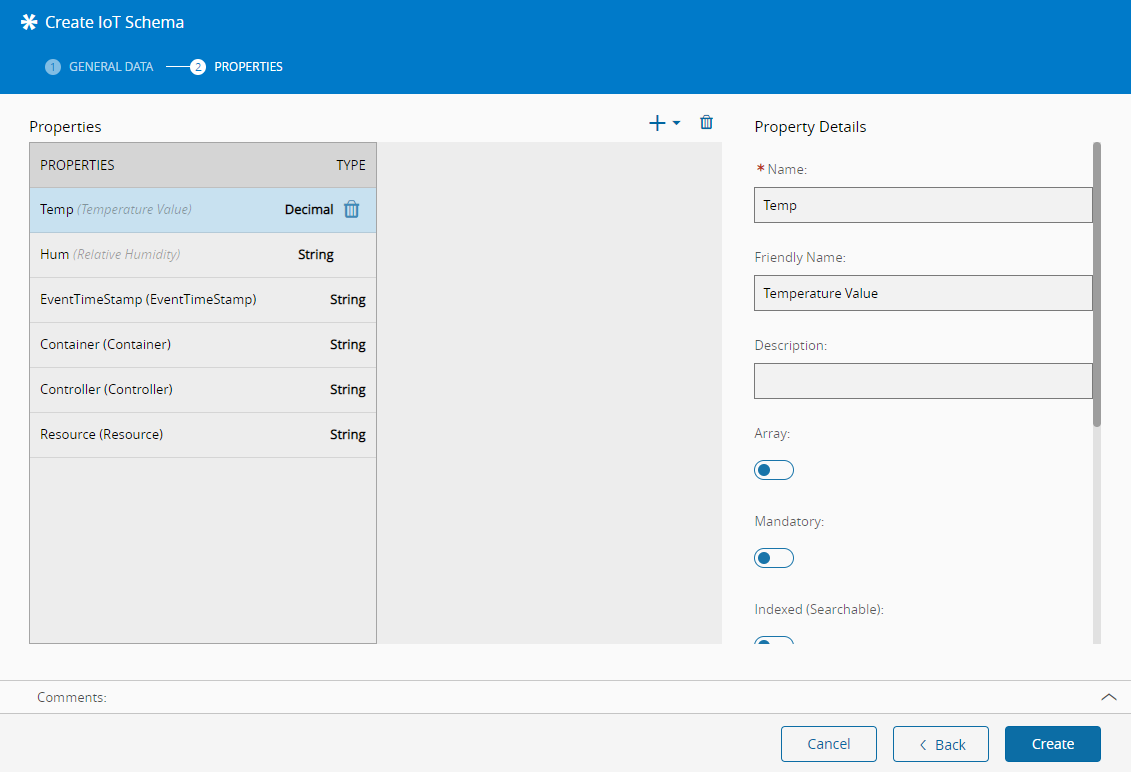
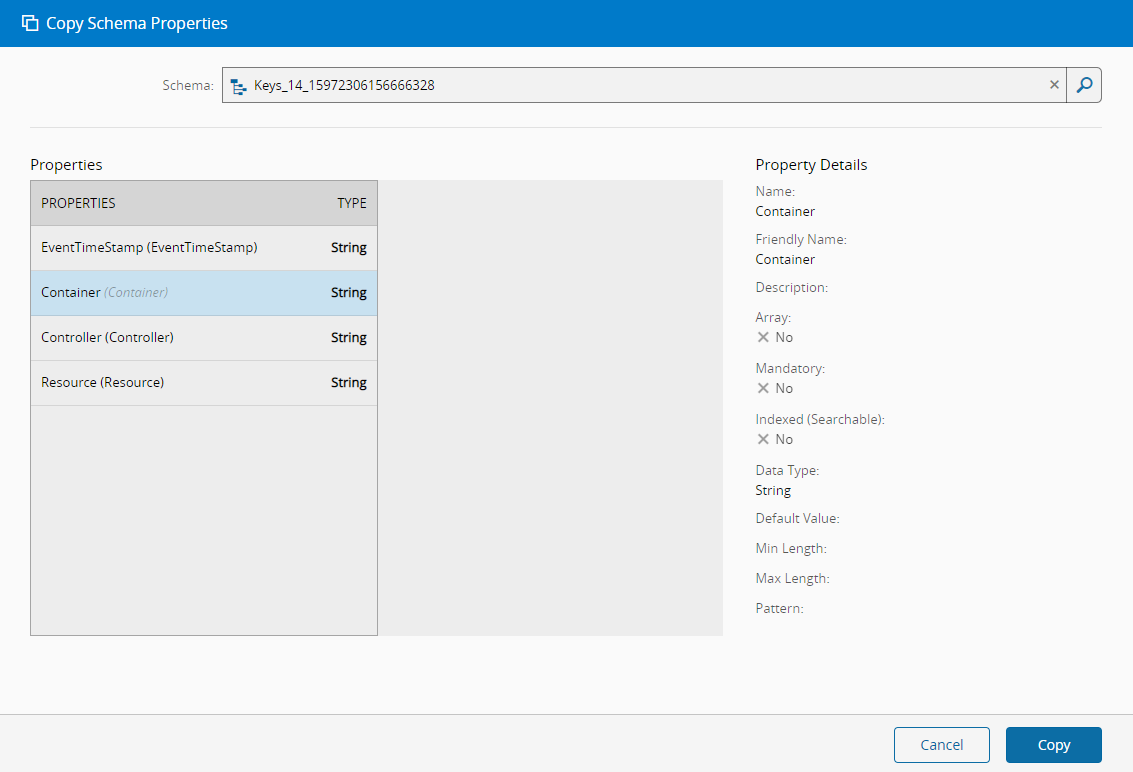
On the left side panel, add as many properties as desired (press in the dropdown located in the top right of the grid to add, and to remove). The button allows adding top-level properties or, in case the property data type is IoT Schema, sub-properties of the main property. There is also the possibility of copying the properties of an existing IoT Schema by selecting the Copy Schema Properties option in the dropdown or by importing a JSON or CSV definition of the desired schema.
-
Select Create to complete the operation and the new IoT Schema will be created.