Change Material Production Order#
 Material.ChangeProductionOrder
Overview#
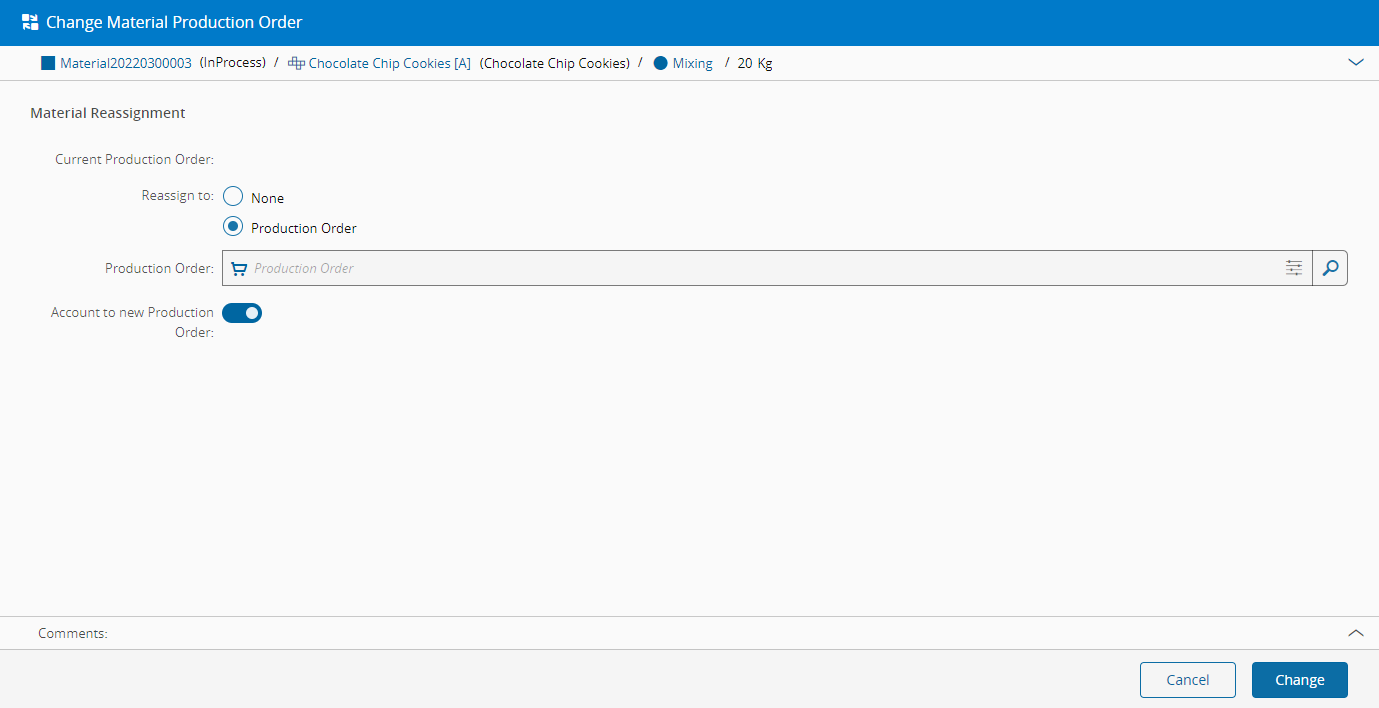
This operation is used to change the Production Order of a Material.
Setup#
No special setup is required other than to meet the preconditions of the transaction.
Preconditions#
- The Material is Active.
- The Material must have the Is Delivered property set to
false. - Both the new and old Production Orders must be Active and in one of the following states: Created, Released, In Progress, or Completed.
- Both the new and old Production Orders must not be Restricted.
Sequence of Steps#
- Optionally, review the Material details by expanding the Material section.
- Either assign the Material to None to remove it from the current Production Order or to a new Production Order.
- In the case that the Material has Sub-Materials, it is possible to check the option to change Apply change recursively for all Sub-Materials that have the same type as the Parent Material.
- Select Change to complete the transaction.
Info
It is possible to define the default value for Apply changes recursively for all Sub-Materials by editing the entry Context = Material.ChangeProductionOrder and Element = ApplyToAllSubMaterials in the GUIElementDefaultValue Generic Table.