Create Reason#
 Reason.Create
Reason.CreateTemplate
Reason.CreateFromTemplate
Overview#
This operation is used to create a Reason. A template can also be created using a similar procedure and there is also the possibility of using a template to create the new object as well. This selection can be done in the main entity menu.
Setup#
No specific setup is required other than to meet the preconditions of the transaction.
Preconditions#
- The Reason does not currently exist in the system.
Sequence of Steps#
Step 1: General Data#
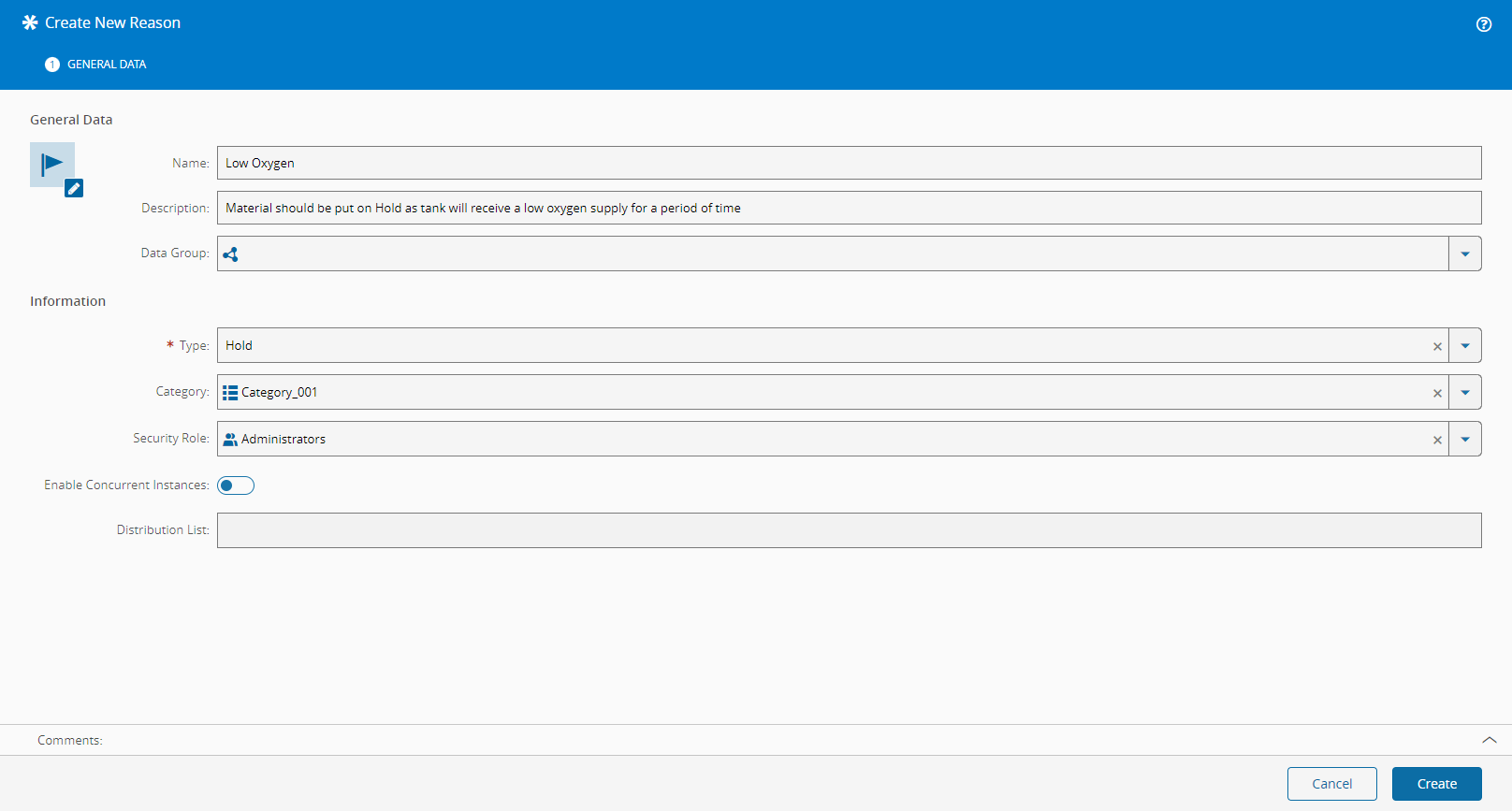
- Provide a name for the Reason.
- Optionally, provide a description of the Reason.
Step 2: Information#
- Select the Reason type (Bonus, Defect, Hold, Loss (default), Off Flow).
-
For Reasons of type Loss and Bonus, it's possible to define the following:
- Whether to exclude the Reason from the Step Yield calculations.
- Whether to exclude the Reason from the Resource Yield calculations.
-
For Reasons of type Hold, it's possible to define the following:
- A security role. If a security role is defined for a Hold Reason, only users from that role are able to release the Material from Hold.
- Whether multiple concurrent holds for the same Reason are allowed or not.
- A Distribution List - email address list that is used to message a group of recipients.
-
Optionally, define a Reason category (from the Lookup Table
ReasonCategory) to classify the reasons according to some logical group. - If Attributes are defined for the Reason entity, they may be set in the following page by selecting Next.
- Select Create to complete the operation and the new Reason will be created.