Release Schedule Scenario#
 ScheduleScenario.Release
Overview#
This operation allows a Schedule Scenario to become the released scenario for the Schedule, setting the order of manufacturing execution (Track-In, Track-Out, Move-Next) for a given production schedule. After the release of a Schedule Scenario, it is no longer possible to synchronize the jobs, only adjusting is permitted.
Info
To see how the Workflow for the Planning/Replanning process, visit the Replanning page.
Preconditions#
- Schedule Scenario must be Processed.
Sequence Of Steps#
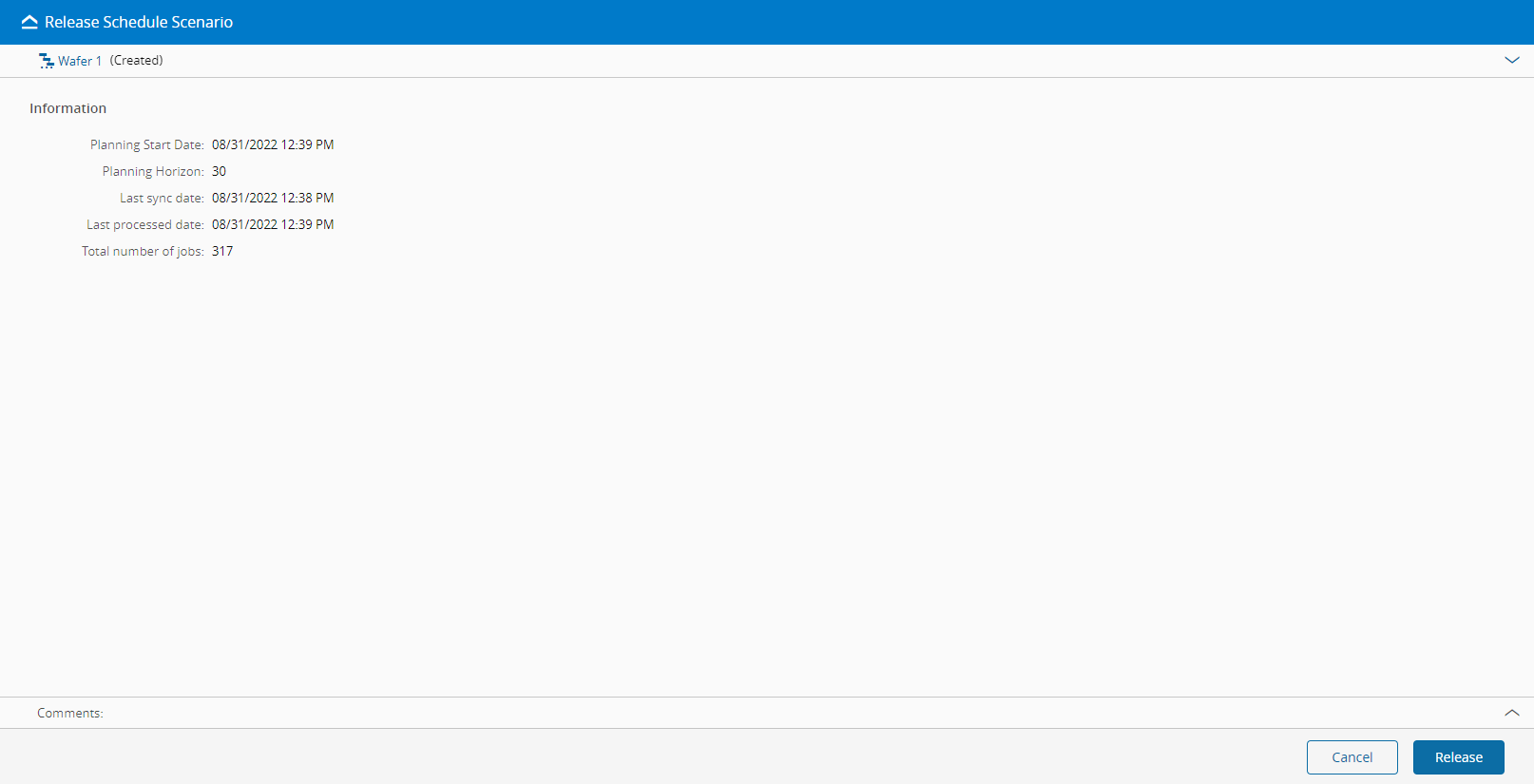
- Choose an appropriate Schedule Scenario and select the Release button on the top ribbon.
- Review the Schedule Scenario details.
- Select Release to perform the operation.
Info
The Release Operation is not possible for a Schedule Scenario of Generation Type PlanningSchedule. For more information, visit the scheduling modes section.
Info
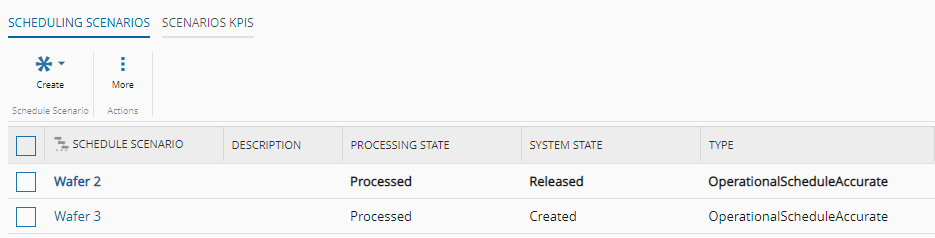
After a Schedule Scenario is released, that information is displayed in the Scenarios view of the Schedule: