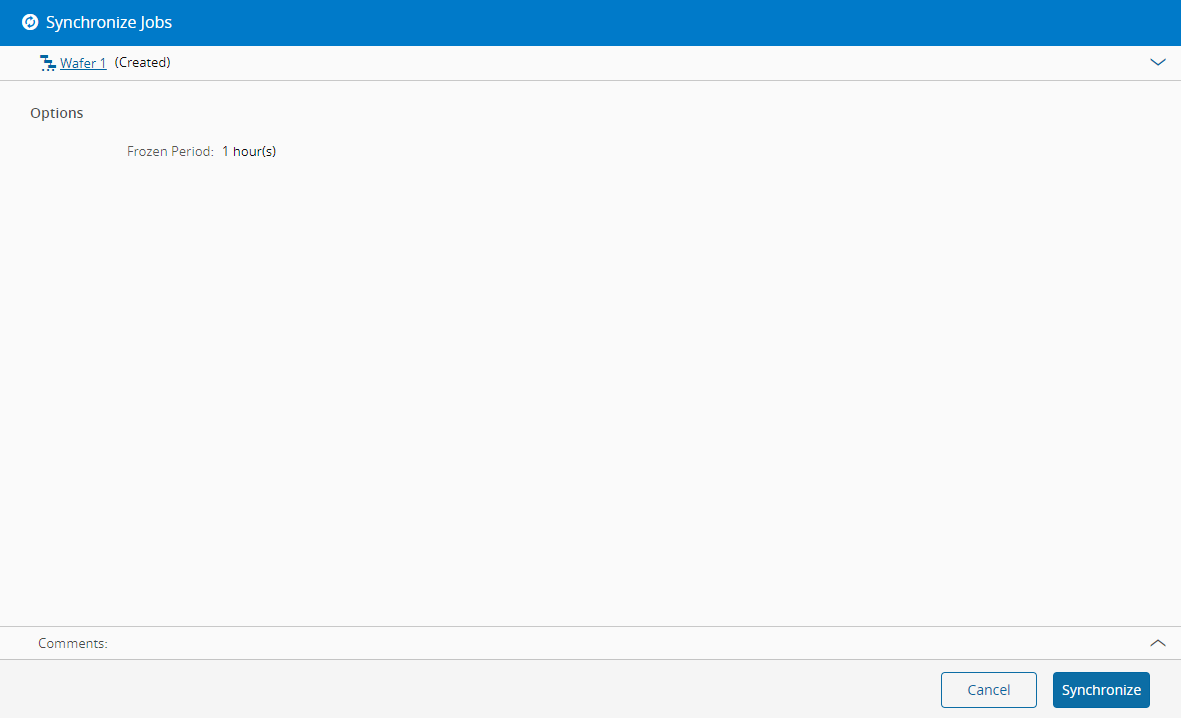
Synchronize Schedule Scenario Jobs#
 ScheduleScenario.Synchronize
Overview#
This operation calculates/gathers all the necessary information from the Factory Model (Resources, Steps, Materials, ...) in order to generate the Schedule Scenario. In practice, when Synchronizing, the system takes a snapshot of the current status of the Factory; as such, whenever changes (which are significant to Scheduling) have occurred, it would be necessary to Synchronize, so as to take these changes into consideration.
Info
When a Schedule Scenario is created, the Synchronizing operation is automatically triggered.
Info
To see which information is taken into consideration, please check, under Planning and Logistics the Scheduling Setup page and the Scheduling Functionalities group.
Preconditions#
- Schedule Scenario must be NonSynchronized, Synchronized or Processed.
Sequence Of Steps#
- Choose an appropriate Schedule Scenario and select the Sync Jobs button on the top ribbon.
- Review the Schedule Scenario details.
- Select Synchronize to perform the operation.
Info
A Progress Window will appear after finishing the Wizard, disappearing automatically when the Synchronization is complete.
Info
Note that since the Synchronization operation consists in taking a snapshot of the Factory Model, this operation may have a significant duration