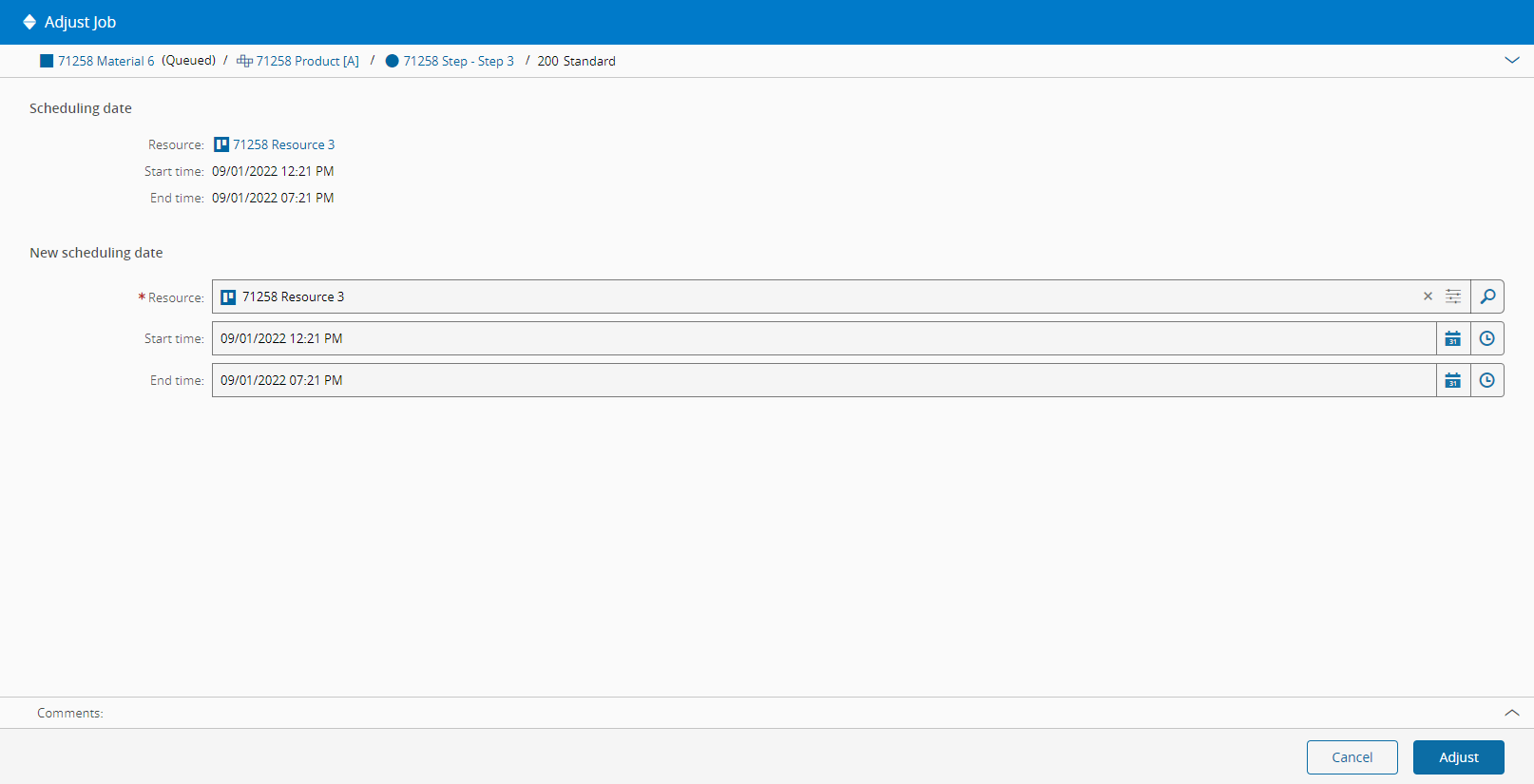
Adjust Schedule Job#
 Schedule.Create
Overview#
This operation allows a user to manually adjust a certain Schedule Scenario Job.
Info
For more information on Schedule Scenario Jobs, please check the Jobs page under Planning and Logistics
Preconditions#
- The Schedule Scenario Job belongs to a released Schedule Scenario.
Sequence Of Steps#
- Choose a Schedule Scenario Job on the Schedule View of a released Schedule Scenario.
- Select the Adjust button on the top ribbon.
- Optionally, change the Resource to which the Schedule Scenario Job is assigned. Note that if another Resource is changed, it must also be compatible with the Schedule Scenario Job.
- Define either the new planned start time or planned end time for the Schedule Scenario Job. By changing one, the other is automatically recalculated according to the duration.
- Select the Adjust button to complete the operation.