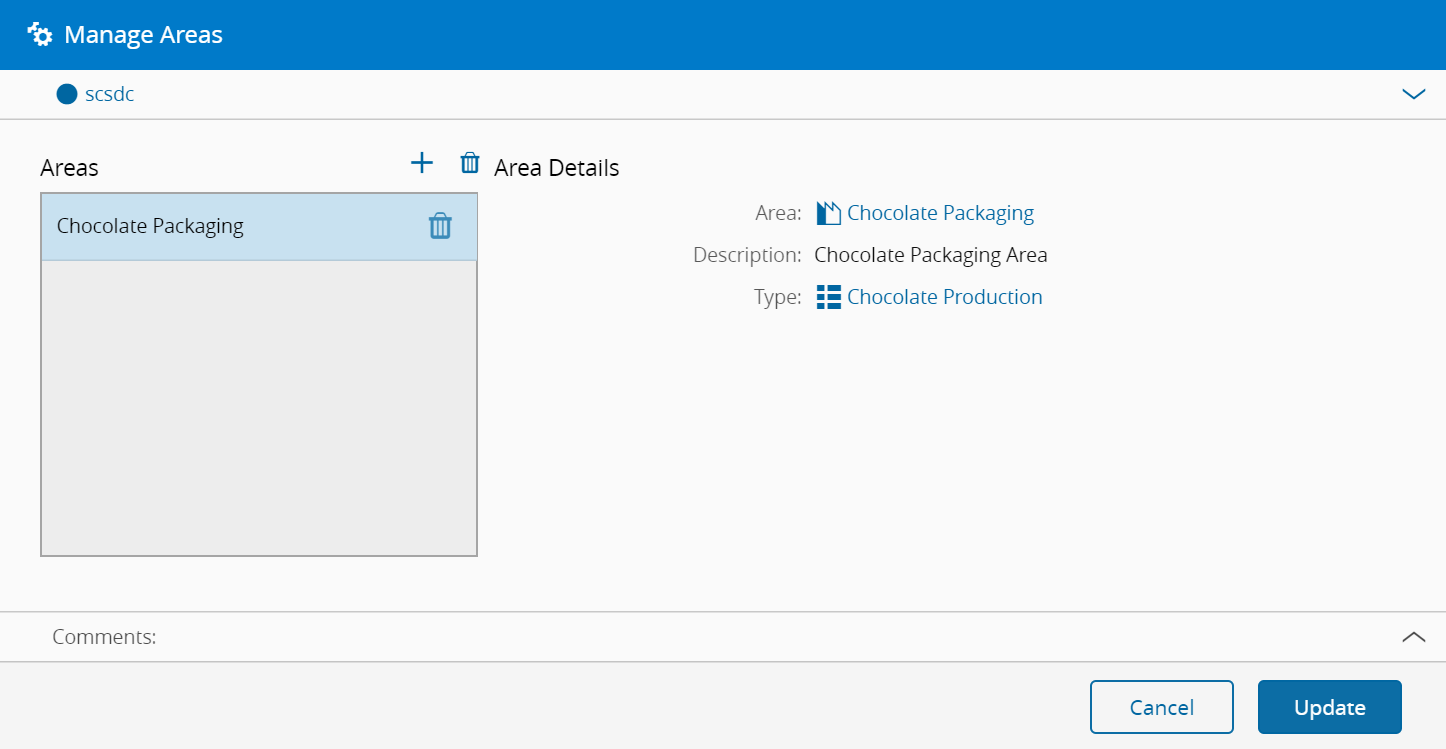
Manage Areas#
 Step.Edit
Overview#
This operation is used to manage Areas within a Step.
Setup#
No specific setup is required other than to meet the precondition of the transaction.
Preconditions#
- The Step exists and it is Active.
Sequence of Steps#
Step 1: Manage Areas#
- Add or remove Areas belonging to the Step, by using the + and - buttons in the grid's toolbar. A Step must belong to at least one Area and it can only belong to one Area per Facility.