Data Platform Monitoring#
 IoTConsumerMonitoring.View
The Data Platform page enables the user to visualize the current IoT Consumers that are used in the system and that have been created from the existing and active IoT Consumer Definitions.
The user is able to filter the IoT Consumers according to their Type, State and the date value they were effectively started. The system also provides the user with the possibility to search for a particular IoT Consumer, by using the Search box. The IoT Consumers are grouped by their current state:
- Running - The Consumer is currently being executed as expected
- Stopped - The Consumer execution has been gracefully halted
- Error - The Consumer execution has been halted with an error
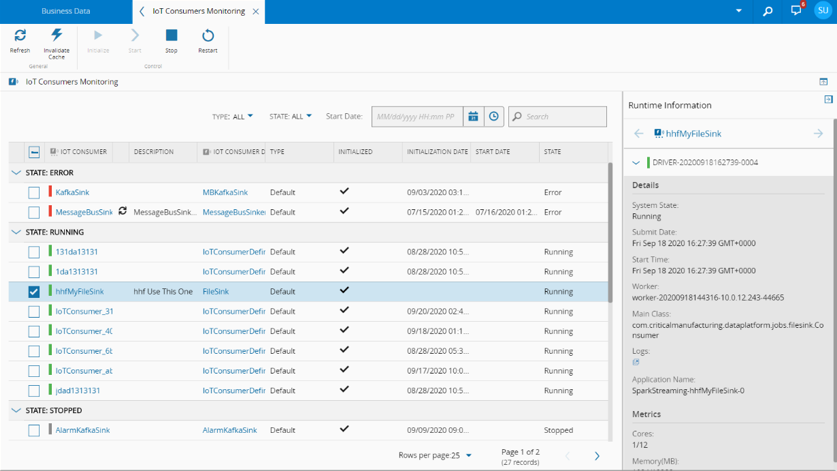
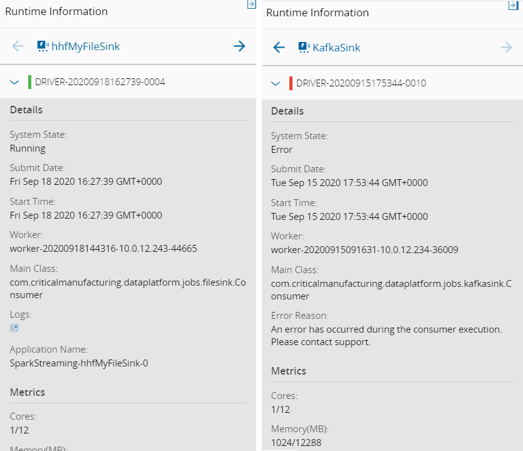
Runtime information is available for each of the IoT Consumers and is located on a collapsed panel on the right-hand side of the screen. Opening it will show detailed information on currently selected Consumers, such as explicit timestamps of executions, Spark worker identifiers and a hyperlink to access Spark worker logs.
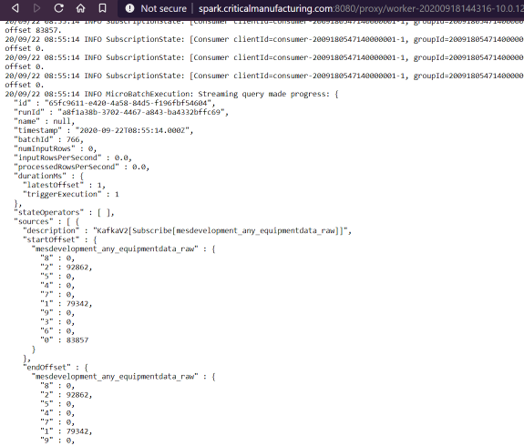
When viewing Spark worker logs the length of the log being shown can be increased by changing the value of the byteLength parameter at the end of the URL.
In addition, the user has the possibility to perform several operations on the IoT Consumers, listed below. The same operations can also be performed on the IoT Consumer object, accessible via the Business Data section.
Initialize IoT Consumer#
IoTConsumer.Initialize
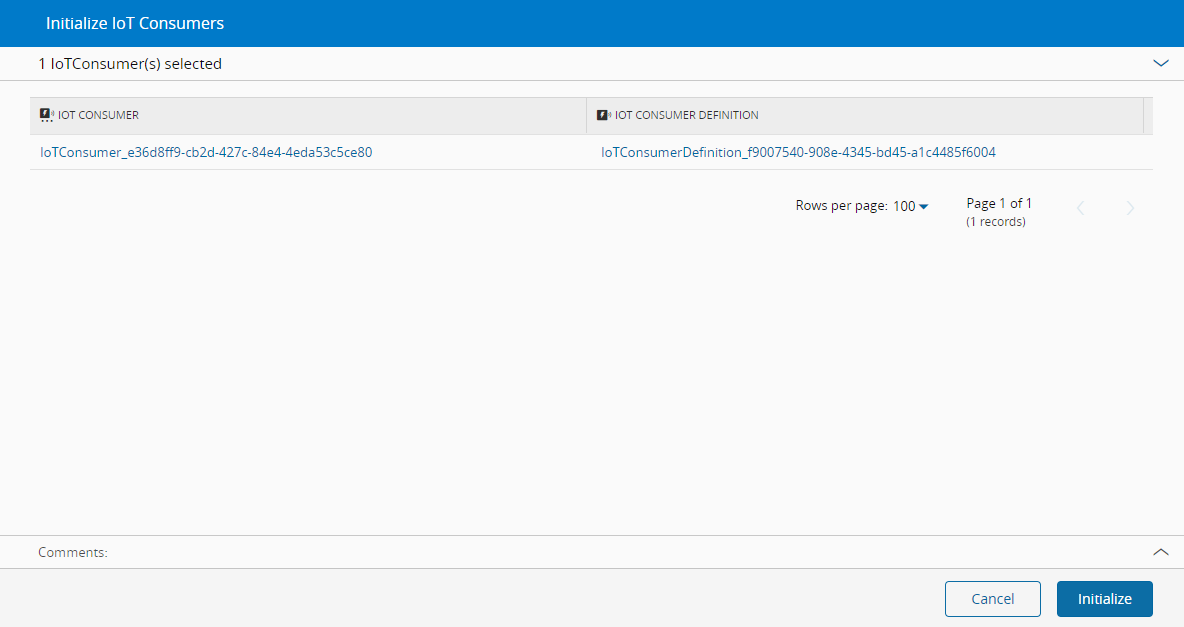
This operation is used to prepare selected IoT Consumers for running.
Initialize an IoT Consumer by ticking the desired IoT Consumer on the list and press the Initialize button on the toolbar.
When the Initialize IoT Consumer wizard is displayed, confirm the details being presented and press Initialize to complete the operation.
Start IoT Consumer#
IoTConsumer.Start
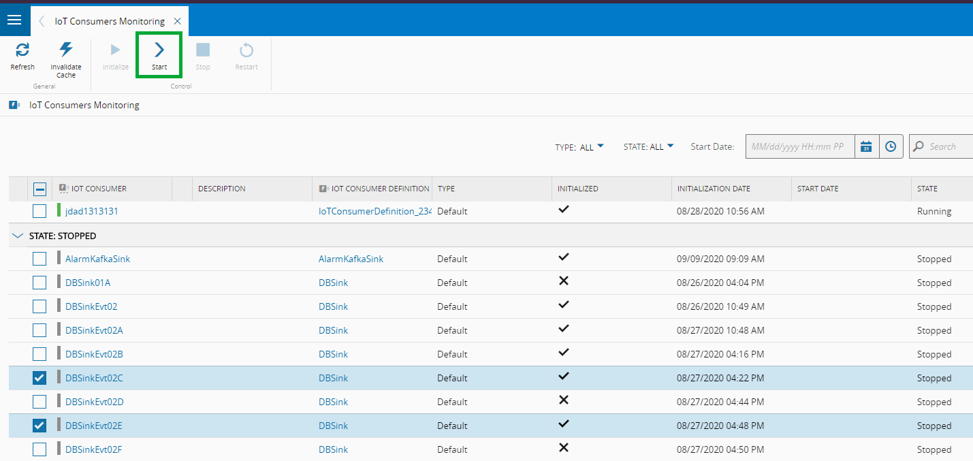
To Start an IoT Consumer, simply tick the corresponding IoT Consumer from the list and press the Start button on the toolbar.
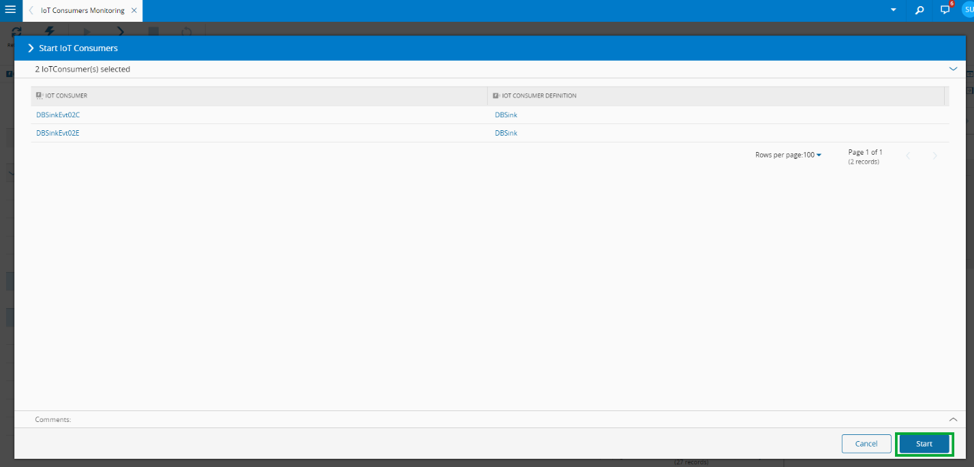
When the Start IoT Consumer wizard is displayed, confirm the details being presented and press Start to complete the operation.
Stop IoT Consumer#
IoTConsumer.Stop
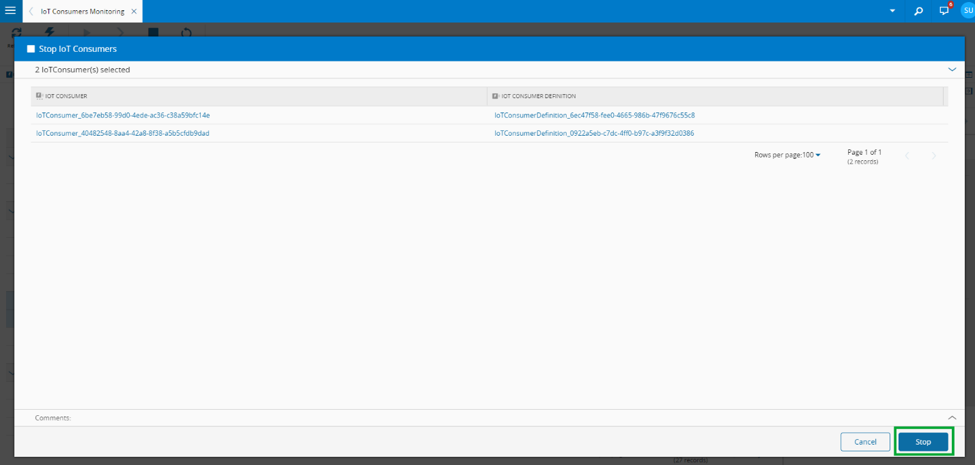
To Stop an IoT Consumer, tick the desired IoT Consumer from the list and press the Stop button on the toolbar.
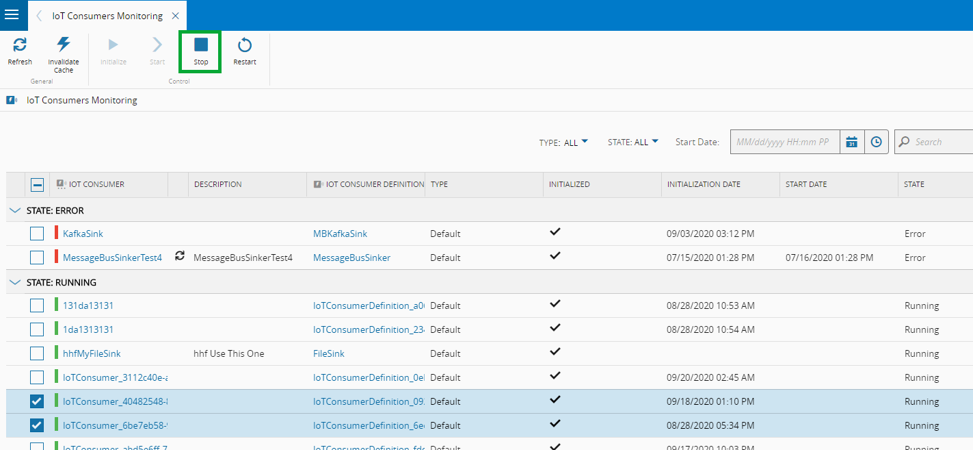
When the Stop IoT Consumer wizard is displayed, confirm the details being presented and press Stop to complete the operation.
Restart IoT Consumer#
IoTConsumer.Restart
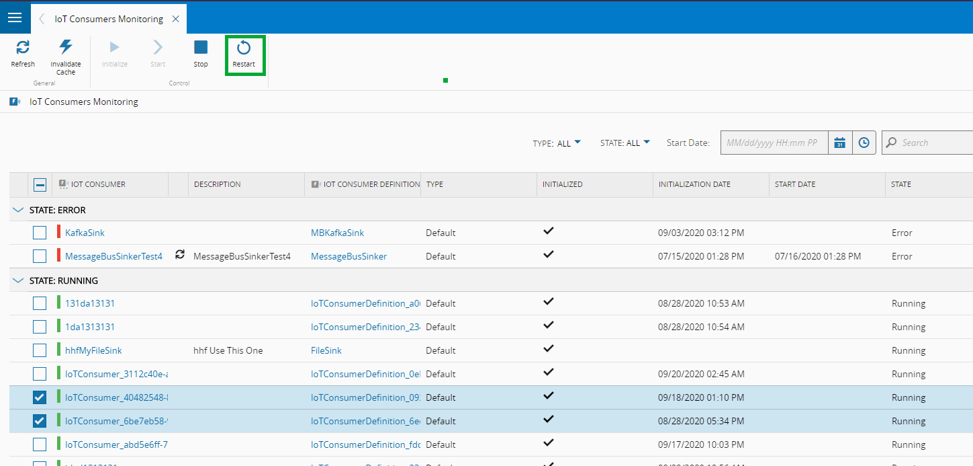
Restart an IoT Consumer by ticking the desired IoT Consumer on the list and press the Restart button on the toolbar.
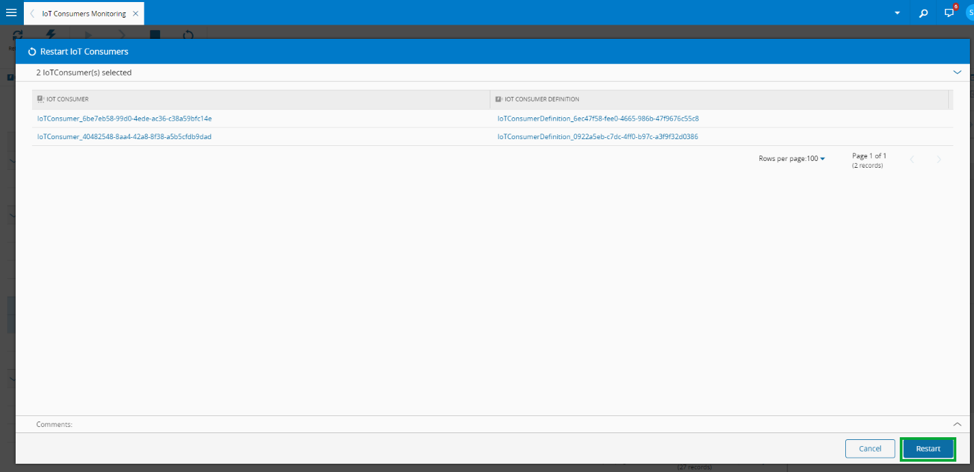
When the Restart IoT Consumer wizard is displayed, confirm the details being presented and press Restart to complete the operation.
Invalidate Cache#
IoTConsumer.SyncSettings
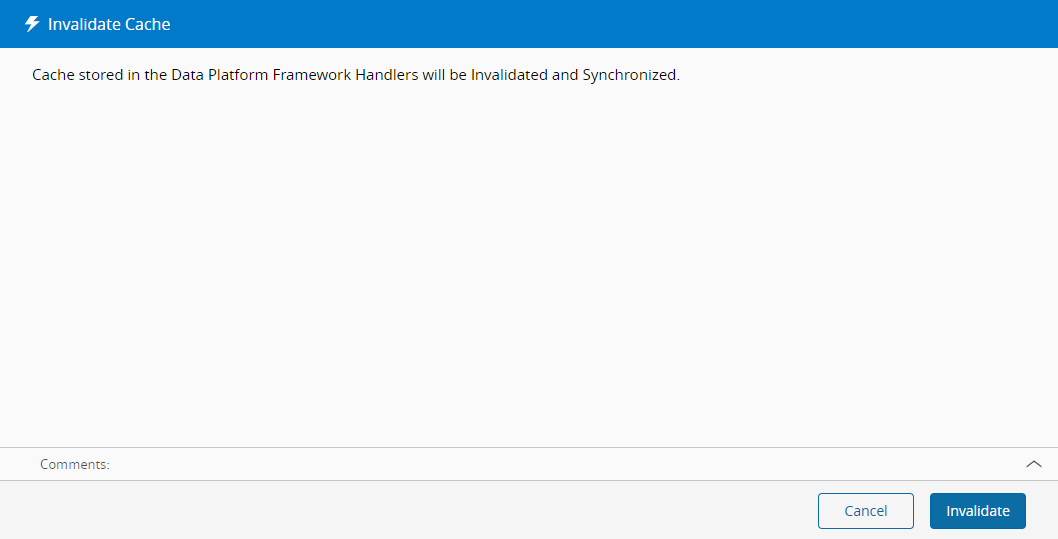
This operation forces Data Platform Framework Handlers to invalidate and resynchronize the cache.
When the Invalidate Cache wizard is displayed, press Invalidate to complete the operation.