Search#
 Search.QuickSearch
From the Header, it is possible to access the Search page, which enables you to view and access a generic search field, where it is possible to find relevant information on a Material, a Resource or a Container.
By typing a letter or word (full or partial), the system will display suggestions on the performed search and will present all the relevant results for your search, in every category - Material, Resource and Container.
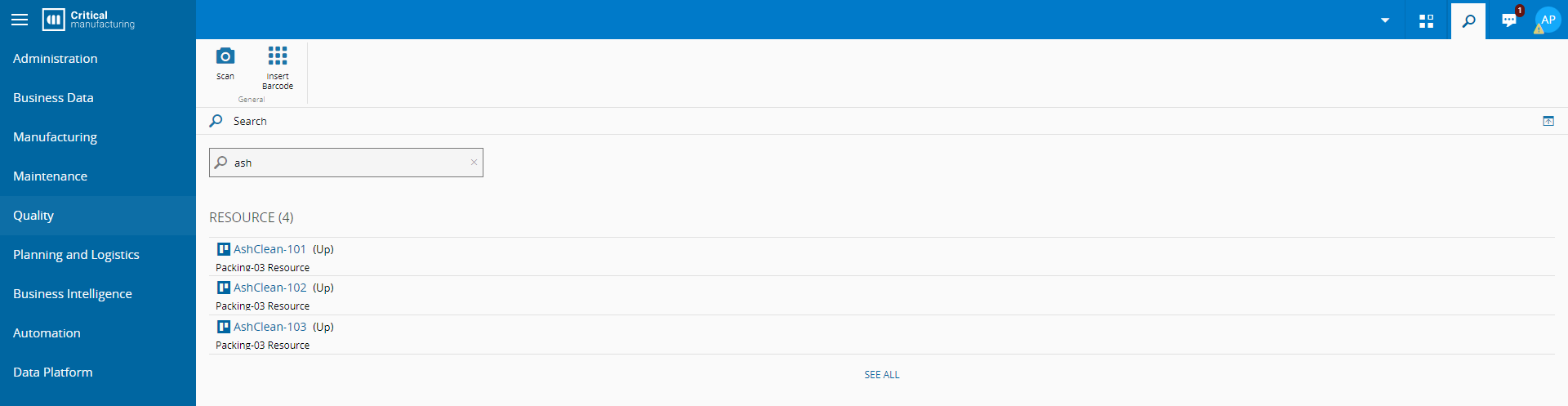
You can remove any of these entity types from the /Cmf/Guis/Configuration/Search/EntitiesToSearch/ configuration entry. For more information, see Configuration and System Configuration Entries.
Note
If additional searches have been performed in the past, then the system will display a list of all former searches under the Recent Searches tab.