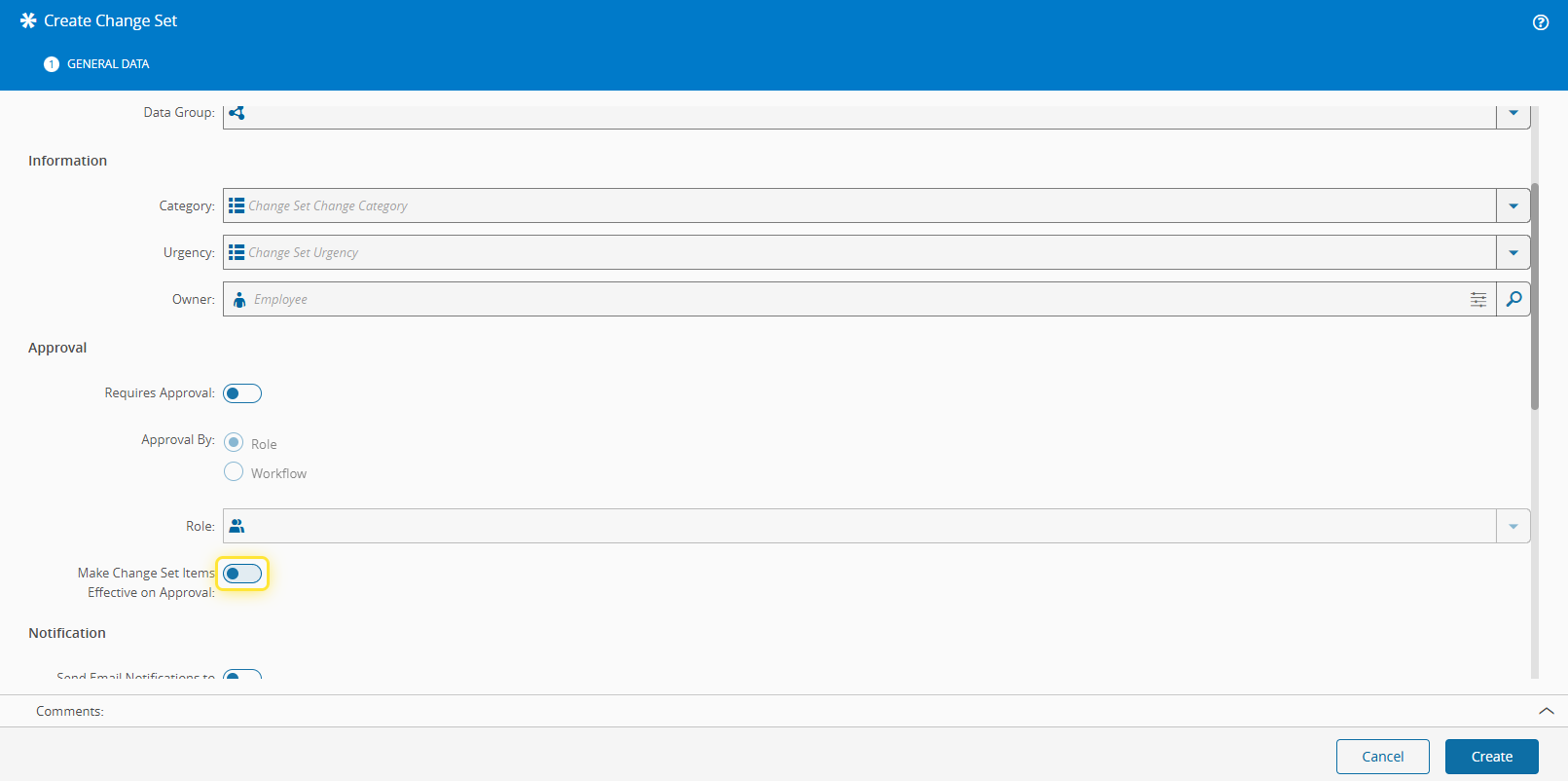
How to: Set Effective a Versioned Entity#
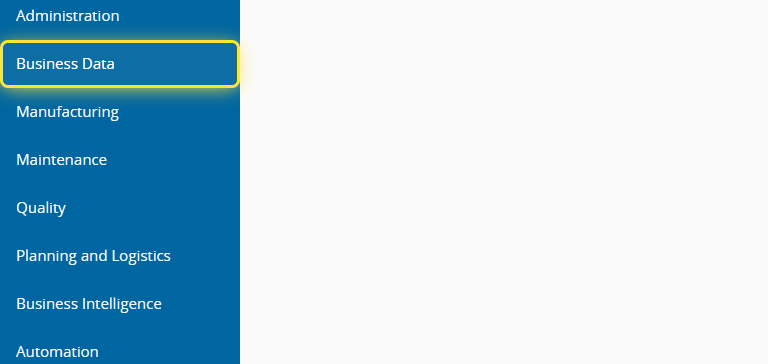
1. Go to the Business Data menu.#
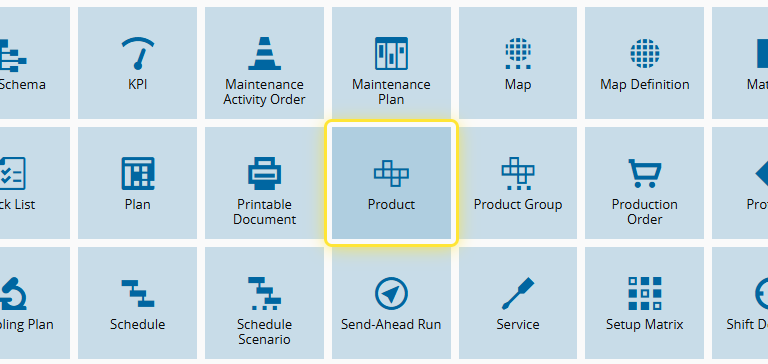
2. Select the Product entity.#
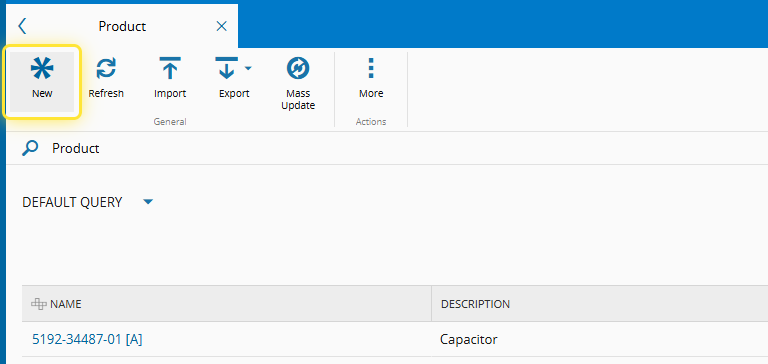
3. Select the New button.#
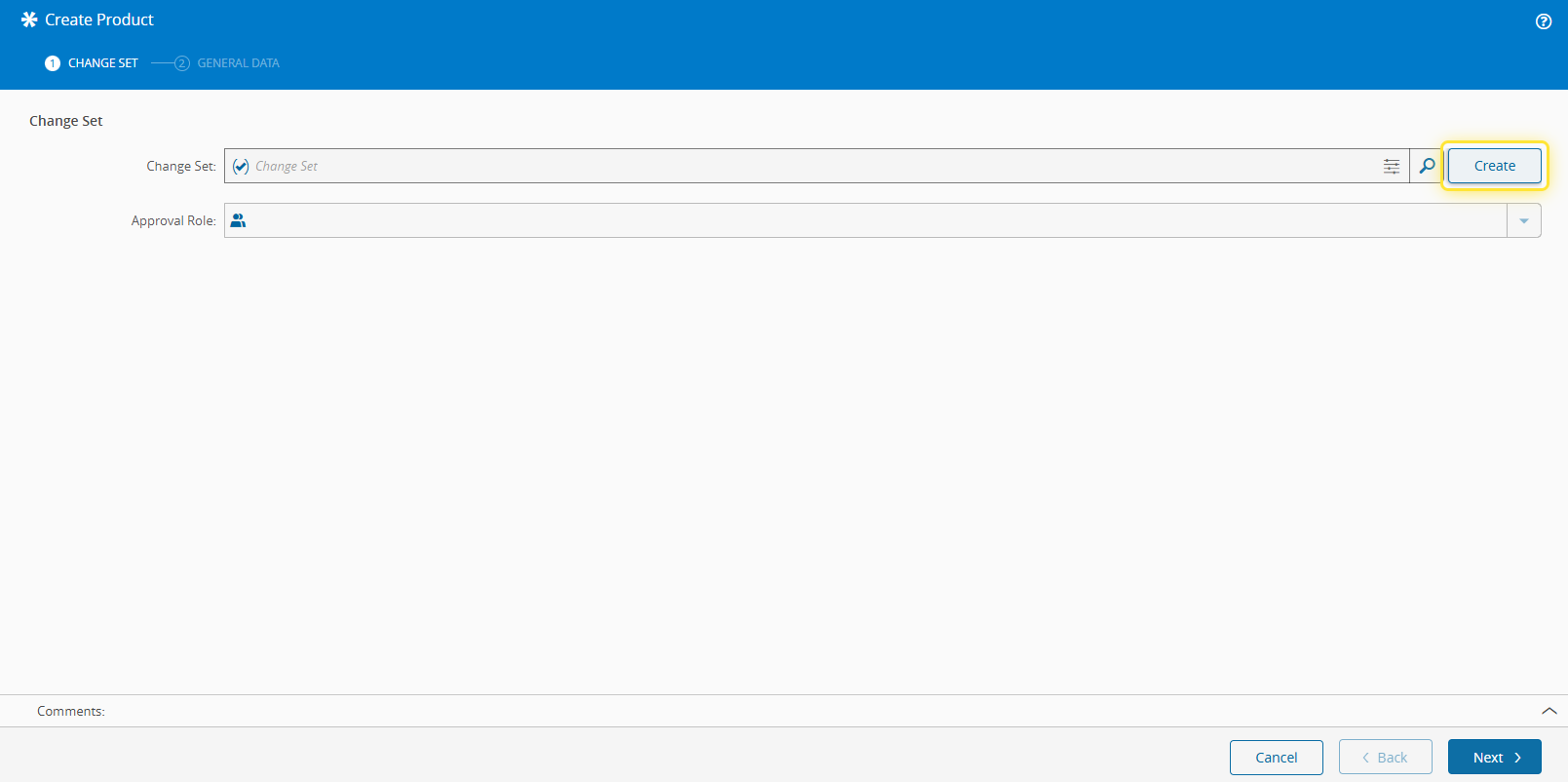
4. Under the Change Set tab, Select Create.#
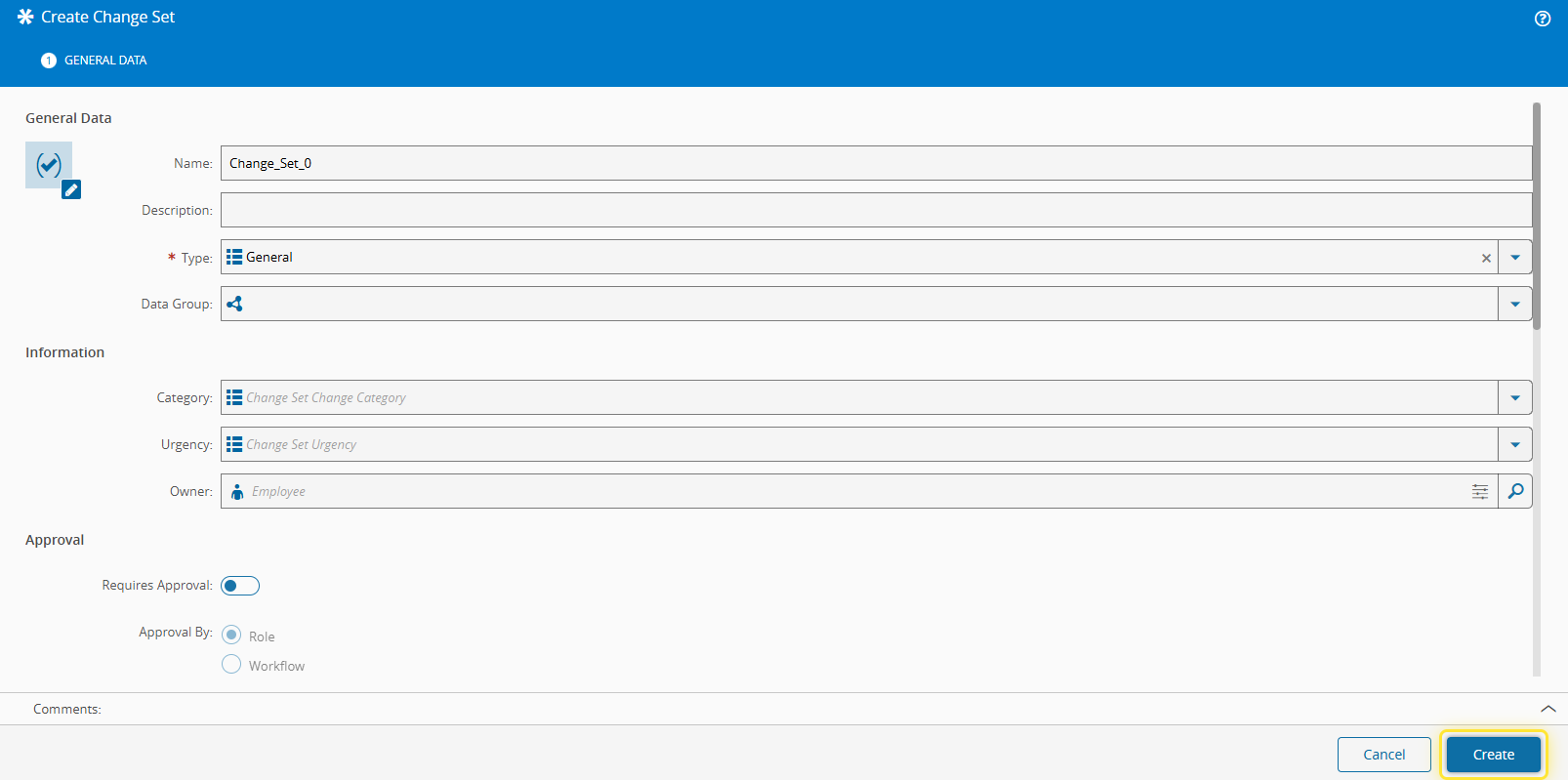
5. Complete the necessary fields and select Create.#
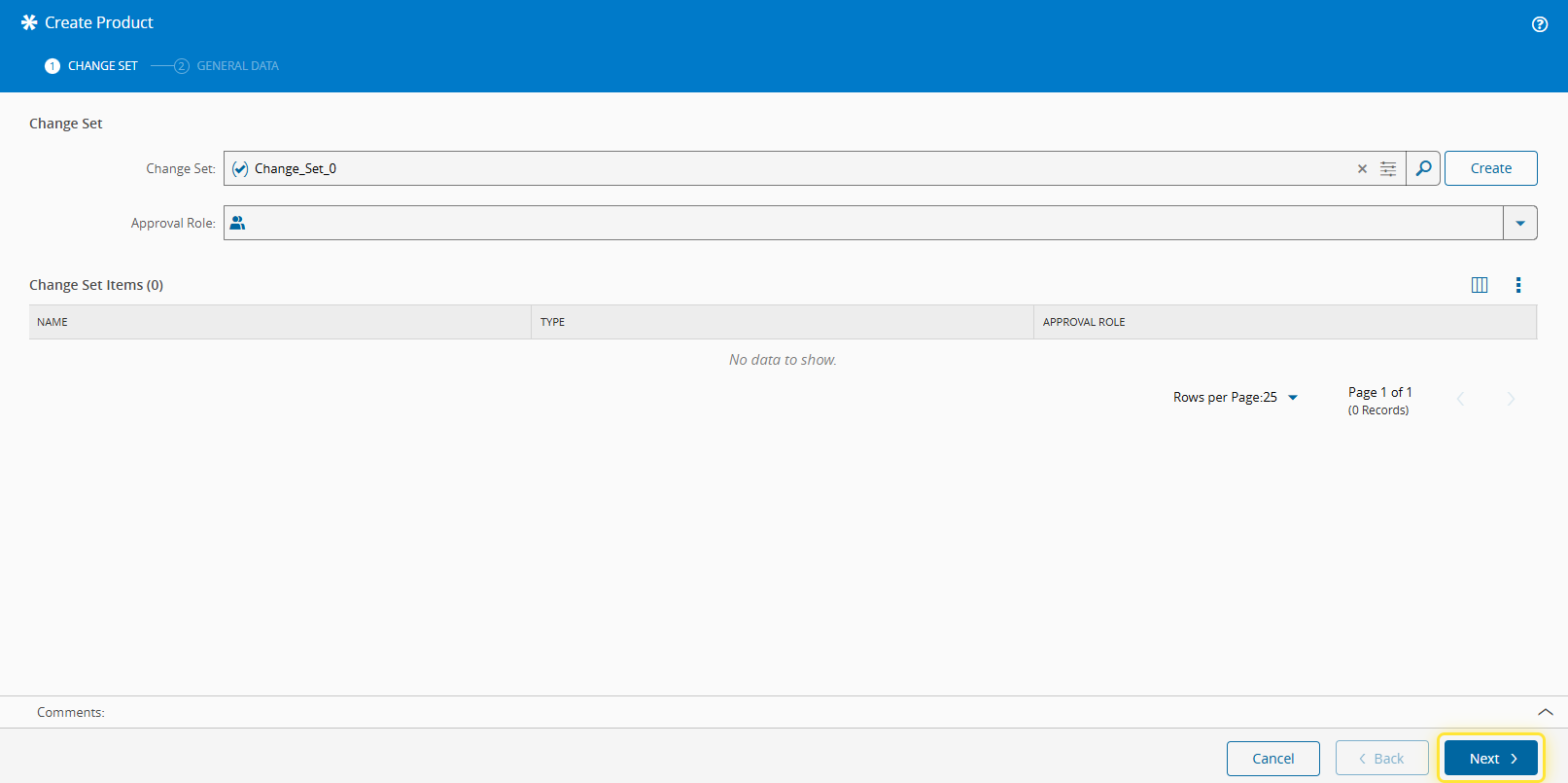
6. Select the Next button.#
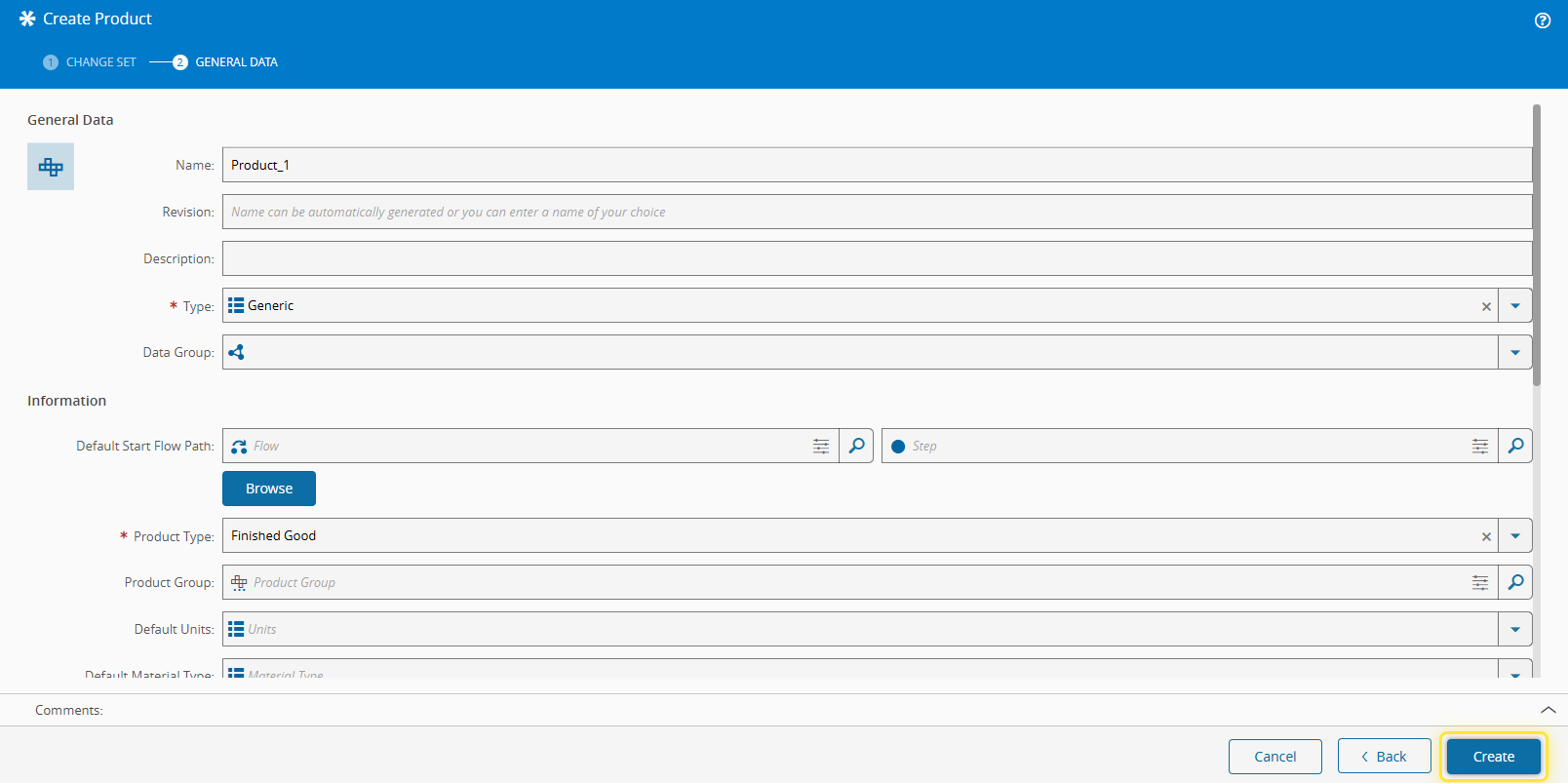
7. Under the General Data tab, complete the necessary fields.#
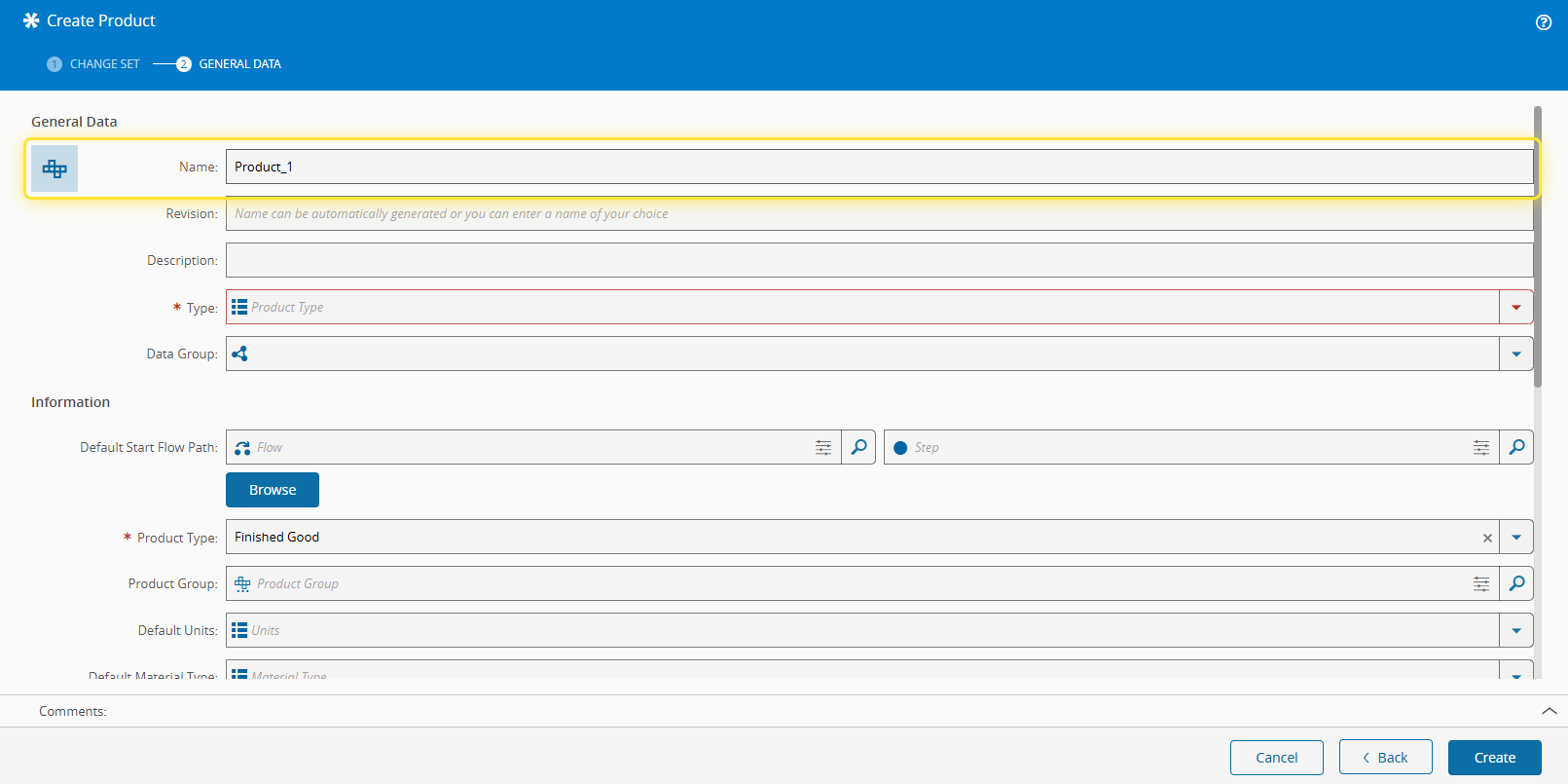
8. Select the Create button.#
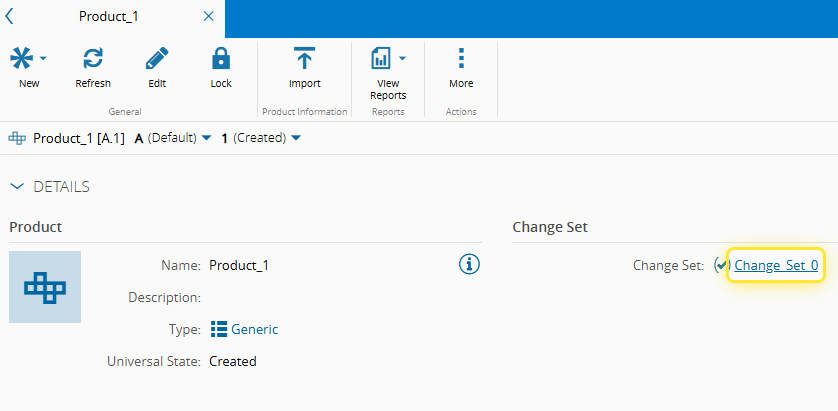
9. Select Change Set.#
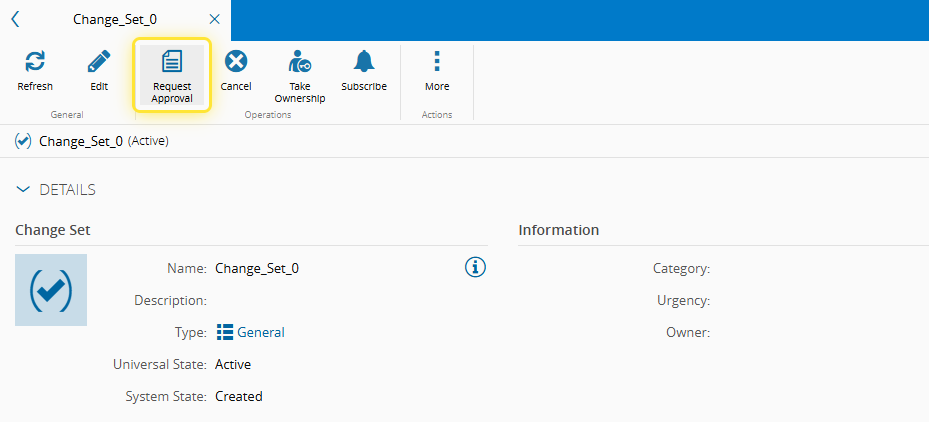
10. Select the Request Approval button.#
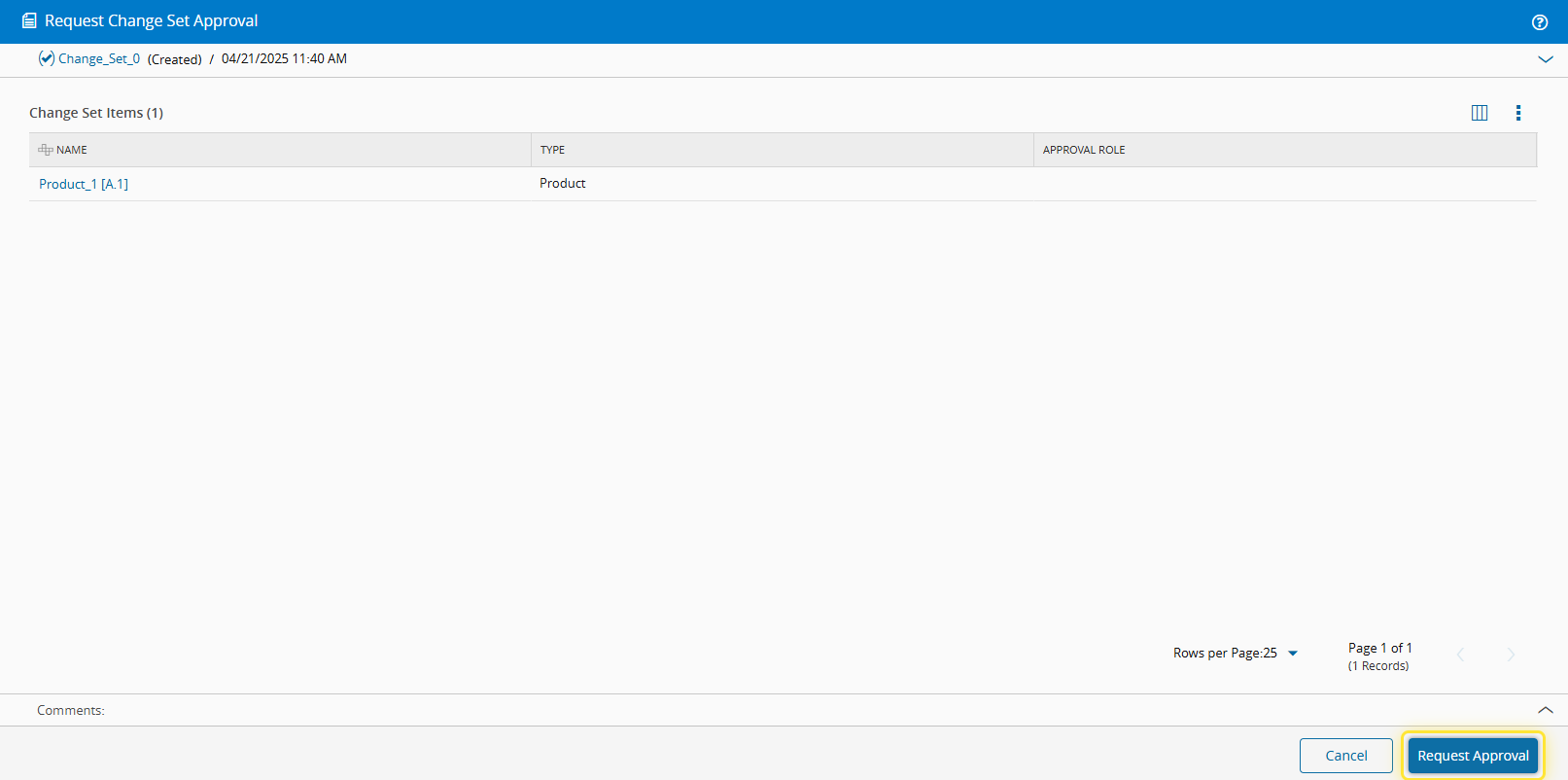
11. Select Request Approval.#
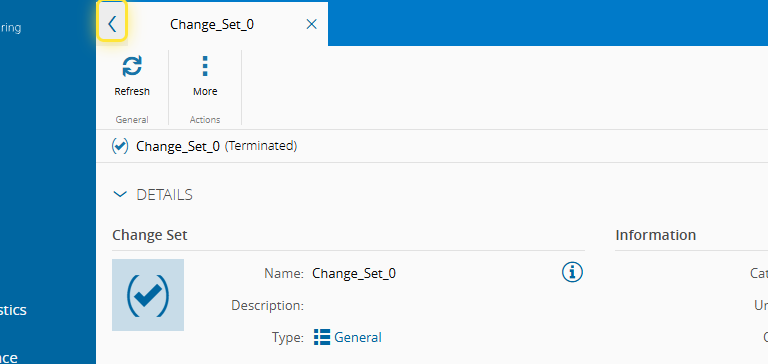
12. Go back.#
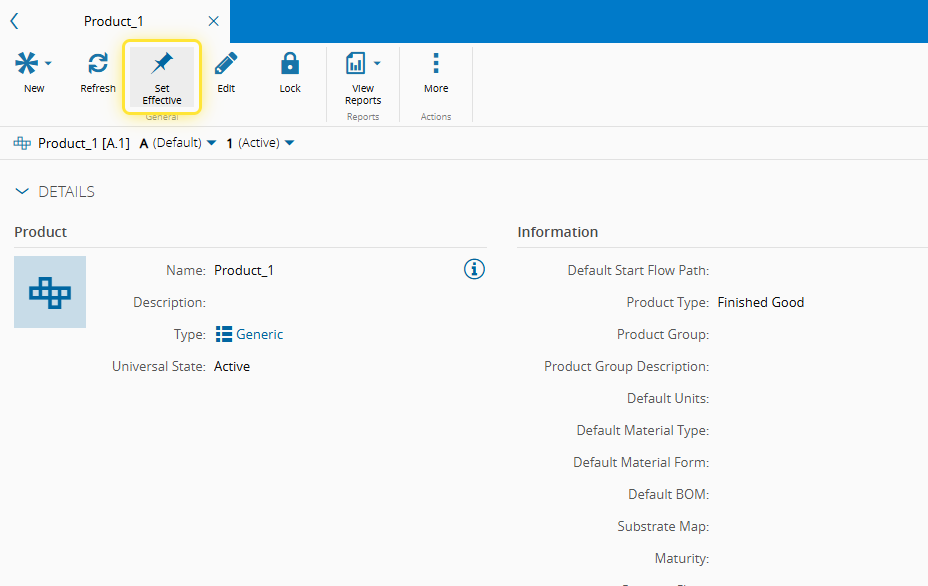
13. Select Set Effective.#
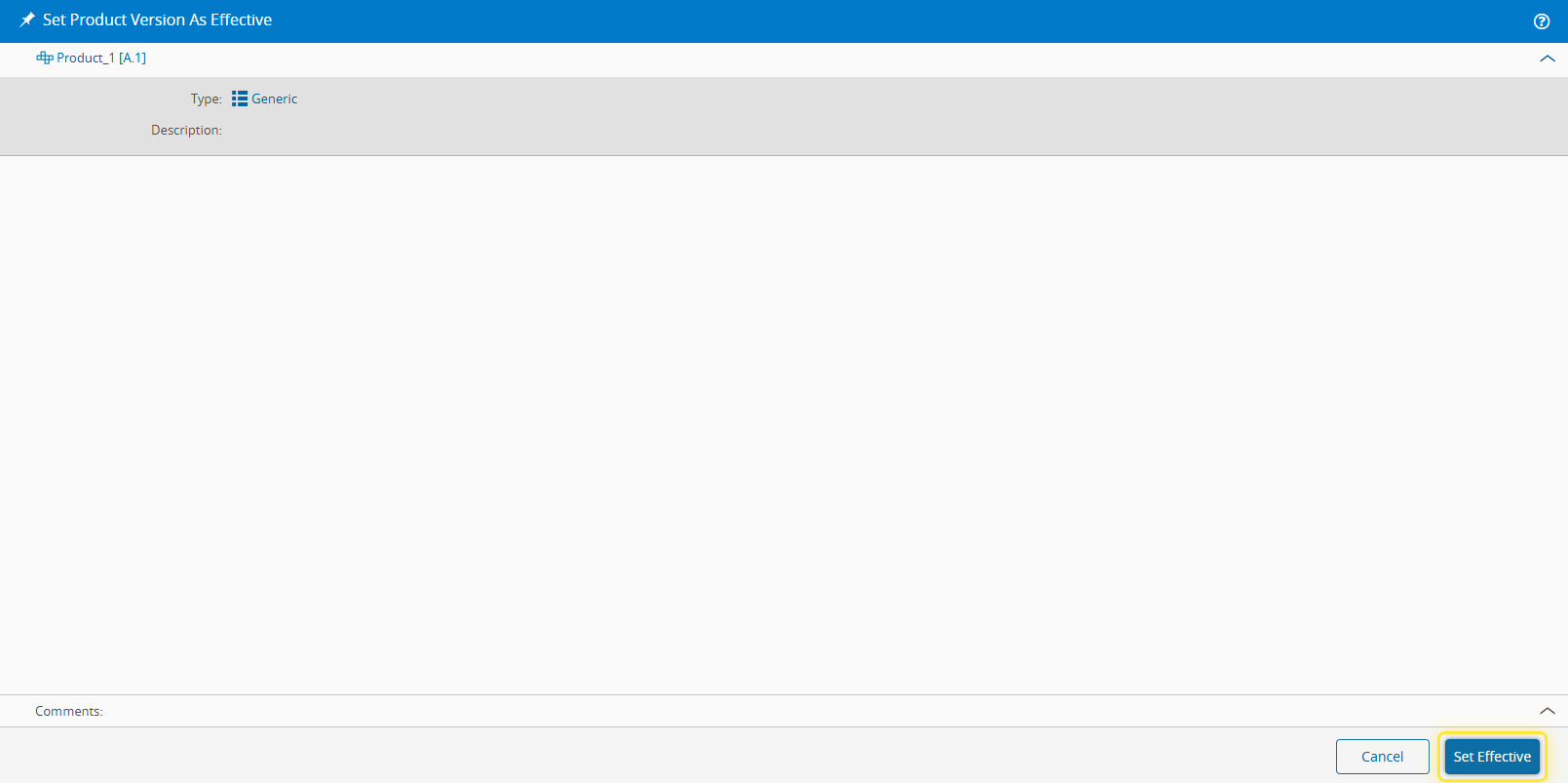
14. Select the Set Effective button.#
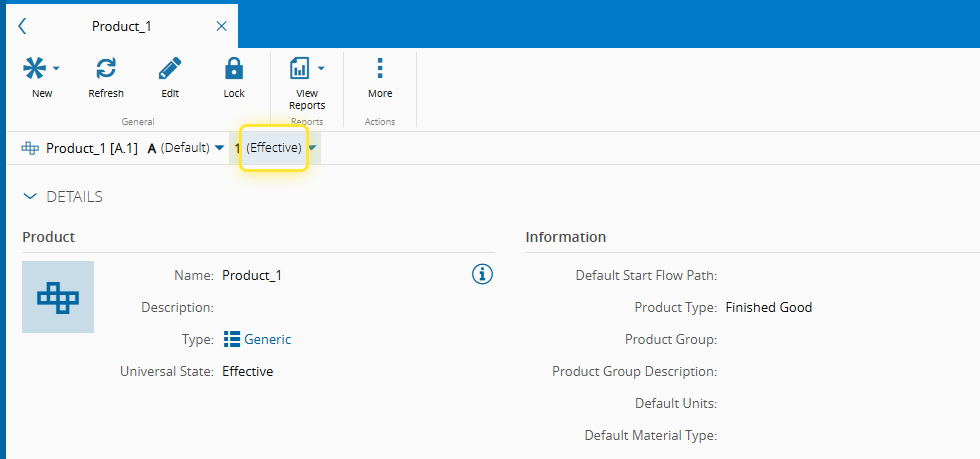
15. The Product is Effective.#
Info
In Step 5, you may enable the Make Change Set Items Effective on Approval option and then follow Steps 6 to 12. This will automatically make the Product Effective, without needing to manually perform Steps 13 and 14.