How to: Create a Smart Table#
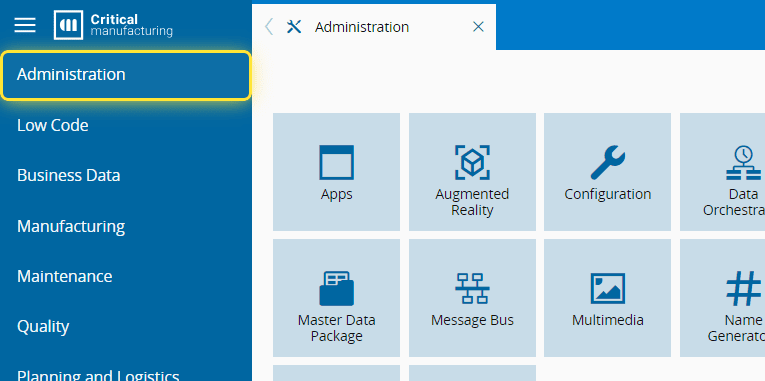
1. Go to the Administration menu.#
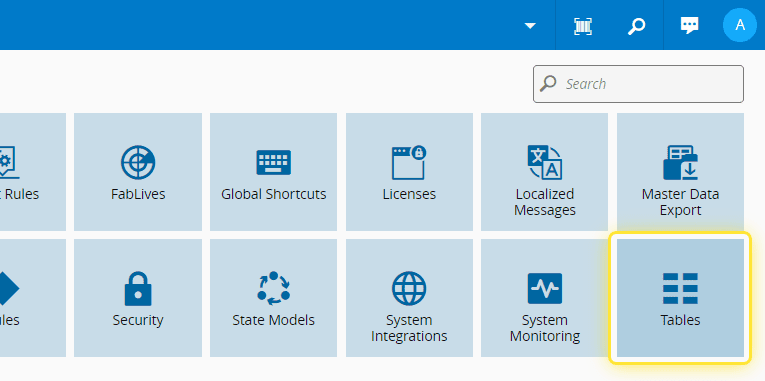
2. Select Tables.#
3. Select the Create button.#
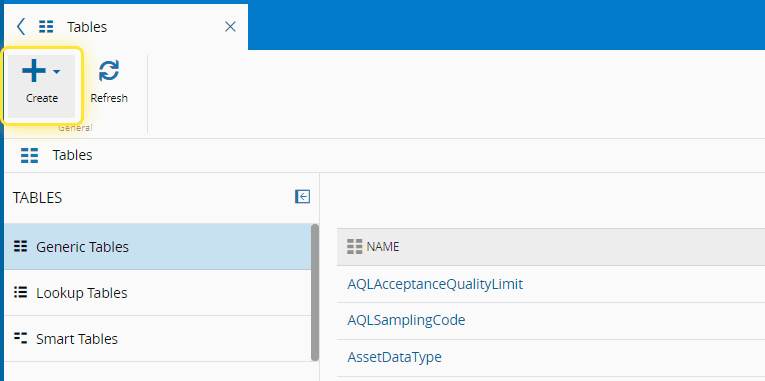
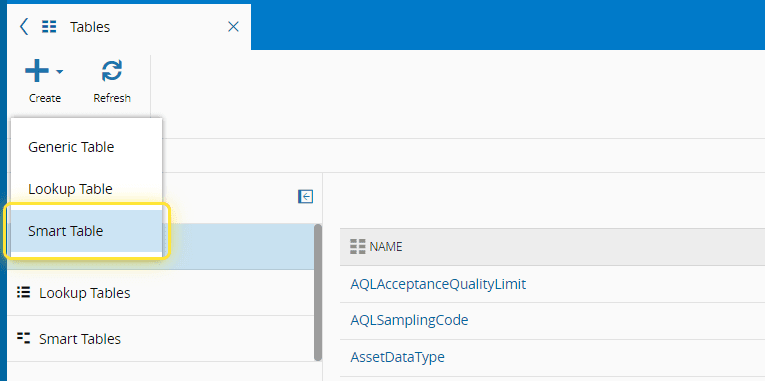
4. Select Smart Table.#
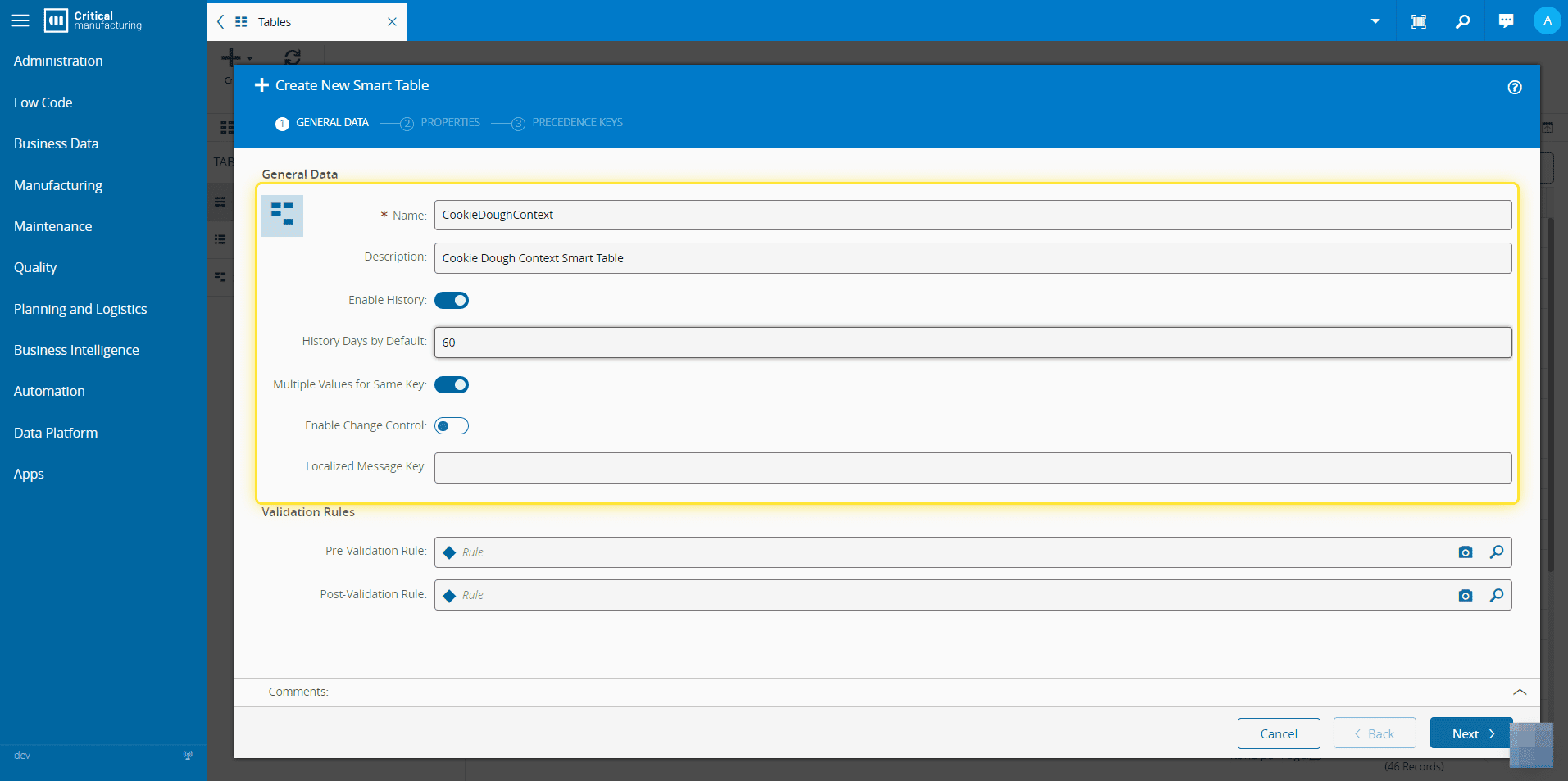
5. Under the General Data section, fill in all the necessary information.#
The Name must not contain any whitespaces.
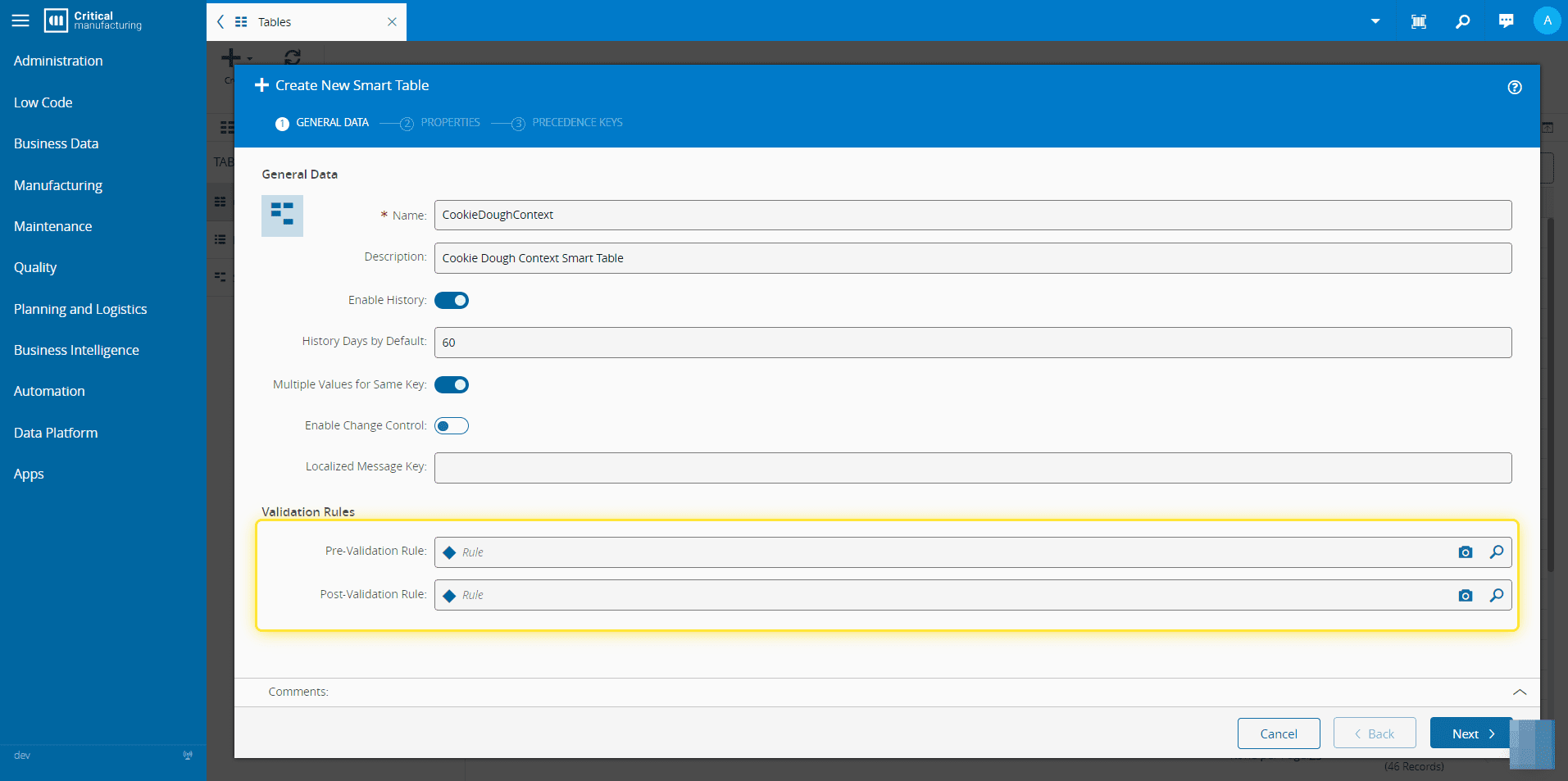
6. Optionally, add a Pre-Validation Rule or a Post-Validation Rule.#
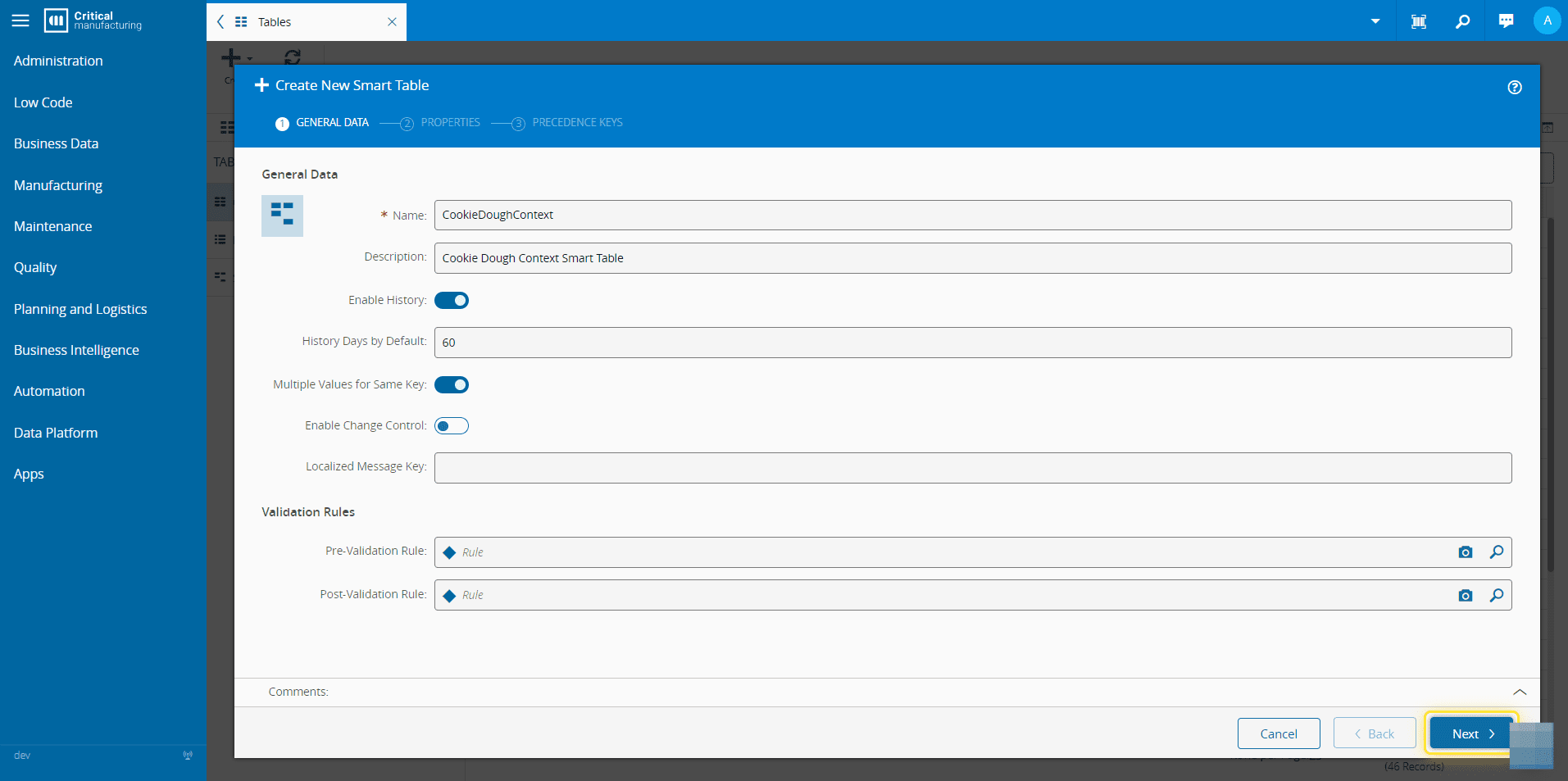
7. Select Next.#
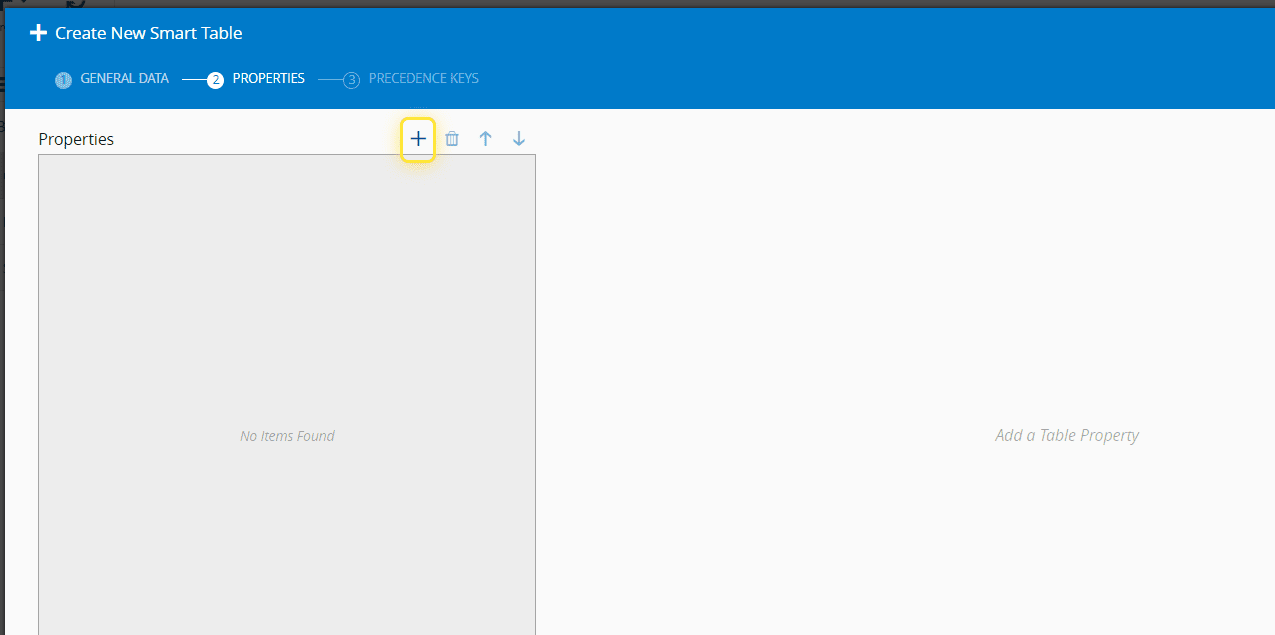
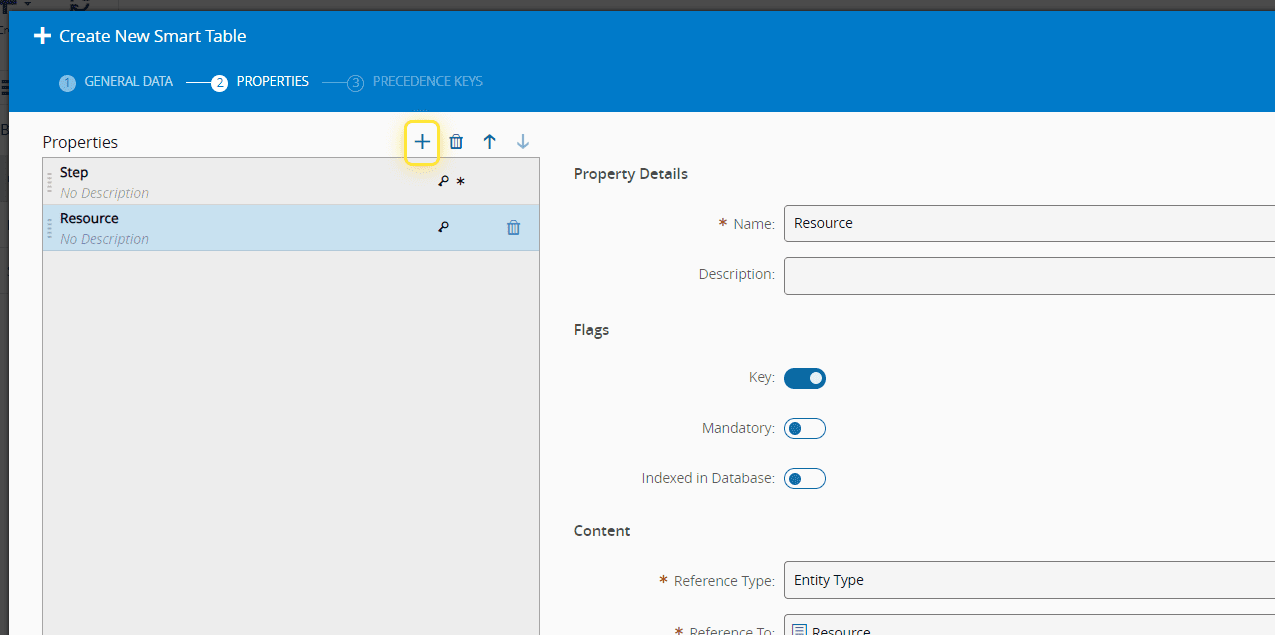
8. Select the icon to add a new property.#
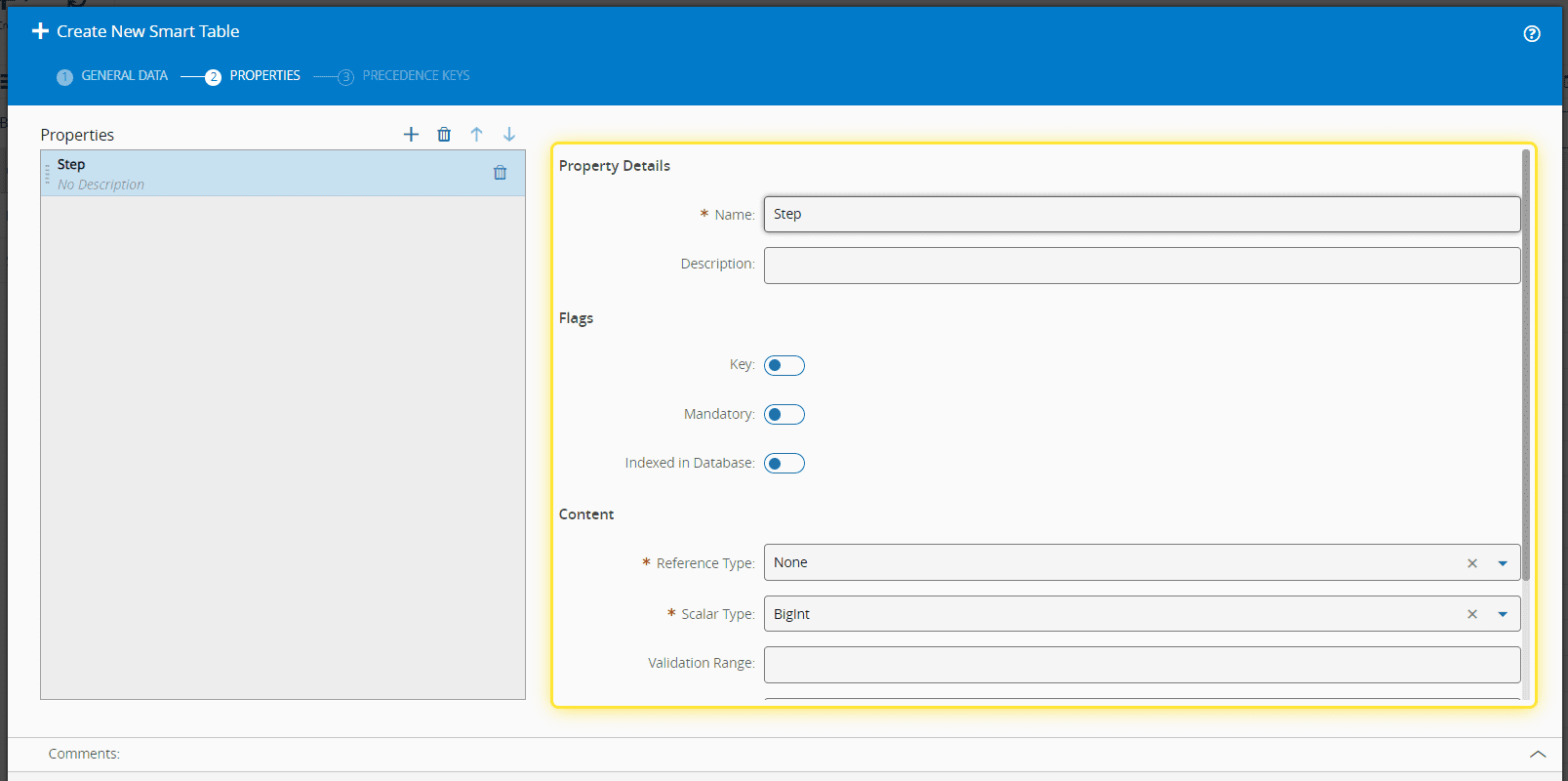
9. Fill in the necessary information under the Property Details.#
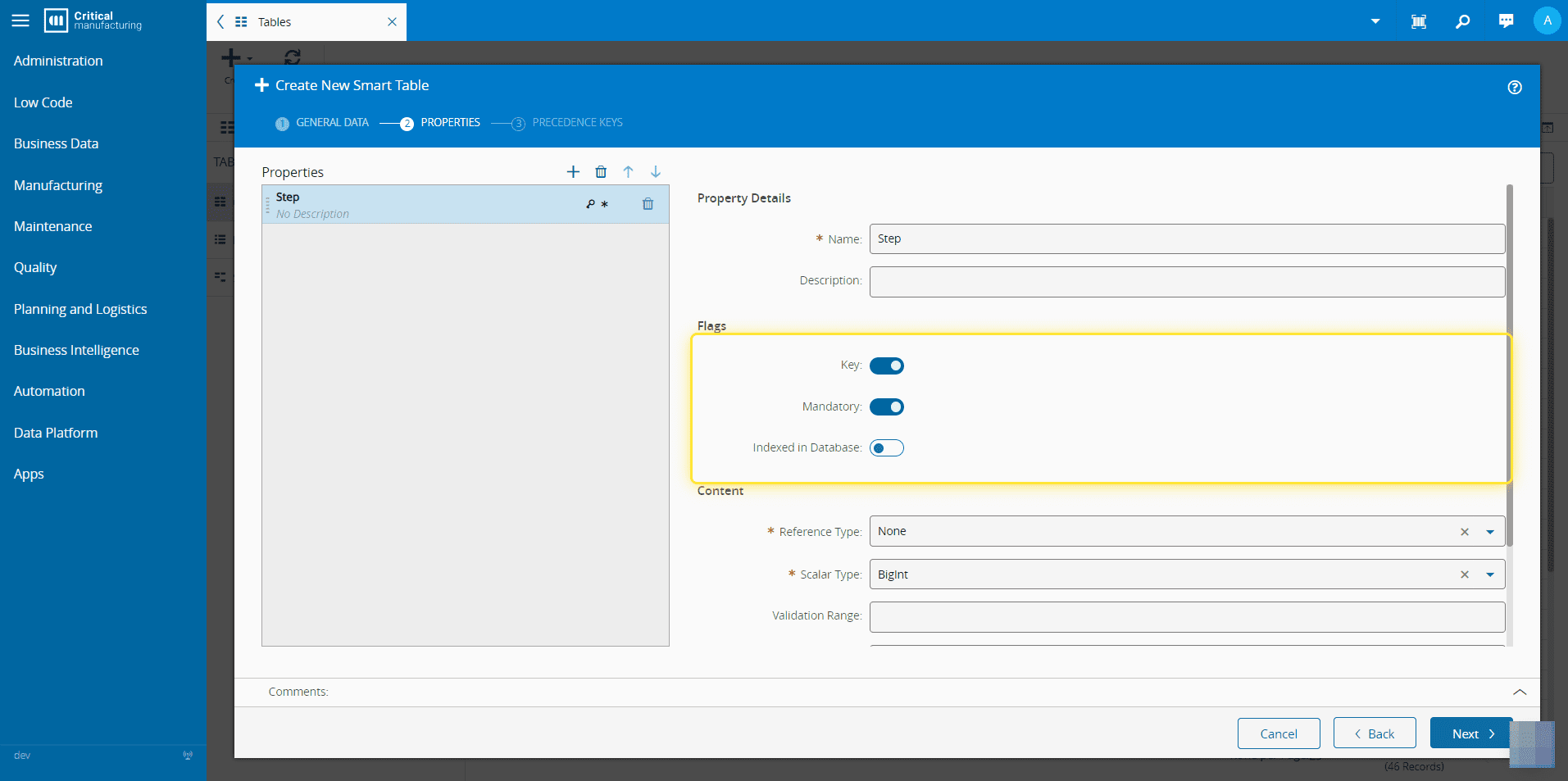
10. Set the necessary Flags.#
You must specify at least one property as the Key by enabling the corresponding toggle button.
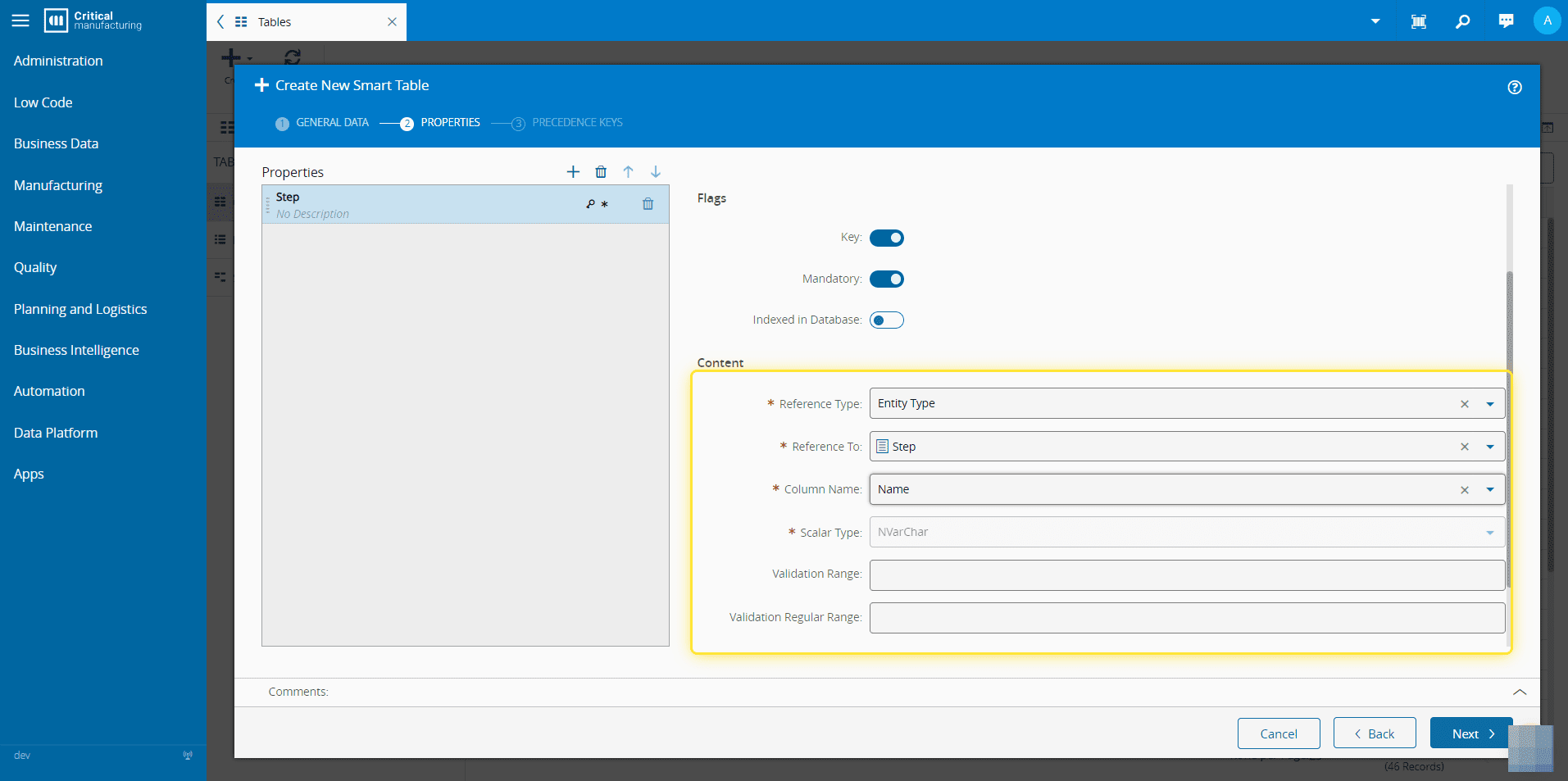
11. Fill in the necessary information in the Content section.#
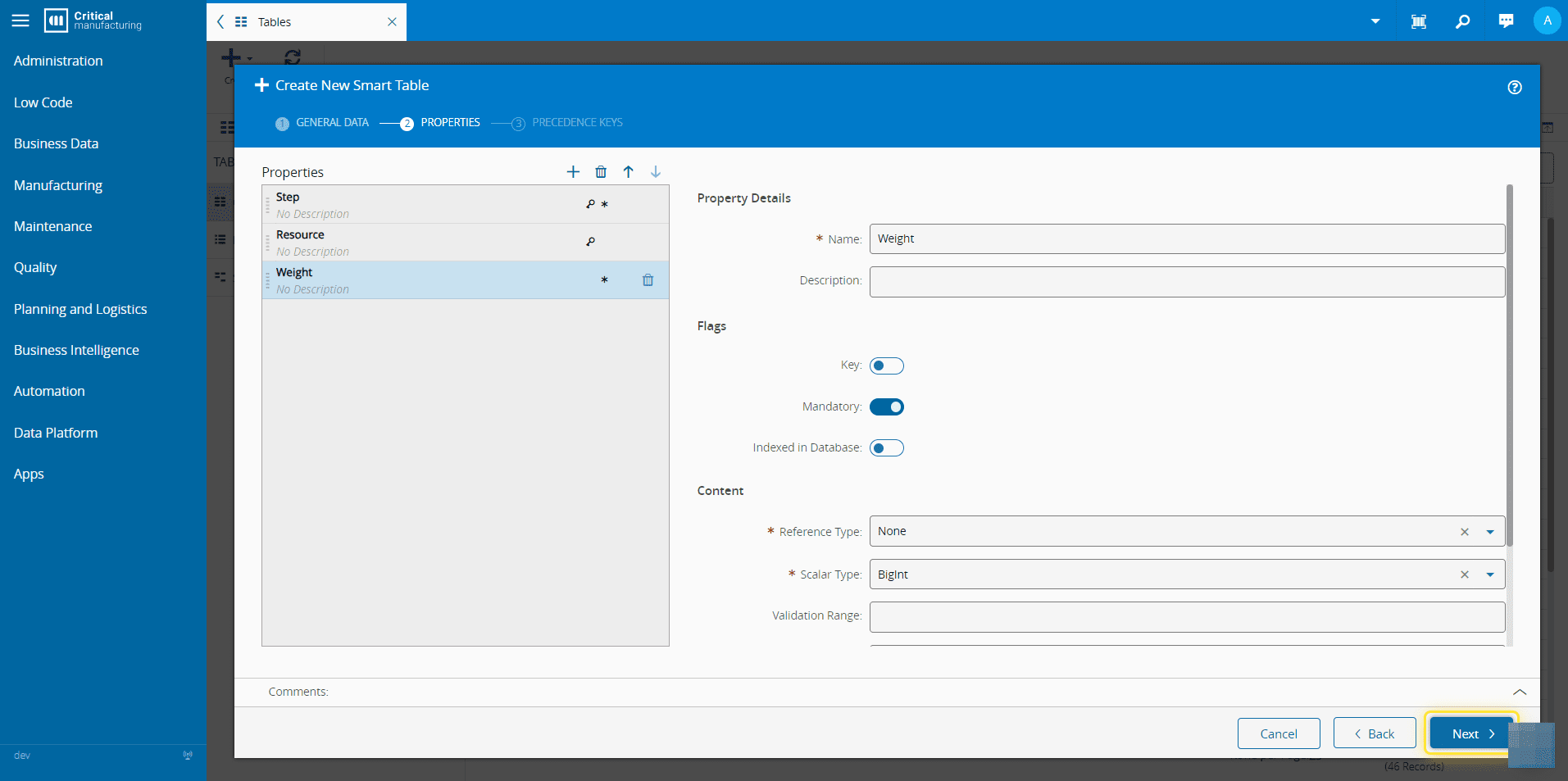
12. Add as many properties as needed.#
13. When finished, select the Next button.#
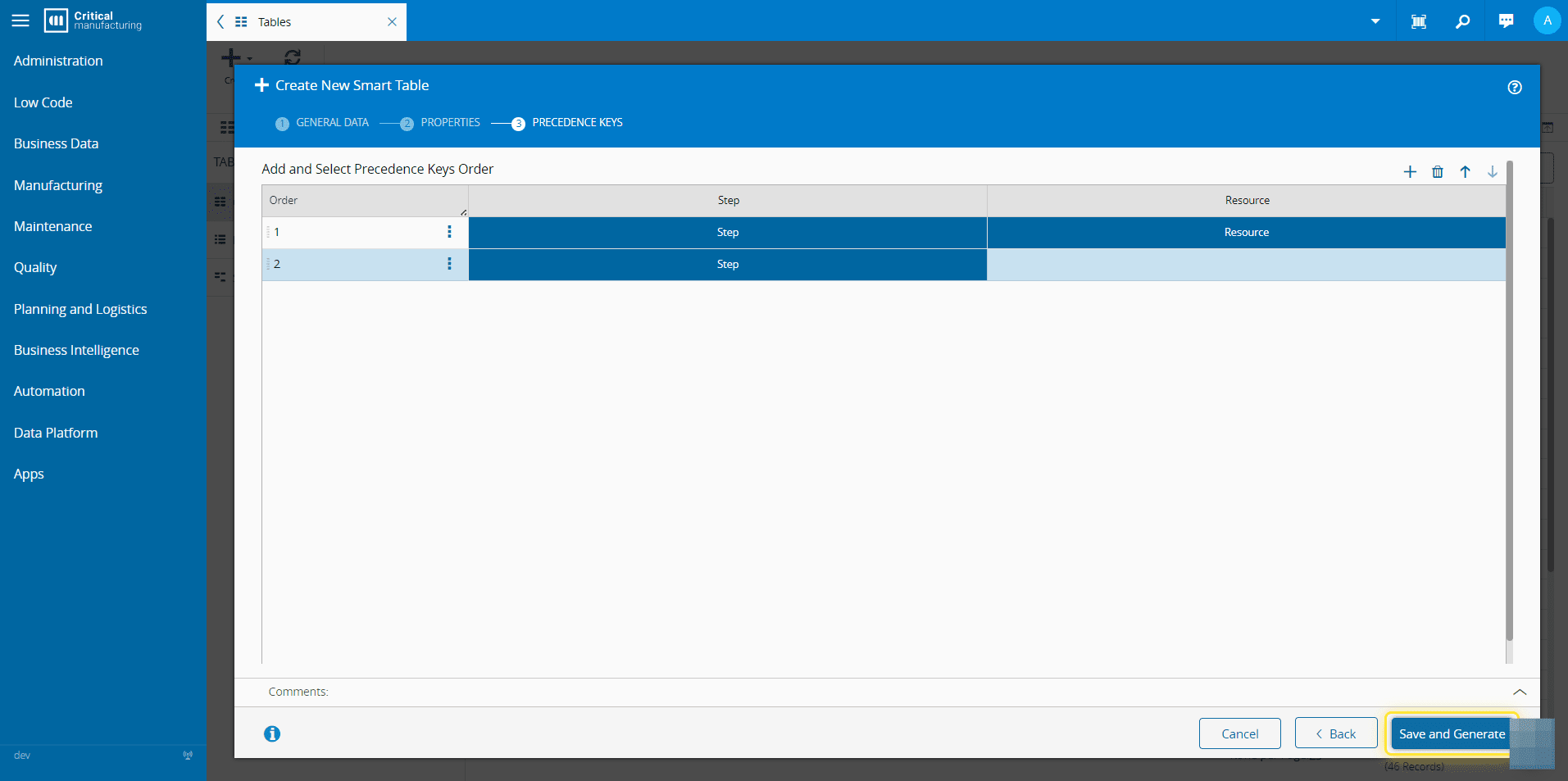
14. Select the icon to add Precedence Keys.#
For more information, see Smart Tables - Critical Manufacturing Documentation Portal ⧉
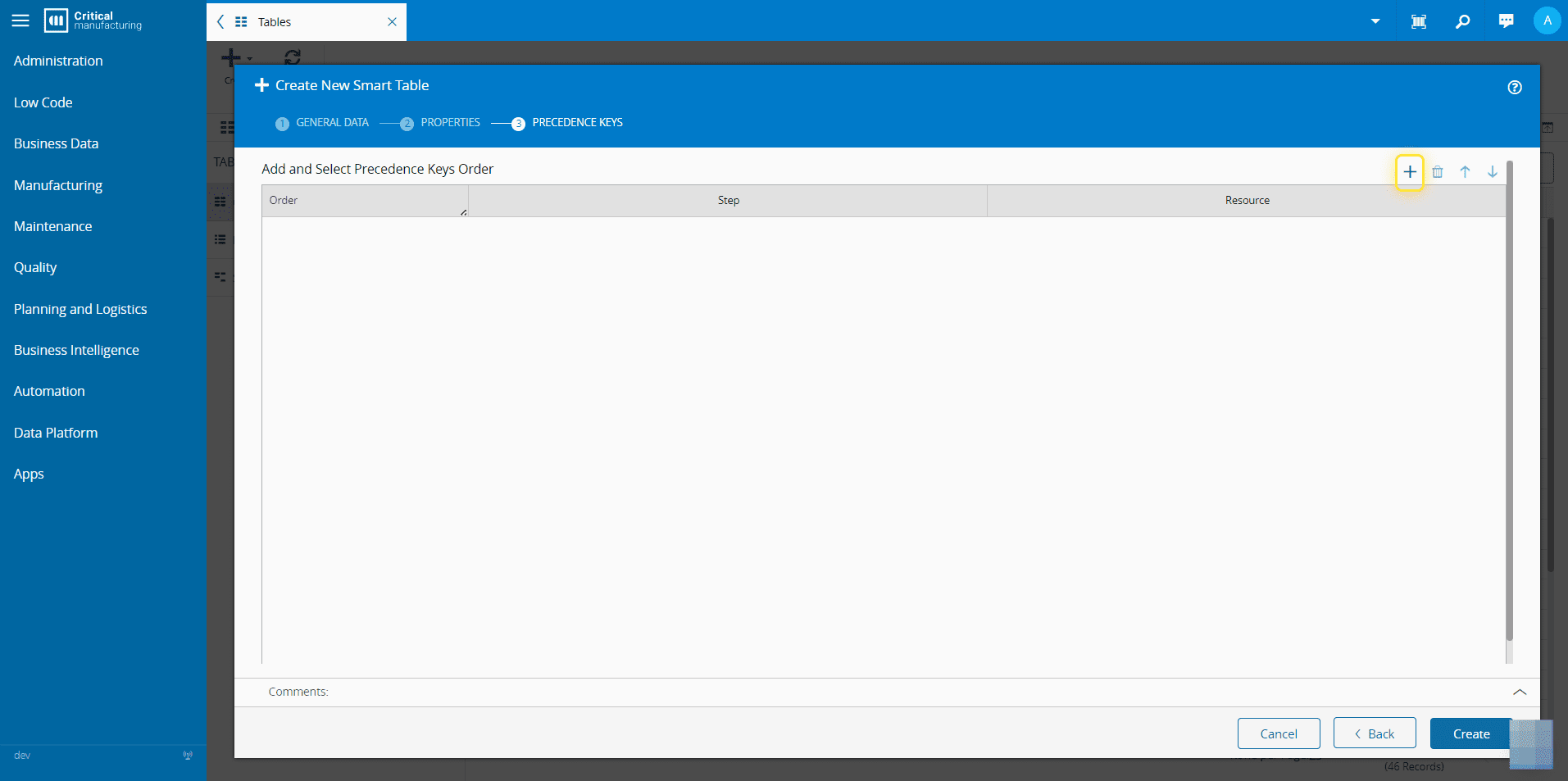
15. Select Save and Generate to complete the operation.#