How to: Edit a Generic Table#
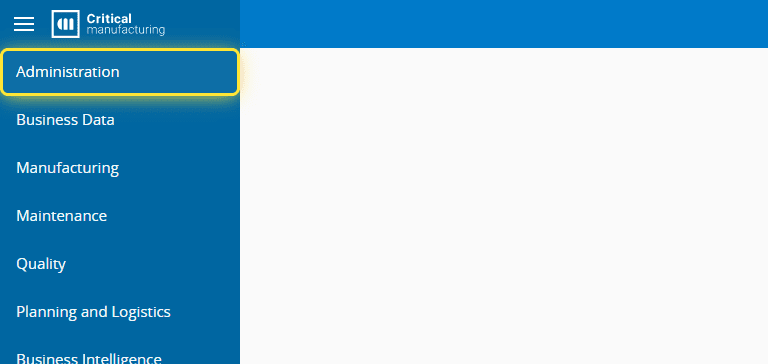
1. Go to the Administration menu.#
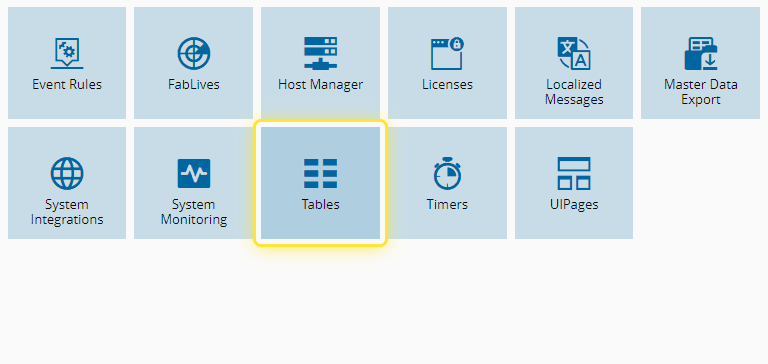
2. Select the Tables entity.#
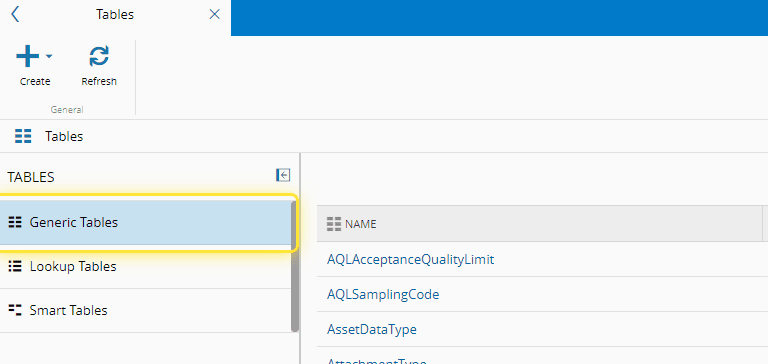
3. Select the Generic Tables sub-menu.#
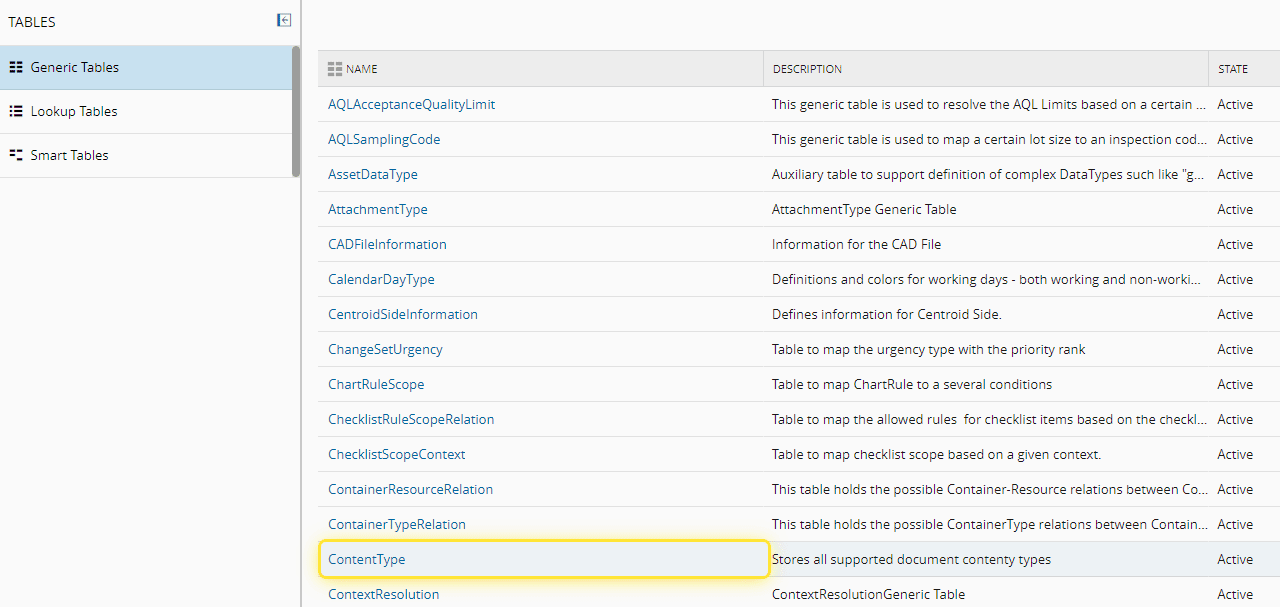
4. Select the desired table.#
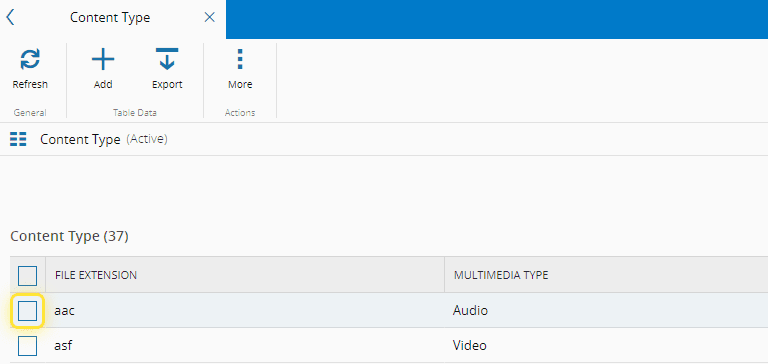
5. Select the record to be edited.#
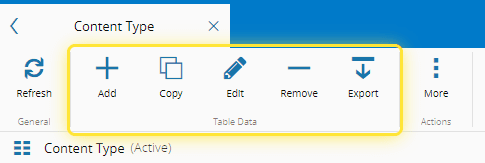
6. Upon selection you have other operations available besides Editing.#
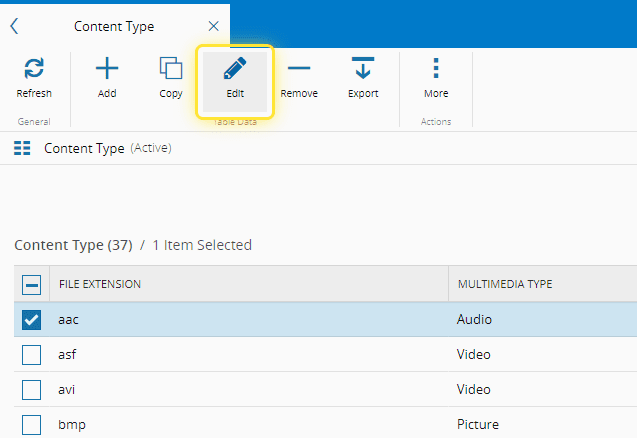
7. Select the Edit button.#
8. Under the Editing wizard, make the desired changes to the record.#
For more information, see Editing Generic Tables Data - Critical Manufacturing Documentation Portal ⧉
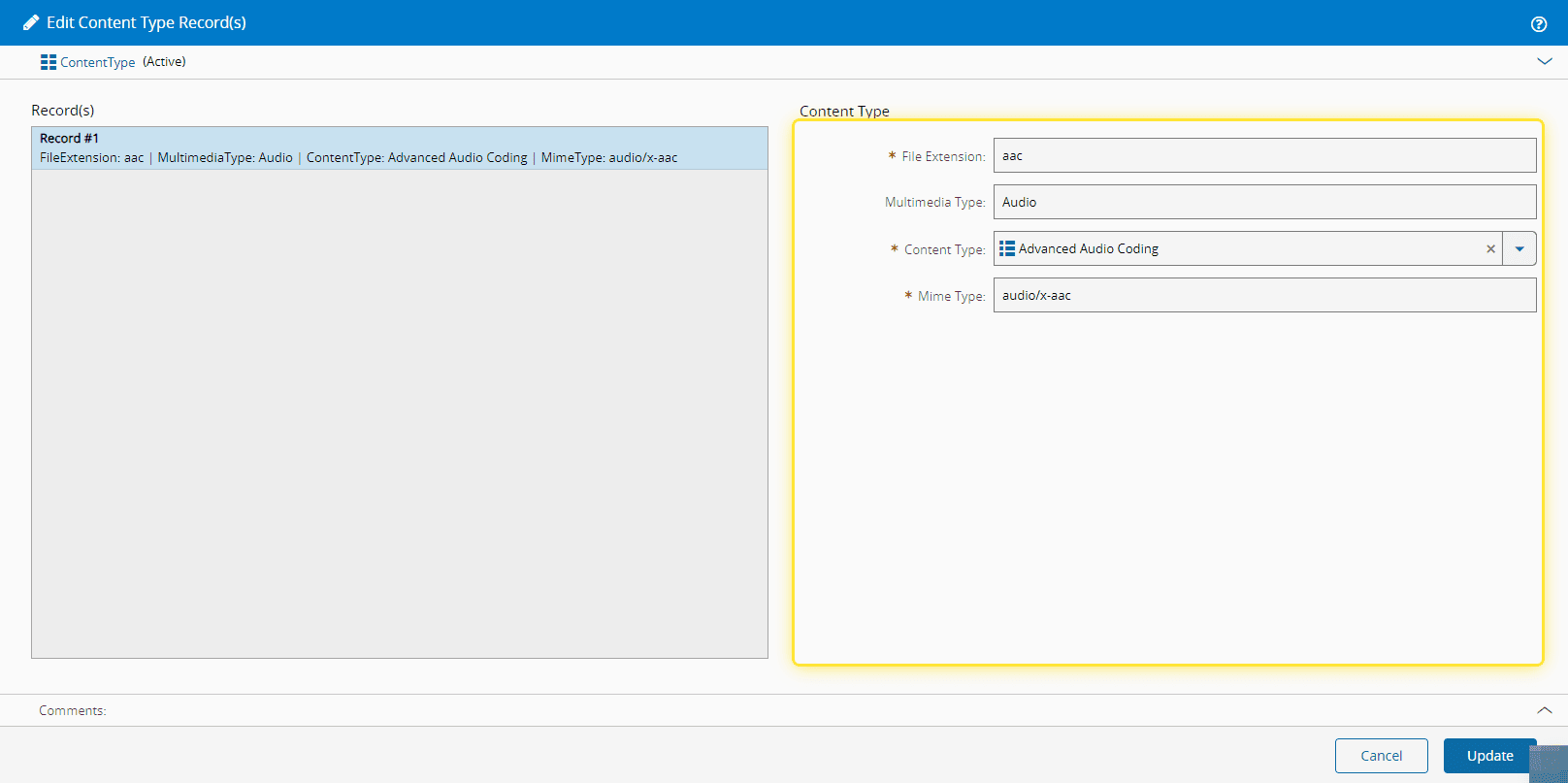
9. Select the Update button.#