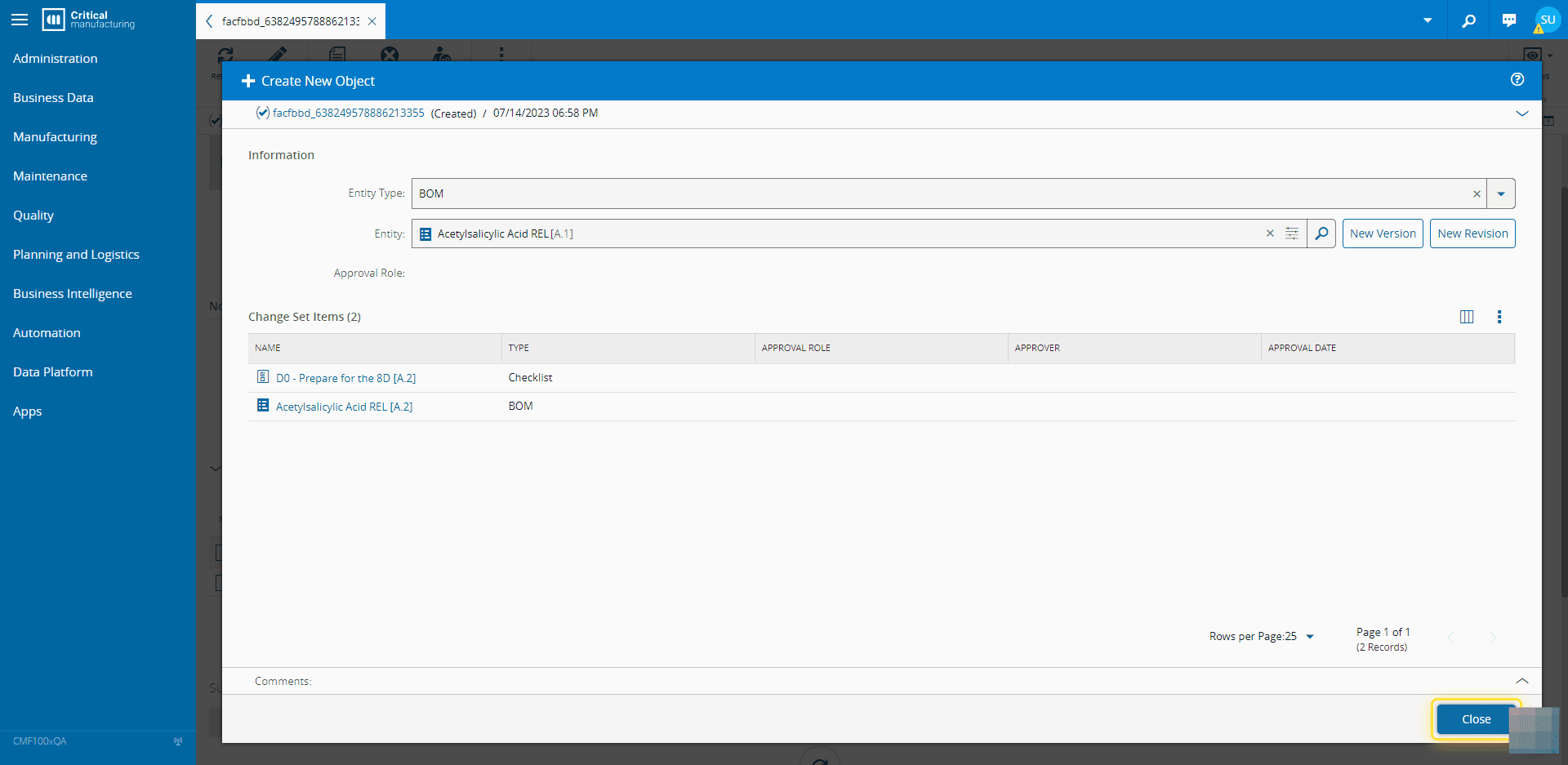
How to: Create Items in a Change Set#
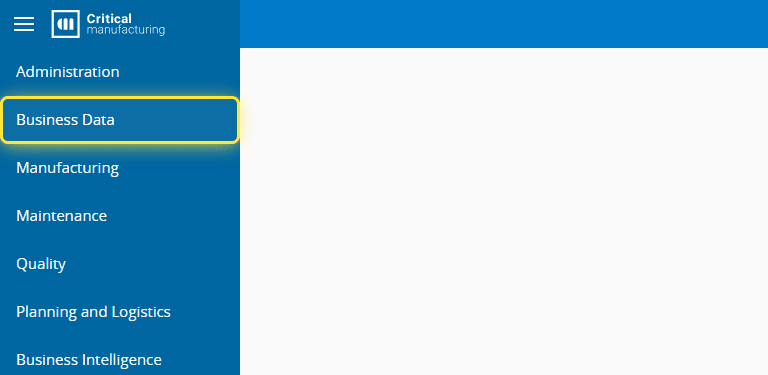
1. Go to the Business Data menu.#
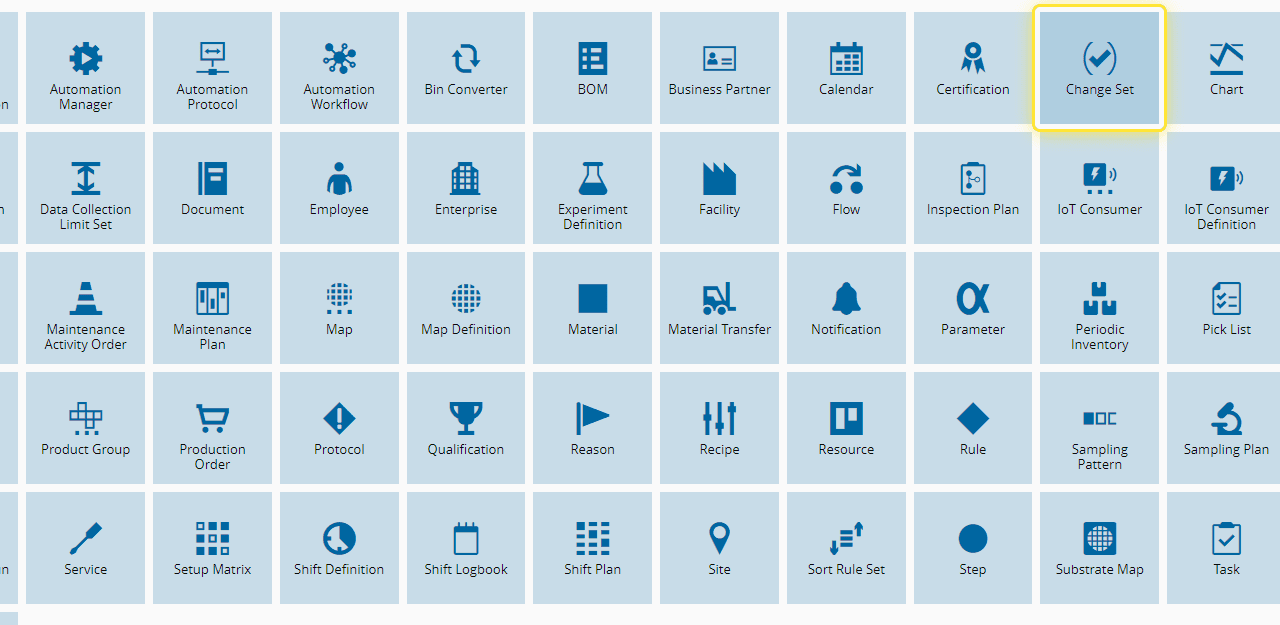
2. Select the Change Set entity.#
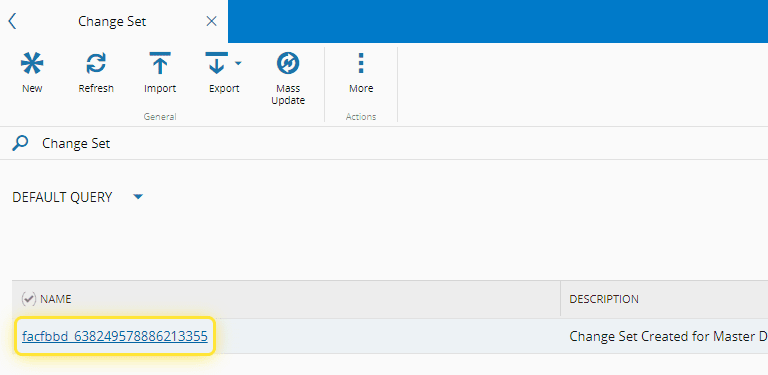
3. Select a Change Set .#
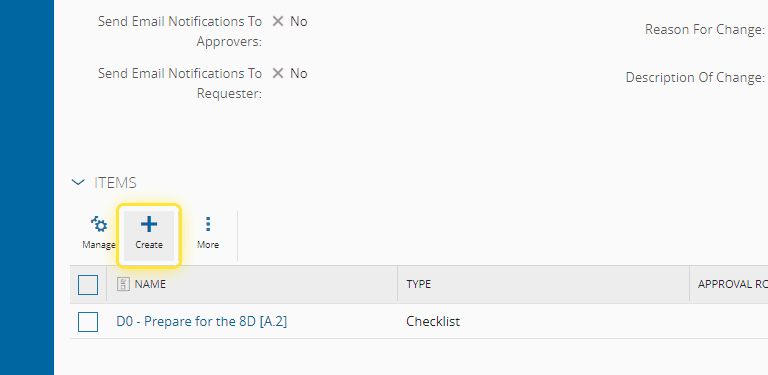
4. Under the Items tab, select + to add an Item.#
5. Choose an Entity Type, and an Entity Object.#
A new entity object can be created, or new versions and revisions can be created for existing objects.
A GUI is prompted to create a new version or revision, or to created an object from scratch.
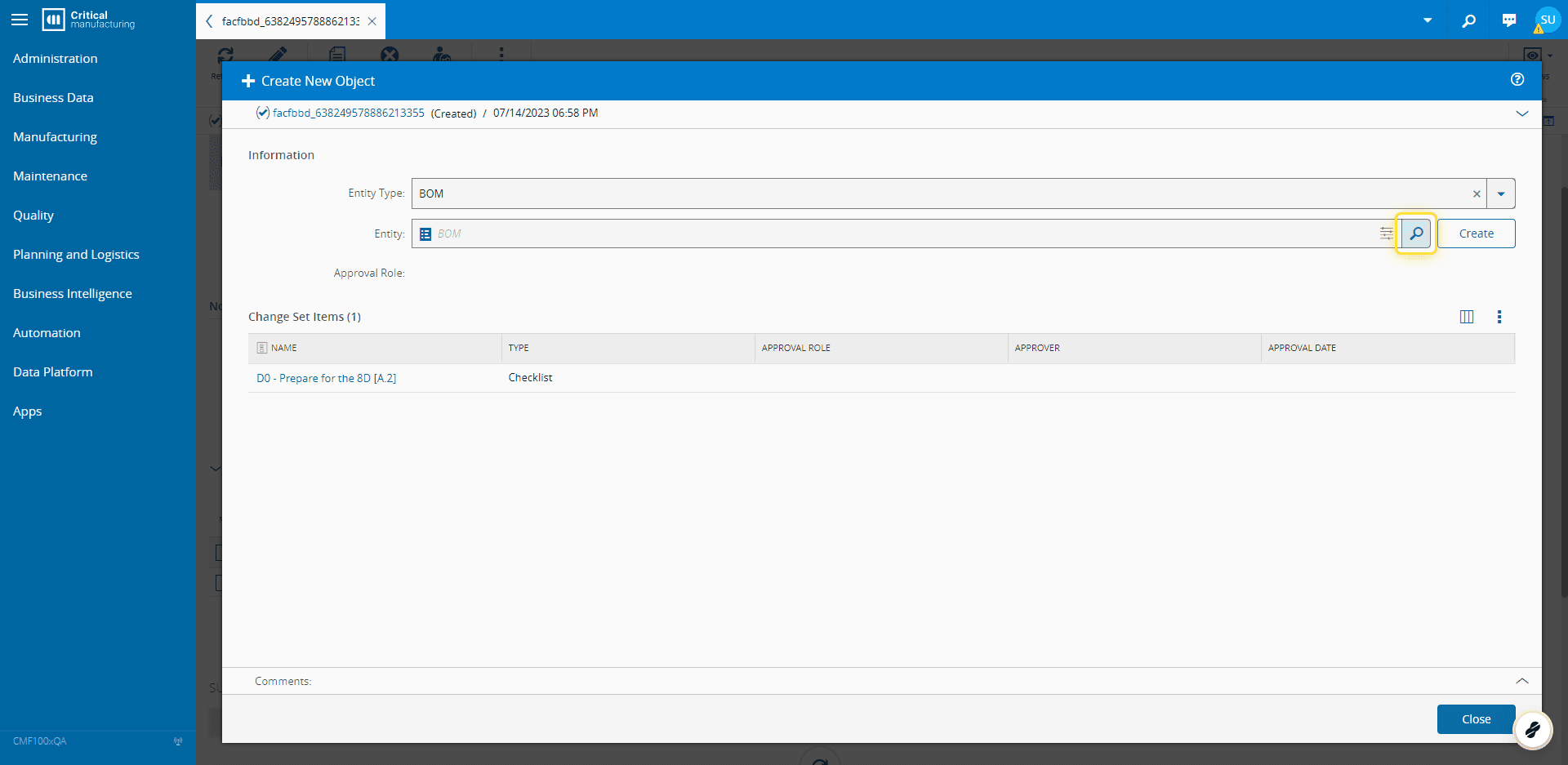
6. Select the Close button.#