How to: Set a Change Set Observer#
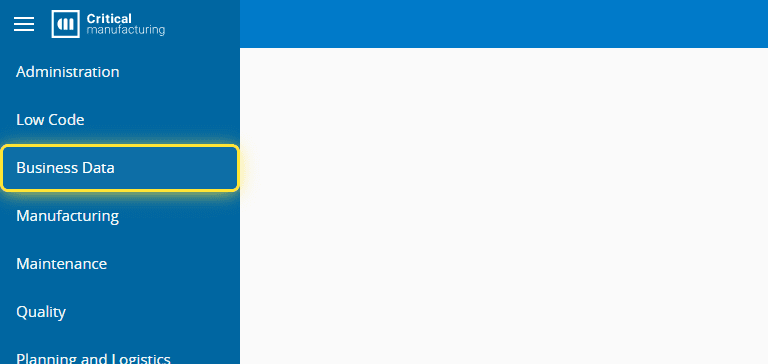
1. Go to the Business Data menu.#
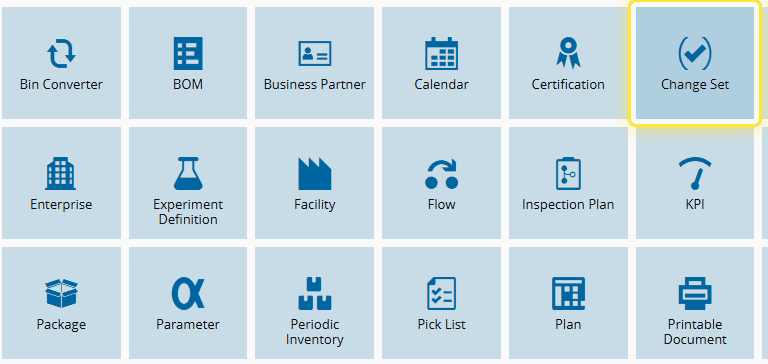
2. Select the Change Set entity.#
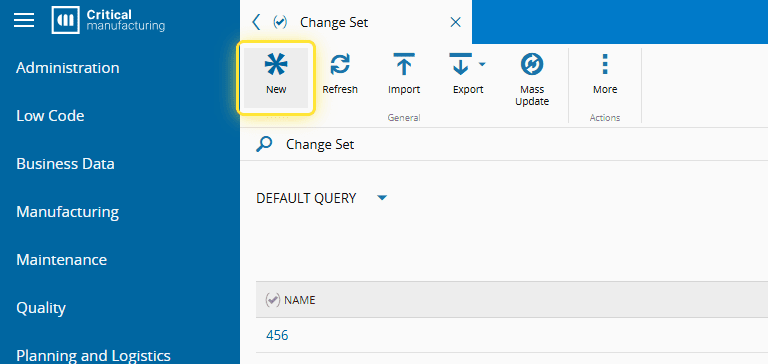
3. Create a new Change Set, or go to an existing one.#
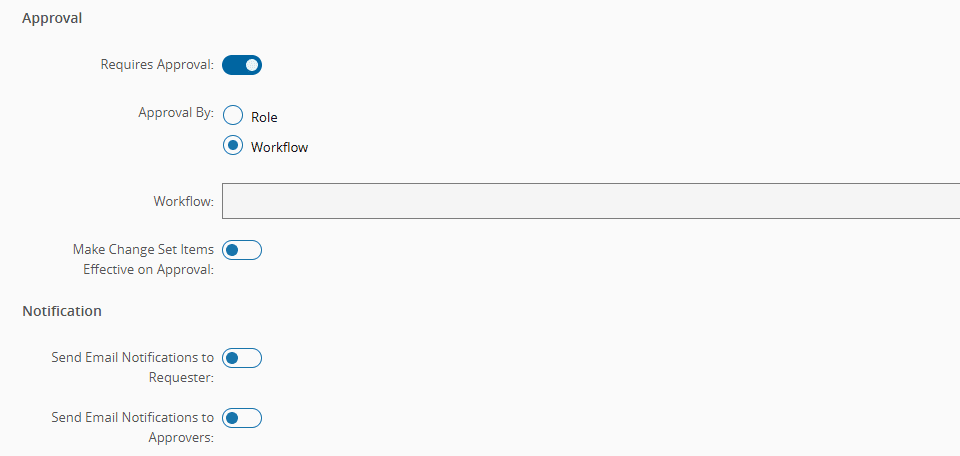
4. Select an approval workflow.#
Observers are only allowed for change sets with approval workflows.
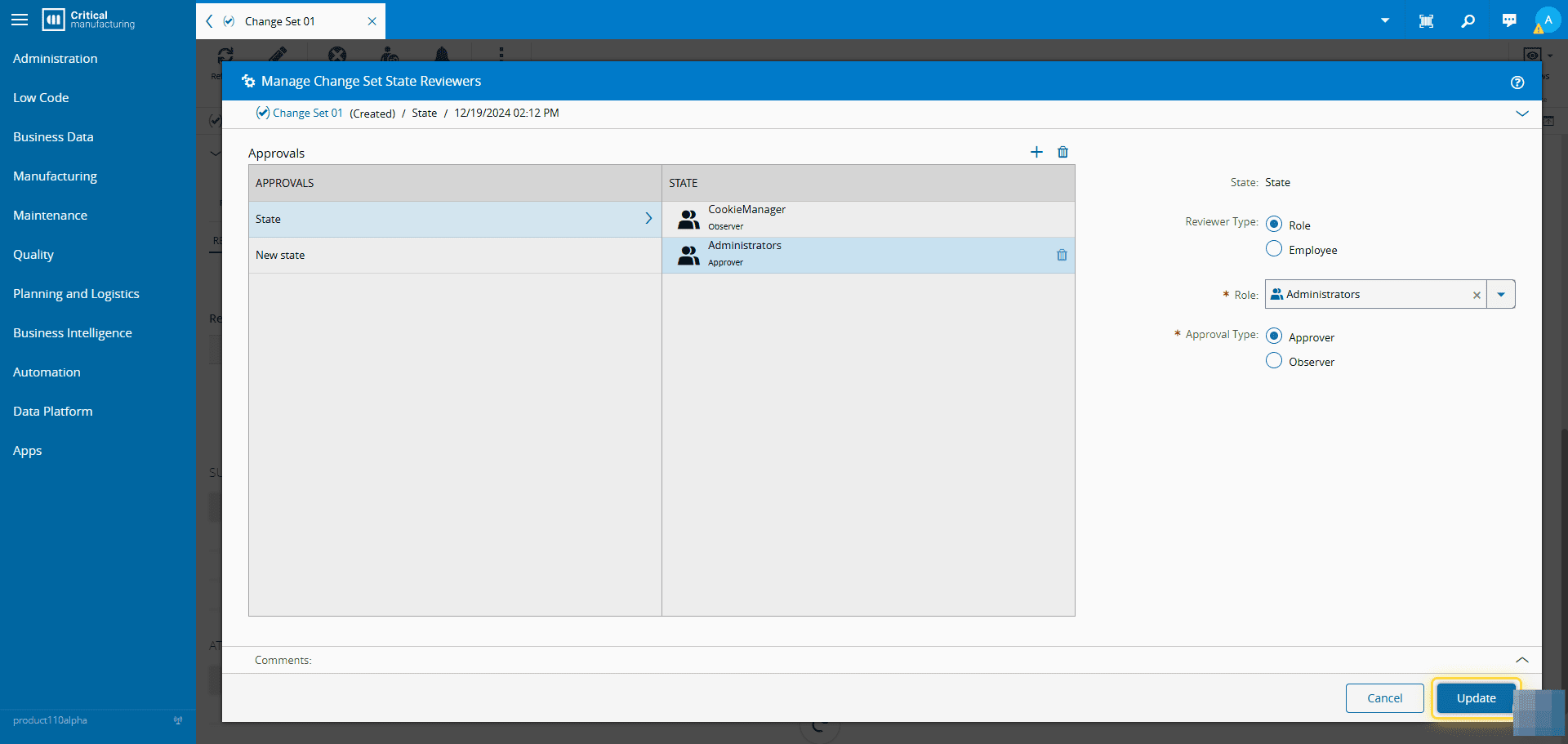
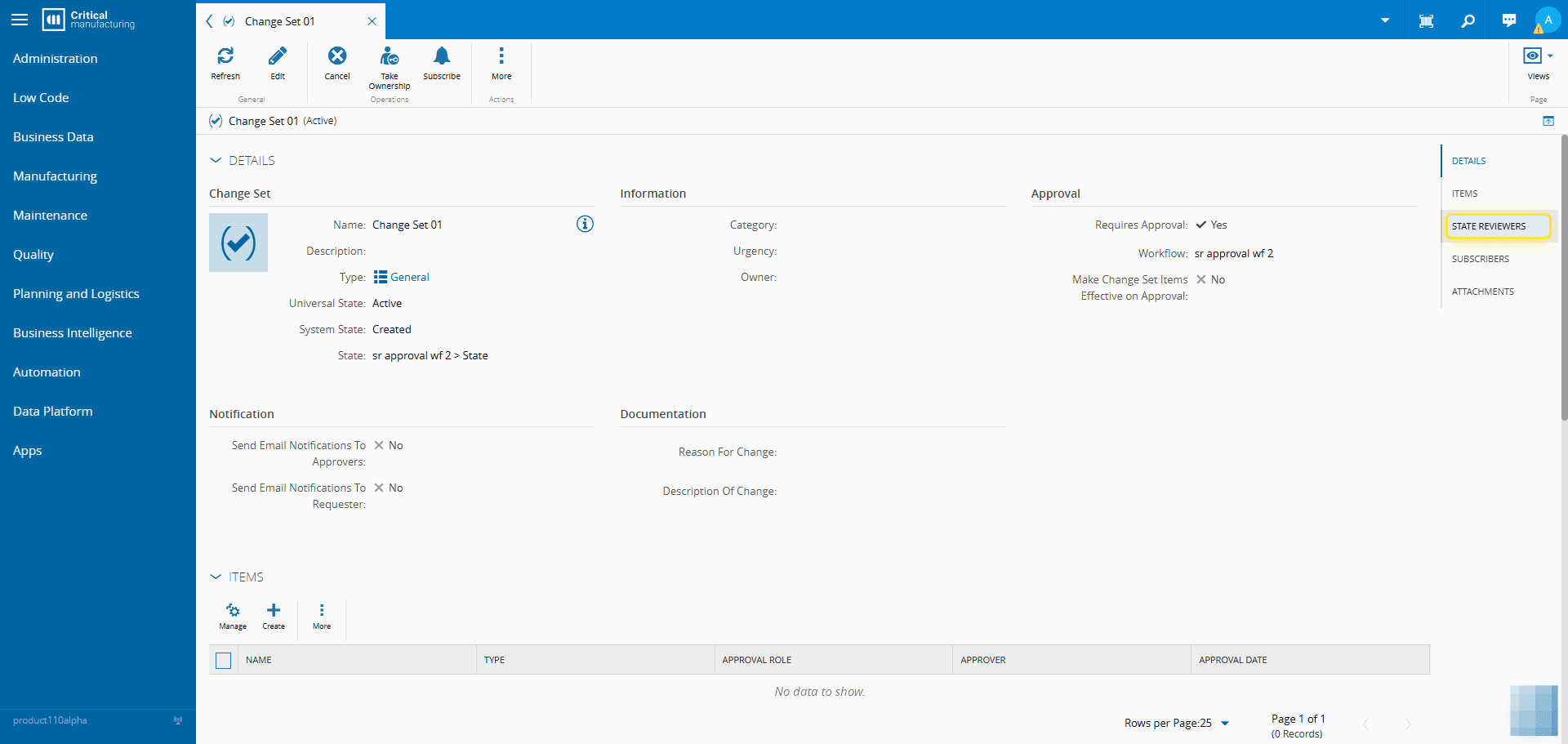
5. Go to the State Reviewers section.#
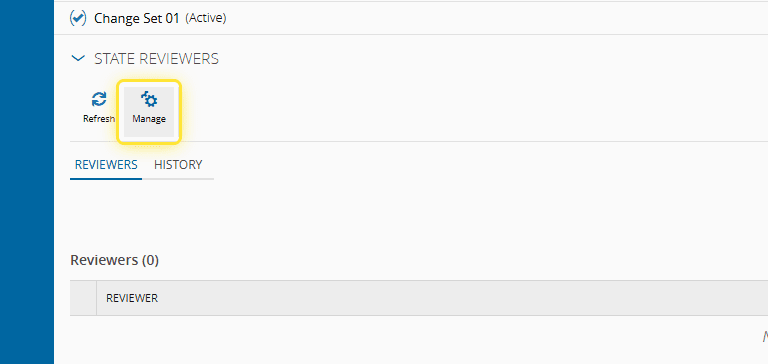
6. Select the Manage button.#
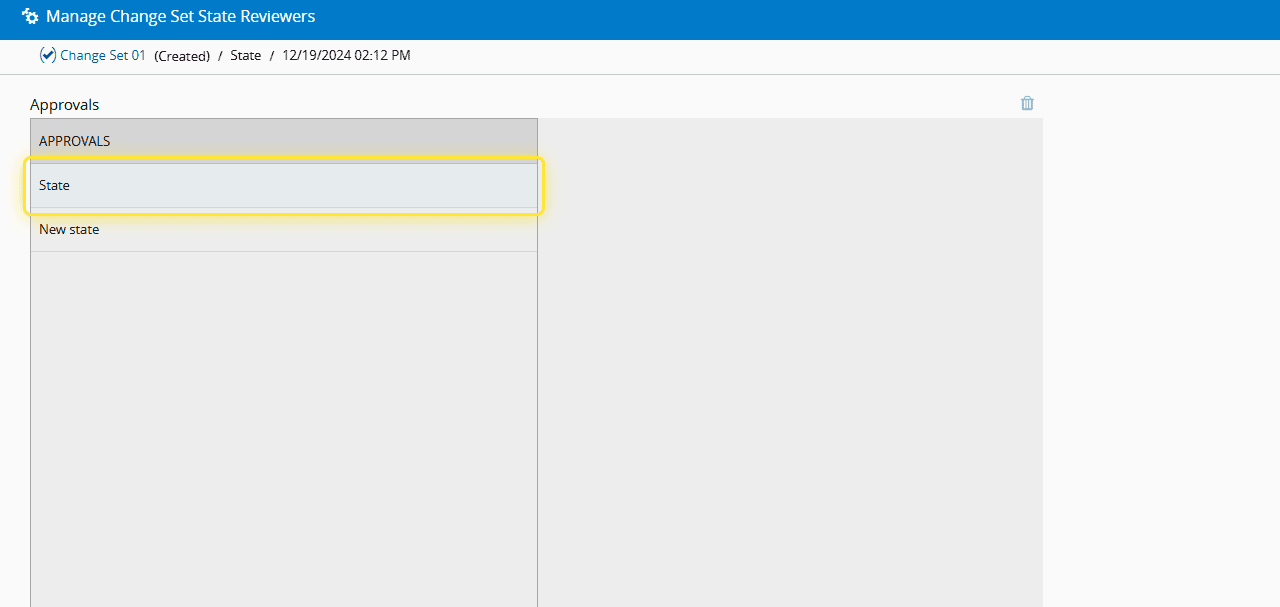
7. Choose the state where the Observer is to be added.#
8. Select the add button.#
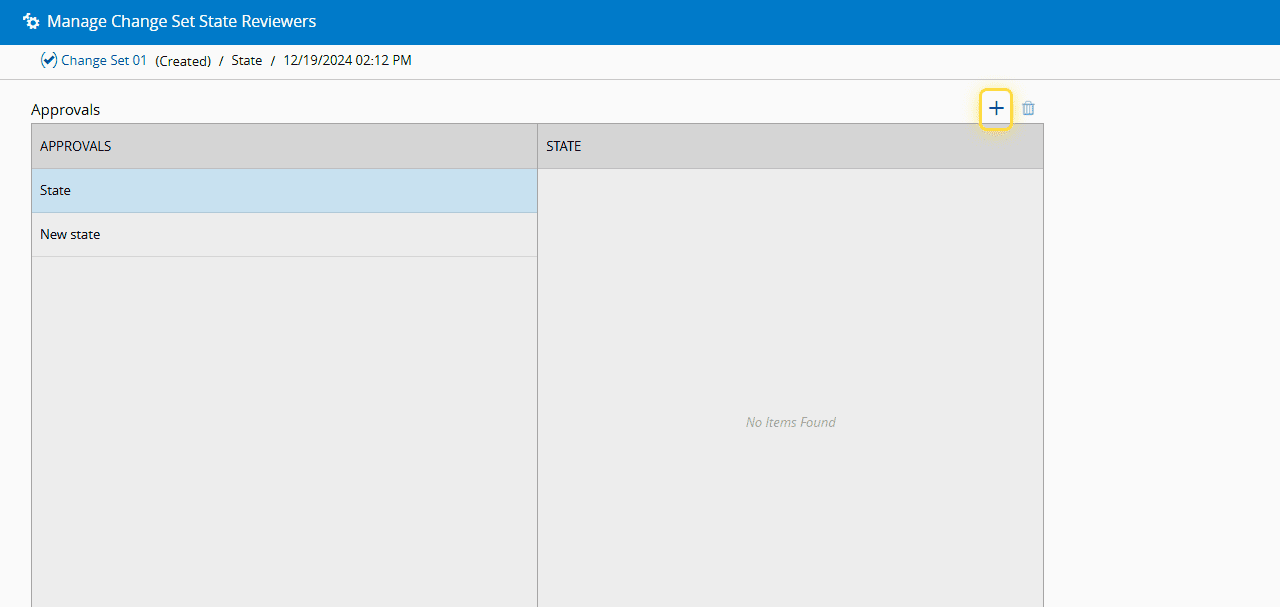
9. Set the information about the Observer.#
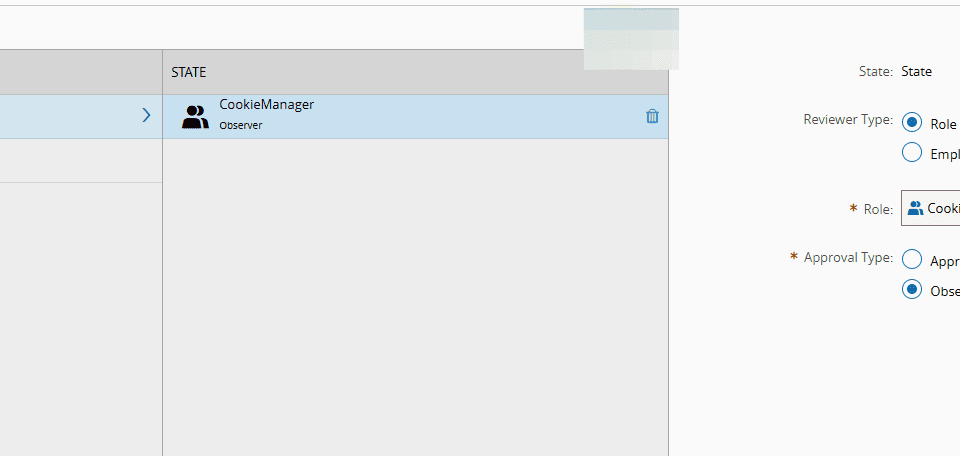
10. Set the information about the Approver of this state.#
When managing the information on state reviewers and adding a reviewer, the system asks for the Approval Role or Employee in the specific state to be set.
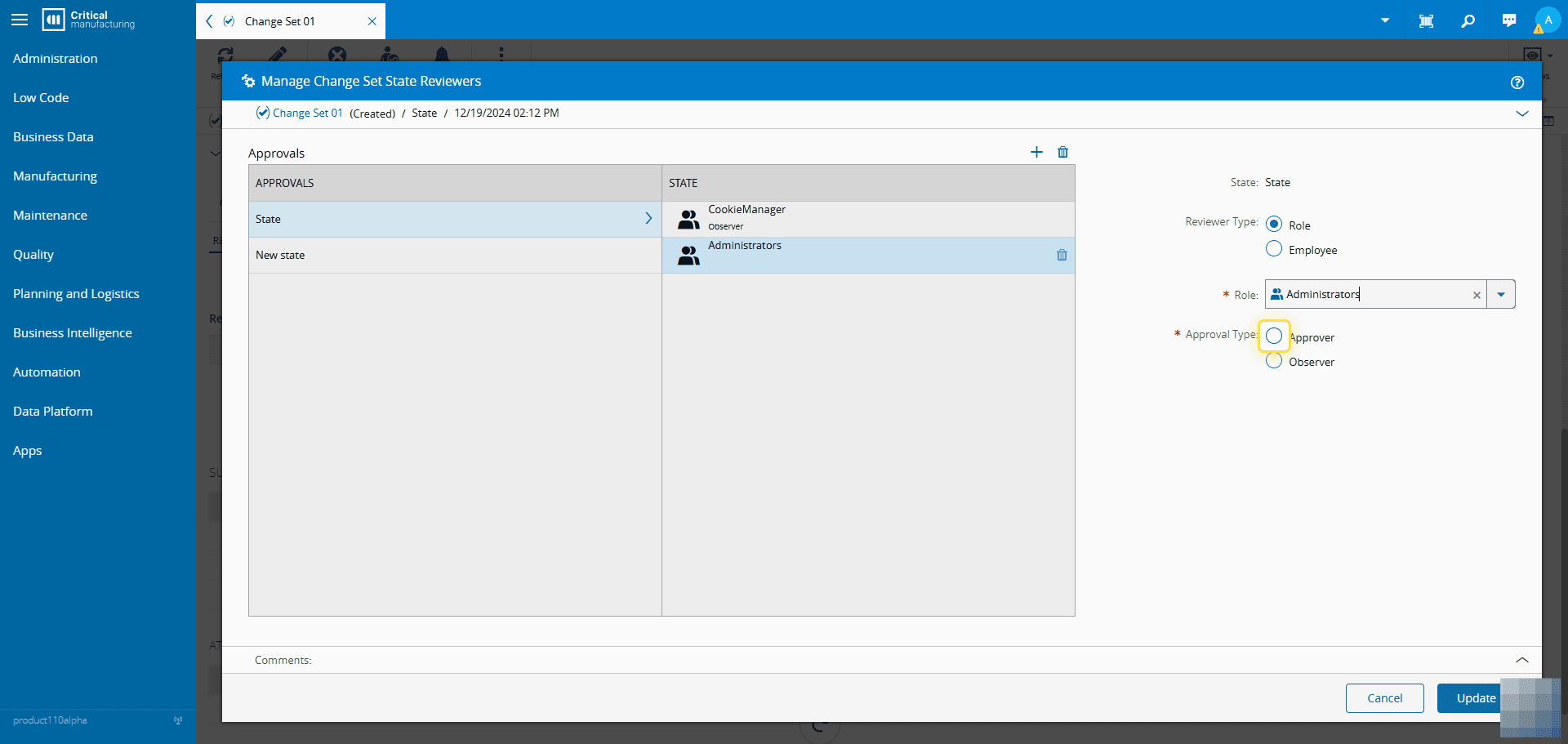
11. Select the Update button.#