How to: Create an Automation Protocol#
1. Go to the Business Data menu.#
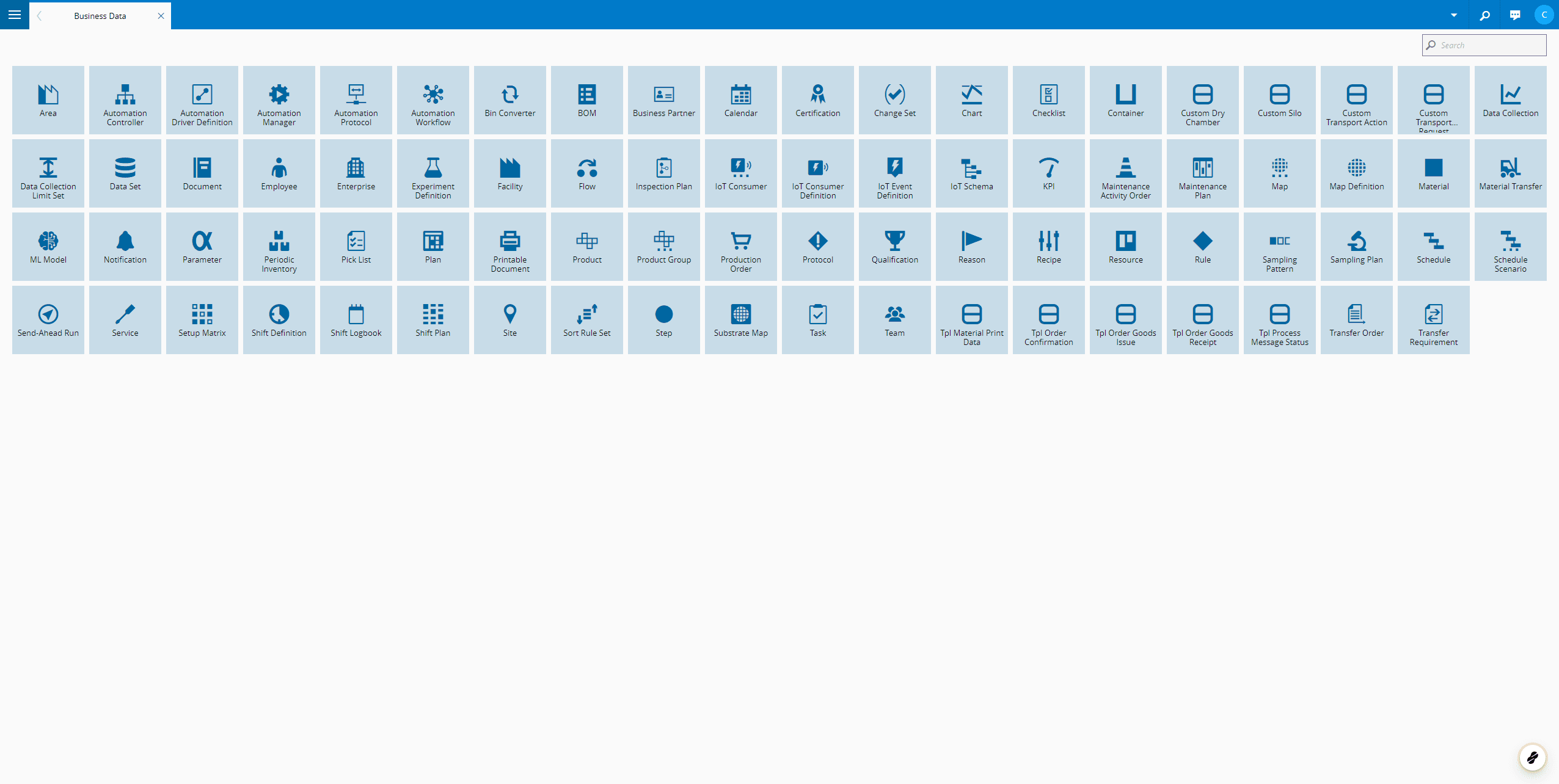
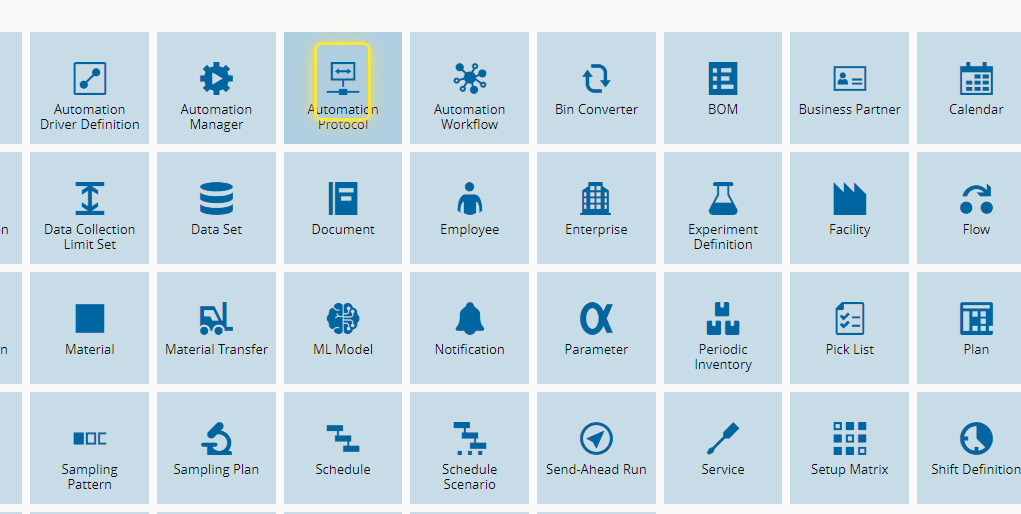
2. Select The Automation Protocol tile#
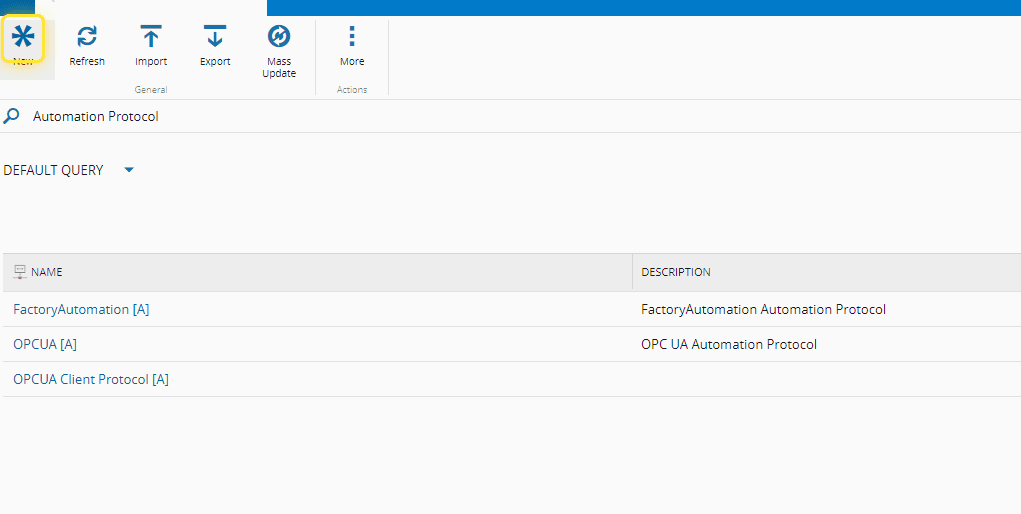
3. Select New#
4. Add a ChangeSet#
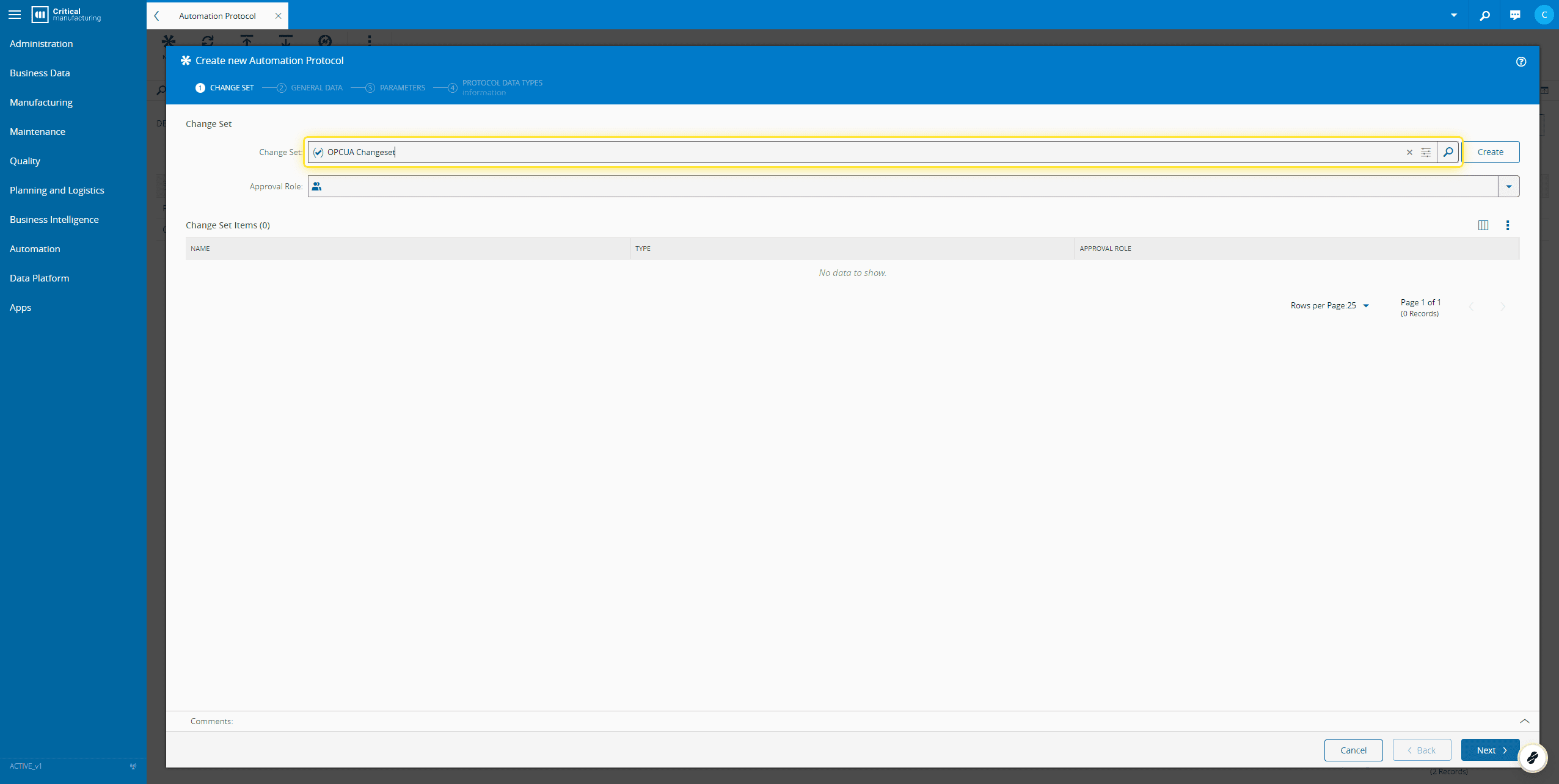
5. Select Next#
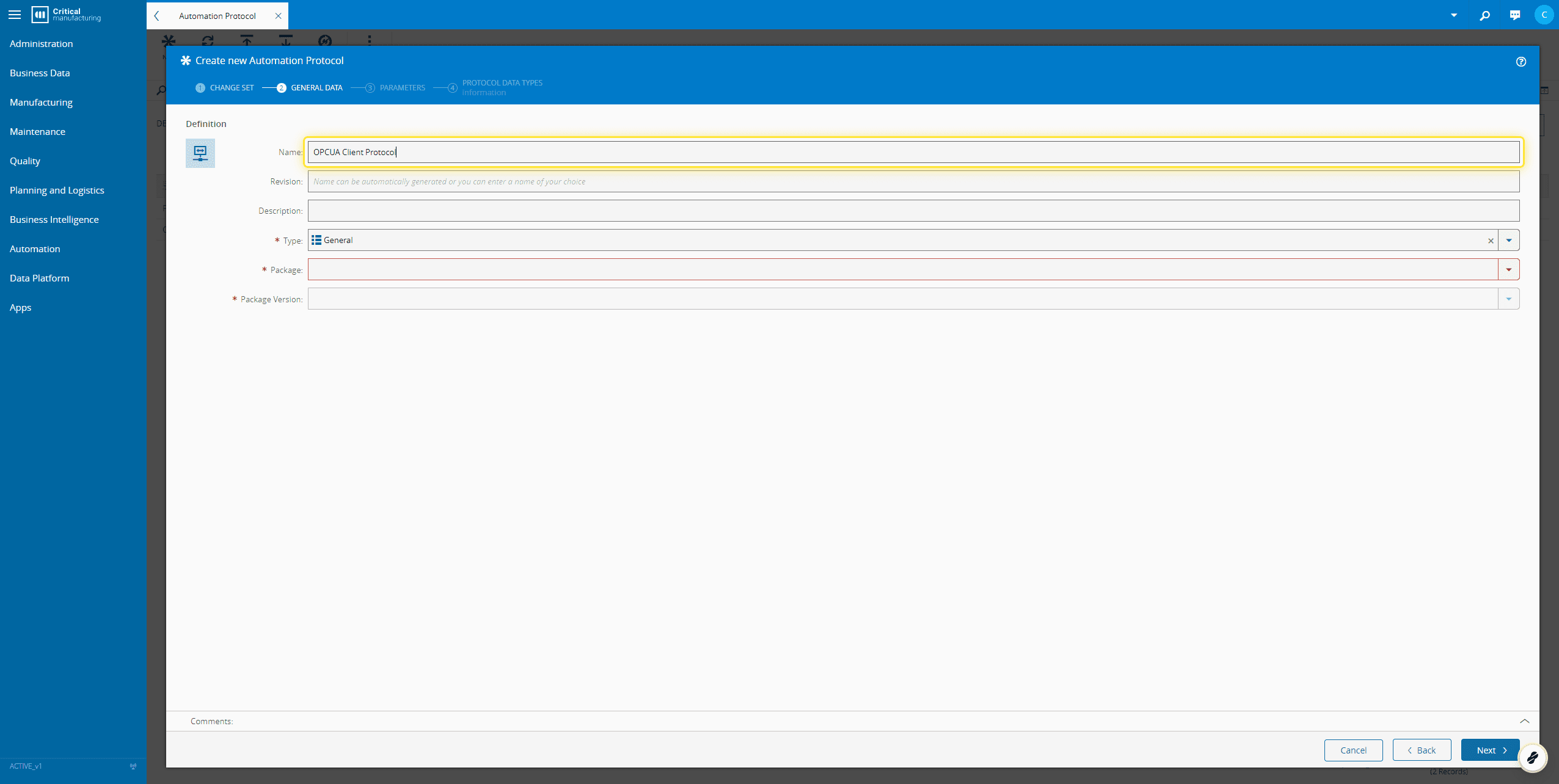
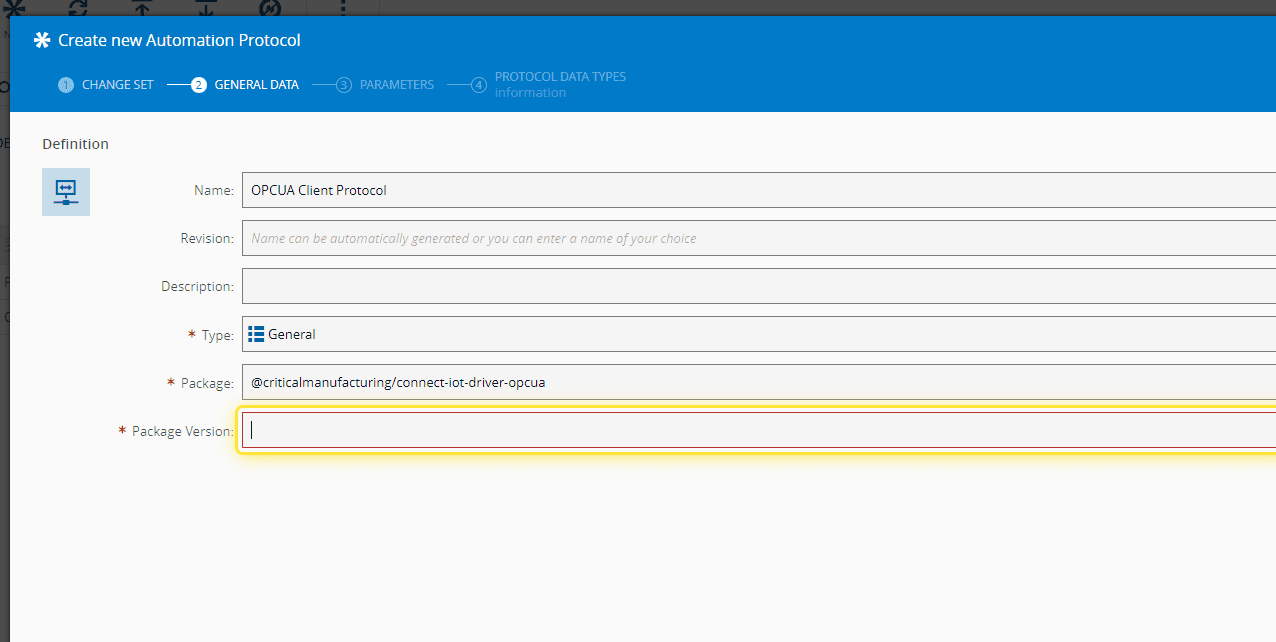
6. Provide a Name for your Automation Protocol#
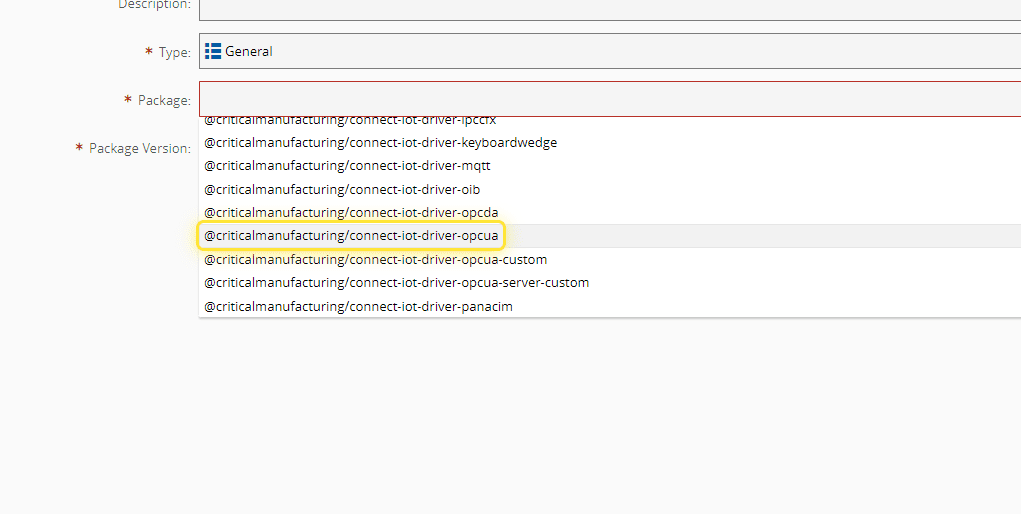
7. Select the Driver package that you depend on#
8. Select @criticalmanufacturing/connect-iot-driver-opcua#
9. Select the desired package version#
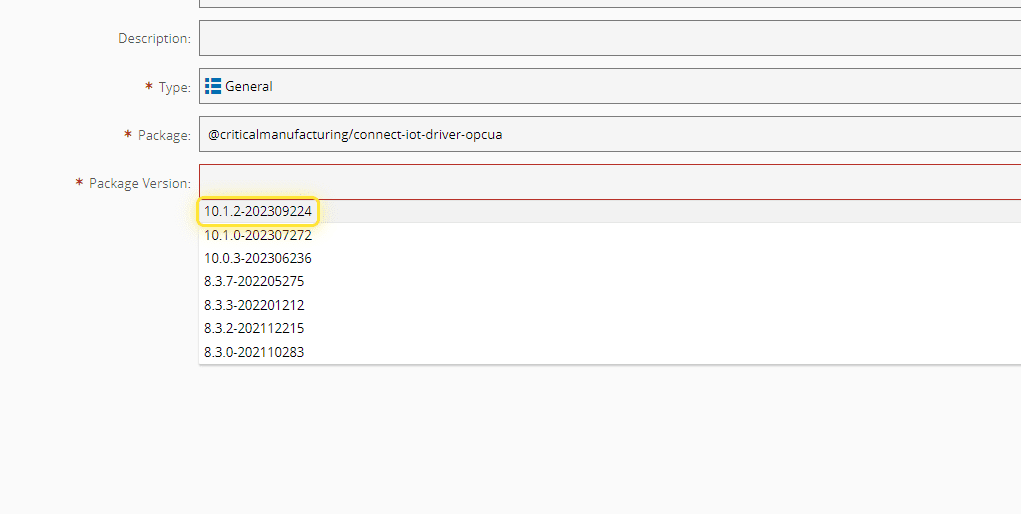
10. Select the version you wish to use#
11. Select Next#
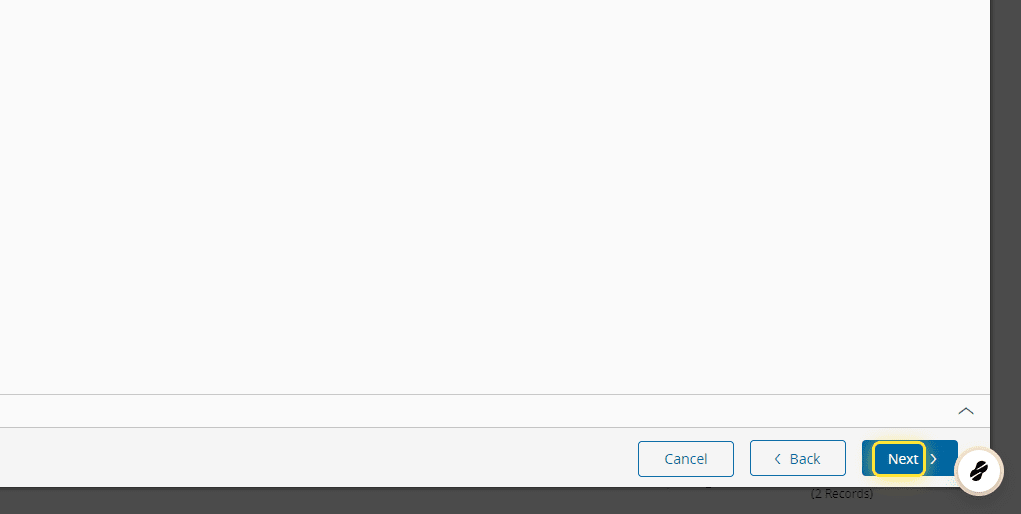
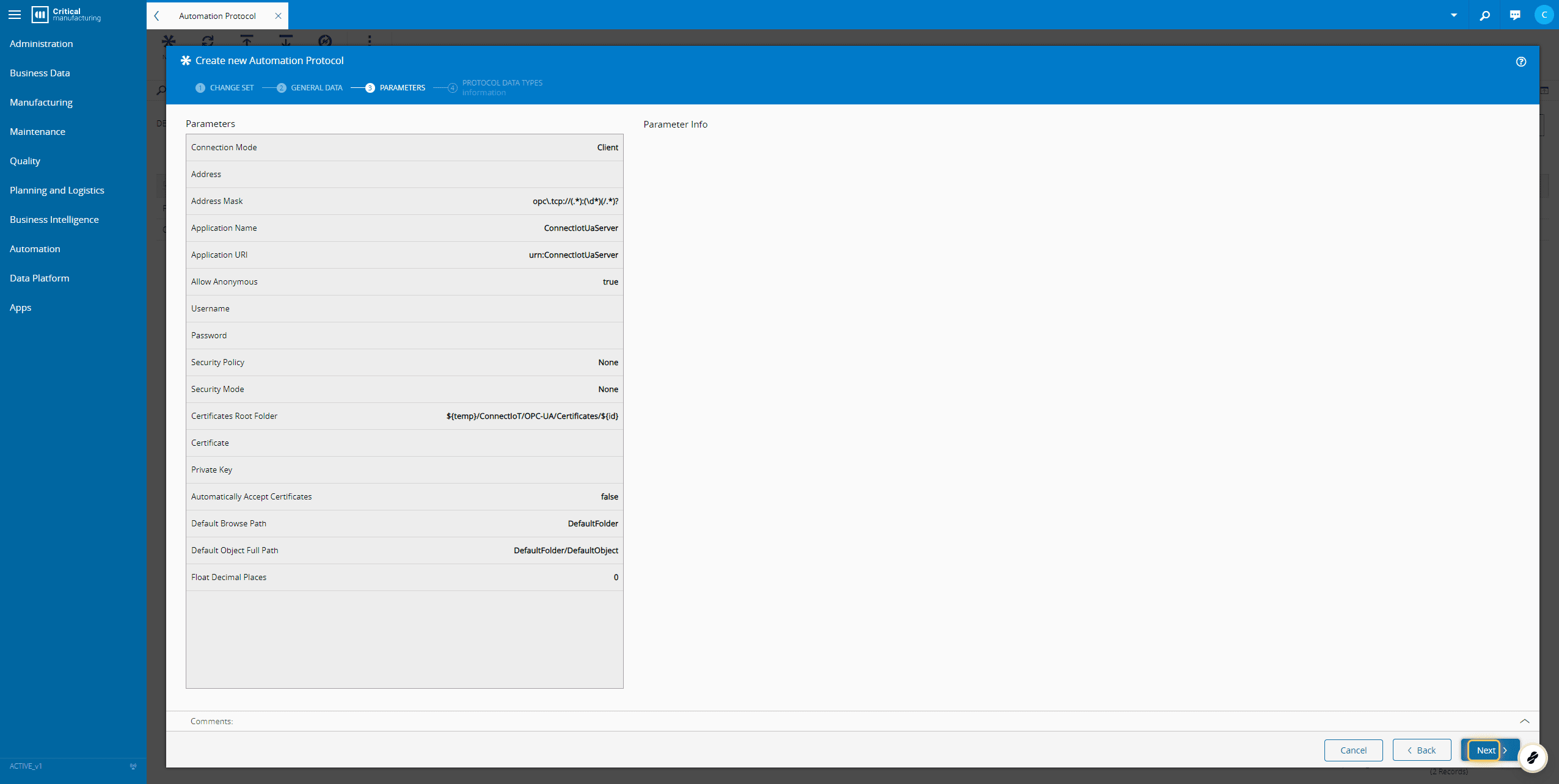
12. You can Edit the default Parameters or just press Next#
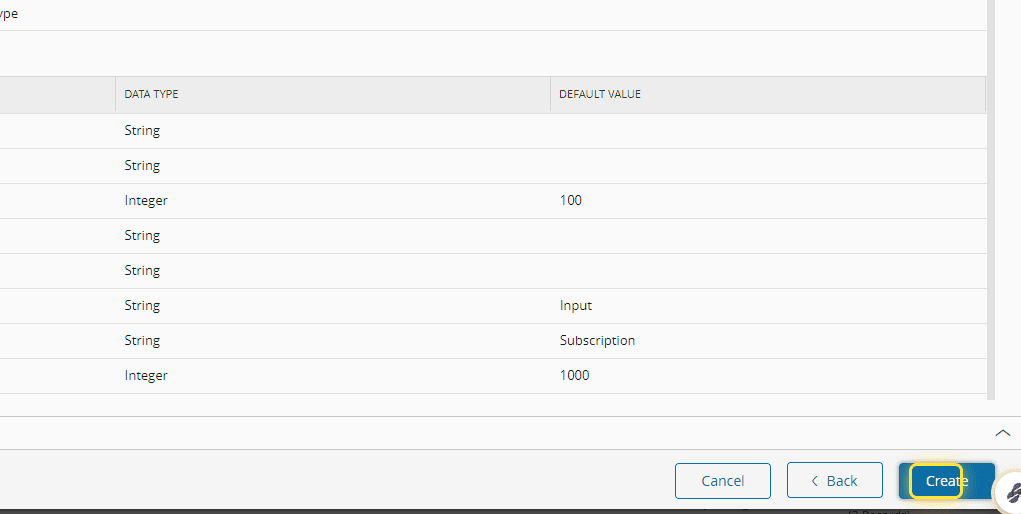
13. Select Create#