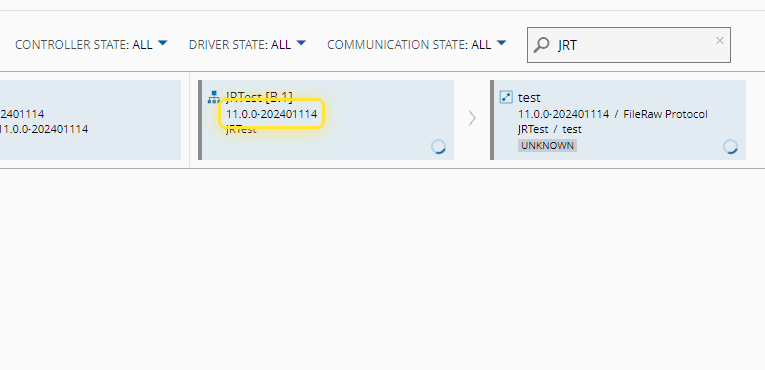
How to: Create a Controller Instance#
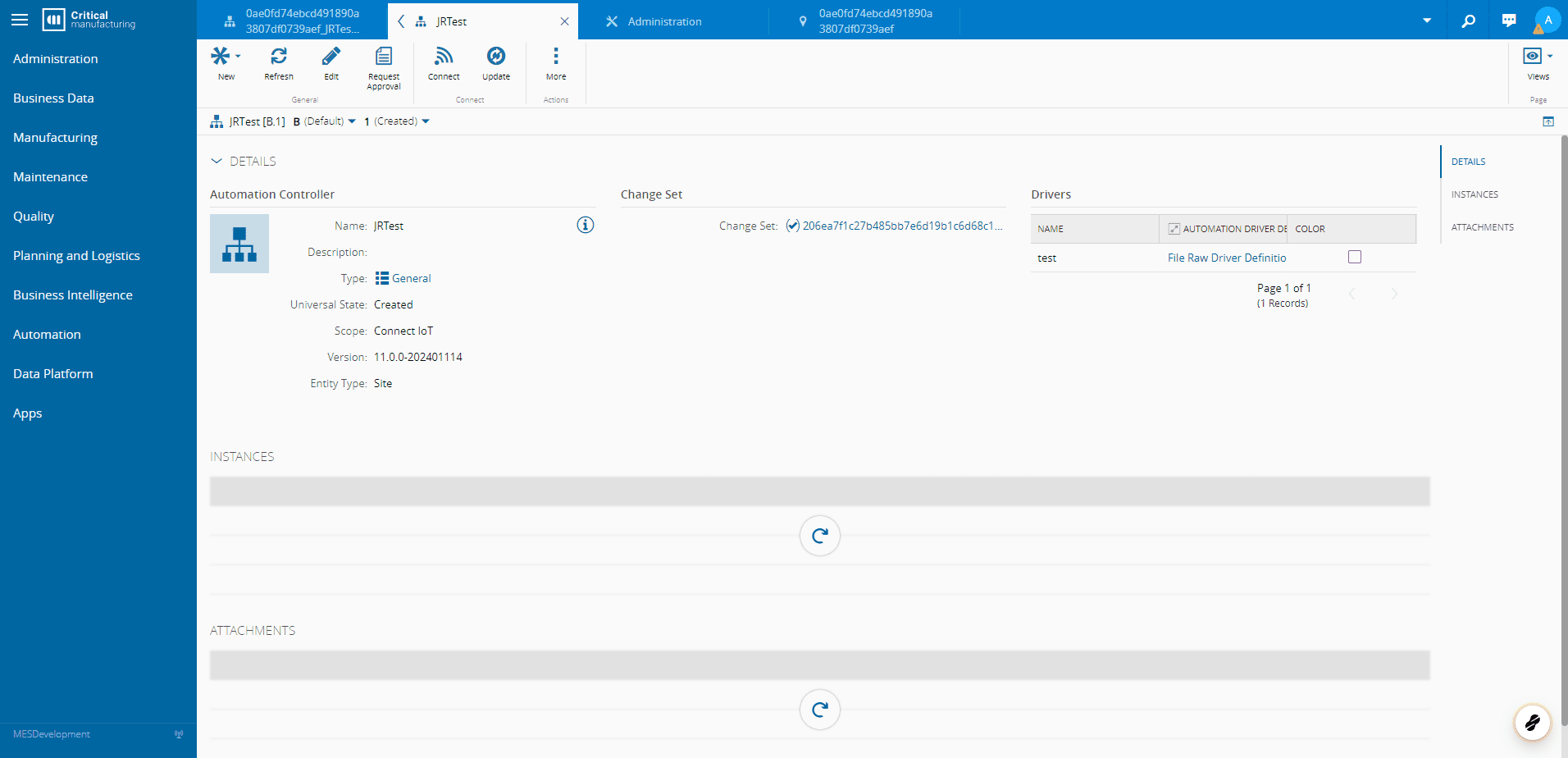
1. Go to your Automation Controller#
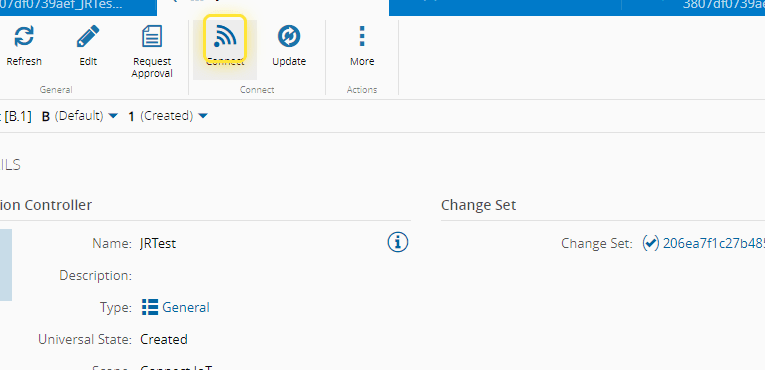
2. Select Connect#
3. Type in the MES Entity to associate to the Automation Controller#
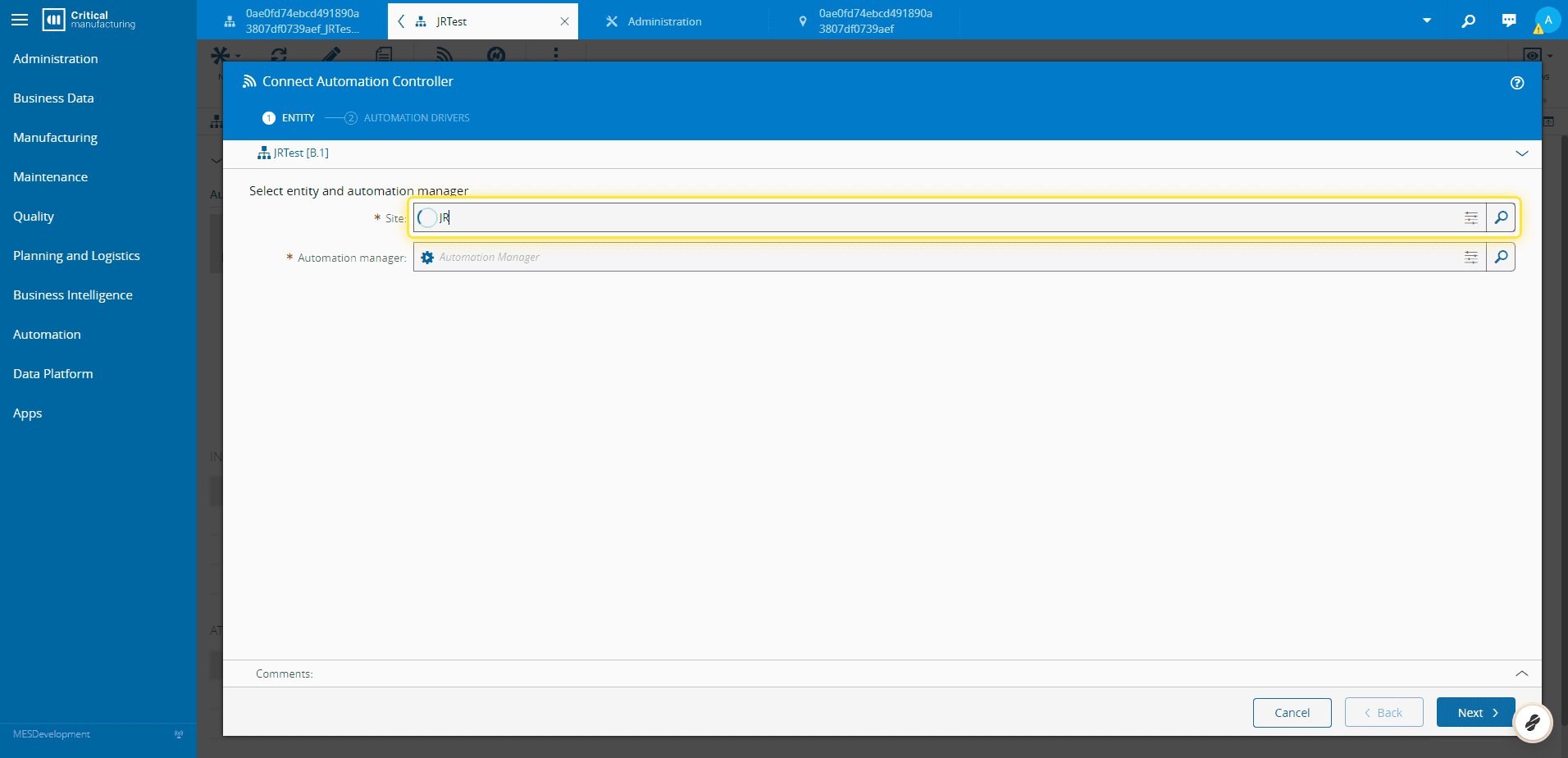
4. Type in the Automation Manager that will run the Automation Controller#
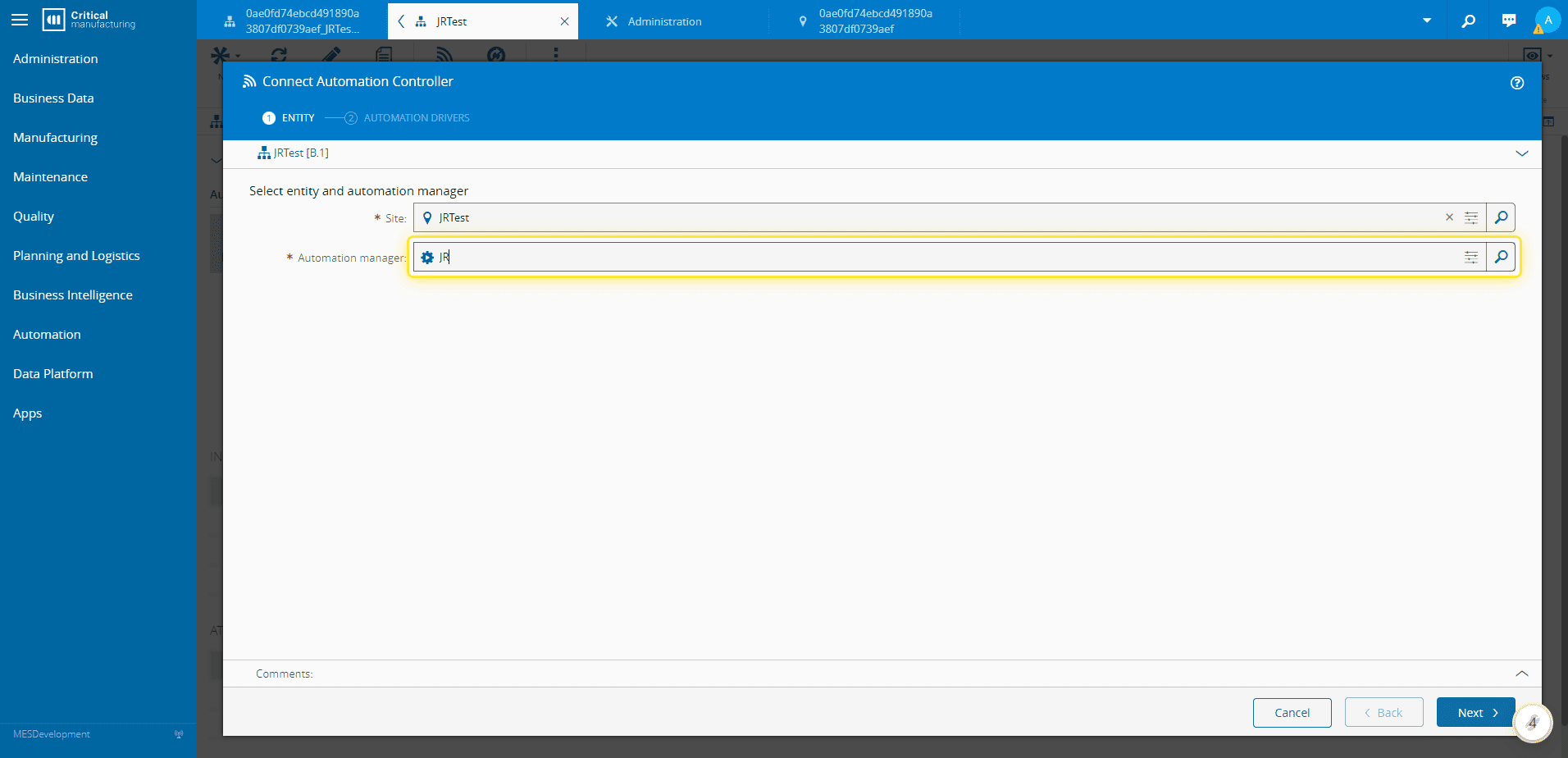
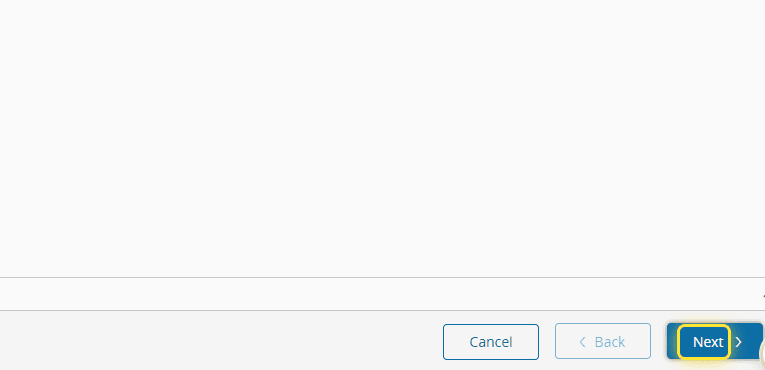
5. Select Next#
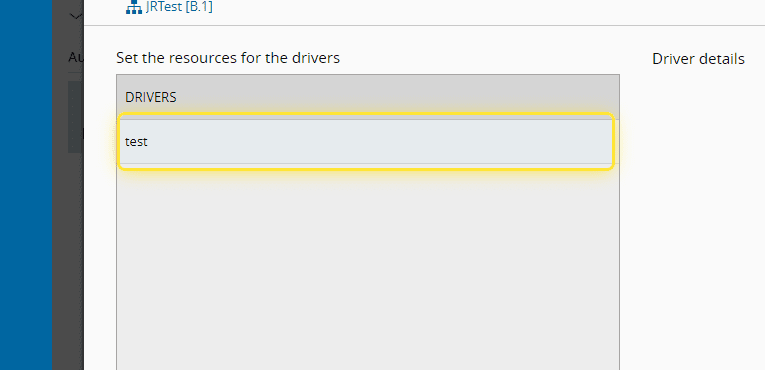
6. Select you Driver#
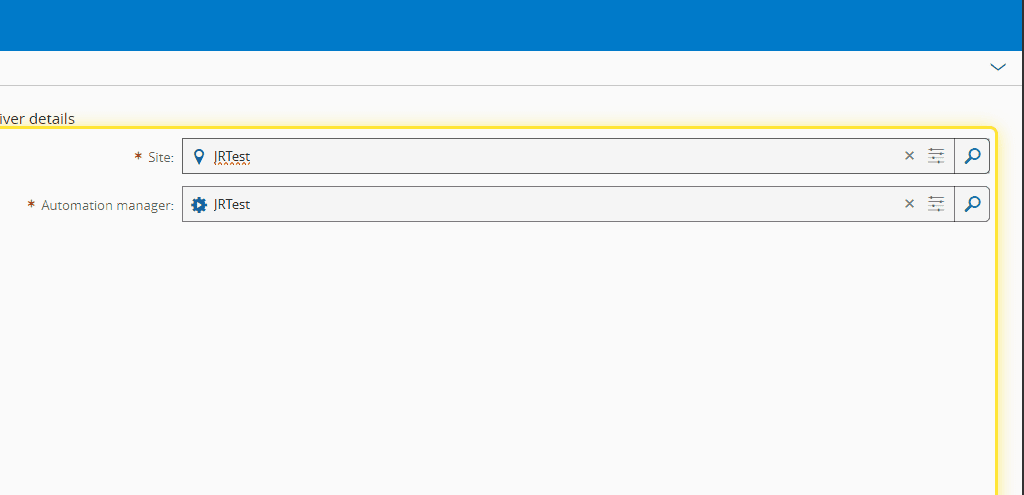
7. Type in the MES Entity to associate to your Driver#
8. Select Connect#
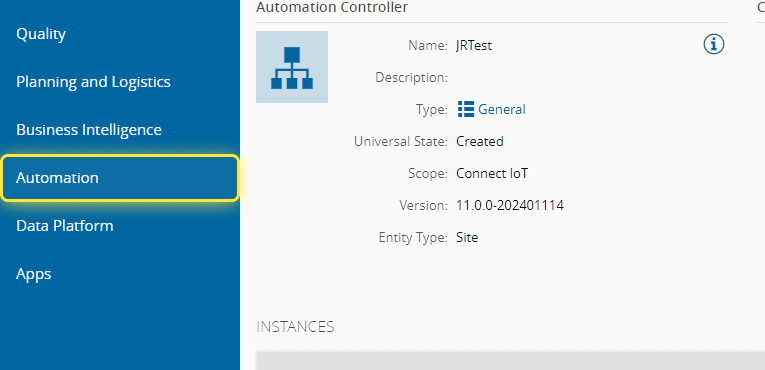
9. Select Automation#
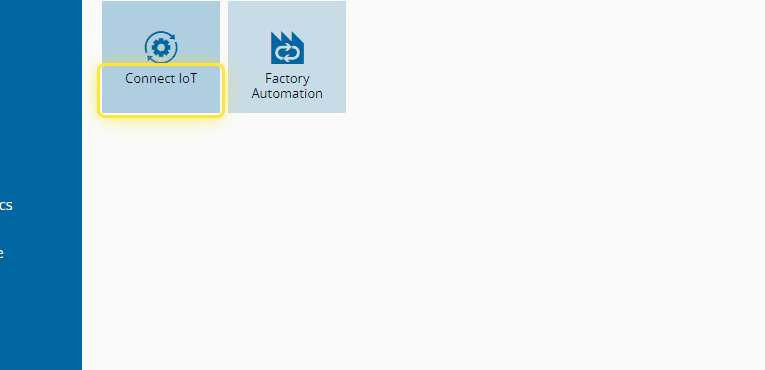
10. Select Connect IoT#
11. Search for your Automation Manager#
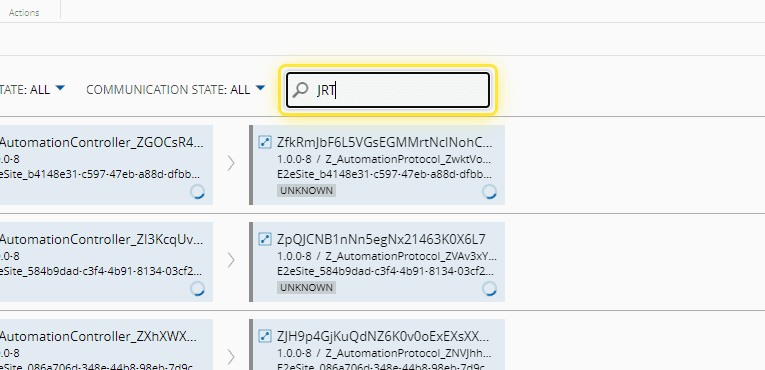
12. Now you can see your instance#