How to: Create a Data Collection Limit Set#
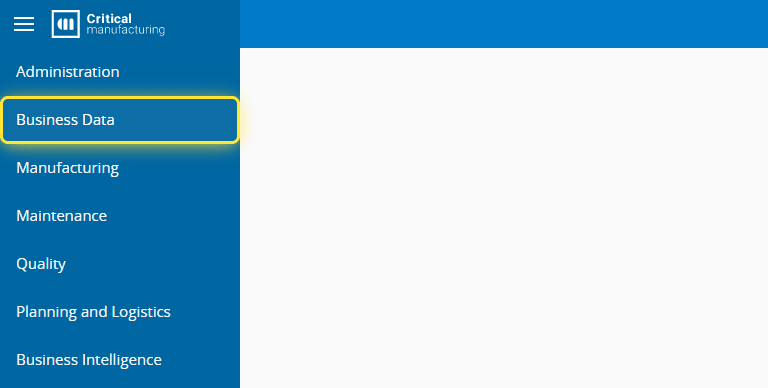
1. Go to the Business Data menu.#
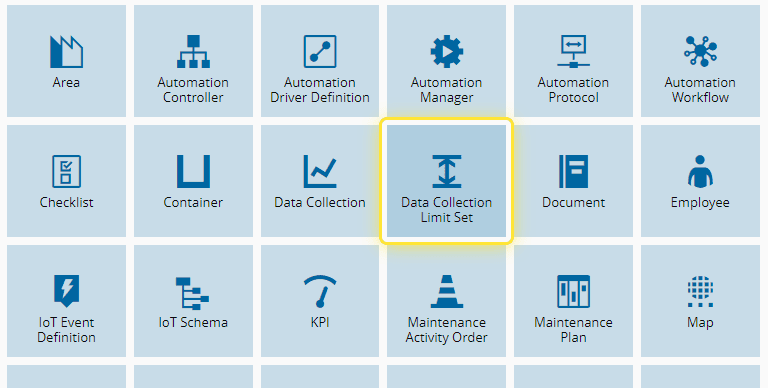
2. Select the Data Collection Limit Set entity.#
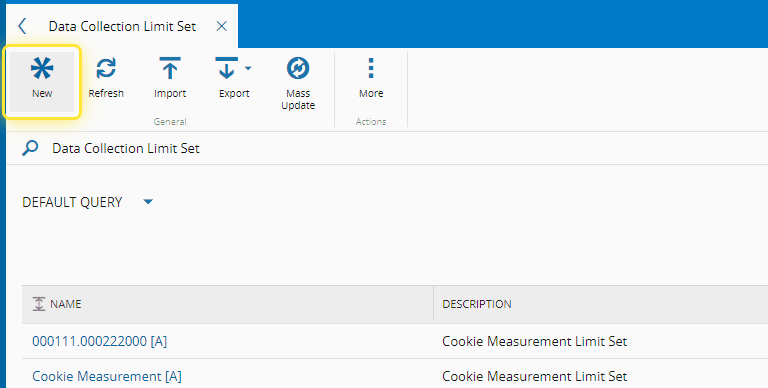
3. Select the New button.#
4. Under the Change Set tab, select an existing Change Set or Create a new one.#
For more information, see Create Change Set - Critical Manufacturing Documentation Portal ⧉
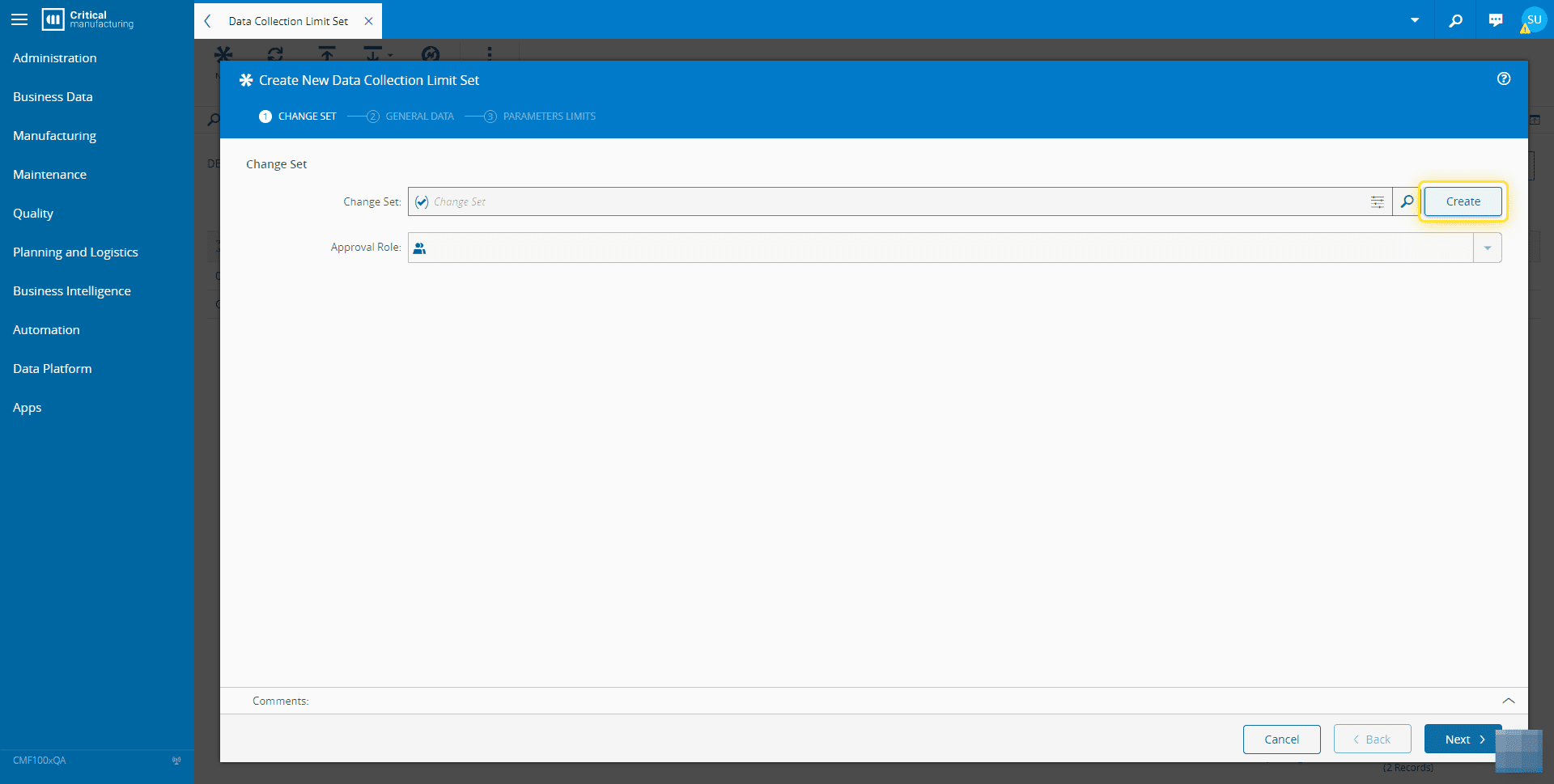
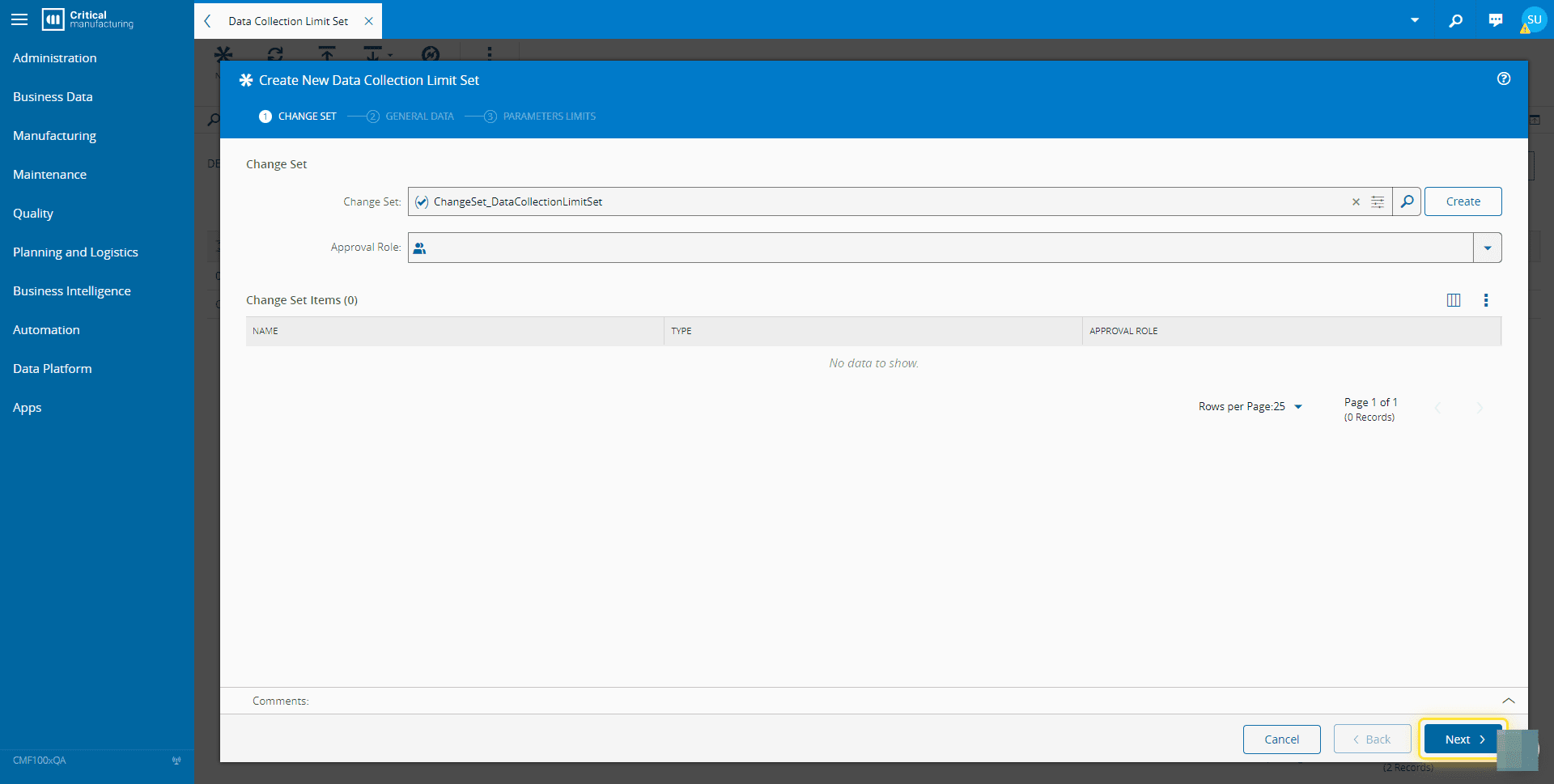
5. Select the Next button.#
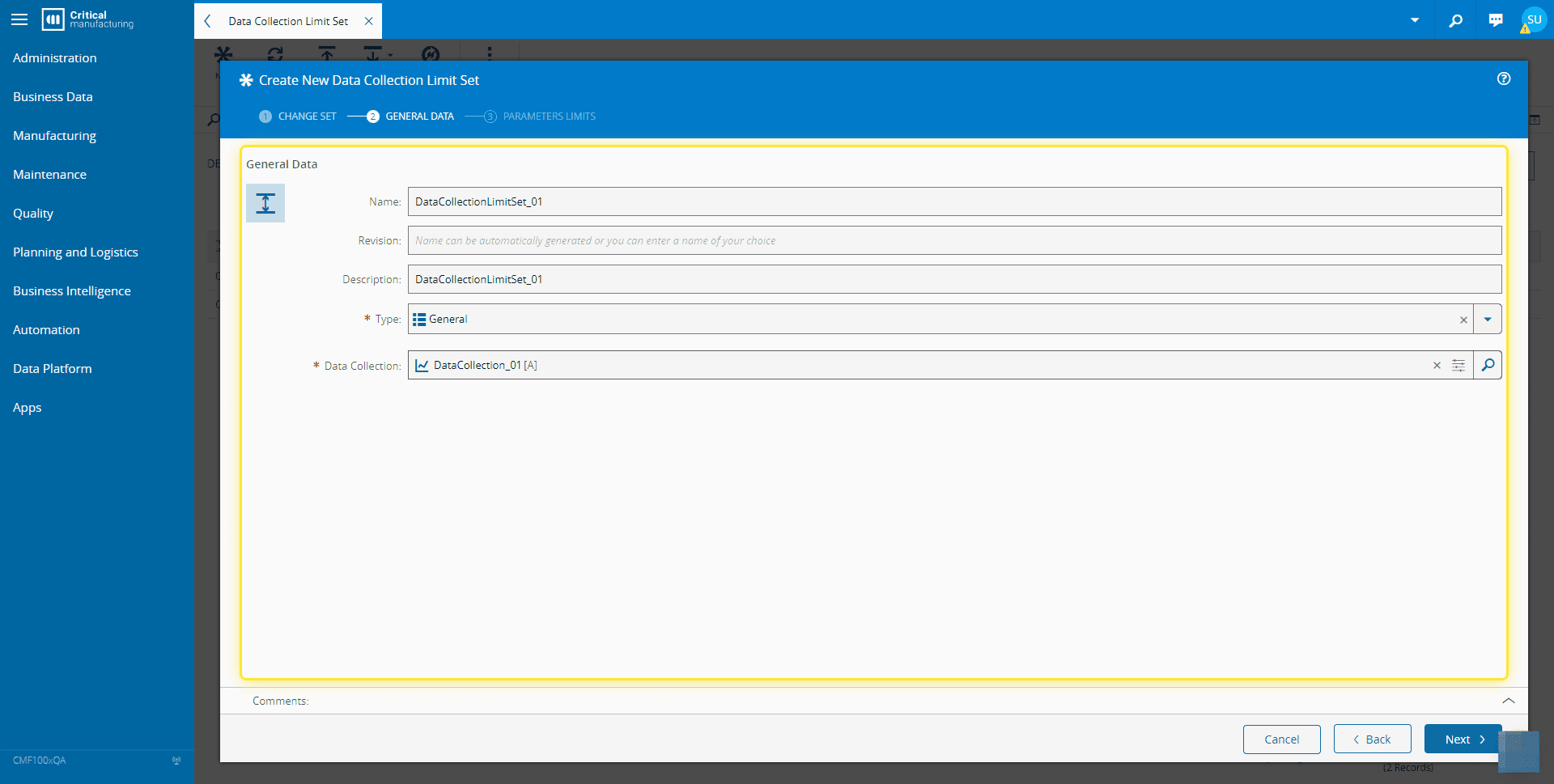
6. Under the General Data tab, complete the necessary fields.#
For more information, see Create Data Collection Limit Set - Critical Manufacturing Documentation Portal ⧉
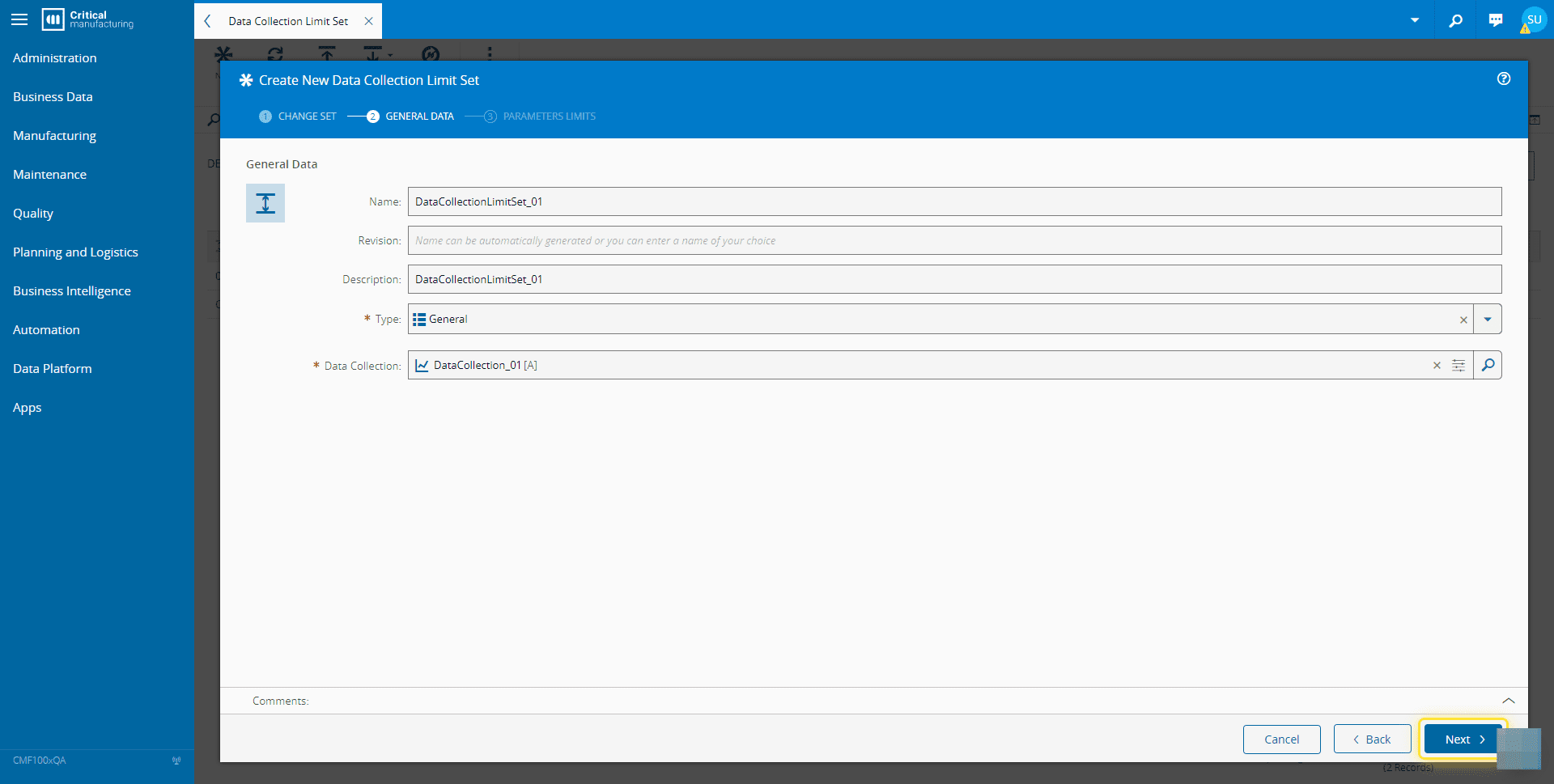
7. Select the Next button.#
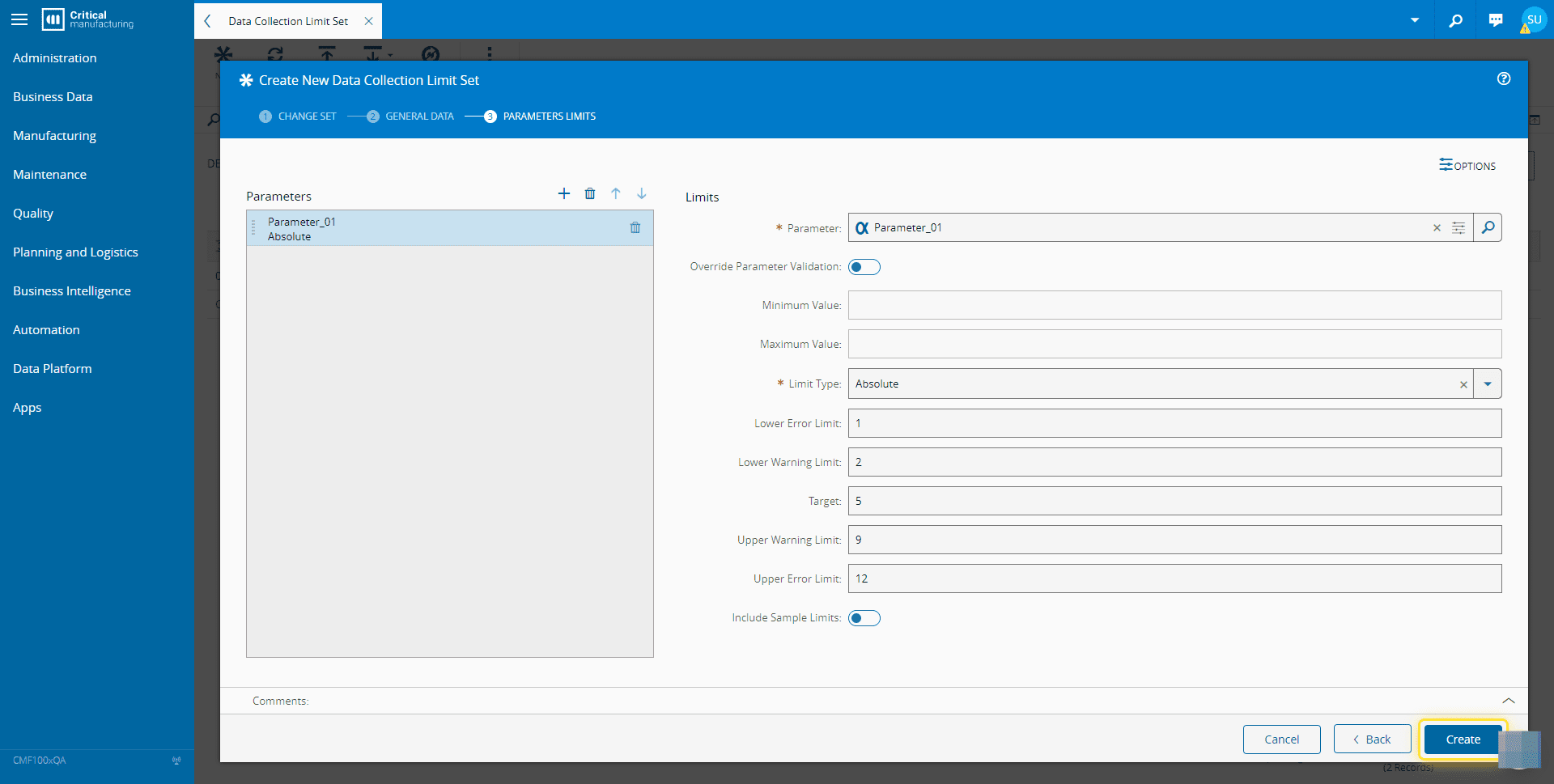
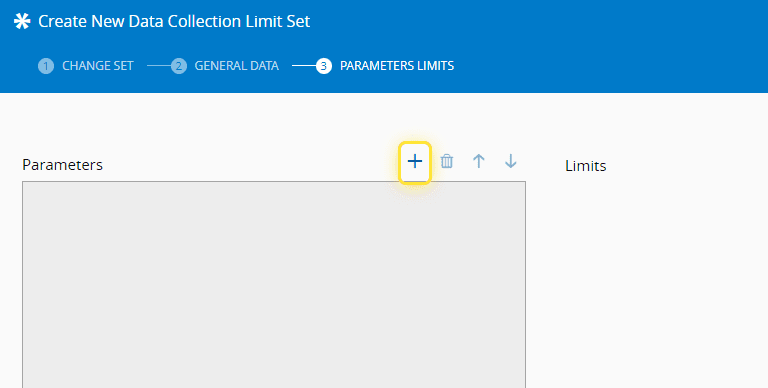
8. Select + to add Parameters.#
9. Enter the needed Limits information.#
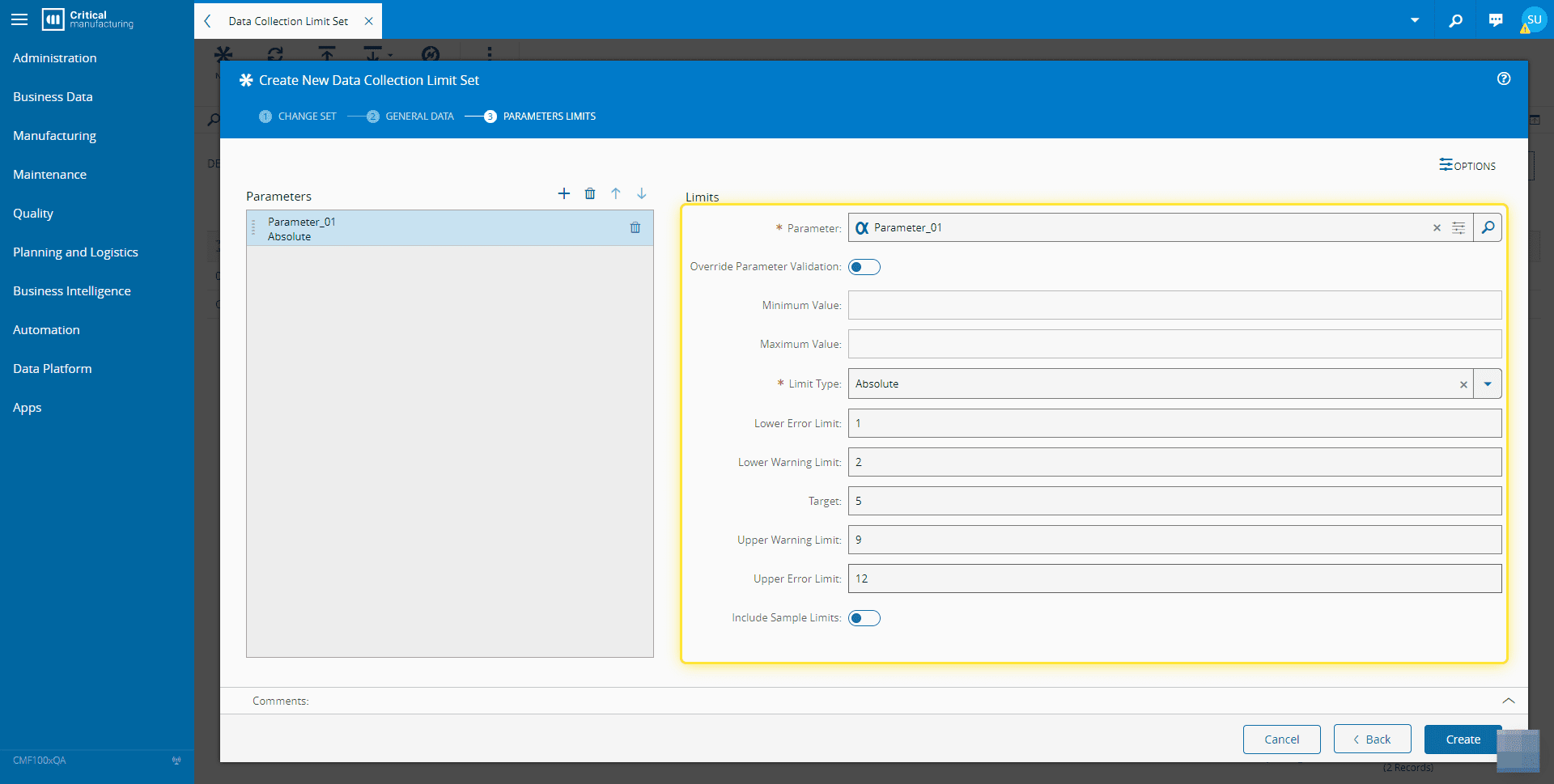
10. Select the Create button.#