How to: Download a Document#
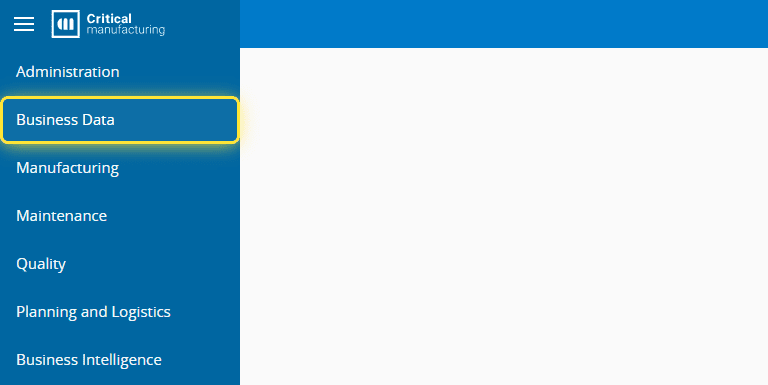
1. Go to the Business Data menu.#
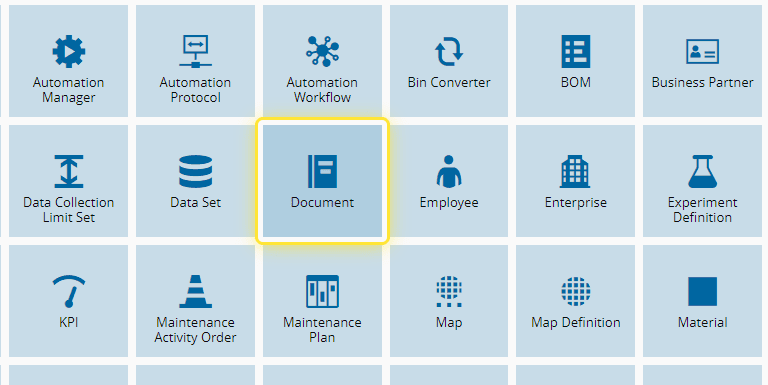
2. Select the Document entity.#
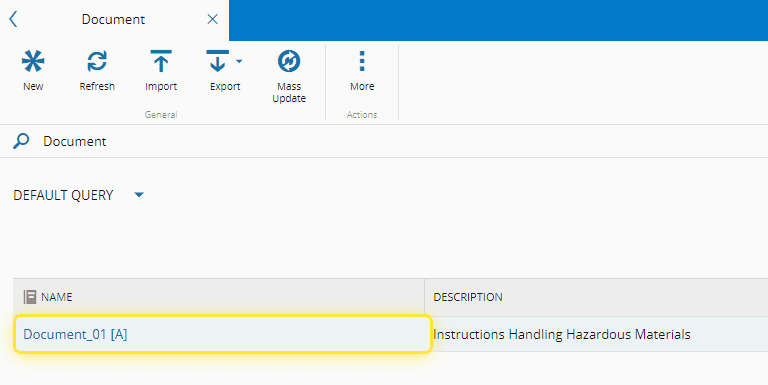
3. Select the document you want to download.#
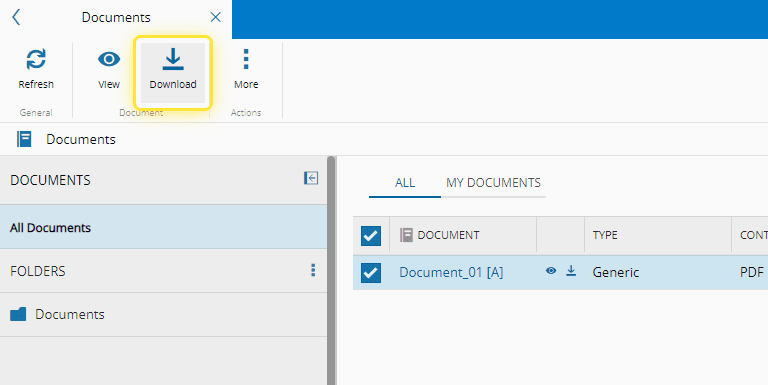
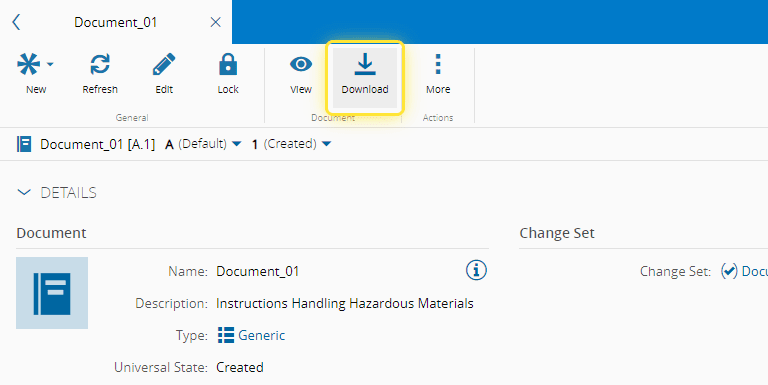
4. Select the Download button and the document will be available for you to open.#
For more information, see Download Document - Critical Manufacturing Documentation Portal ⧉
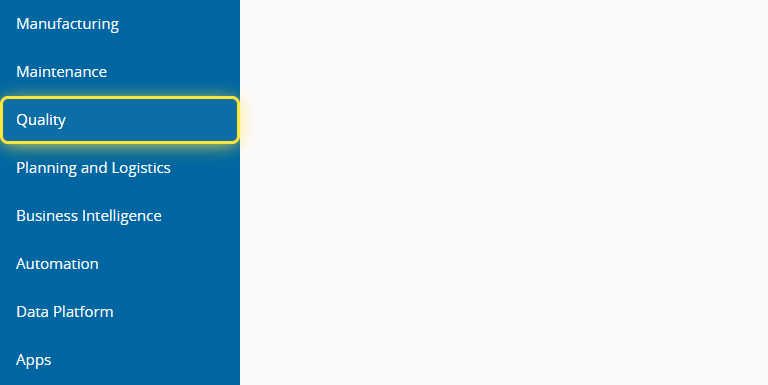
5. You can also download documents via the Quality menu.#
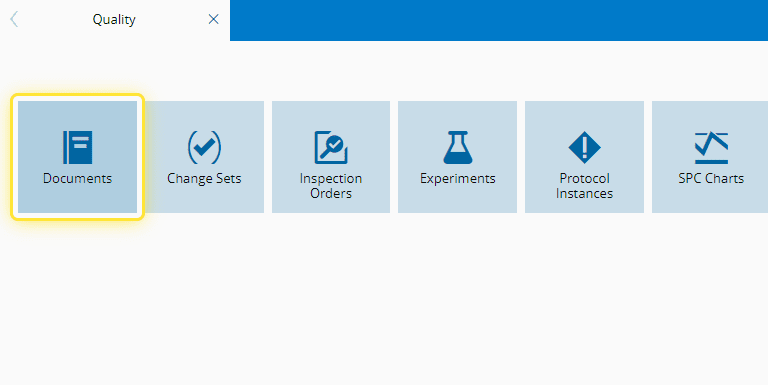
6. Select the Documents entity.#
7. Select the document you want followed by the Download button. The document will be available for you to open.#
For more information, see Documents - Critical Manufacturing Documentation Portal ⧉