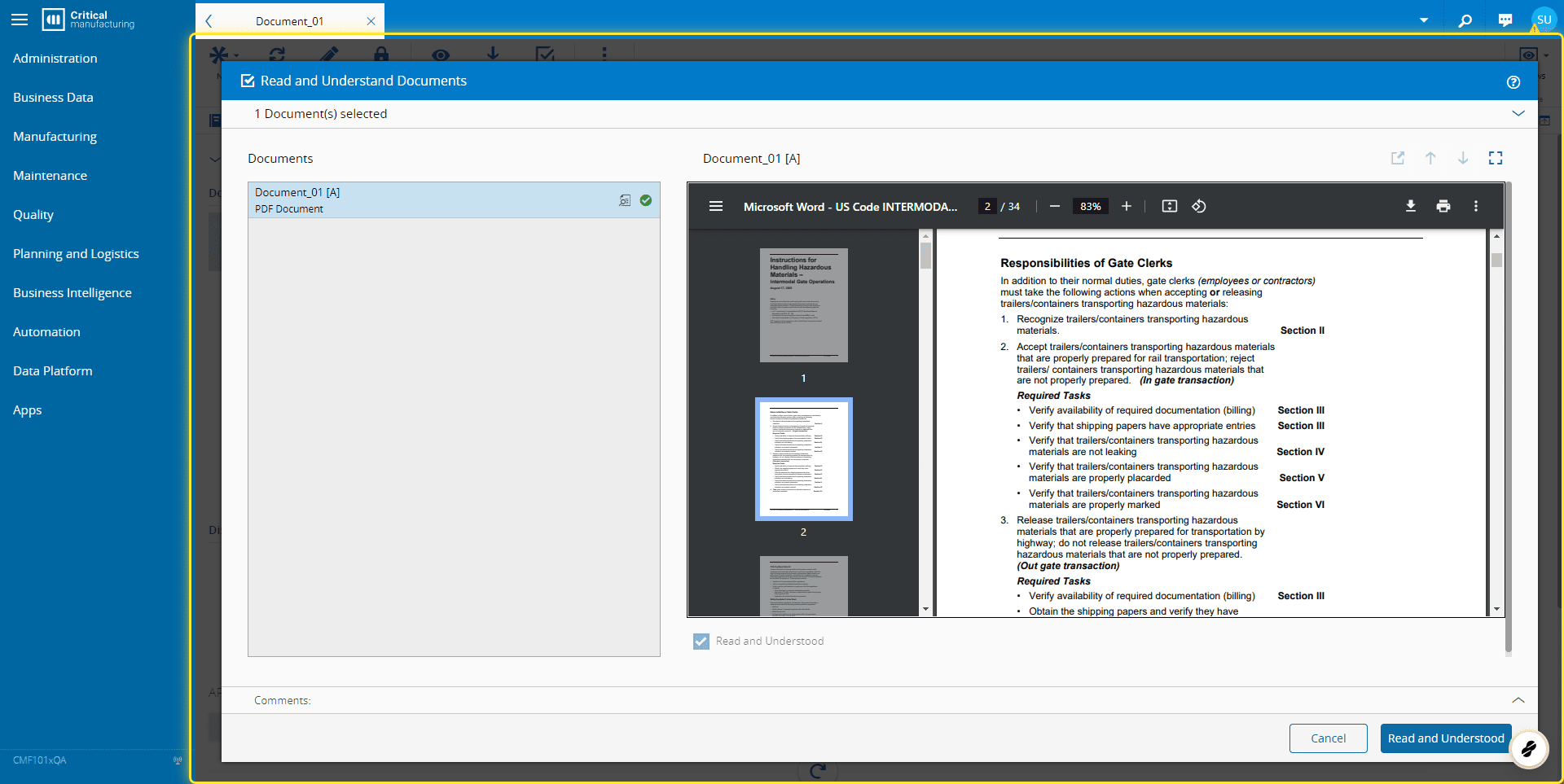
How to: Read and Understand a Document#
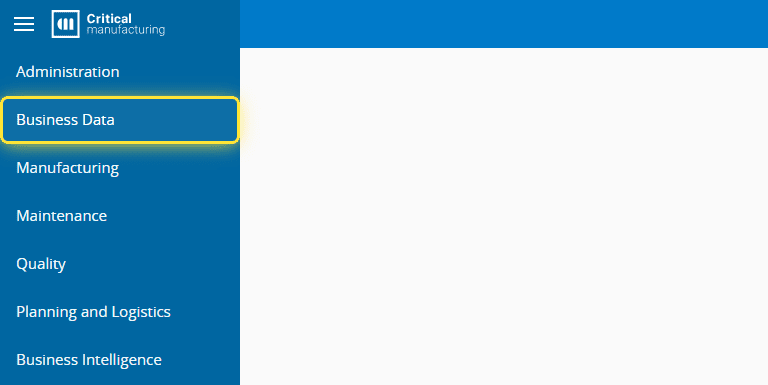
1. Go to the Business Data menu.#
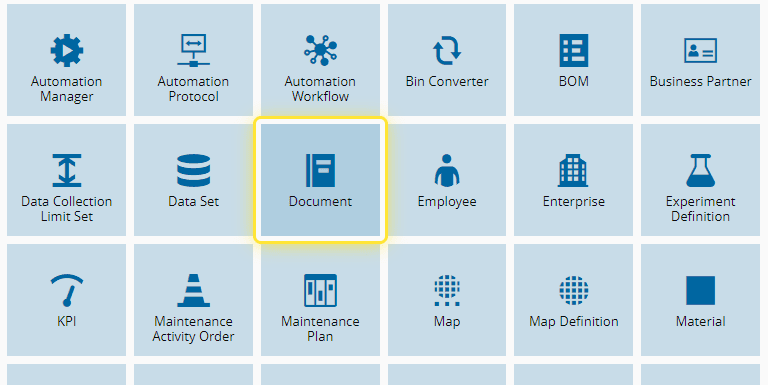
2. Select the Document entity.#
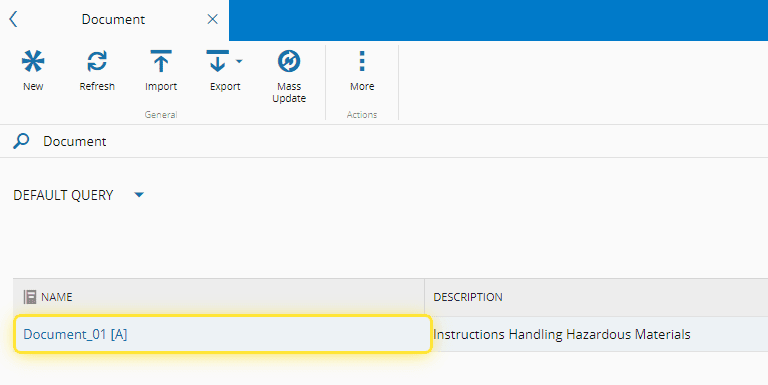
3. Select the document you want to Read and Understand.#
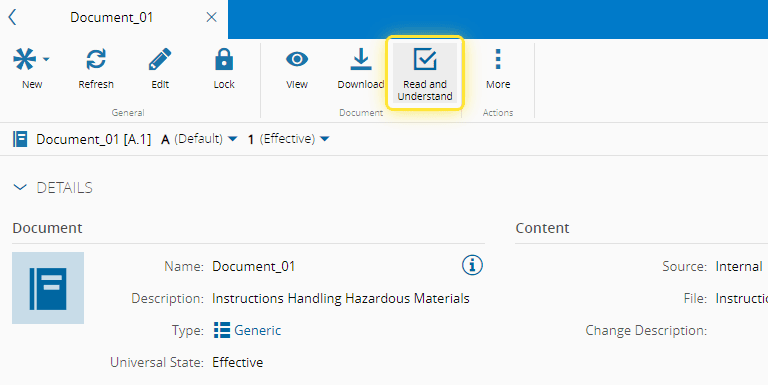
4. Select the Read and Understand button.#
Also, the Read and Understand operation can be done through the Browse Documents page, in the Quality Menu, or even when it is triggered by context keys (e.g. Track-In).
For more information, see Read and Understand Document - Critical Manufacturing Documentation Portal ⧉
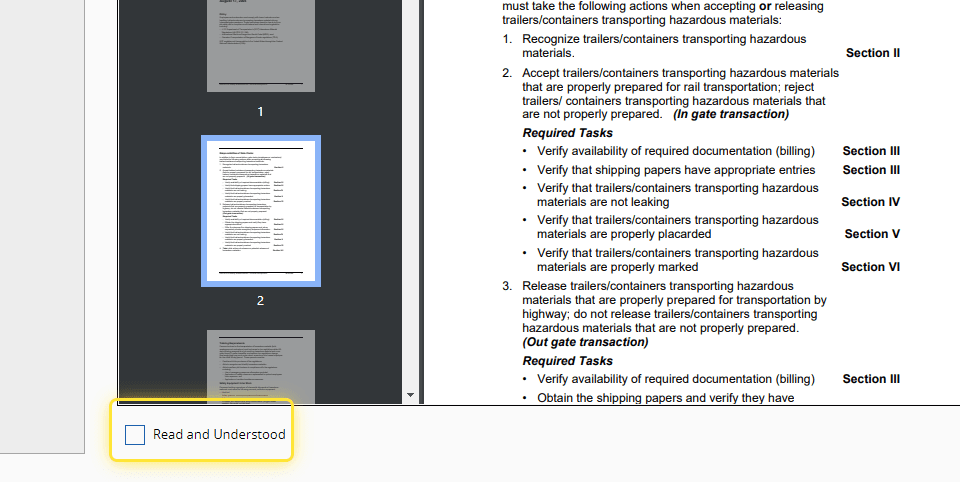
5. When you have read the document, select the Read and Understood checkbox.#
6. Select the Read and Understood button.#