How to: Add a layer in FabLive#
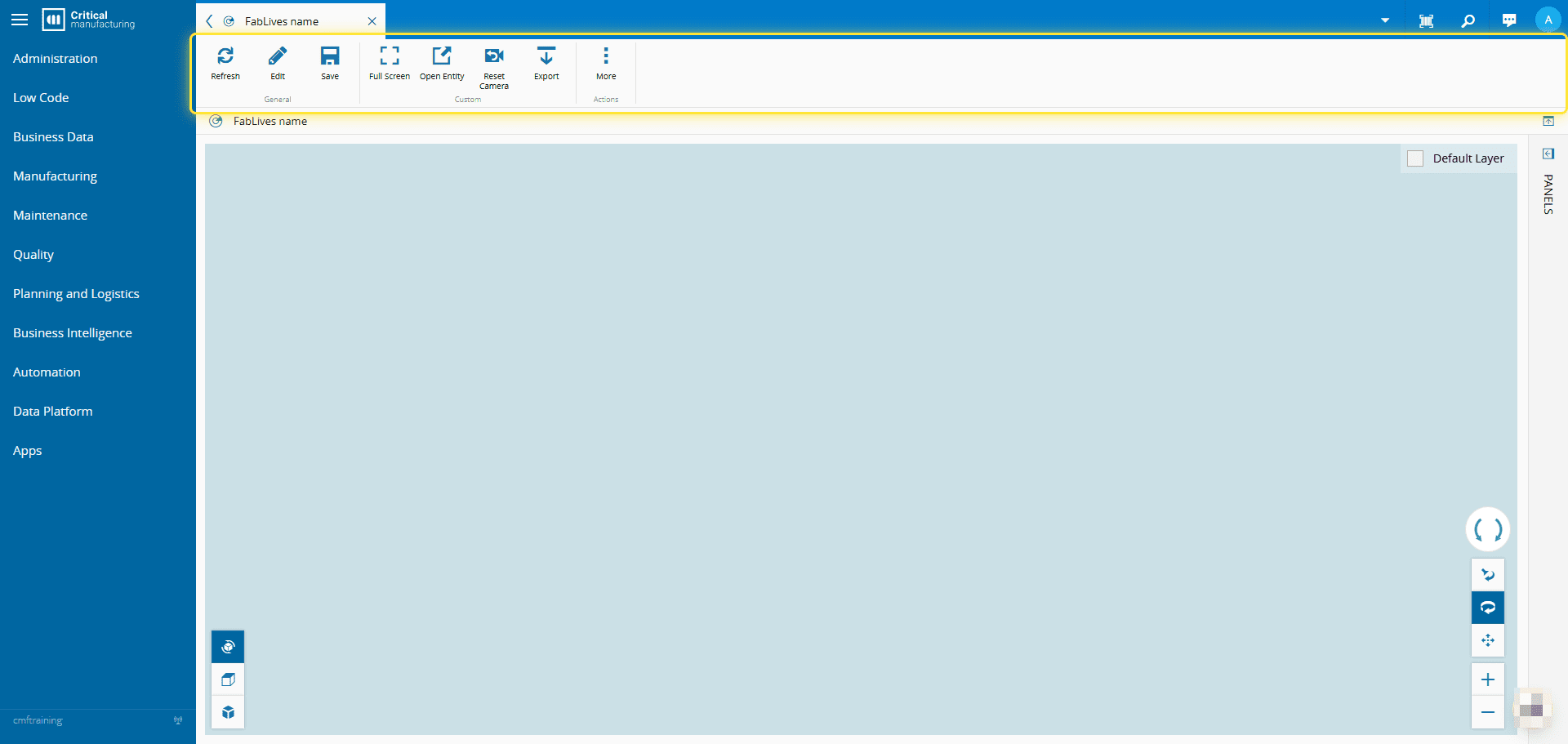
1. Go to your FabLive.#
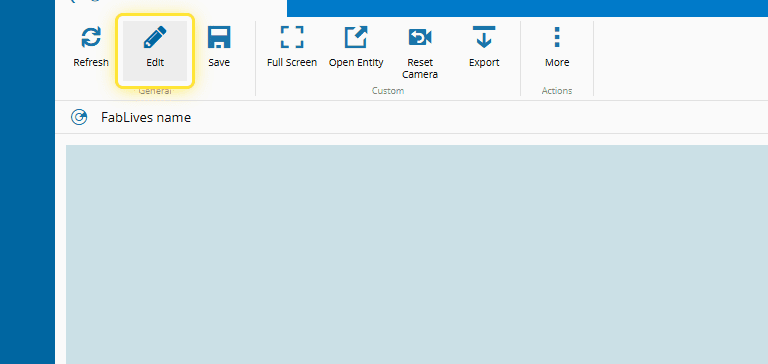
2. Select Edit.#
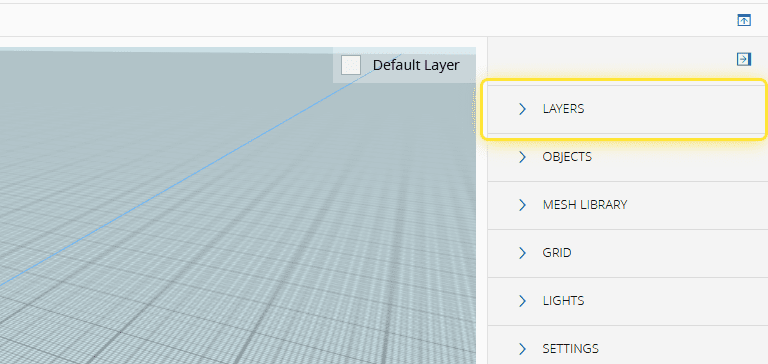
3. Expand Layers.#
4. Select the icon to add a new layer.#
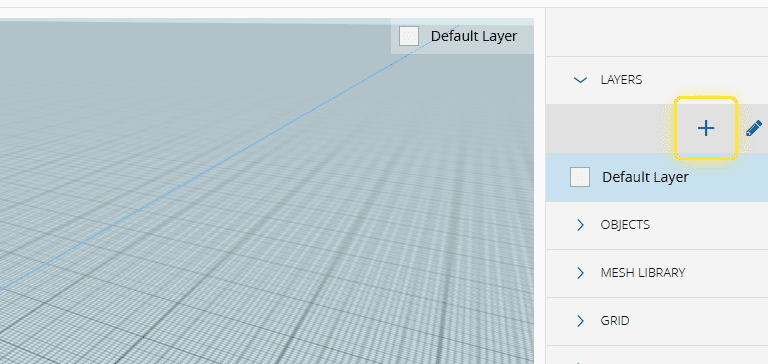
5. Type in the name of the layer.#
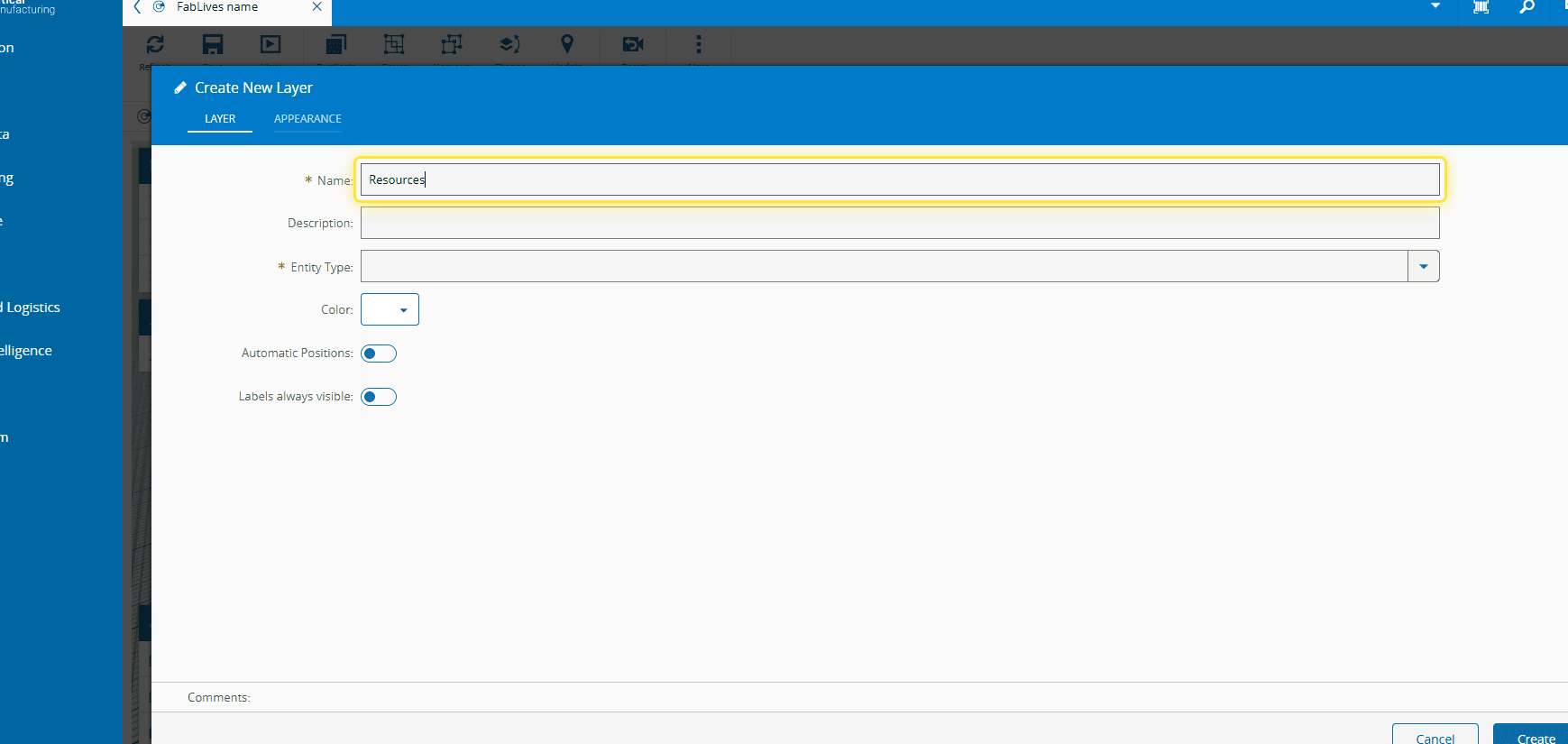
6. Select the Entity Type you want to monitor.#
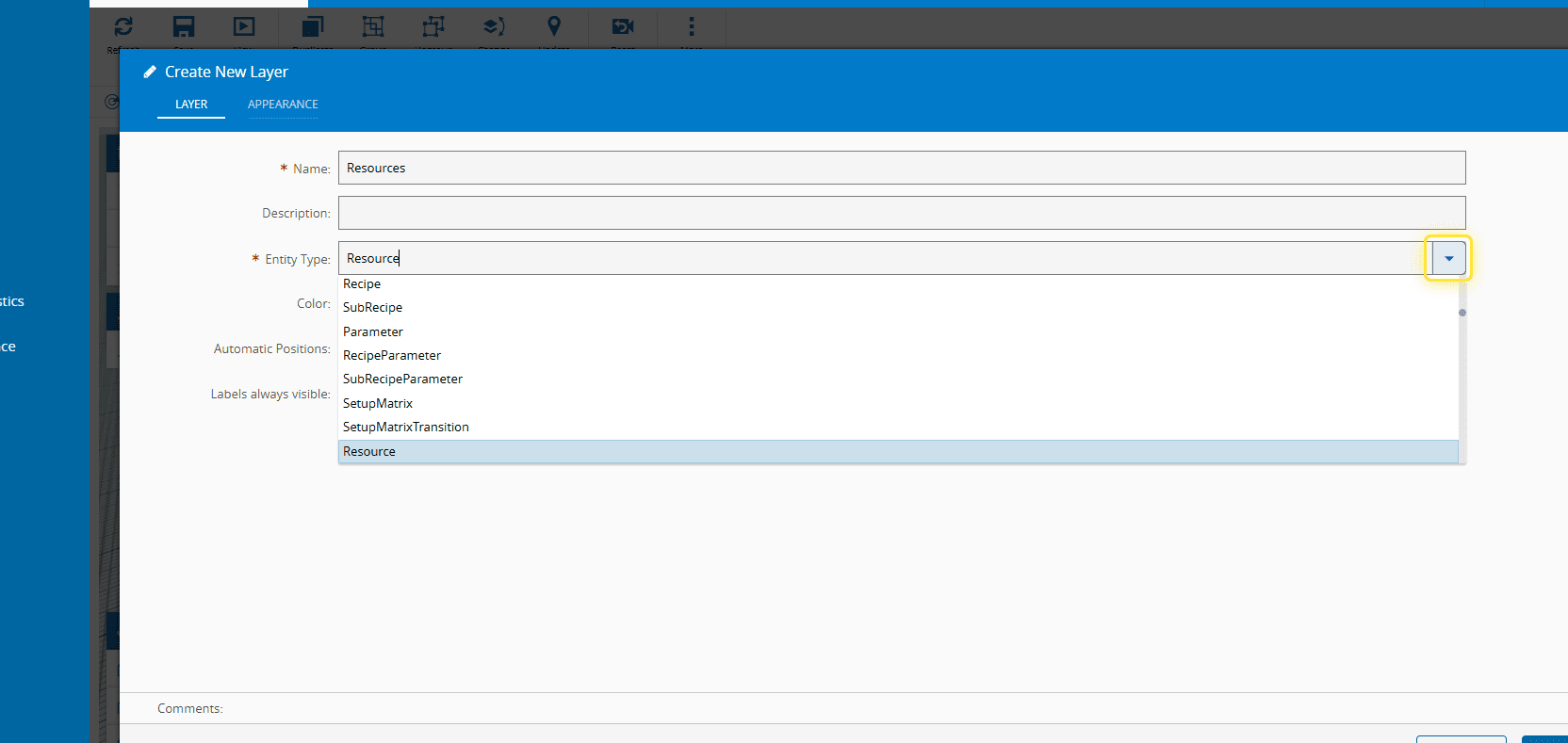
7. Select a color for the objects of that layer.#
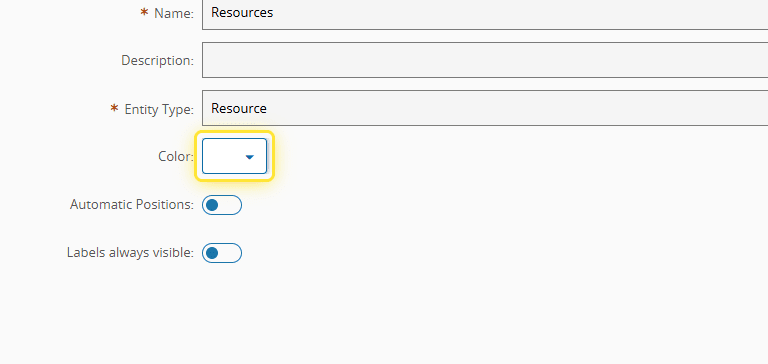
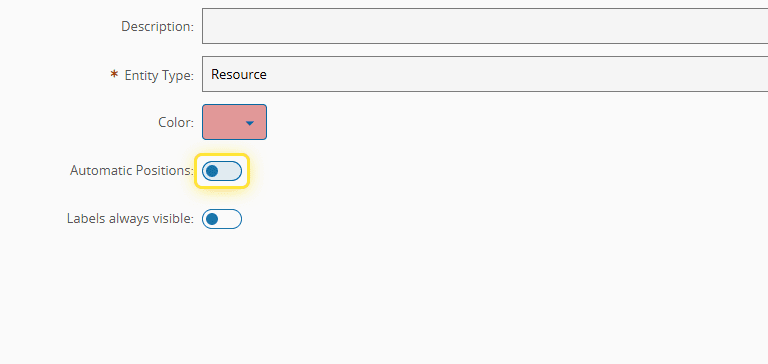
8. Select Automatic Positions (optional).#
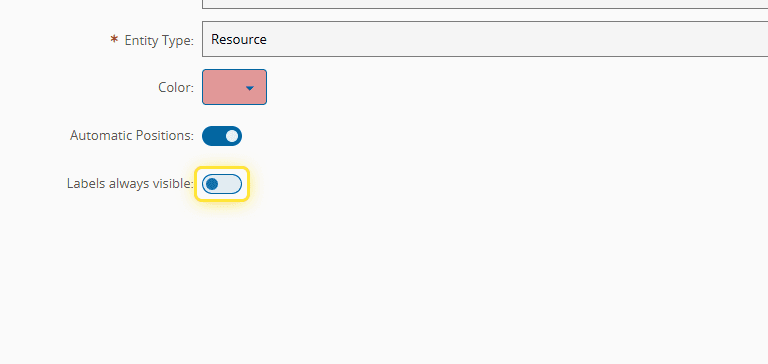
9. Select Labels always visible (optional).#
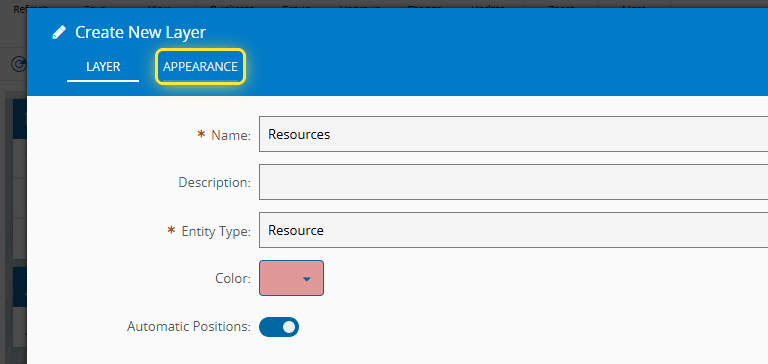
10. Select the Appearance tab.#
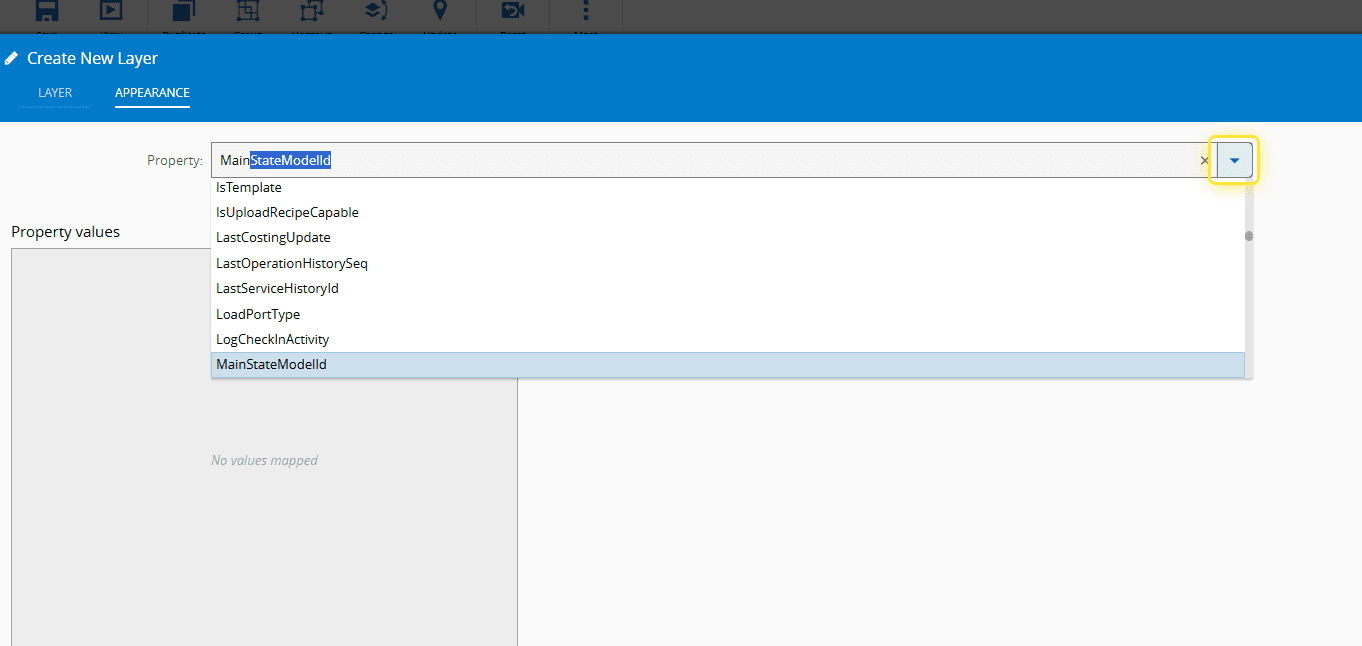
11. Select a Property you want to monitor.#
12. Add a Property value.#
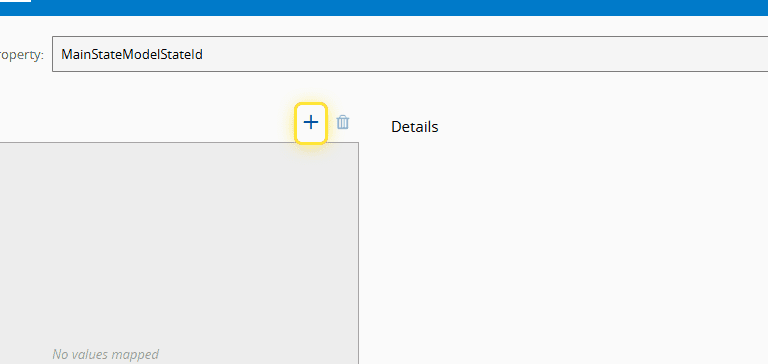
13. Select a Value.#
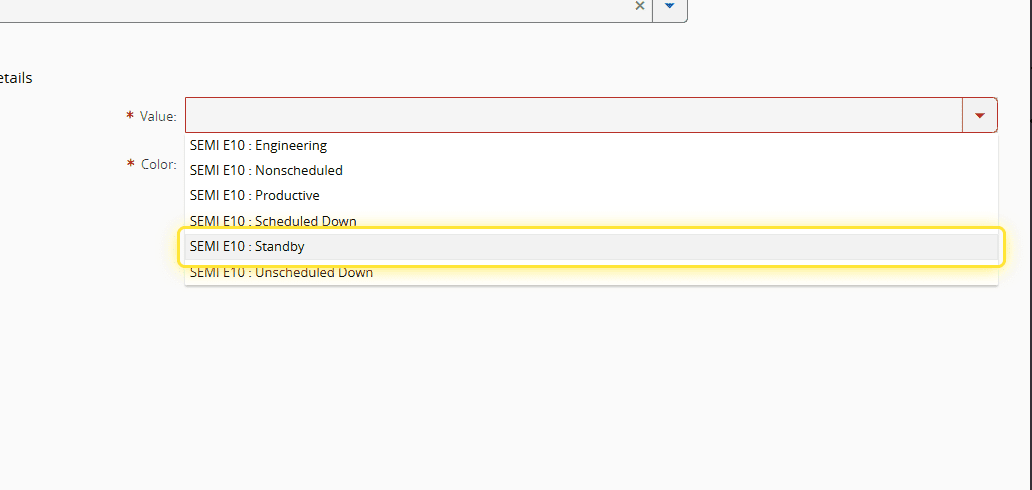
14. Select a Color.#
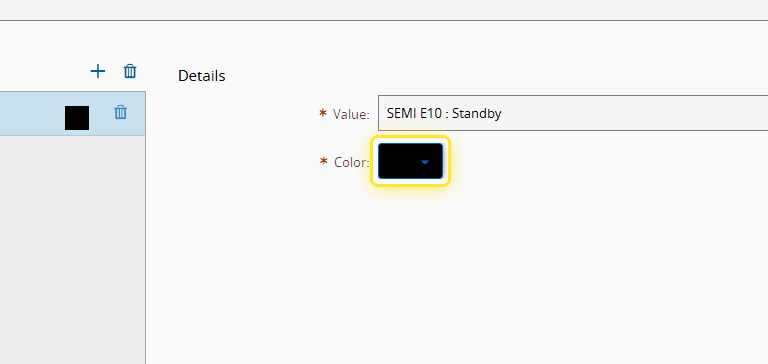
15. Add another Property value.#
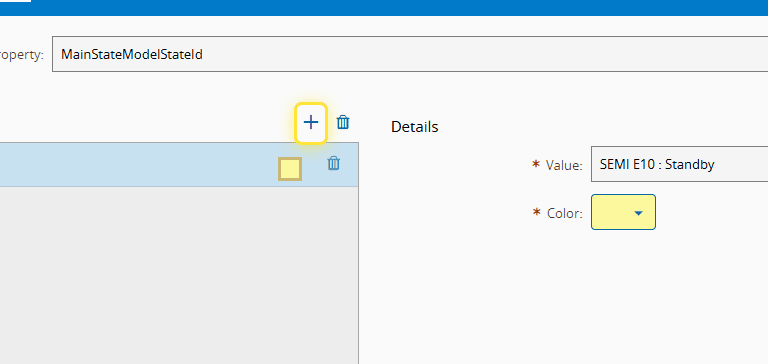
16. Select another Value.#
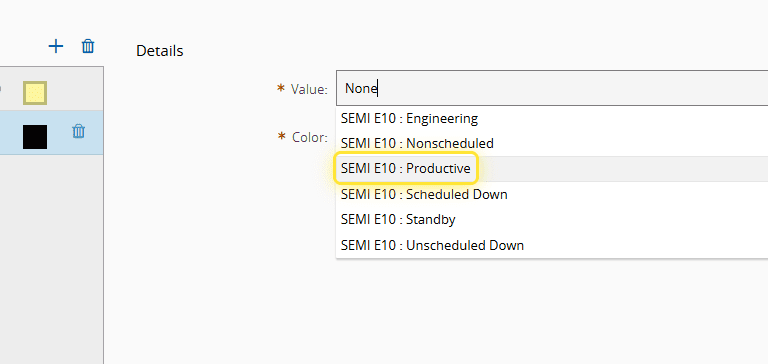
17. Select a Color.#
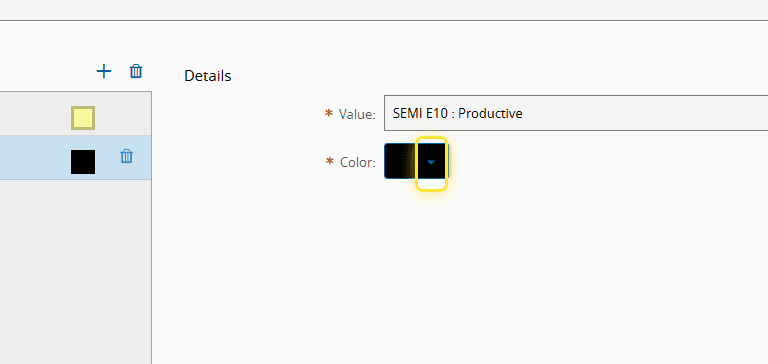
18. Add another Property value.#
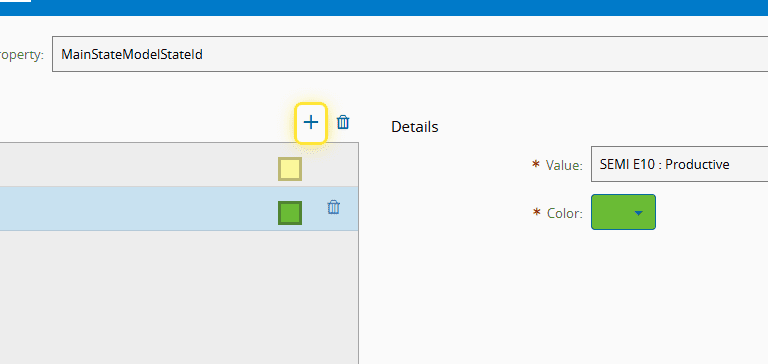
19. Select a Value.#
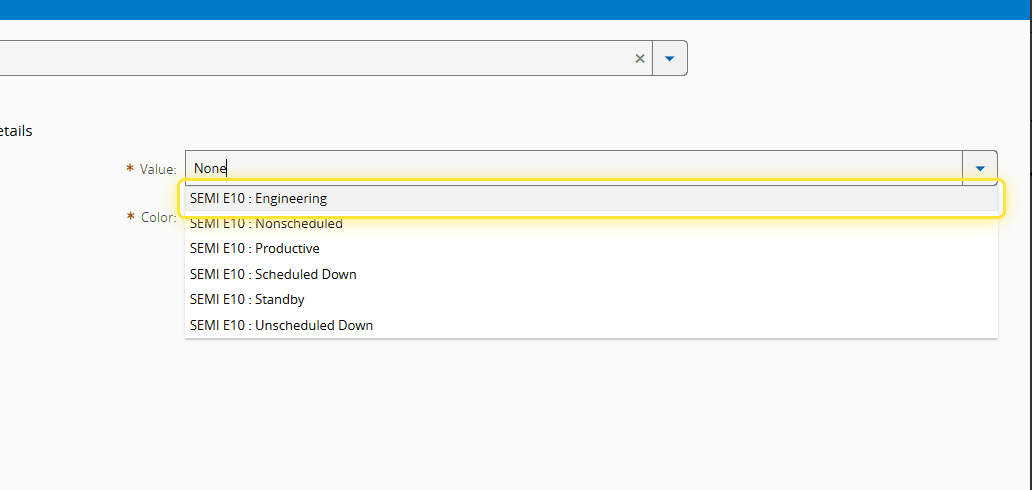
20. Select a Color.#
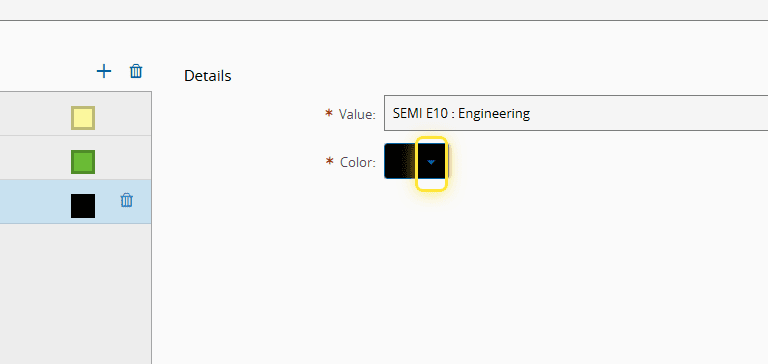
21. Add another Property value.#
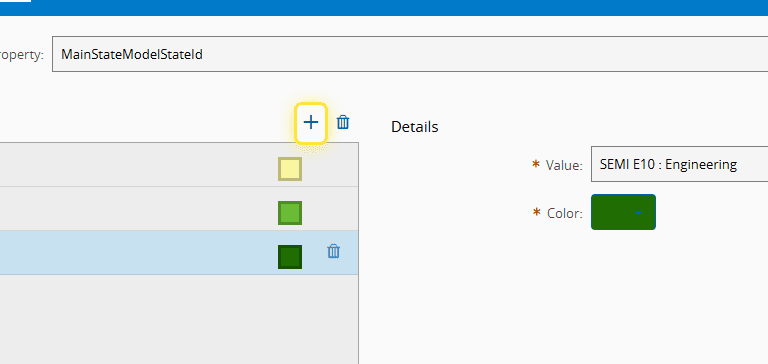
22. Select a Value.#
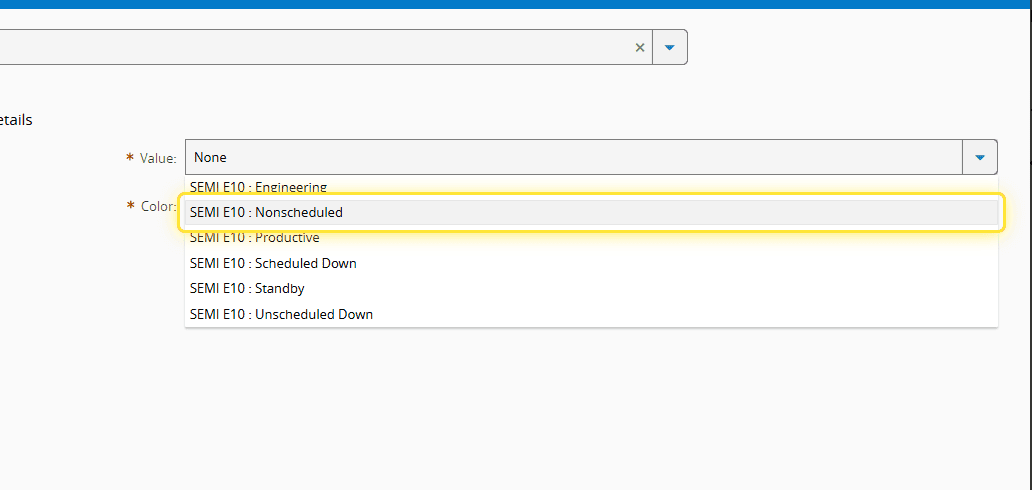
23. Select a Color.#
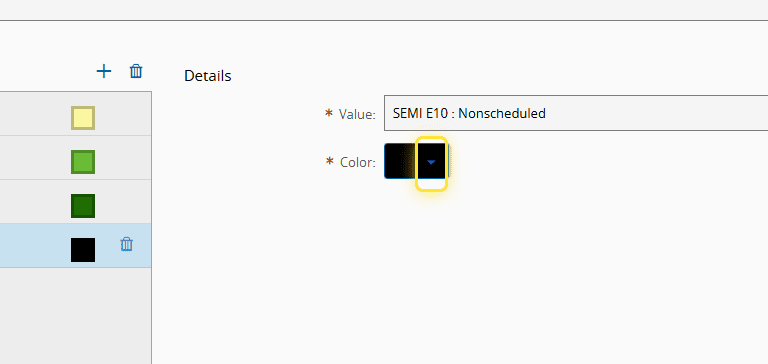
24. Add another Property value.#
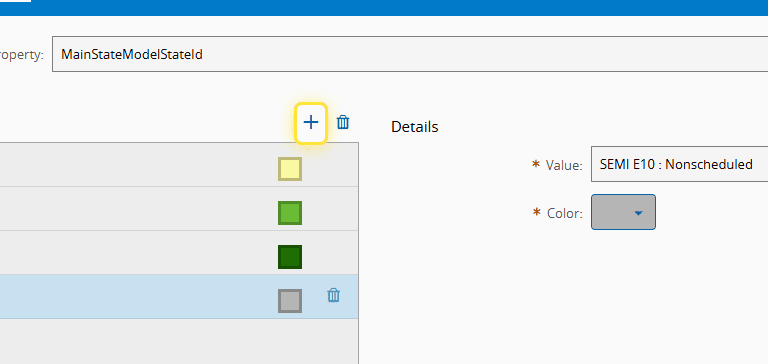
25. Select a Value.#
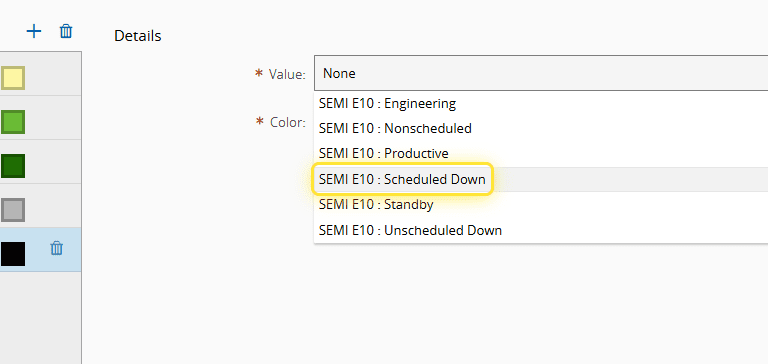
26. Select a Color.#
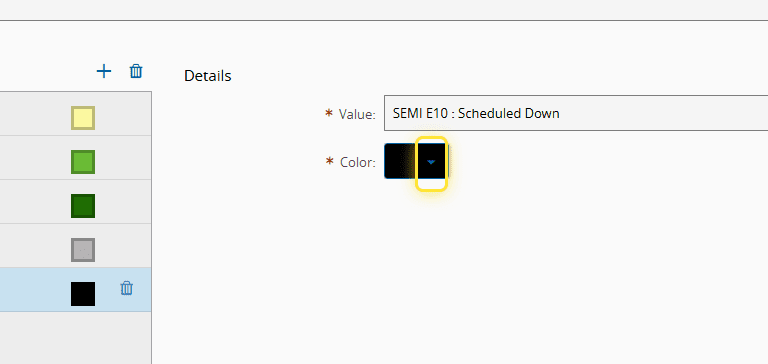
27. Add another Property value.#
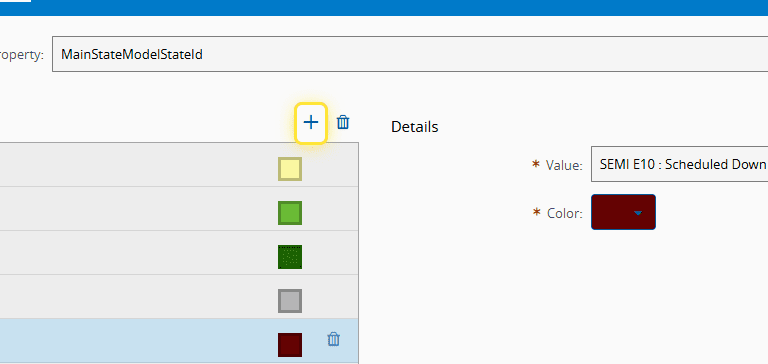
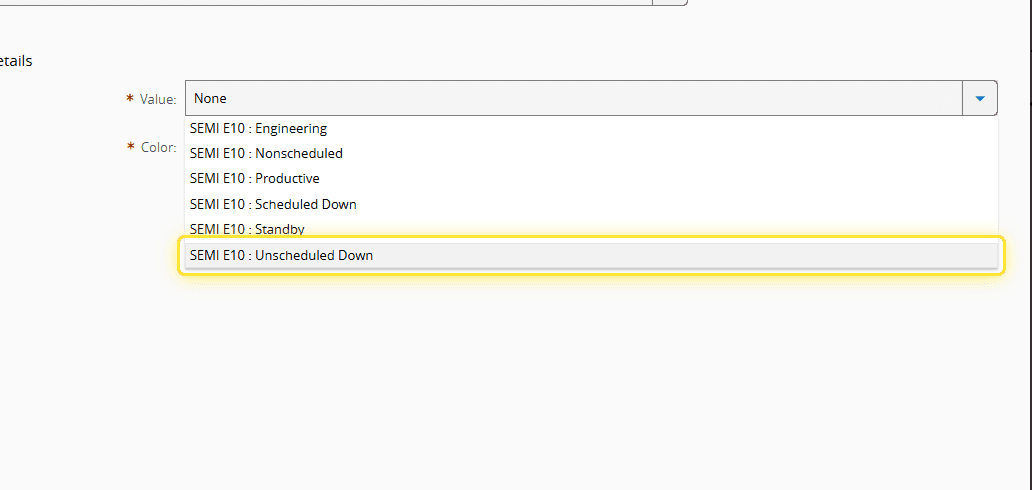
28. Select a Value.#
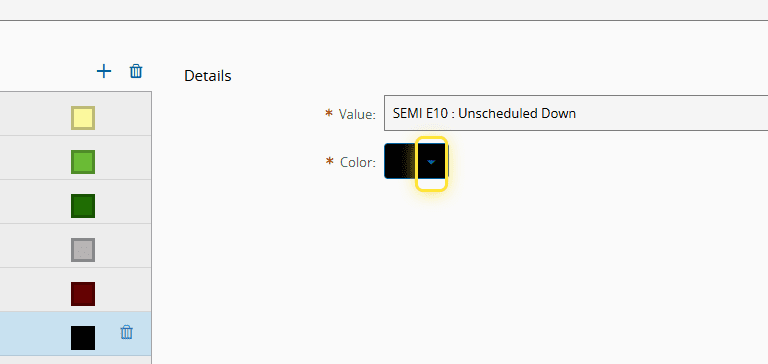
29. Select a Color.#
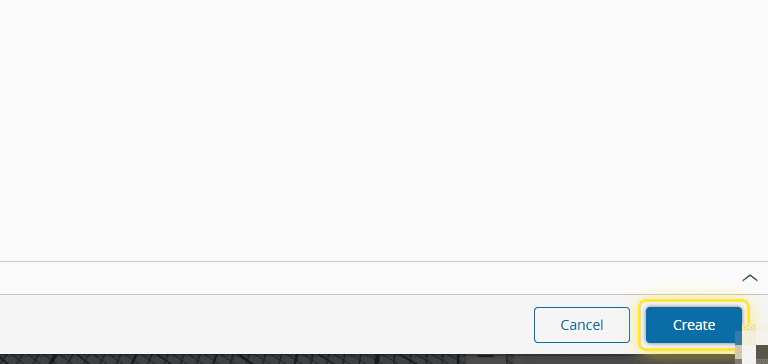
30. Select Create.#