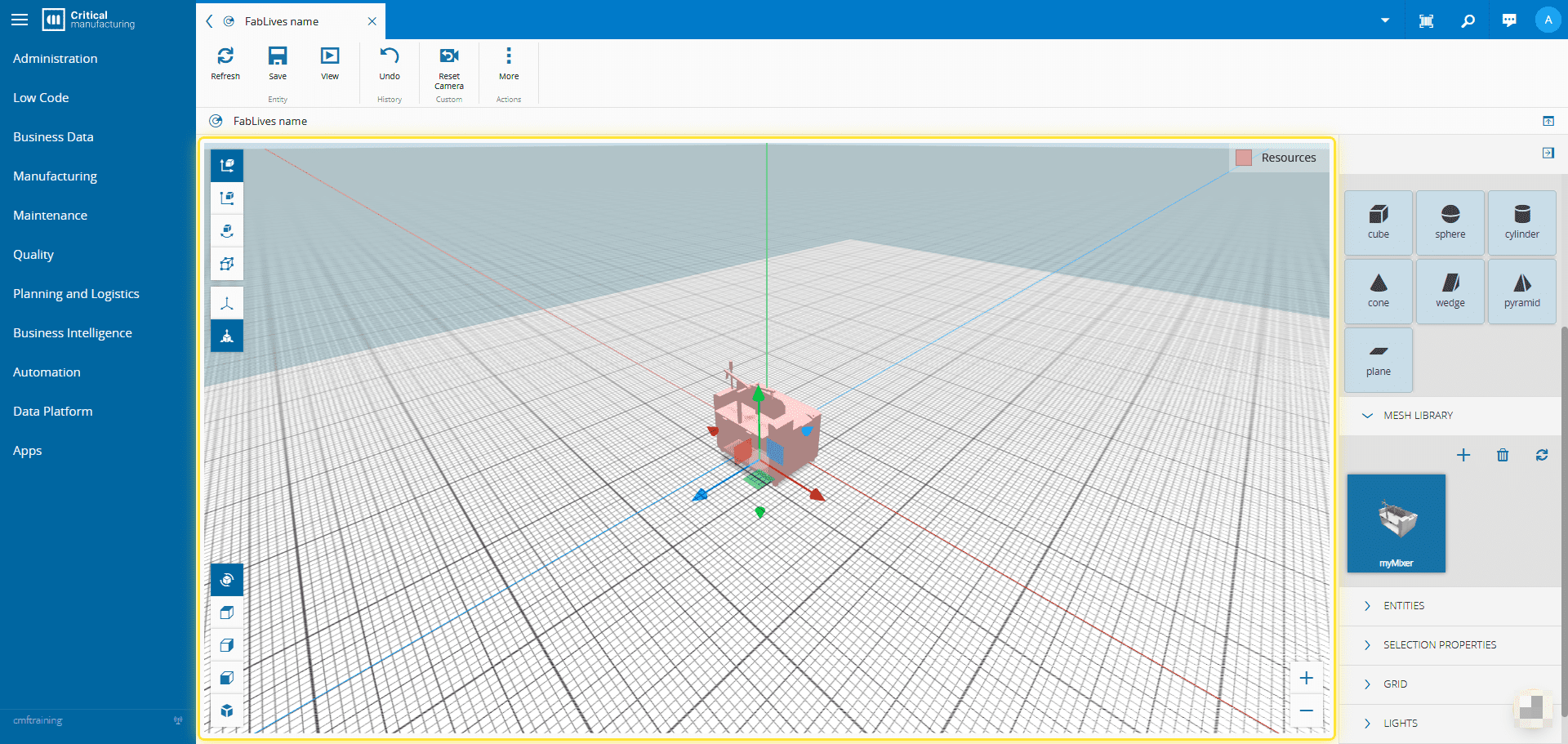
How to: Add Objects in FabLive#
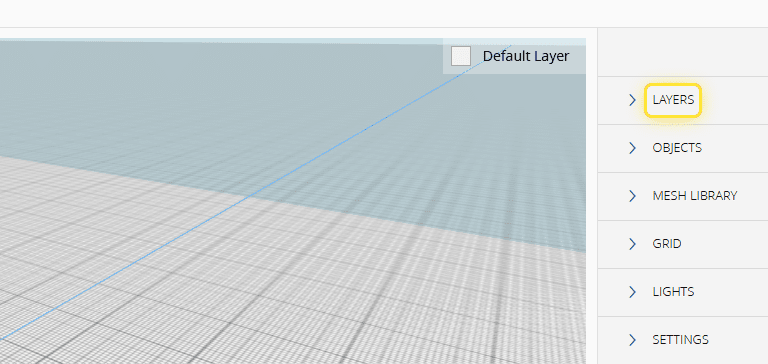
1. Expand the Layers panel.#
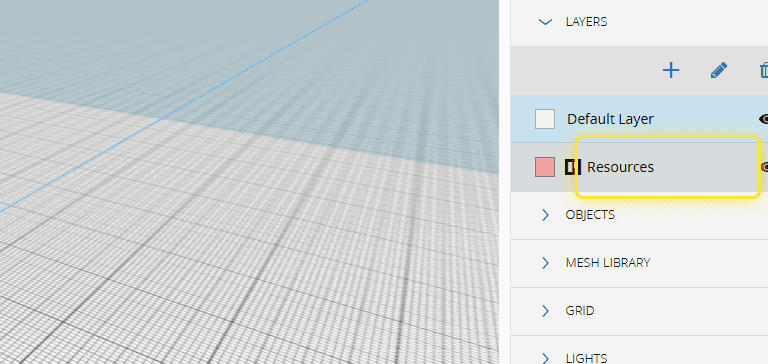
2. Select the desired layer.#
3. Expand the Object panel.#
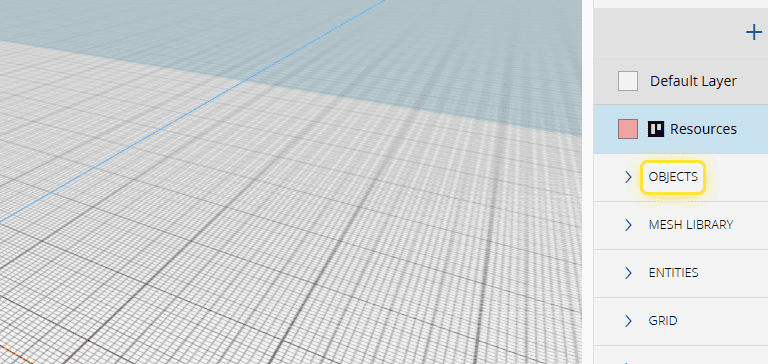
4. Or the Mesh Library panel.#
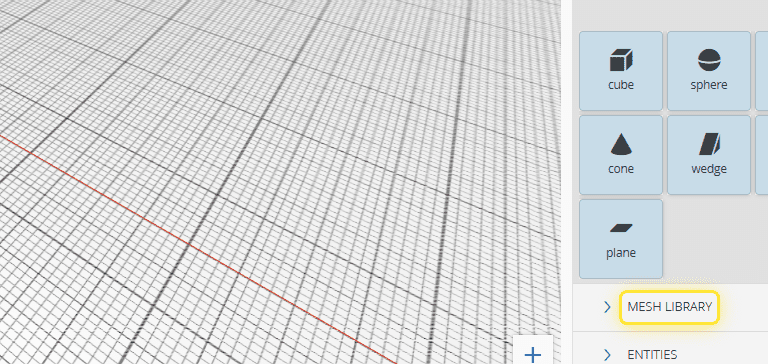
5. Drag the de object from the panel onto the 3D plane.#
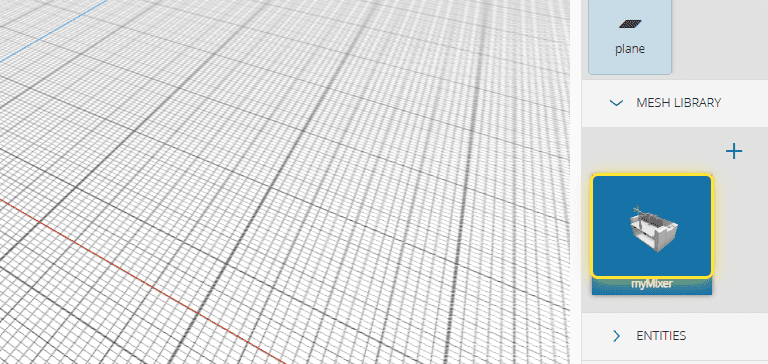
6. Select to place the object in the desired location.#