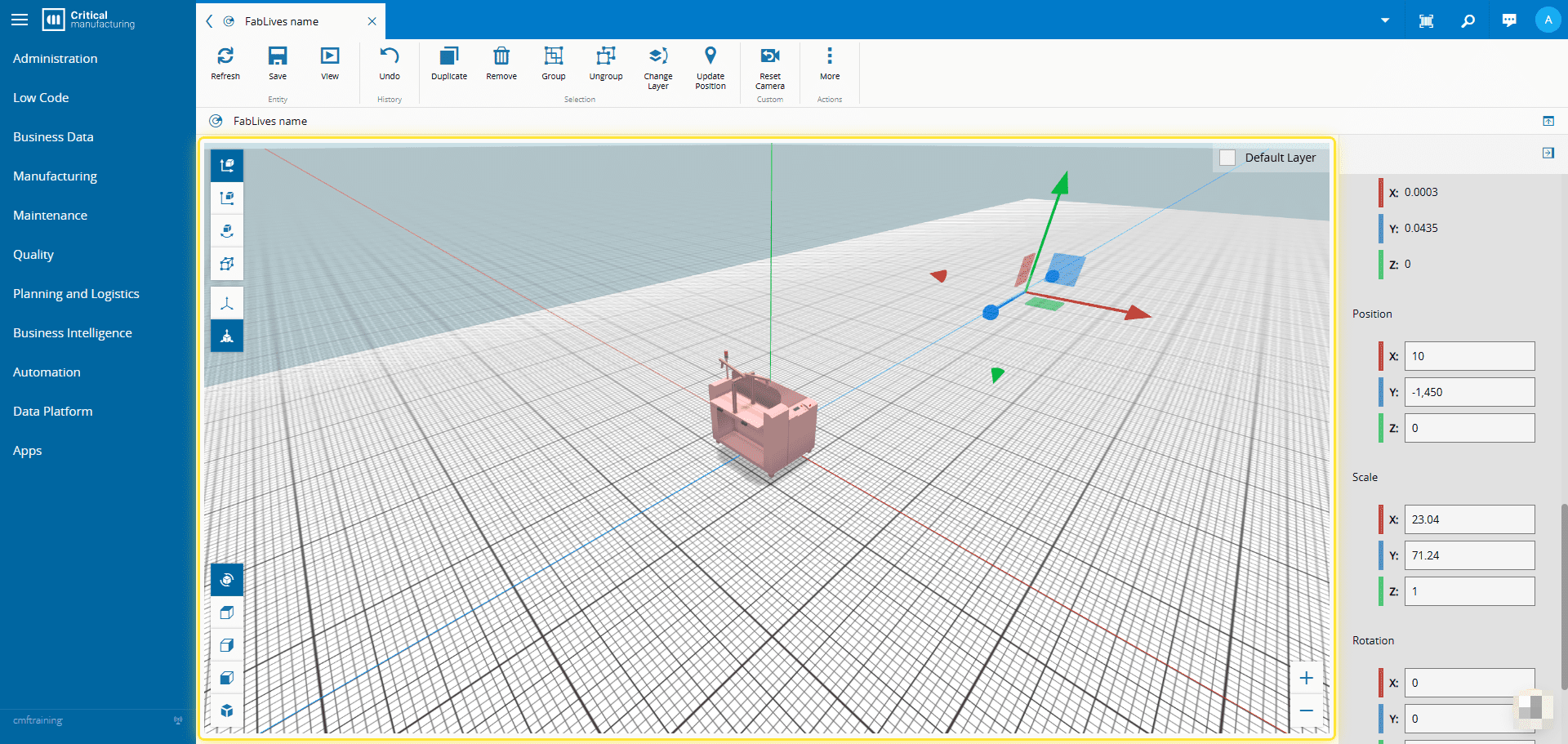
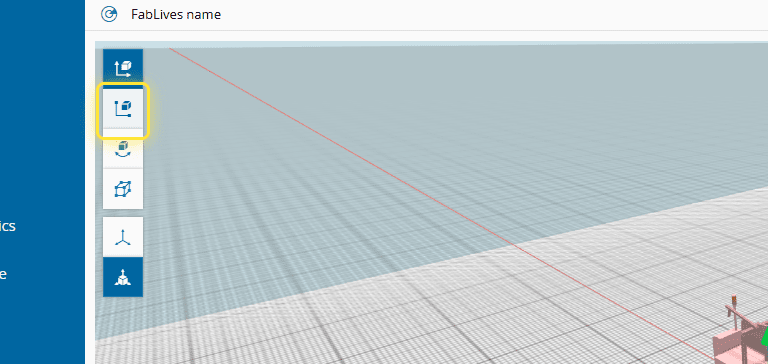
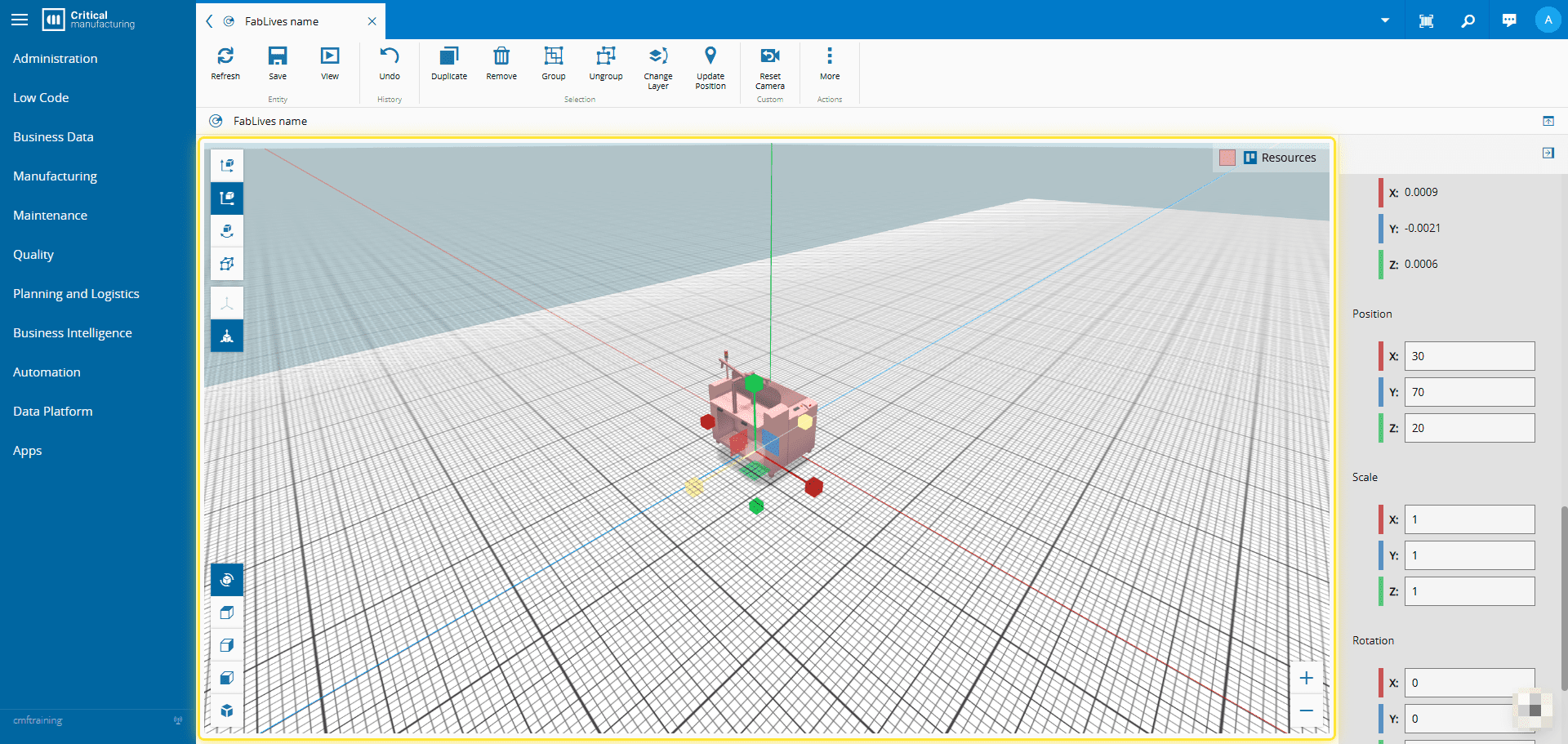
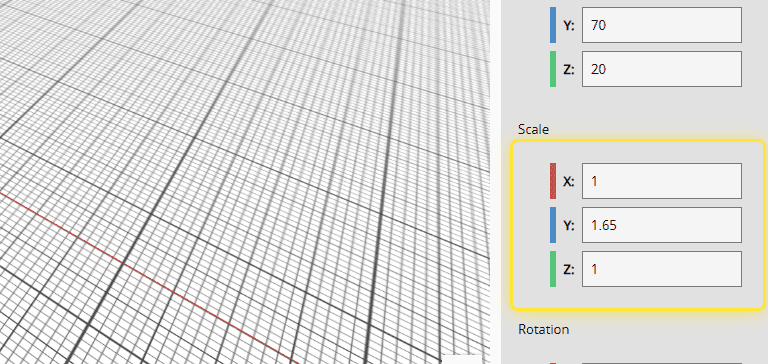
How to: Scale an object in FabLive# 1. Double Click the object to select it.# 2. Select the Scale option.# 3. Drag the handles (gizmos) around the object to resize it.# 4. Alternatively, edit its scale in the Selection Properties panel.#