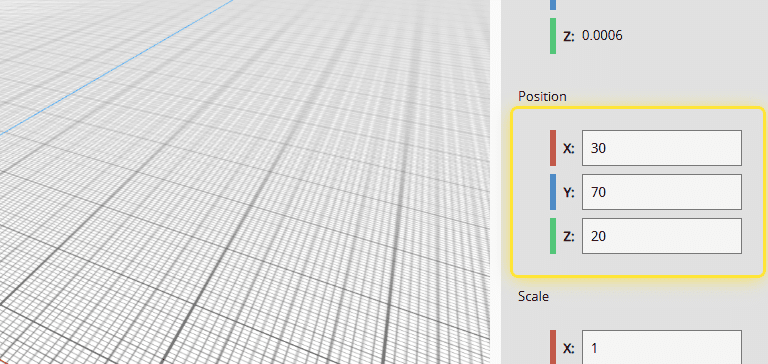
How to: Translate (move) an Object in FabLive#
1. Double Click the object to select it.#
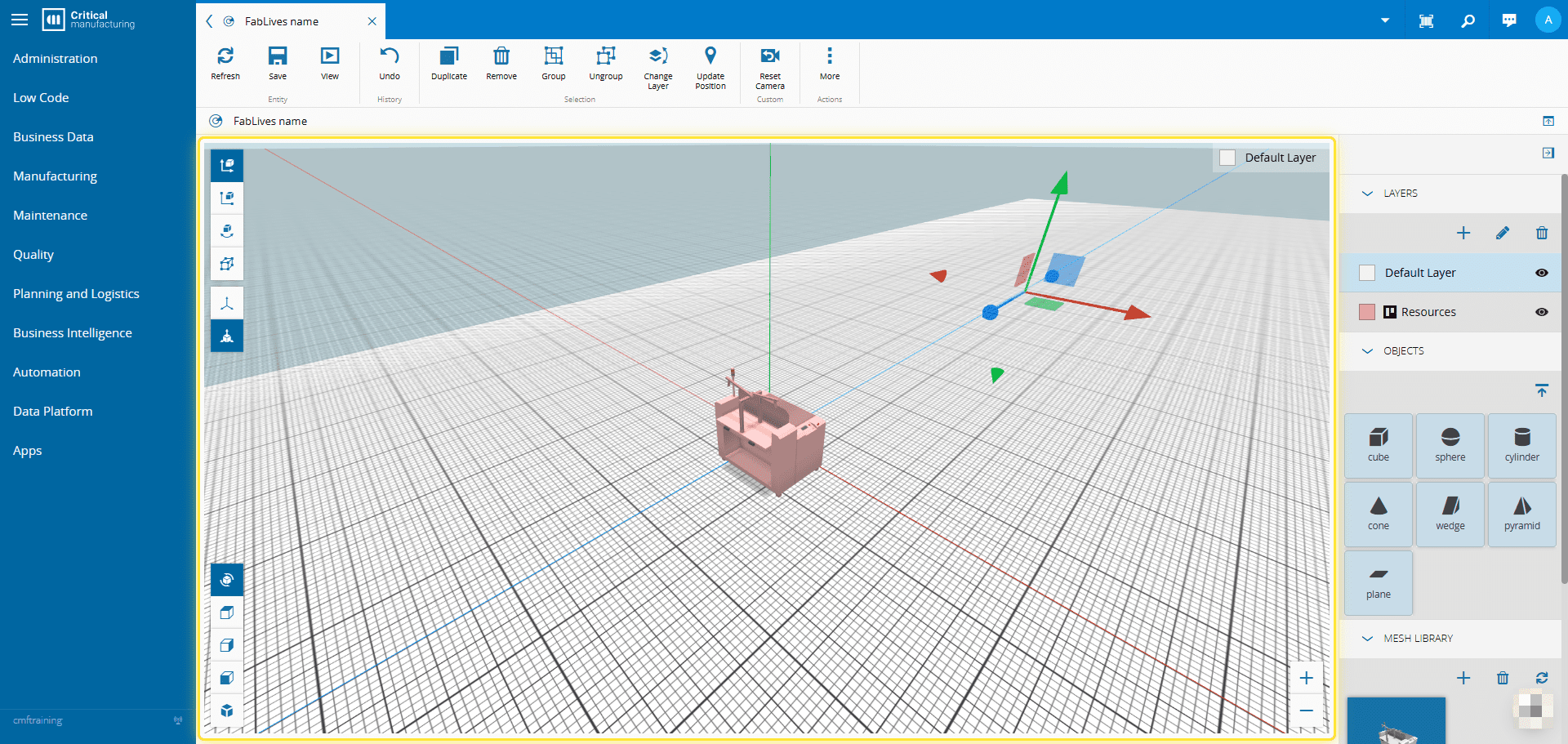
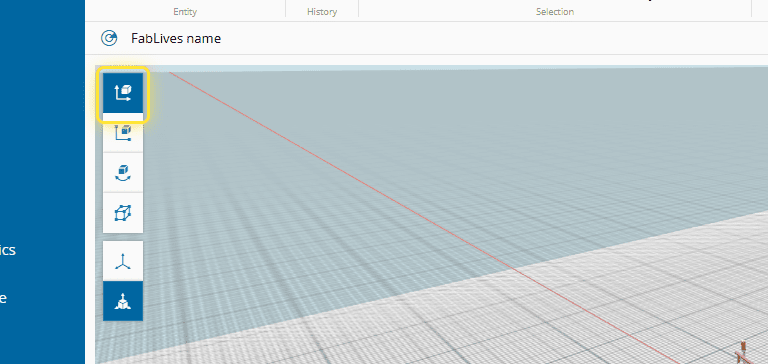
2. Select the Translate option.#
3. Drag the handles (gizmos) around the object to move it.#
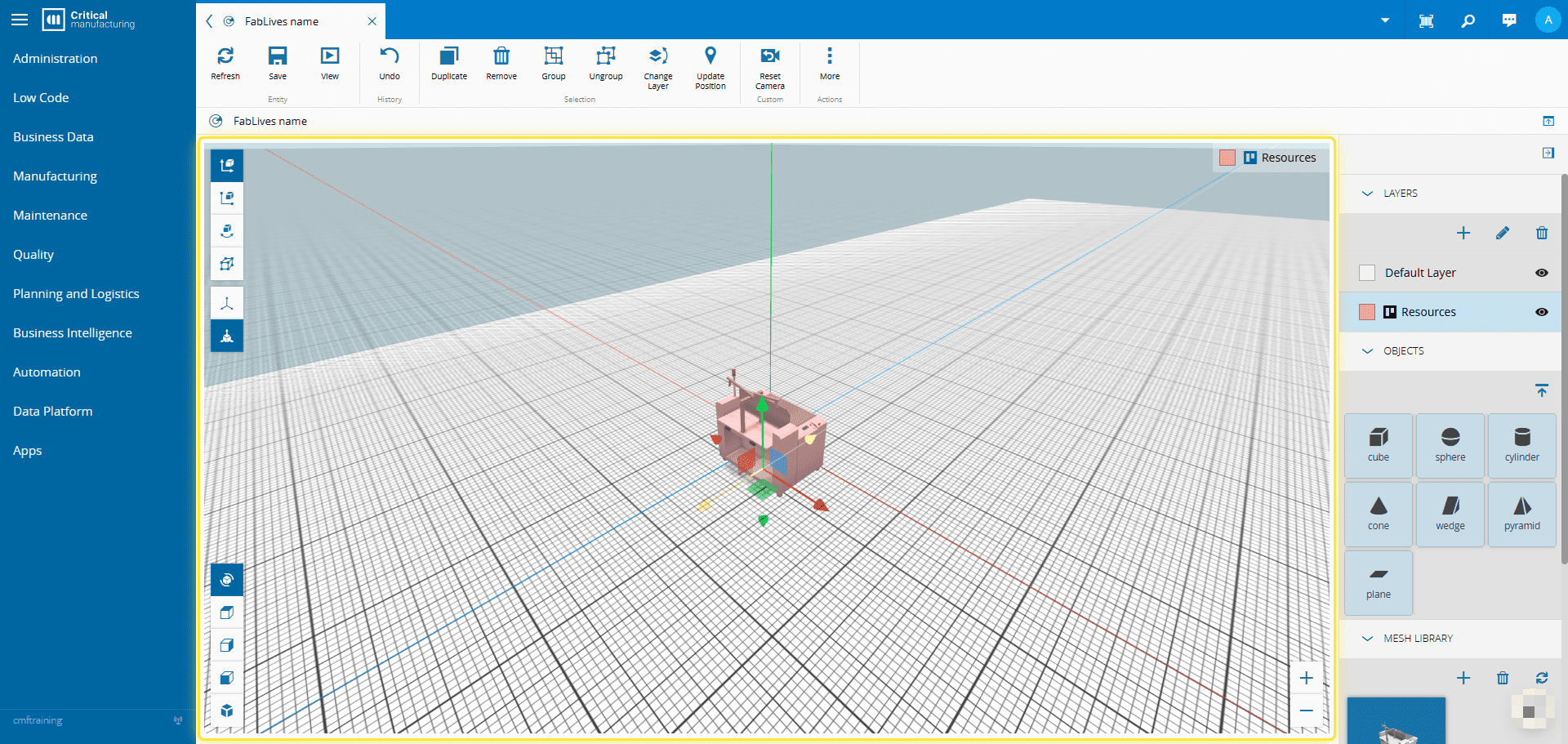
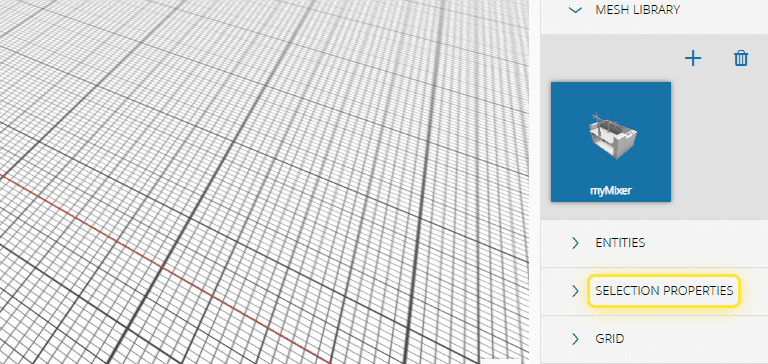
4. Alternatively, expand the Selection property panel.#
5. and edit the object position.#