How to: Create an Employee#
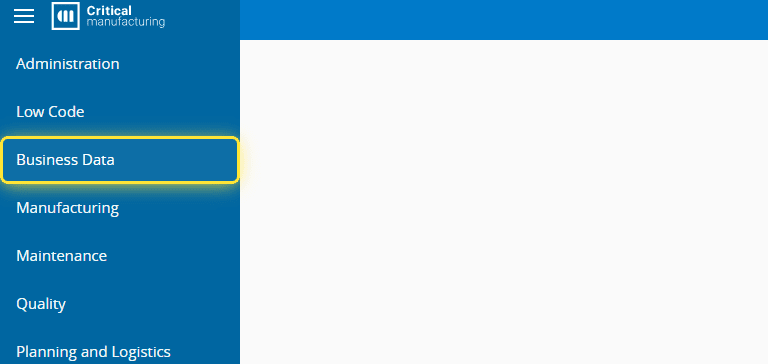
1. Go to the Business Data menu.#
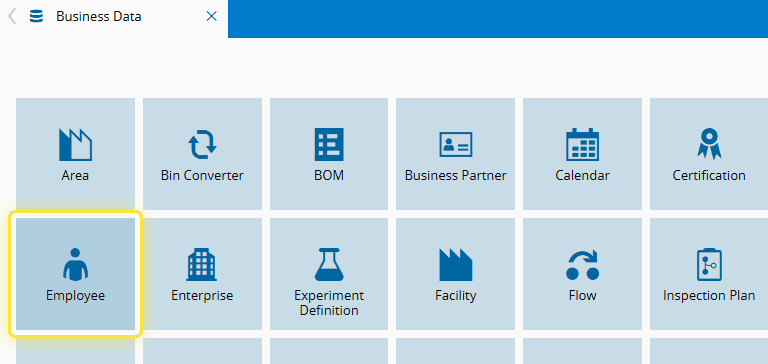
2. Select the Employee entity.#
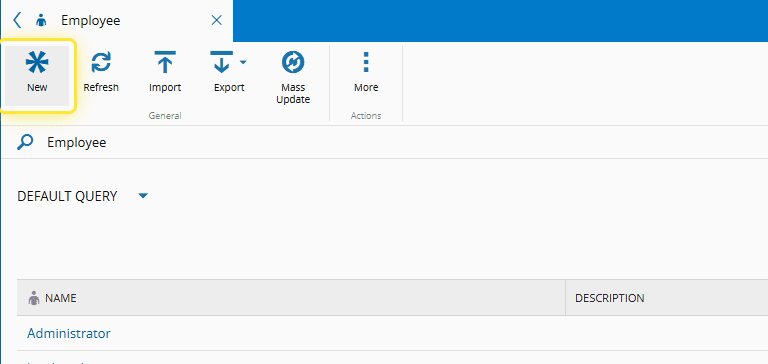
3. Select the New button.#
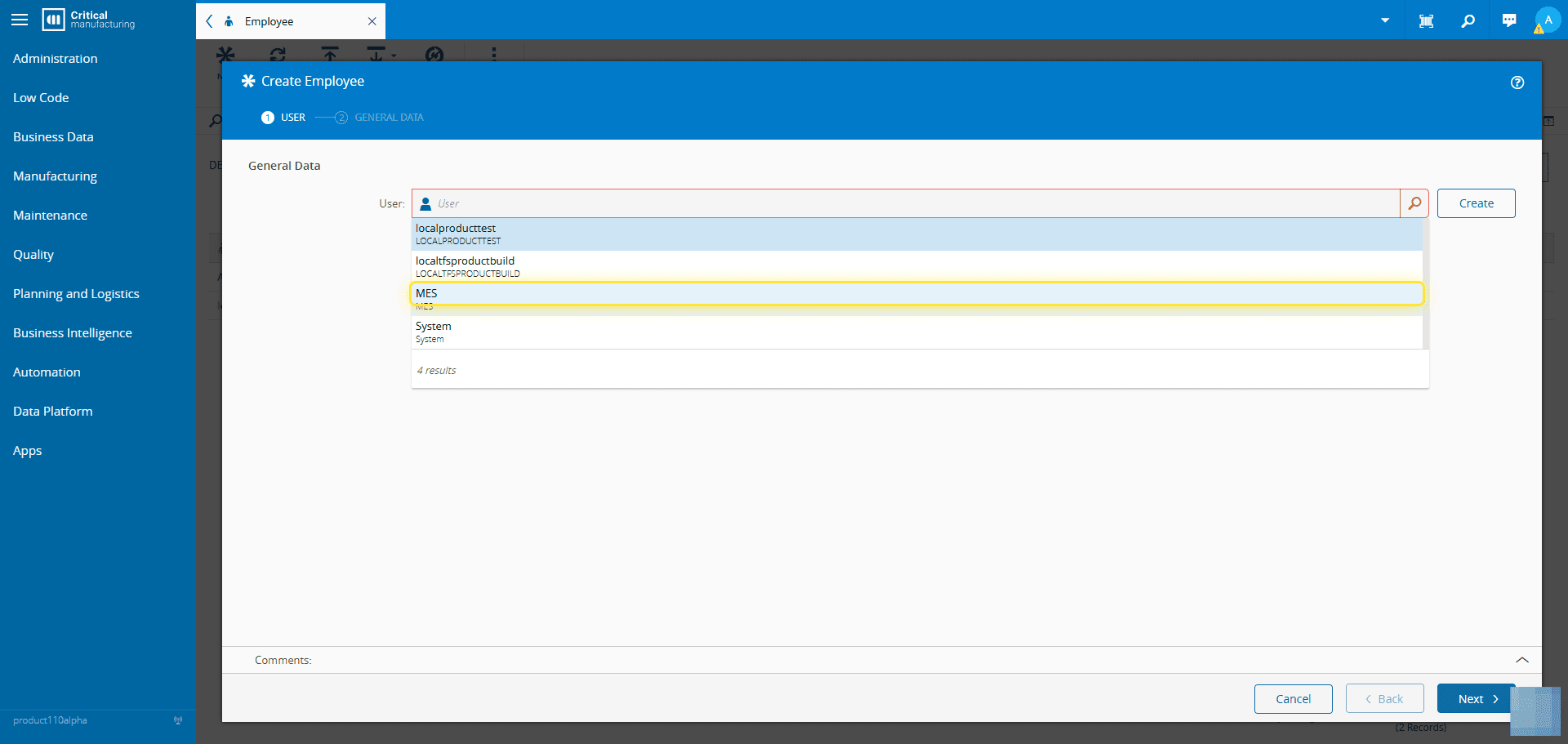
4. Add the User information.#
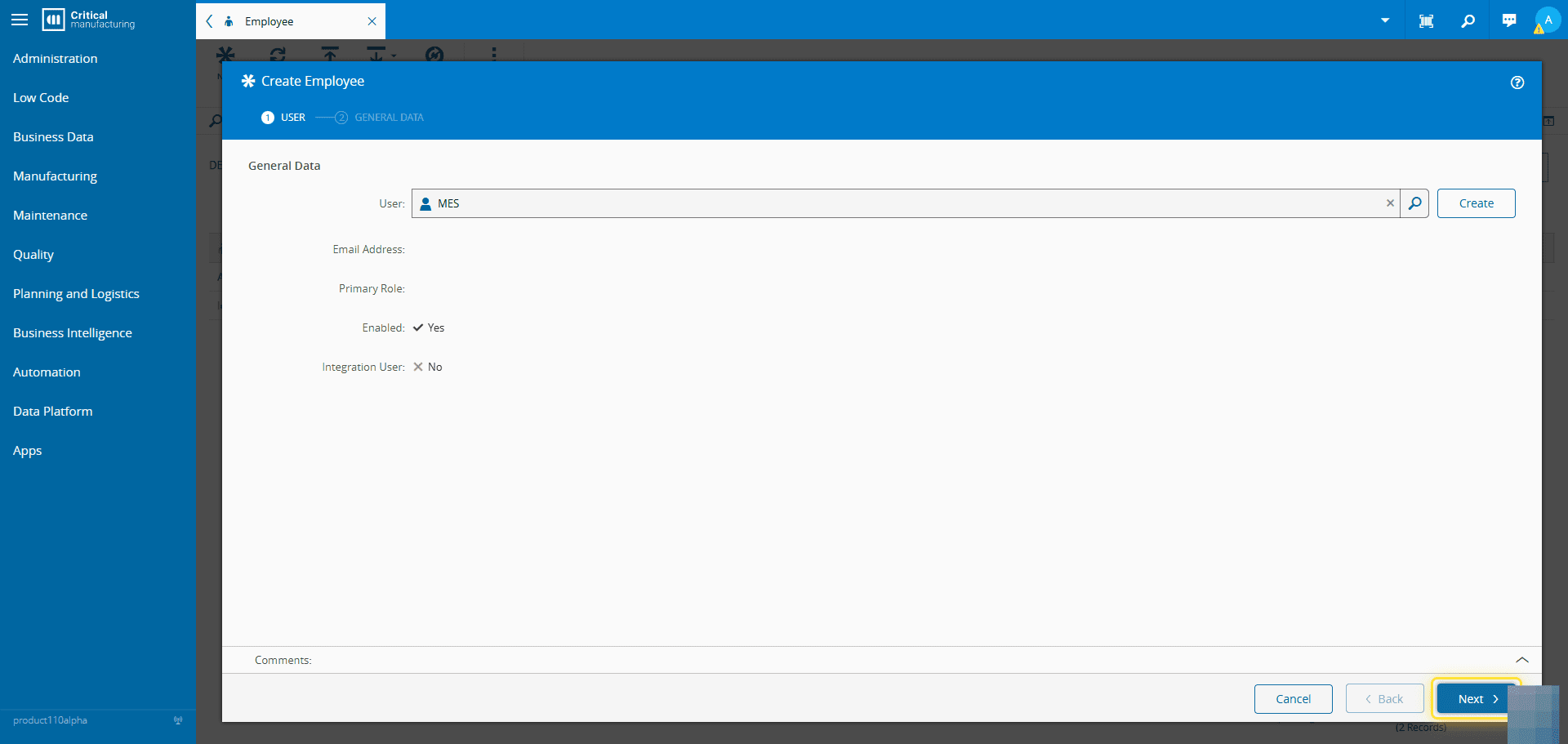
5. Select the Next button.#
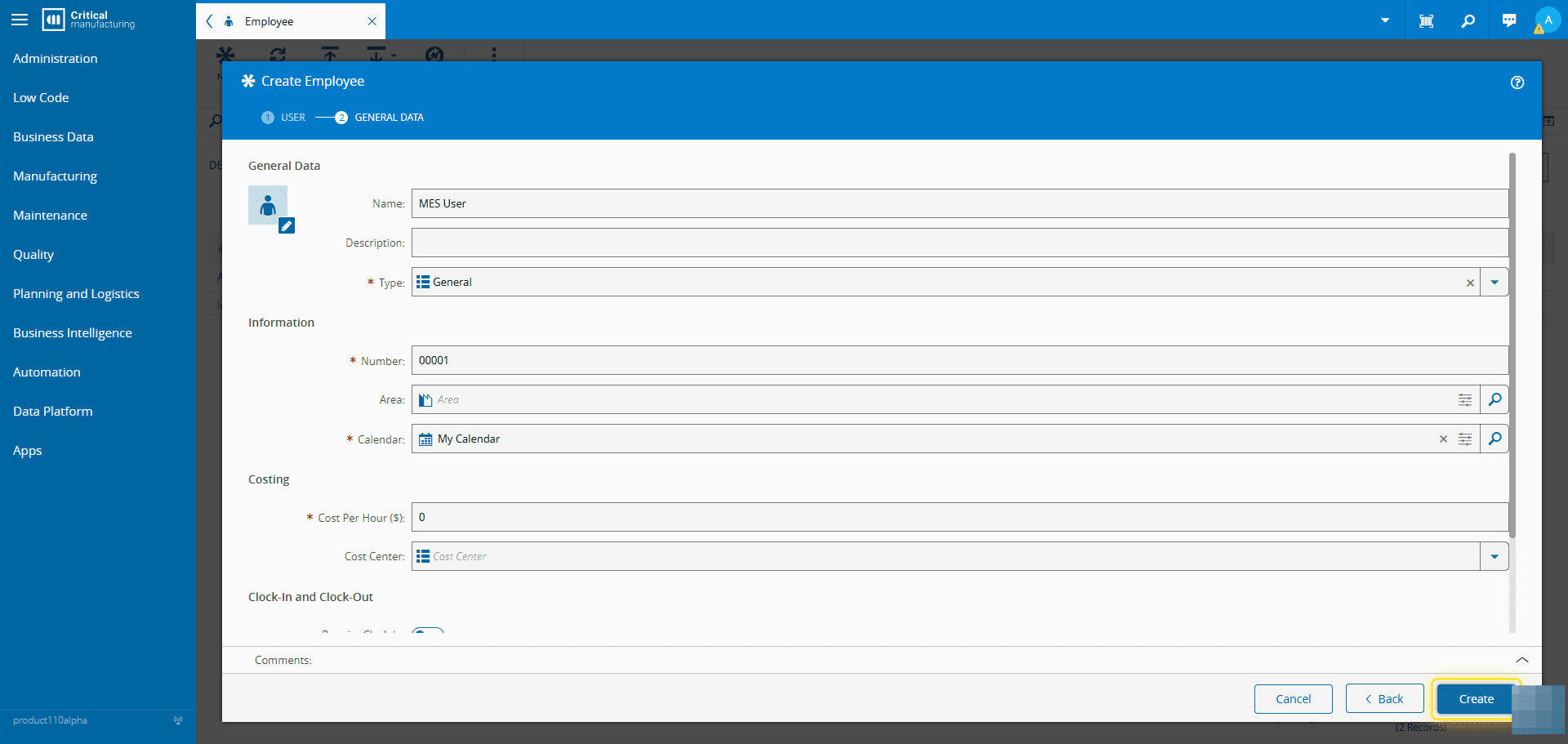
6. Set the General Data of the Employee.#
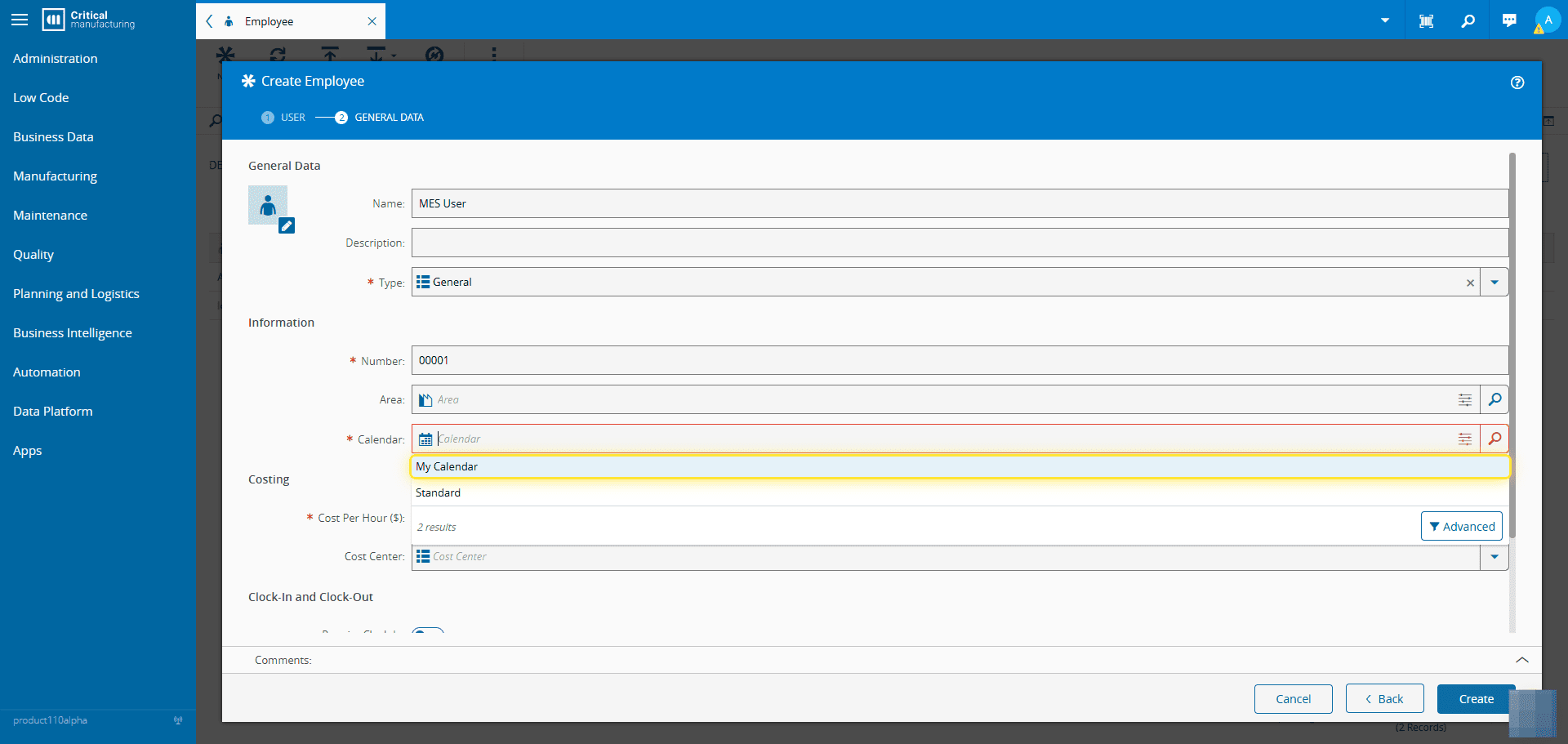
7. Select the Create button.#