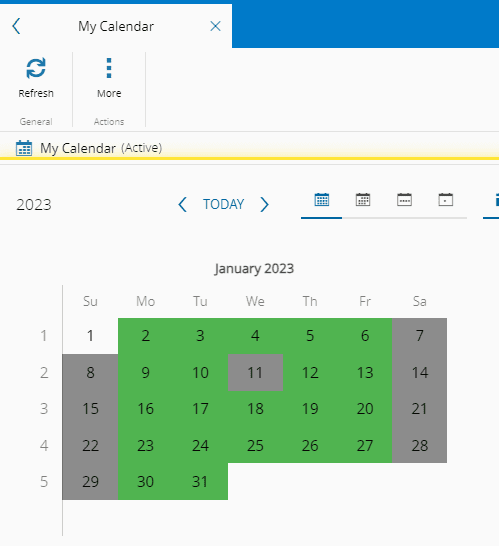
How to: Set a Calendar Day as Non-Working Day#
1. Go to the Business Data menu.#
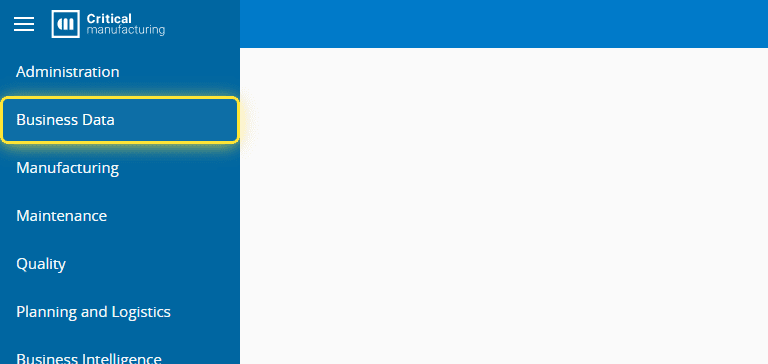
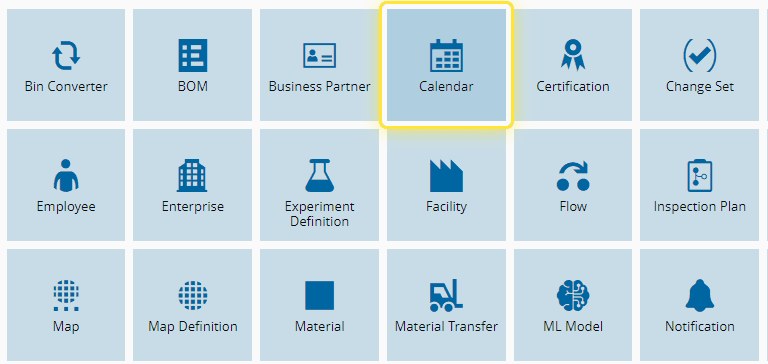
2. Select the Calendar Entity.#
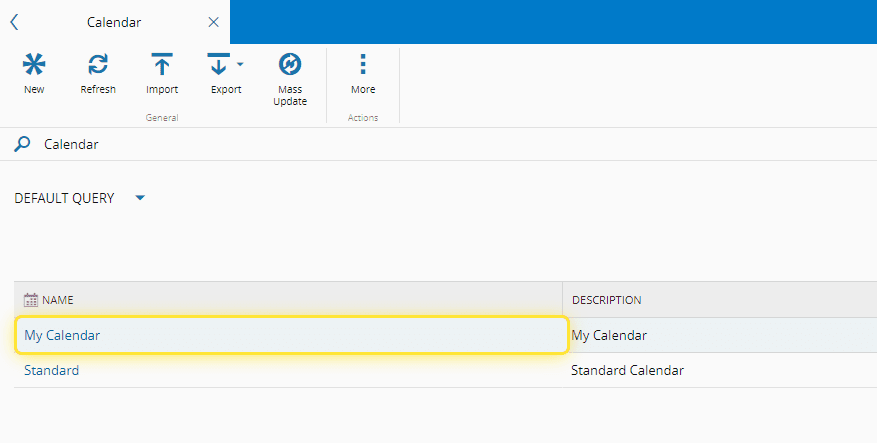
3. Select the desired Calendar.#
4. Select the Views button.#
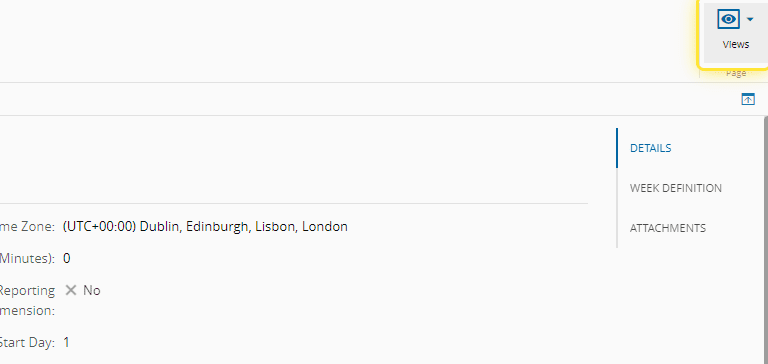
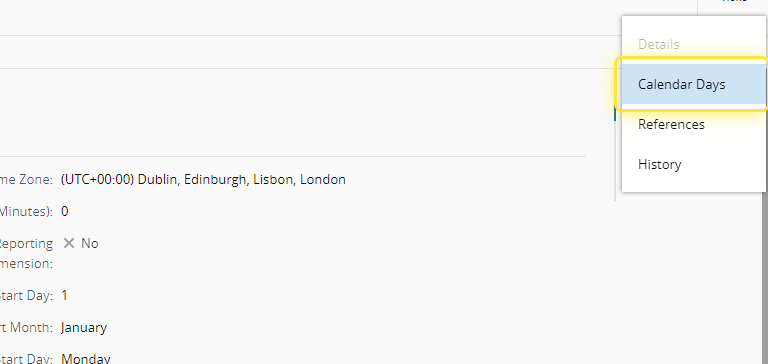
5. Select the Calendar Days option.#
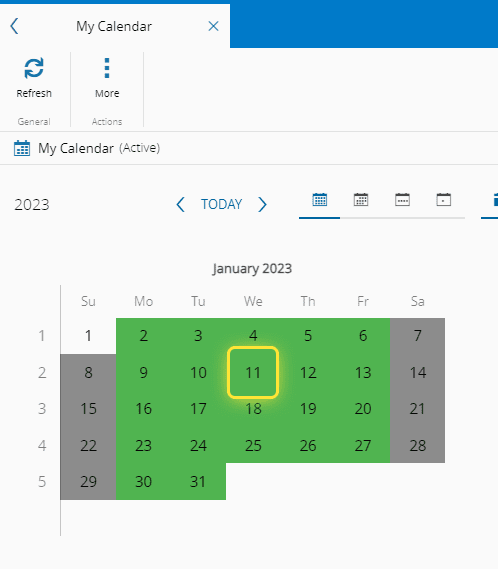
6. Select the desired day to set as a Non-Working Day.#
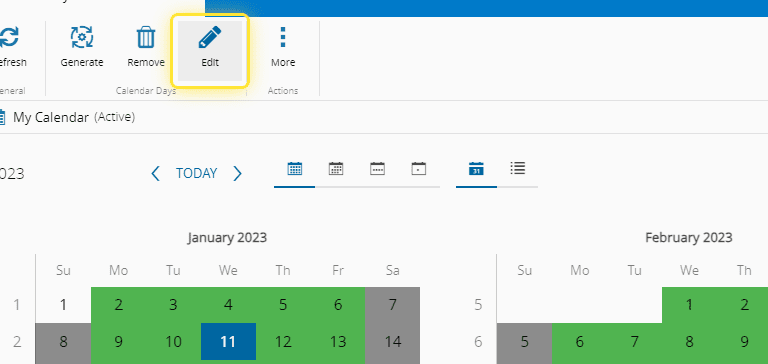
7. Select the Edit button.#
8. Under the Edit Calendar Day wizard you can verify the Shift Definition in place.#
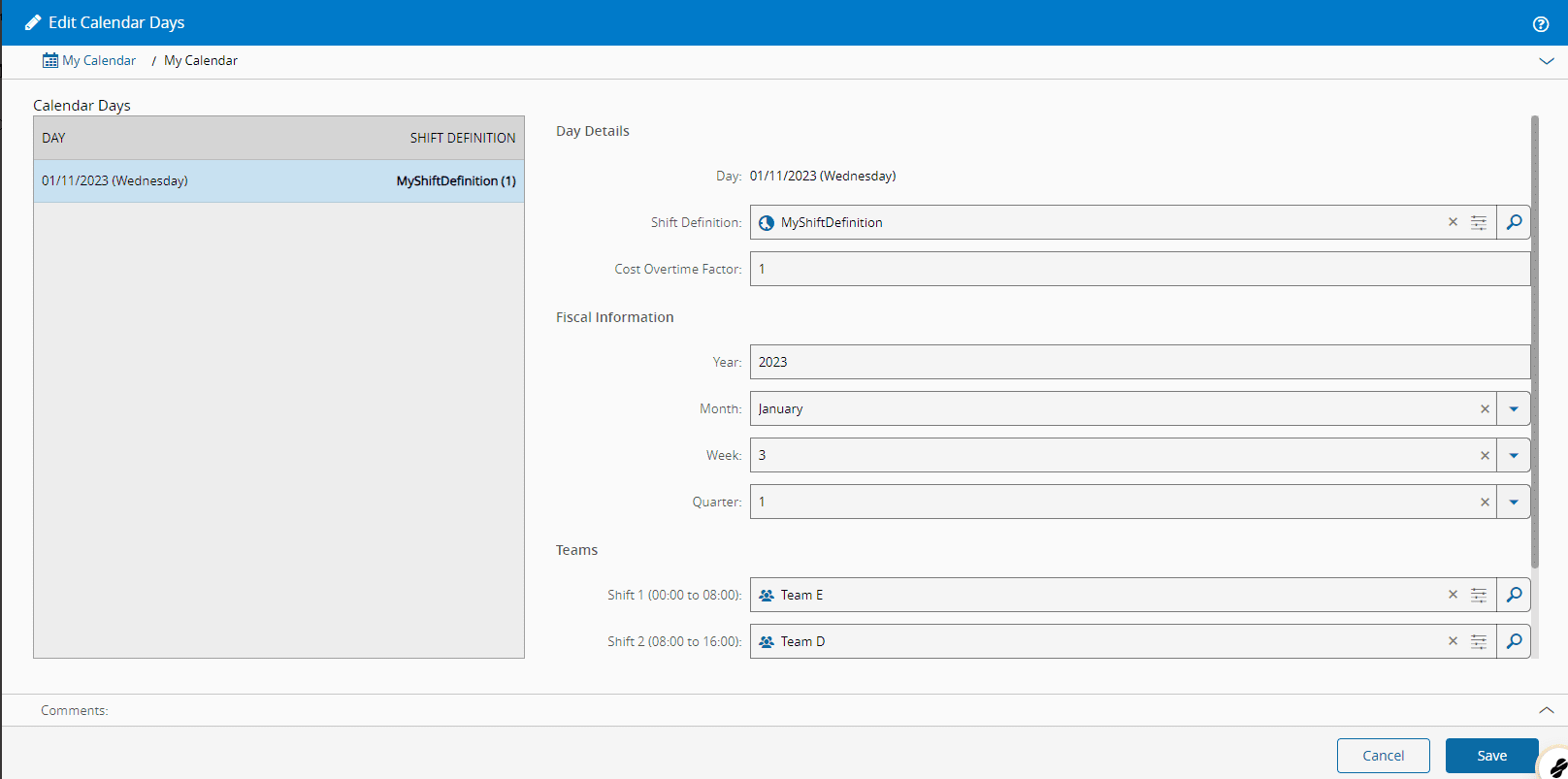
9. Remove the Shift Definition.#

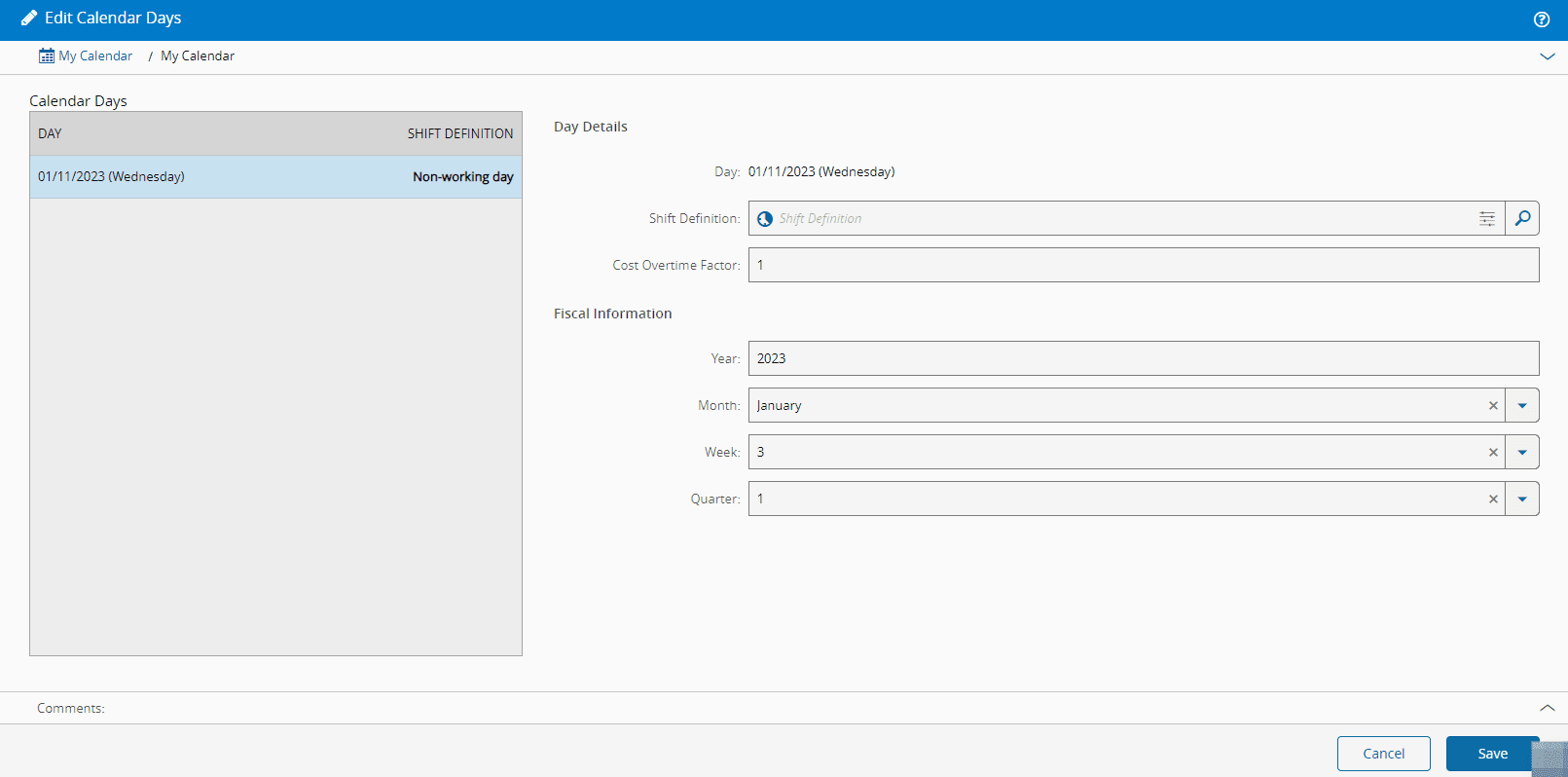
10. After removing the Shift Definition you can see the day considered as a Non-Working Day.#
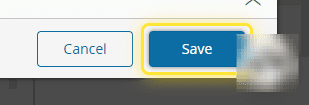
11. Select the Save button.#
12. Verify that the selected day is now a Non-Working Day.#