How to: Attach Material#
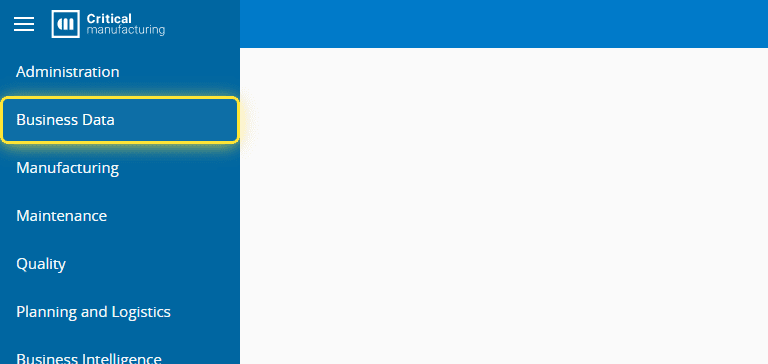
1. Go to the Business Data menu.#
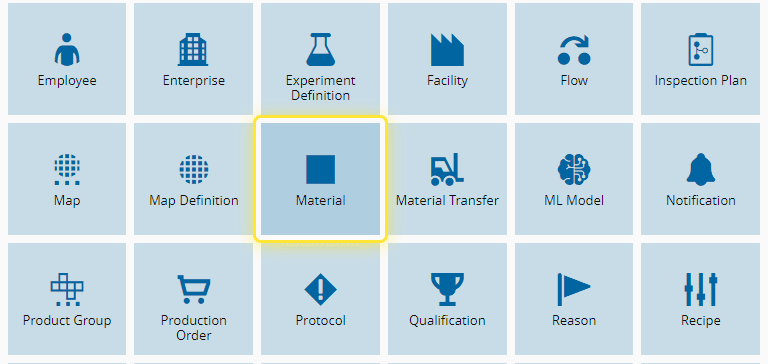
2. Select the Material entity.#
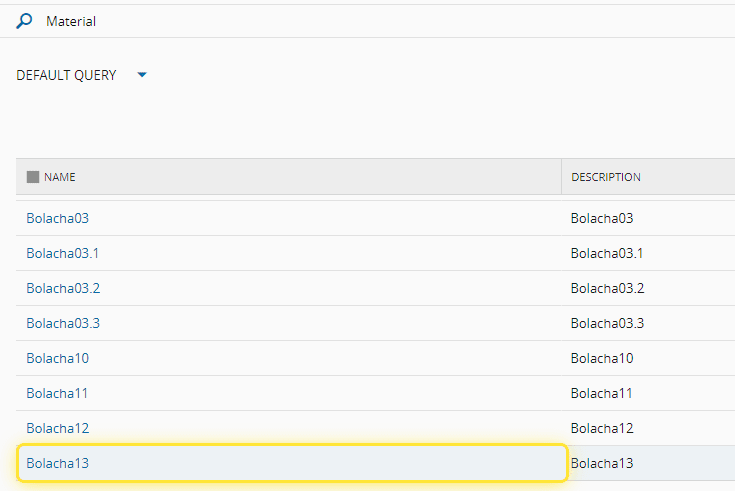
3. Select the desired Material.#
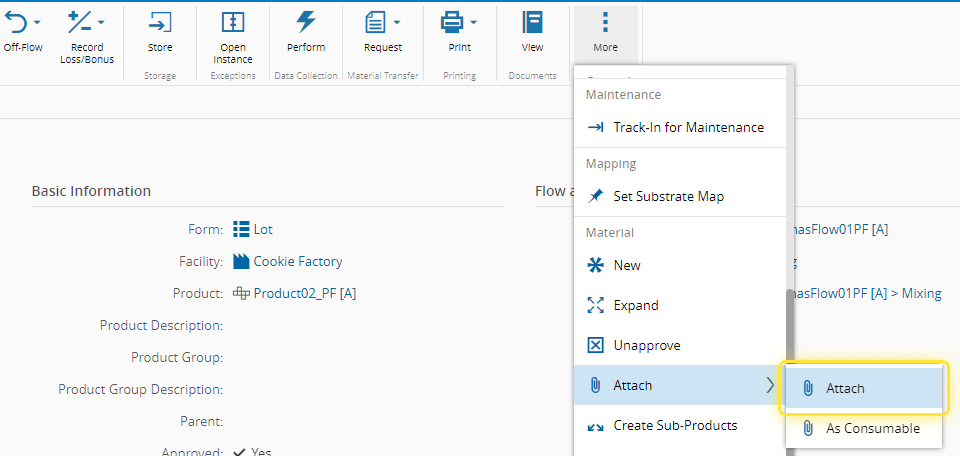
4. Select the More button.#

5. Select the Attach option.#
6. Under the Attach Material wizard add or remove Materials.#
For more information, see Attach Material - Critical Manufacturing Documentation Portal ⧉
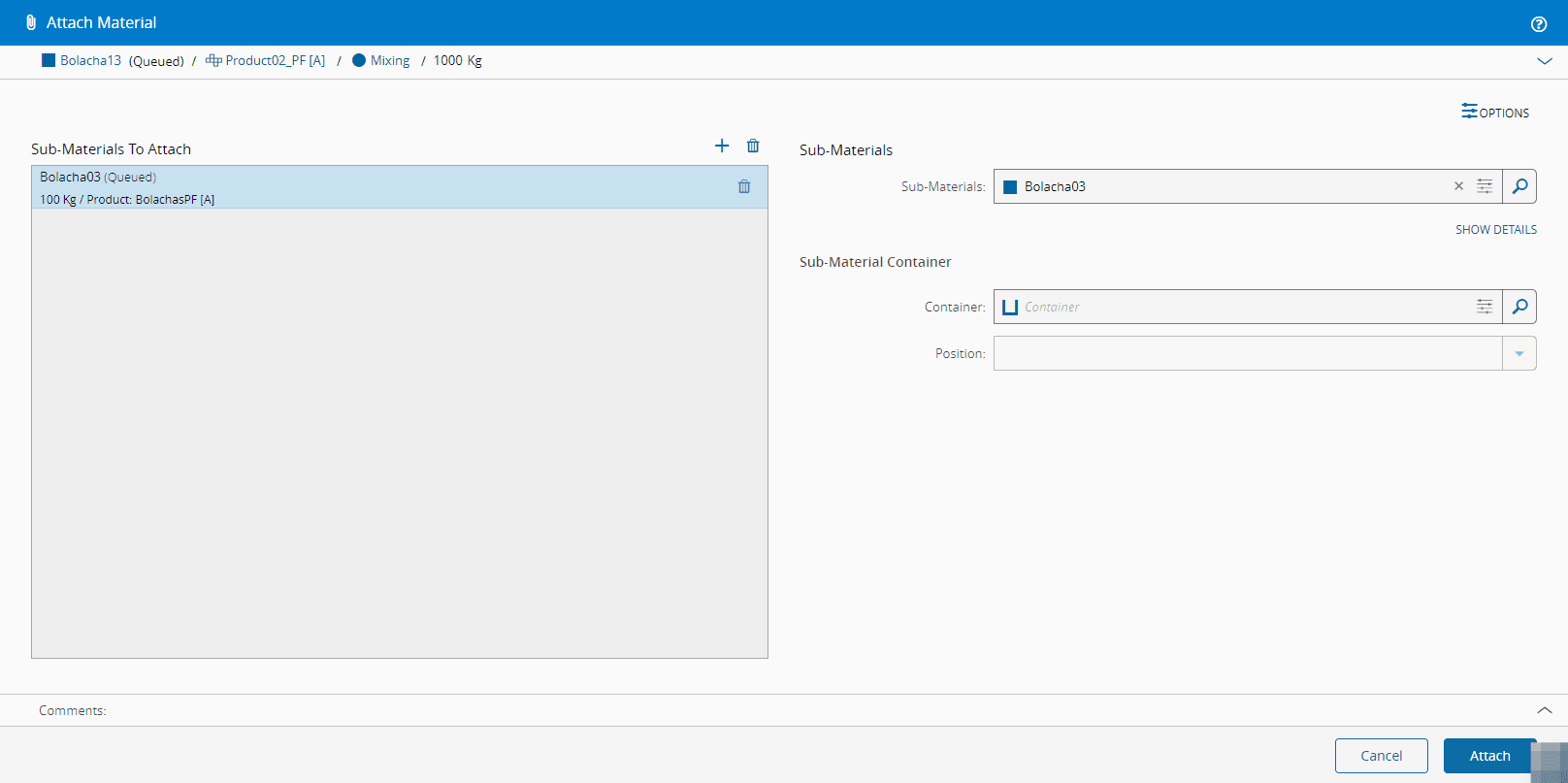
7. Select the Attach button.#