How to: Change the Product of a Material#
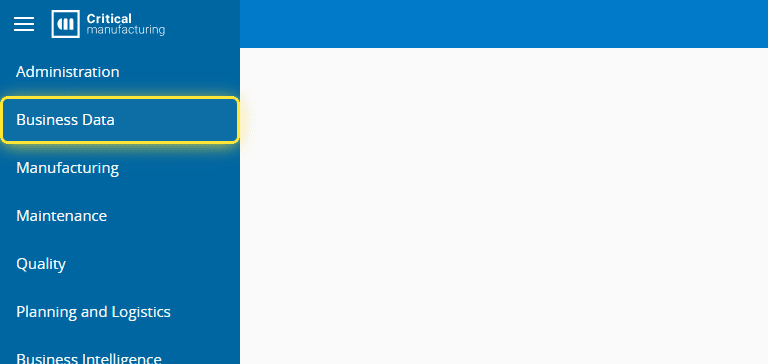
1. Go to the Business Data menu.#
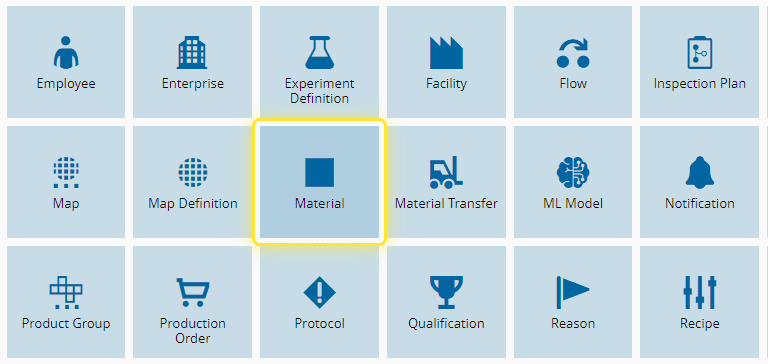
2. Select the Material entity.#
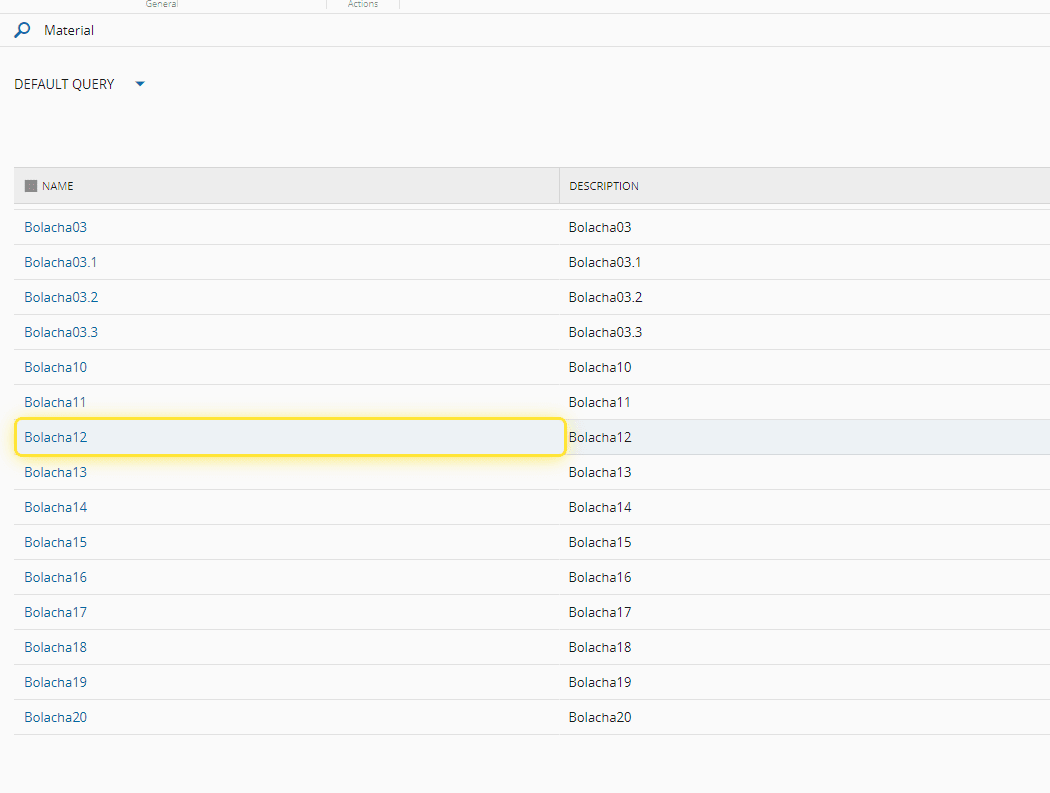
3. Select the desired Material.#
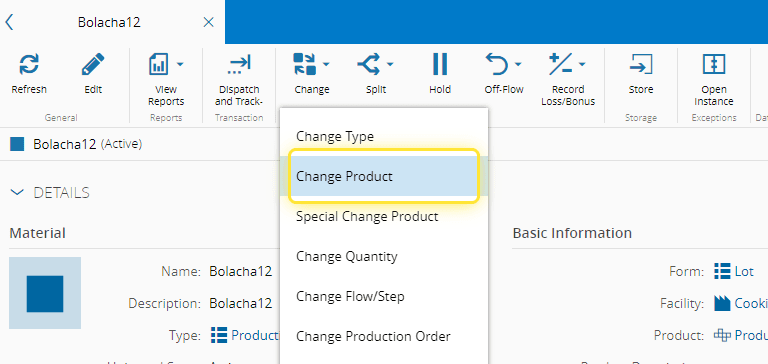
4. Select the Change button.#

5. Select the Change Product option.#
6. Under the Change Material Product wizard you can change the new Product.#
For more information, see Change Material Product - Critical Manufacturing Documentation Portal ⧉
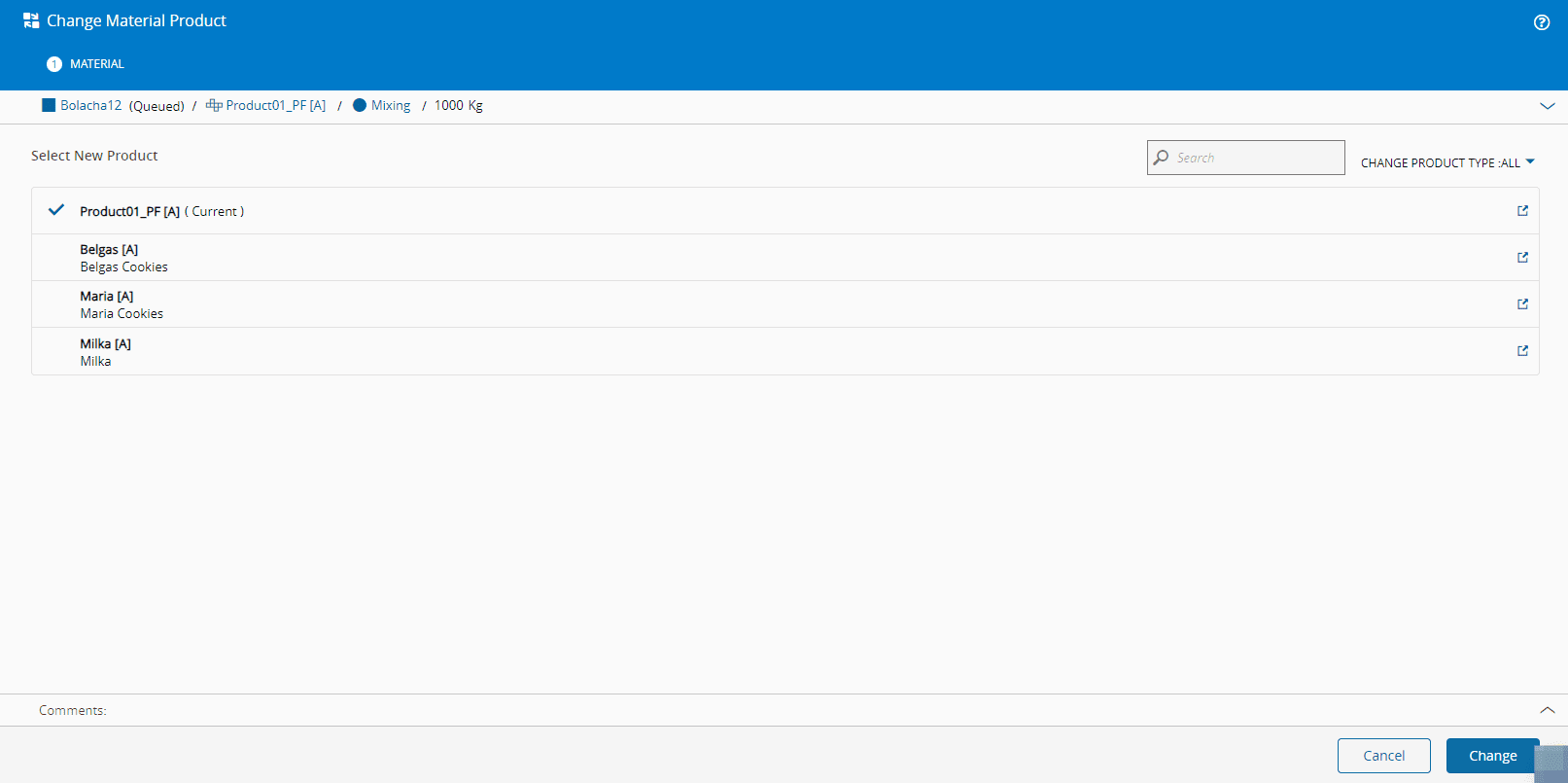
7. Select the desired new Product and Select the Change button to apply..#
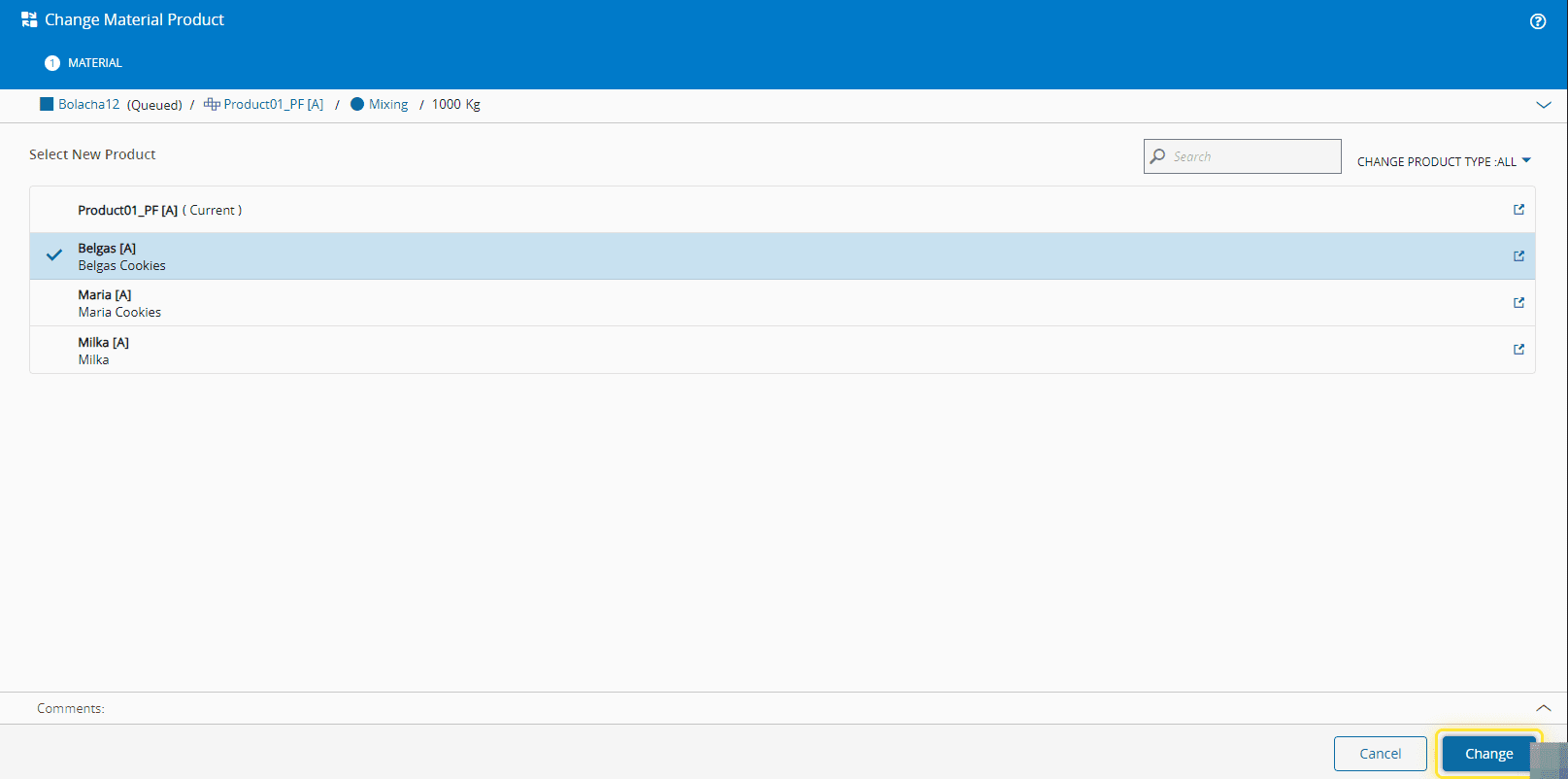
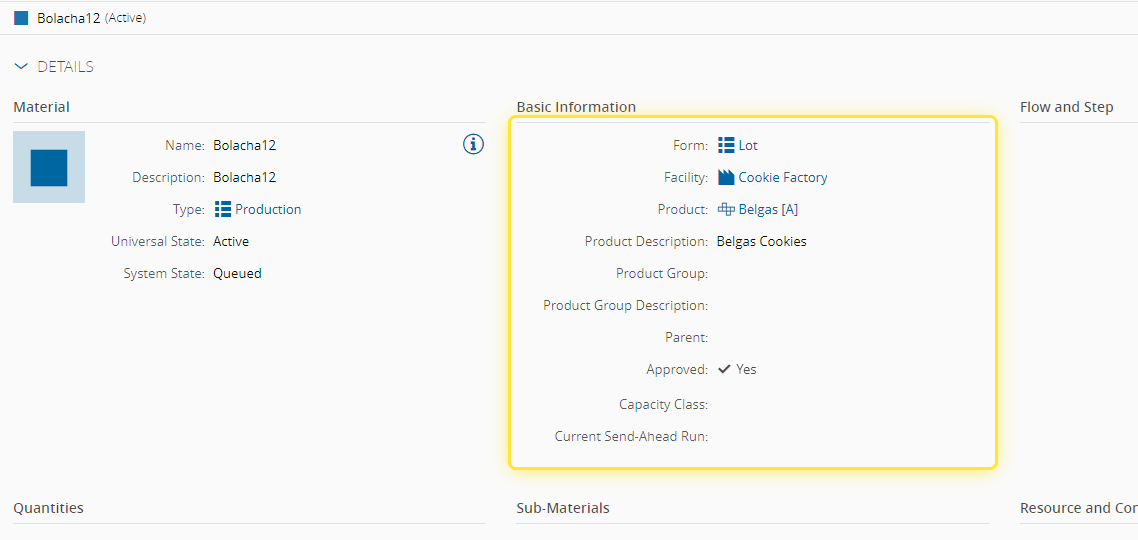
8. Verify the change in the Material Information section.#