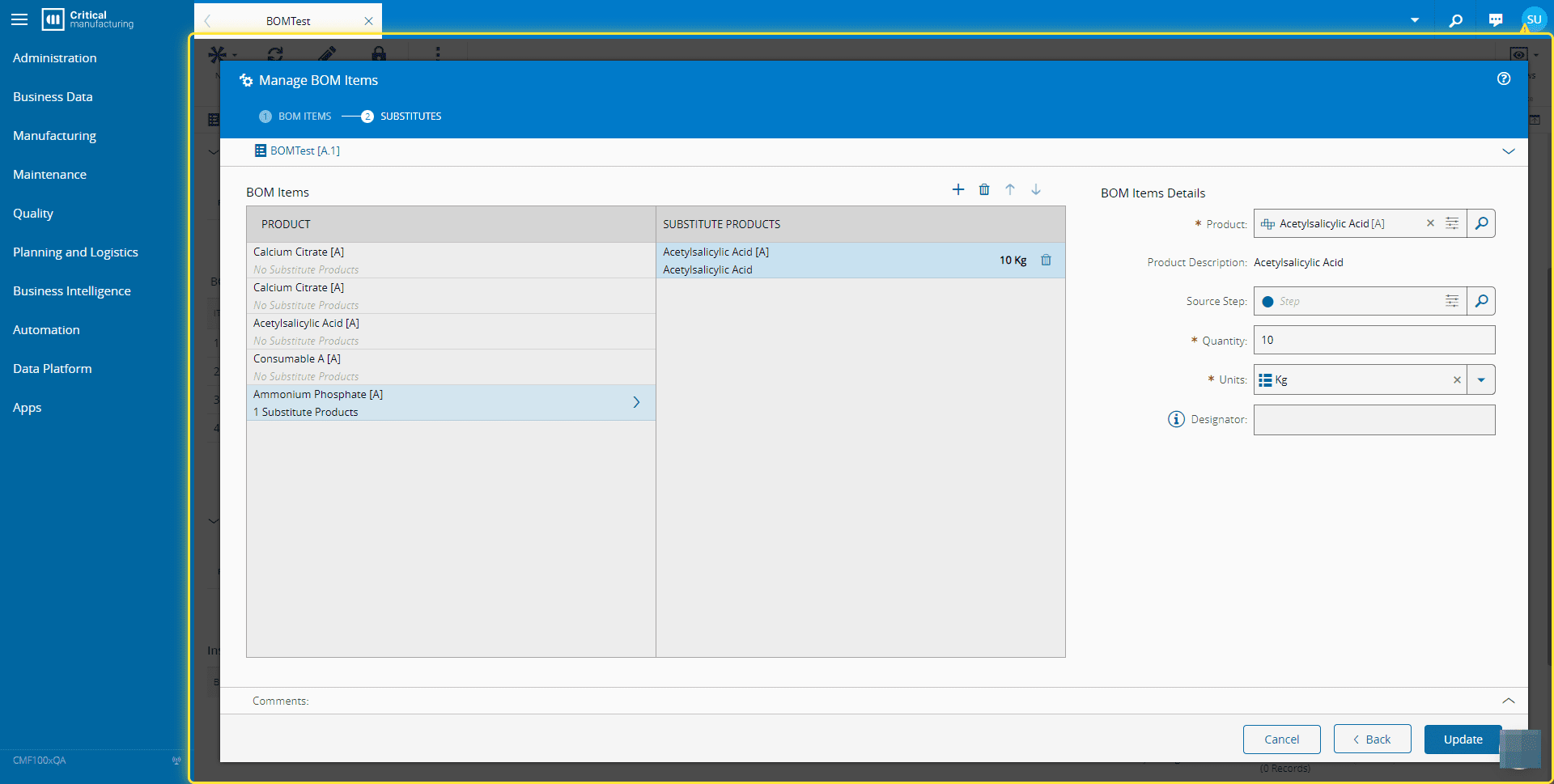
How to: Manage BOM Items#
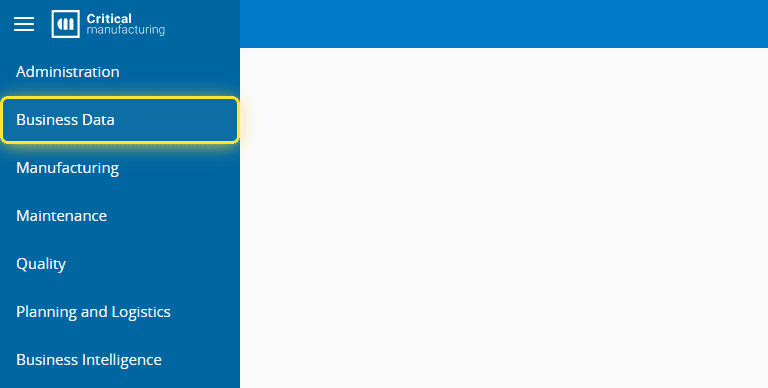
1. Go to the Business Data menu.#
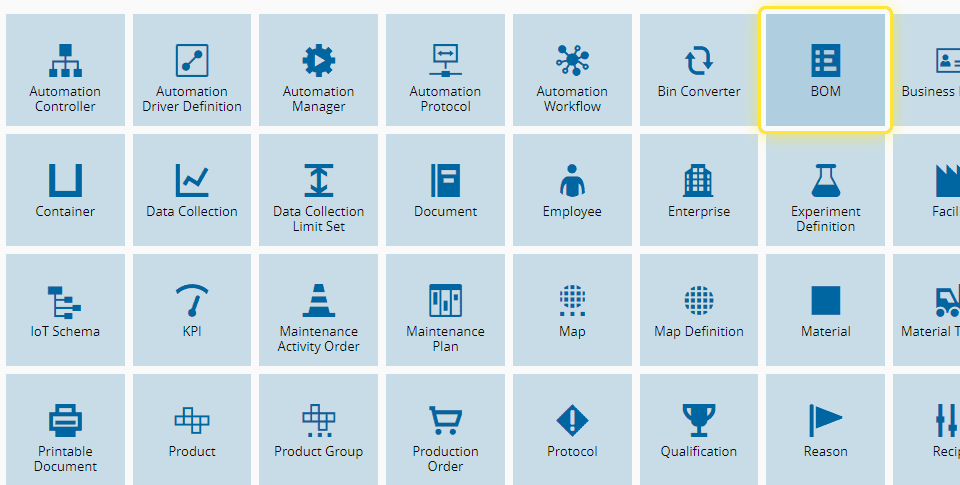
2. Select the BOM entity.#
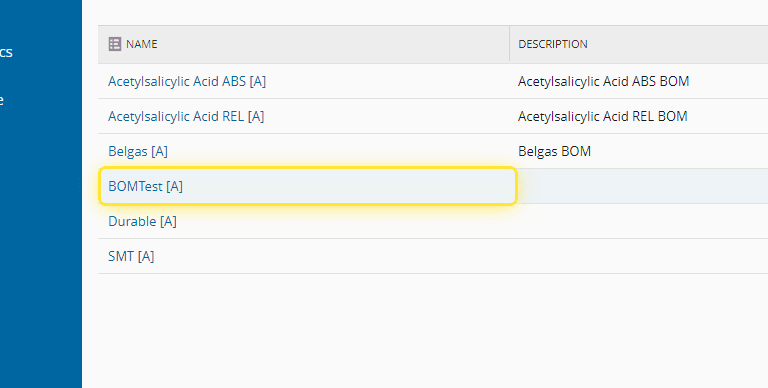
3. Select the BOM you need.#
(BOMTest [A] for this example)
4. Select the BOM ITEMS section.#
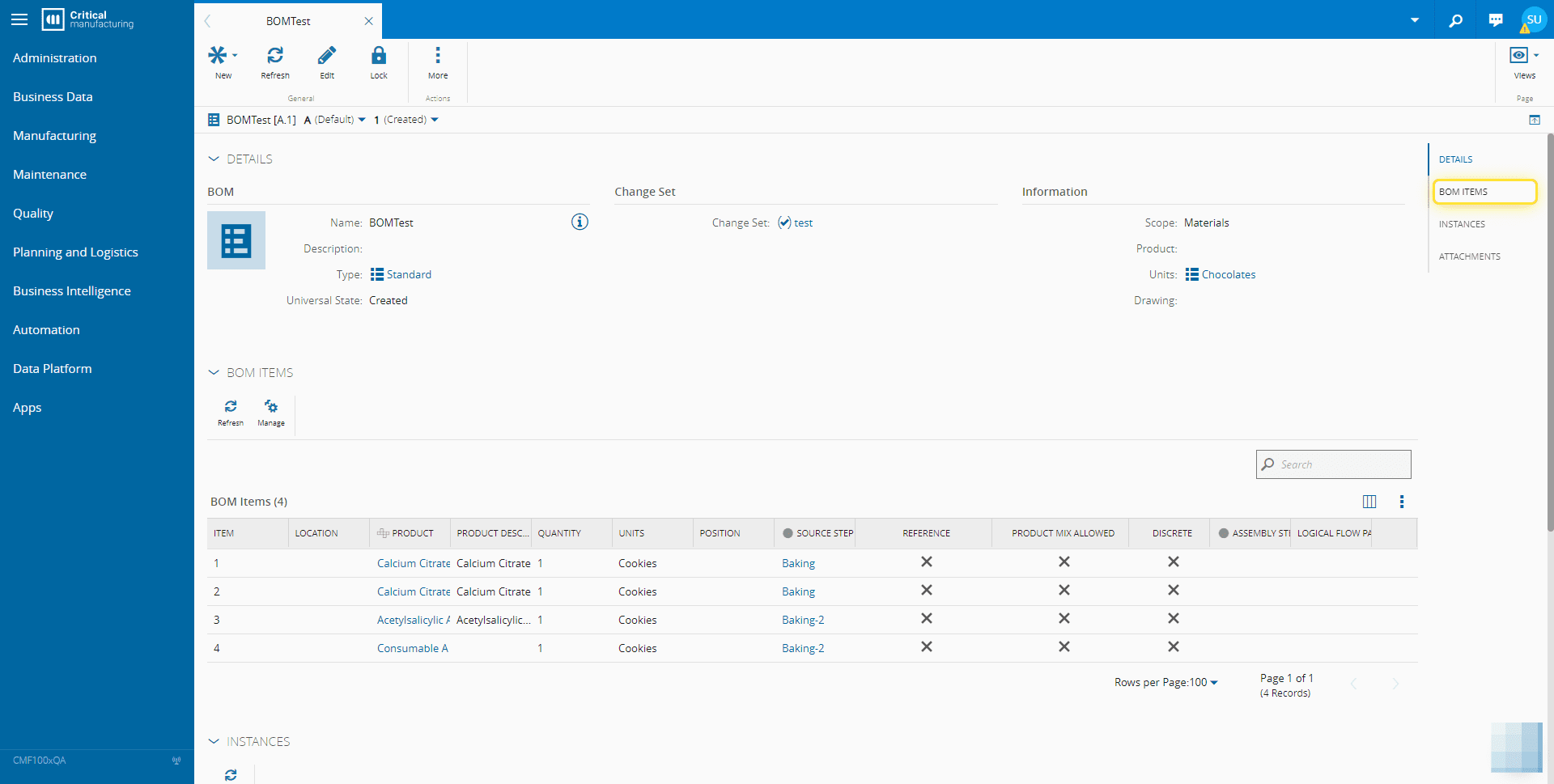
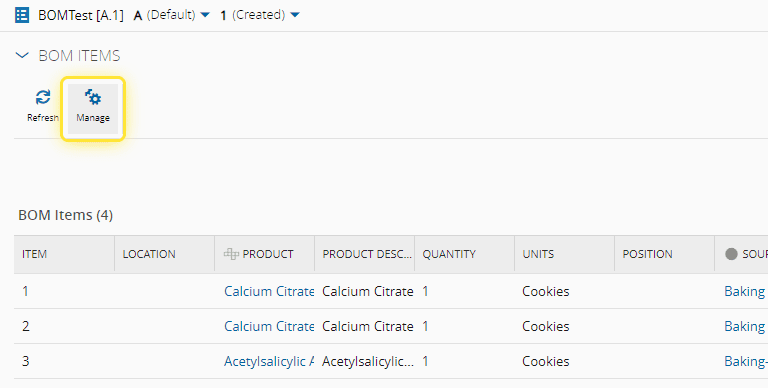
5. Select Manage.#
For more information, see Manage BOM Items - Critical Manufacturing Documentation Portal ⧉
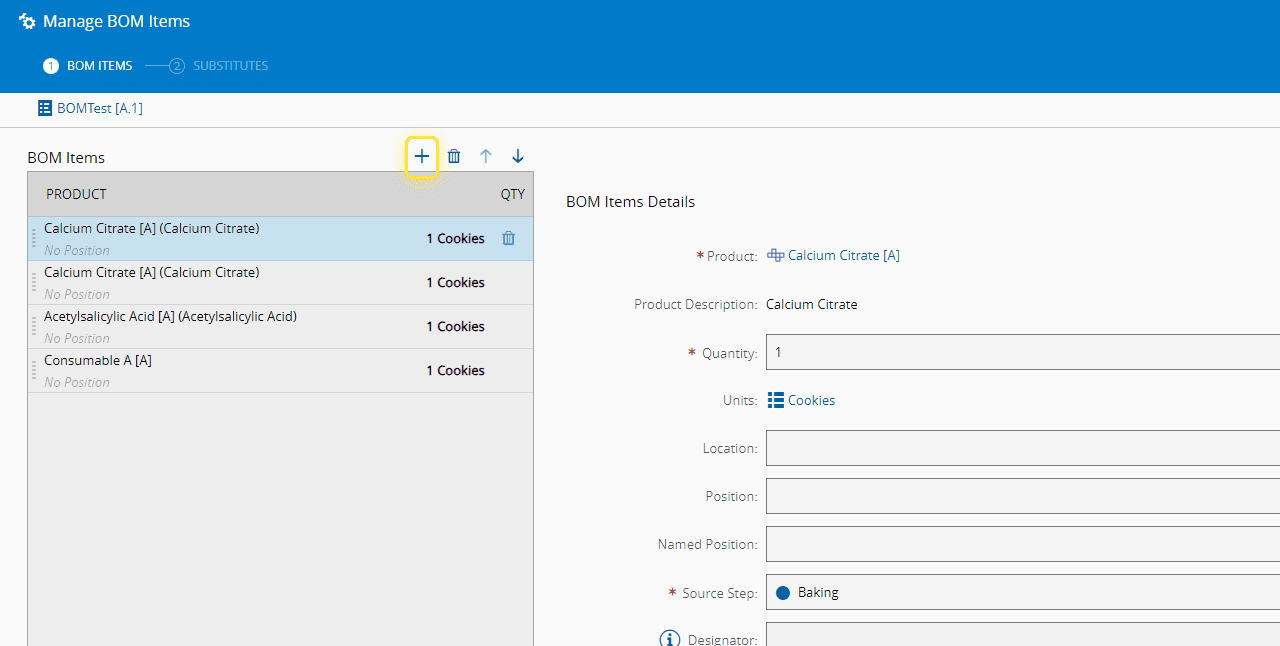
6. Add, remove or re-order as needed.#
For this example, we are going to Add.
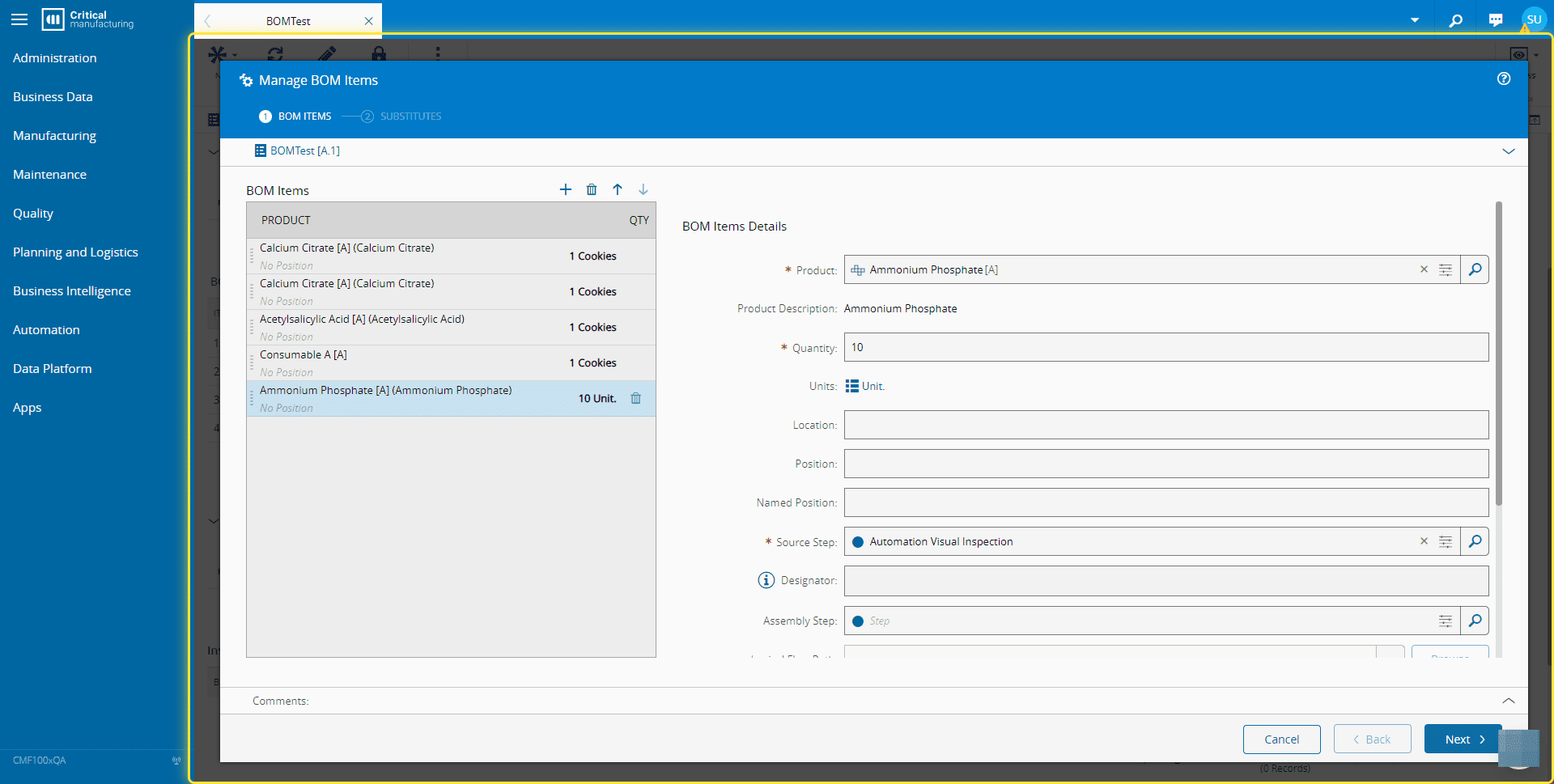
7. Enter the necessary information and select Next.#
8. Add the necessary information for the Substitute Products if needed and then select Update.#