How to: Manage Container Positions#
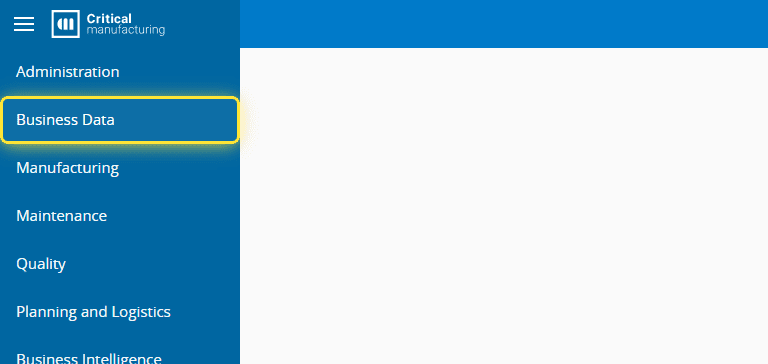
1. Go to the Business Data menu.#
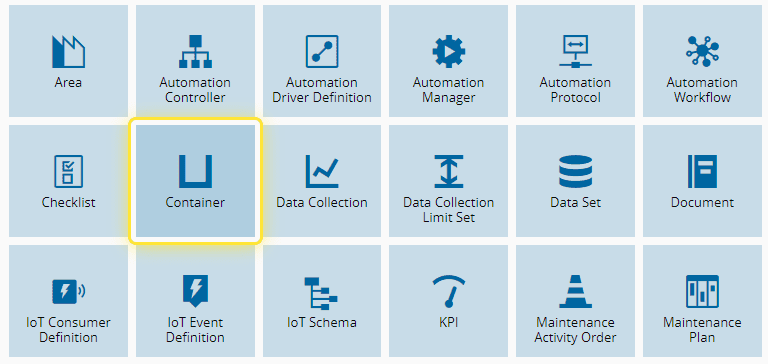
2. Select the Container entity.#
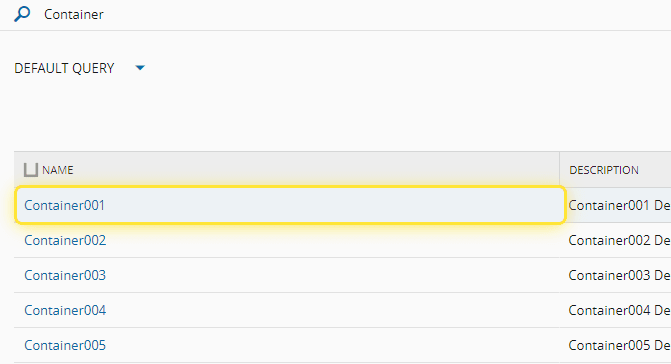
3. Select the desired Container.#
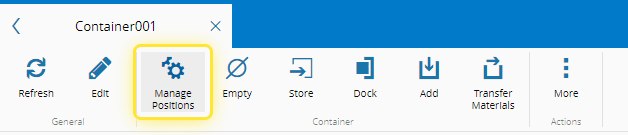
4. Select the Manage Positions button.#
5. Under the Container Positions Wizard you can manage the available positions.#
You can edit a current position, delete it or add materials to unoccupied positions.
For more information, see Manage Container Positions - Critical Manufacturing Documentation Portal ⧉
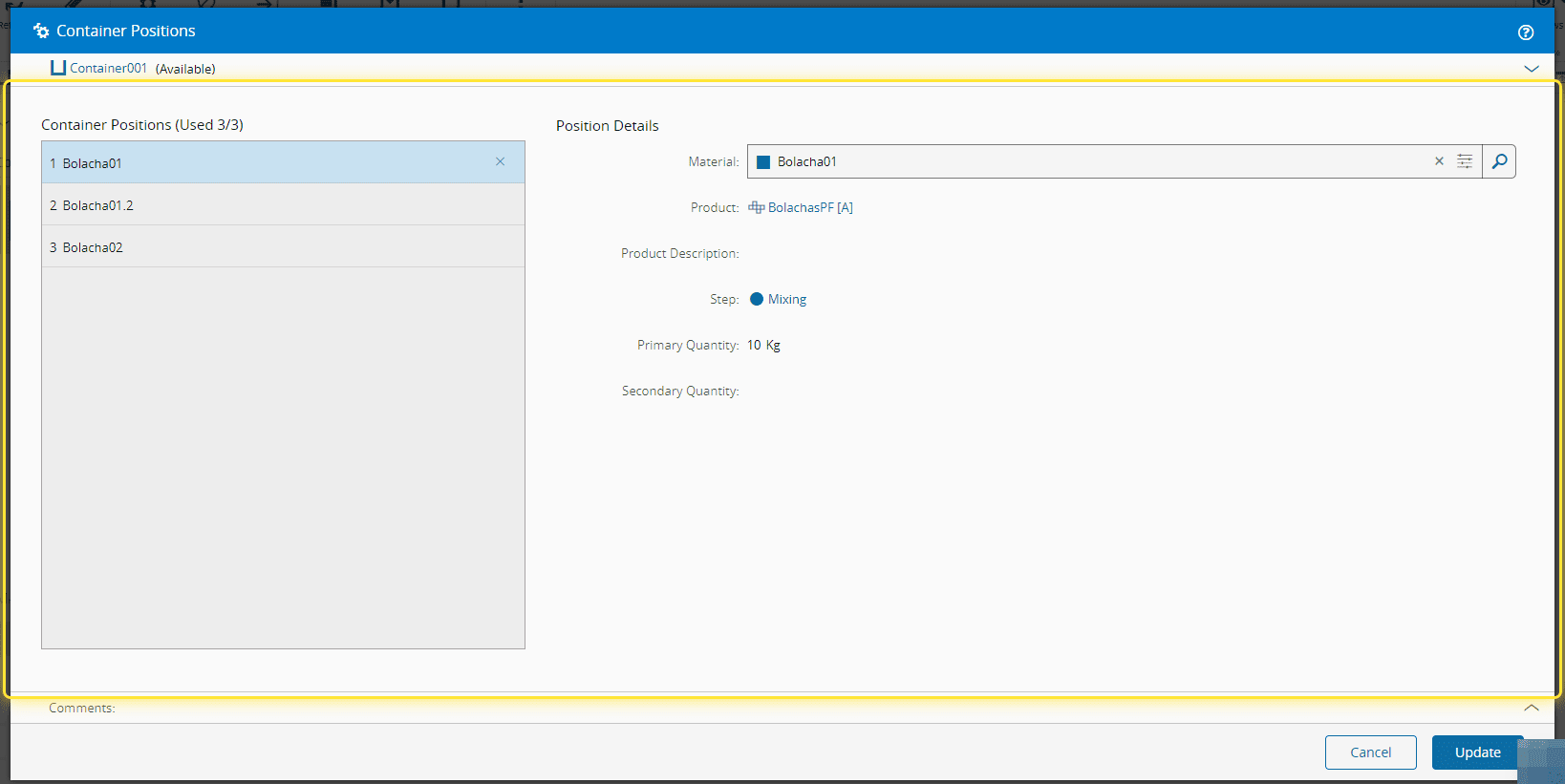
6. Select the Update button to finish.#