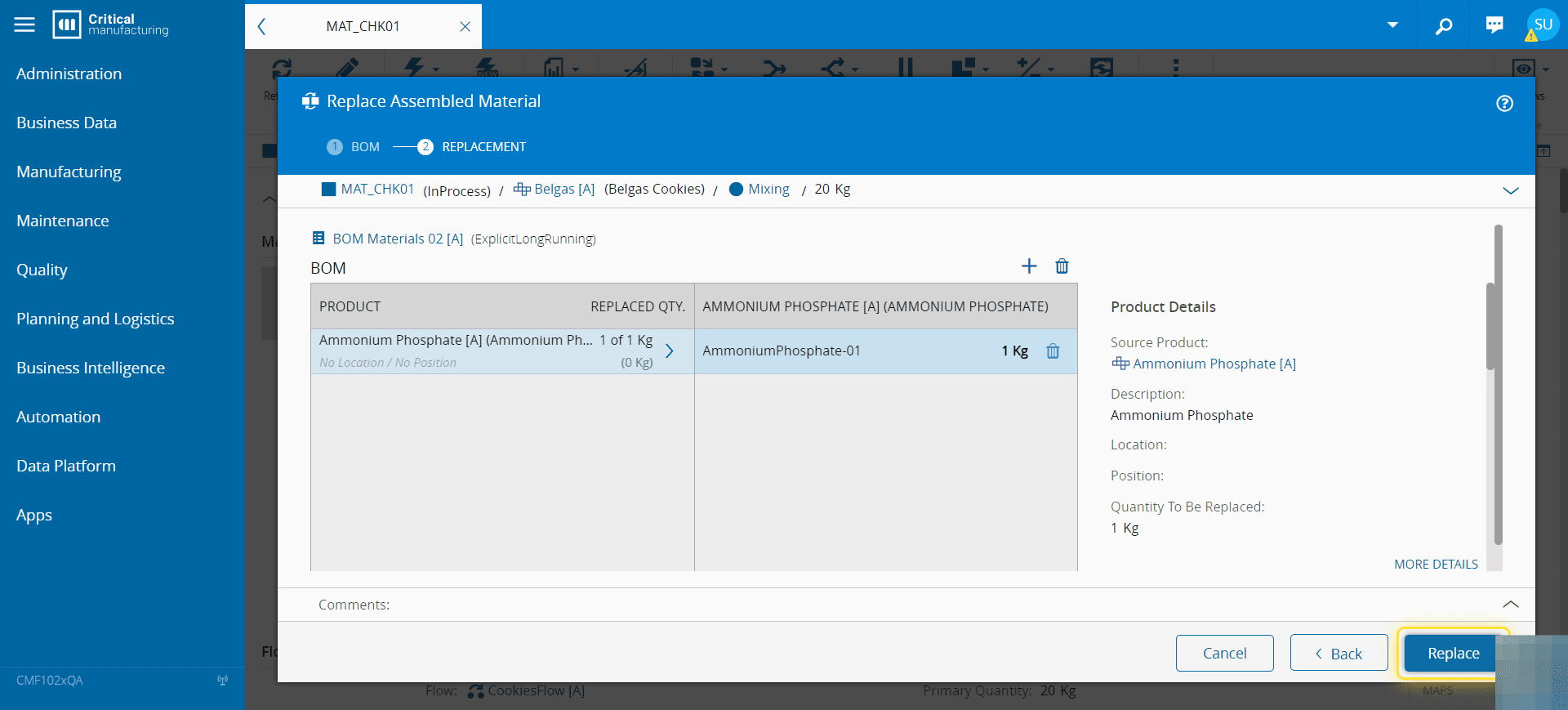
How to: Replace an Assembled Material#
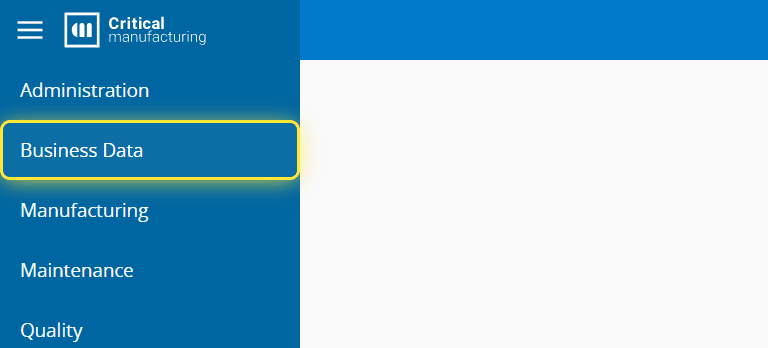
1. Go to the Business Data menu.#
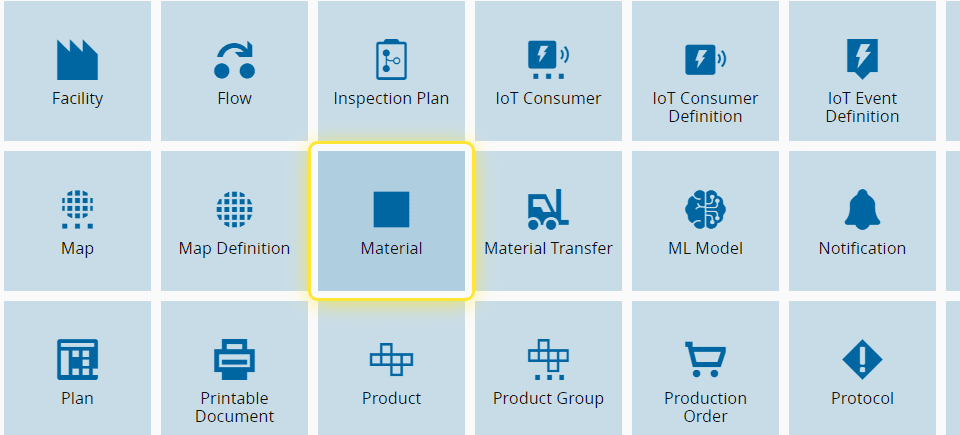
2. Select the Material entity.#
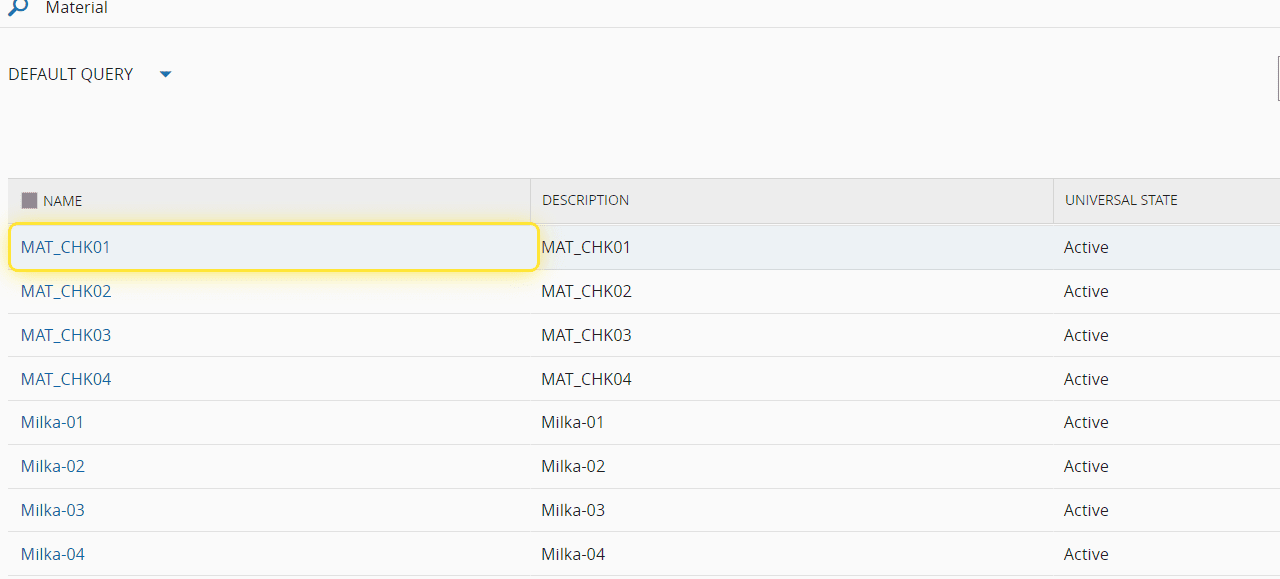
3. Select your desired Material.#
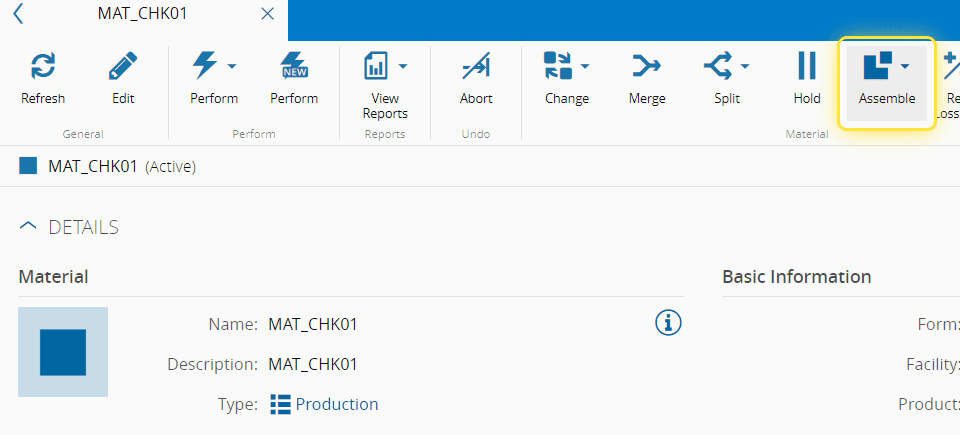
4. Select the Assemble button.#
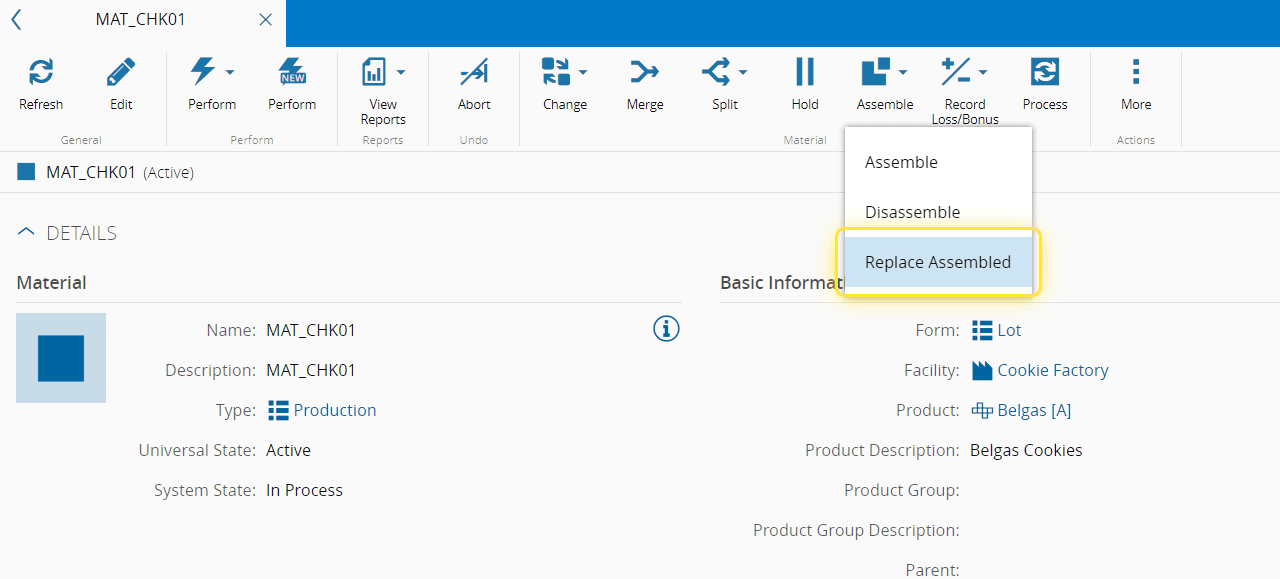
5. Select the Replace Assembled option.#
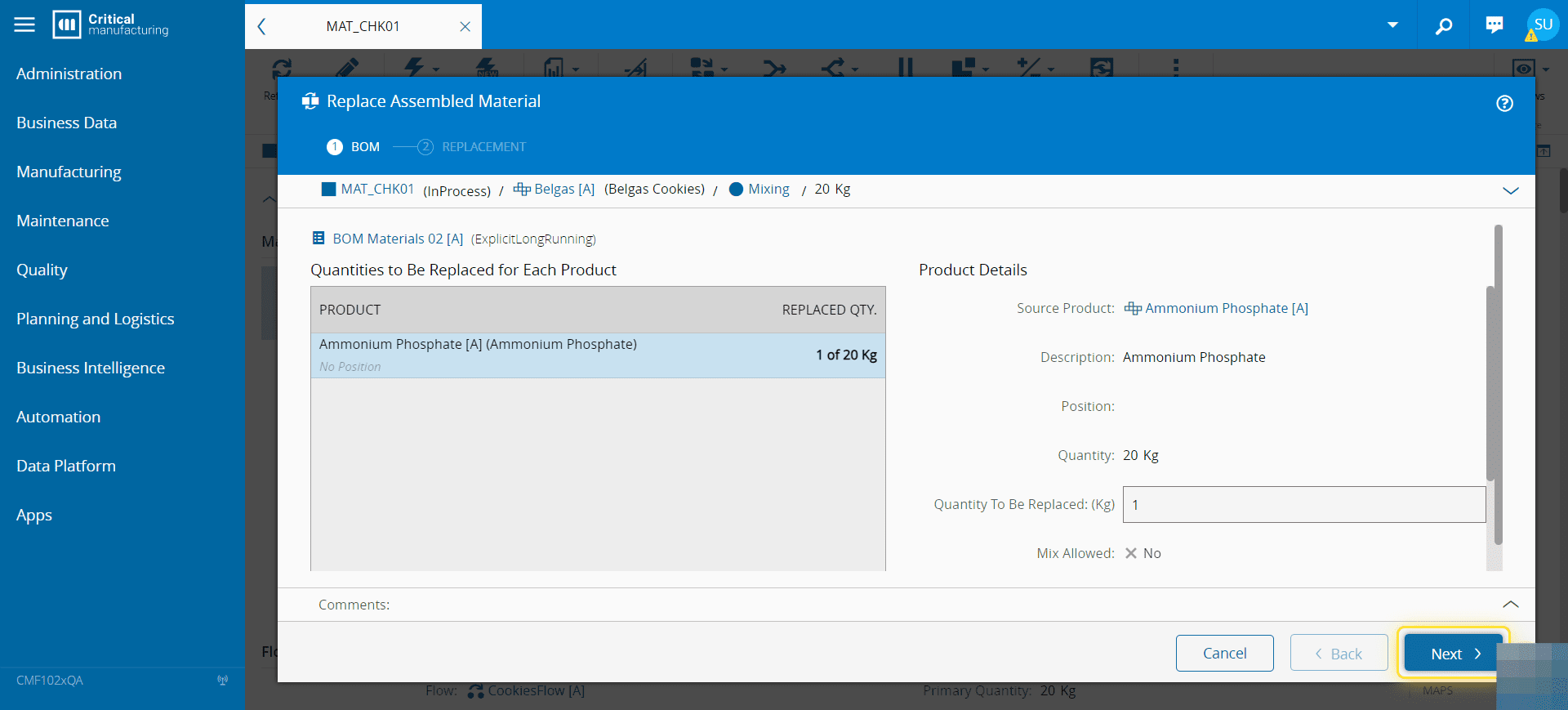
6. Under the Replace Assembled Material wizard you can manage each sub-product quantity to be replaced.#
For more information, see Replace Assembled Material - Critical Manufacturing Documentation Portal ⧉
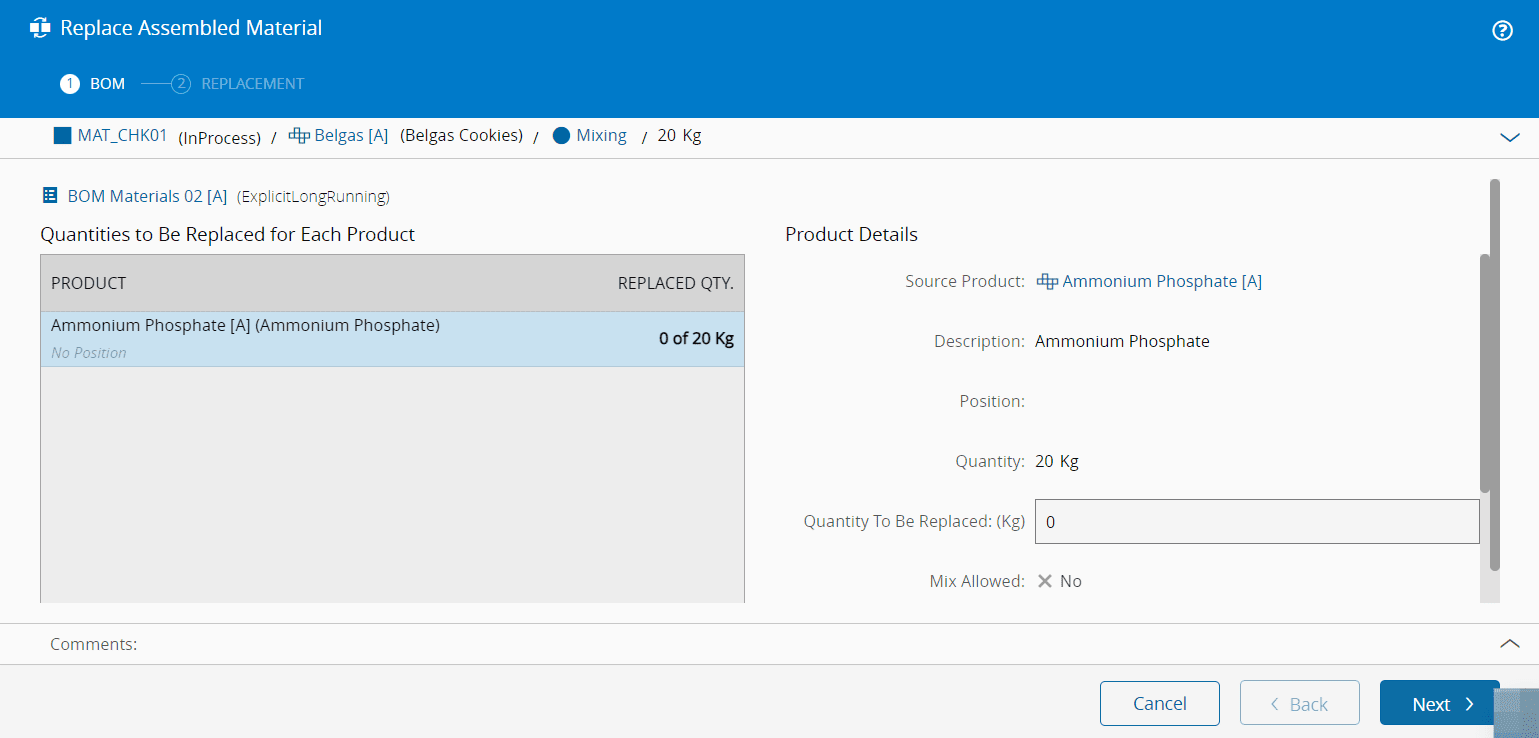
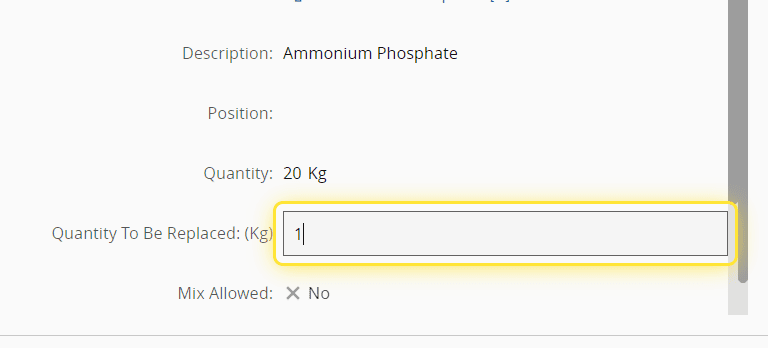
7. Indicate the quantities to be replaced for each sub-product.#
8. Select the Next button.#
9. For each sub-product indicate the amount of quantity of each available material to replace.#
In some situations, you can indicate a different material that satisfies the conditions of the original material as a replacement.
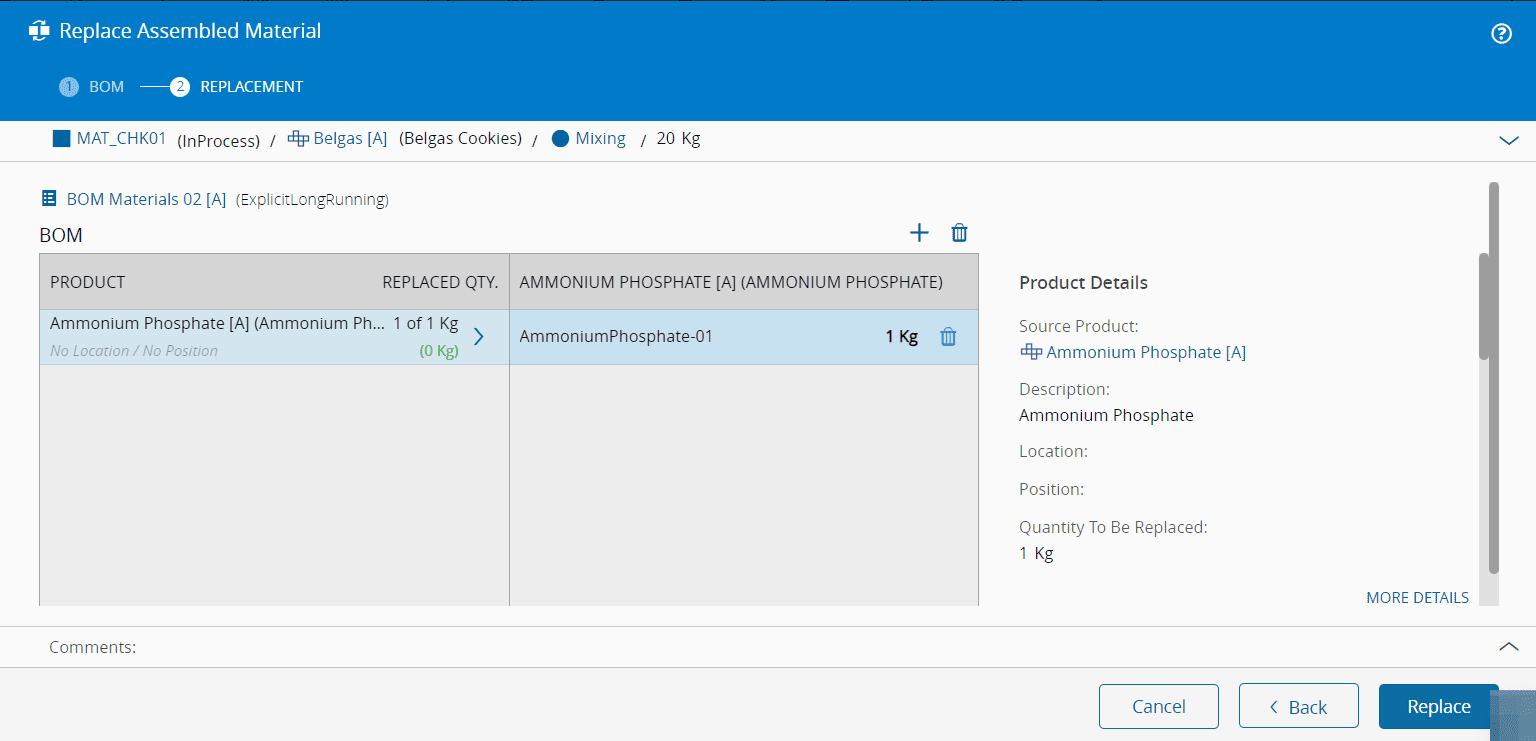
10. Select the Replace button.#