How to: Add a Parameter Override Context#
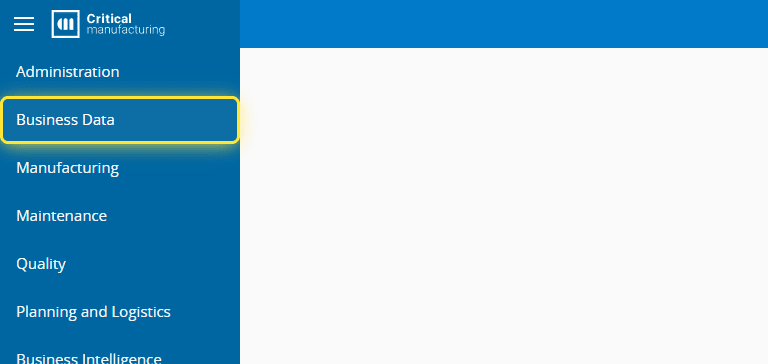
1. Go to the Business Data menu.#
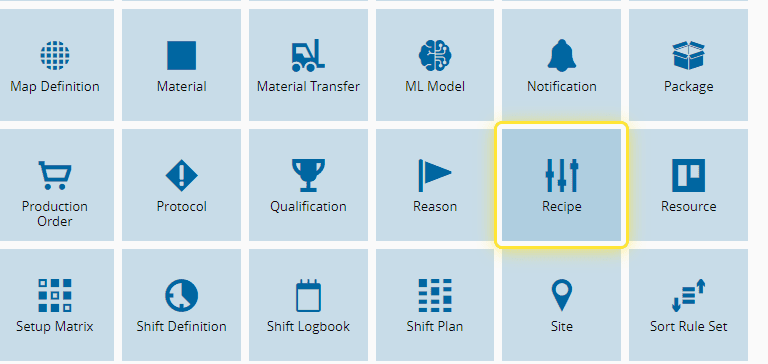
2. Select the Recipe entity.#
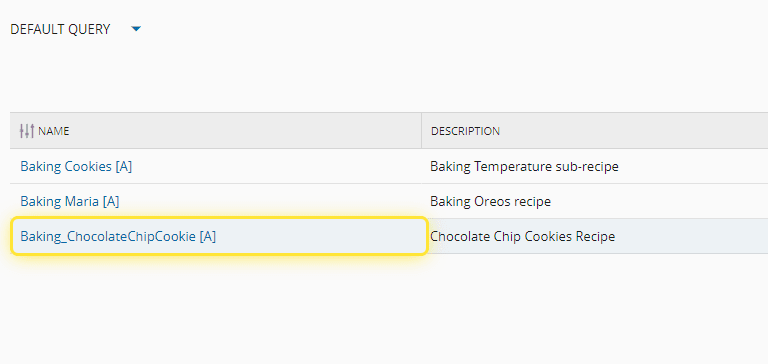
3. Select the desired Recipe.#
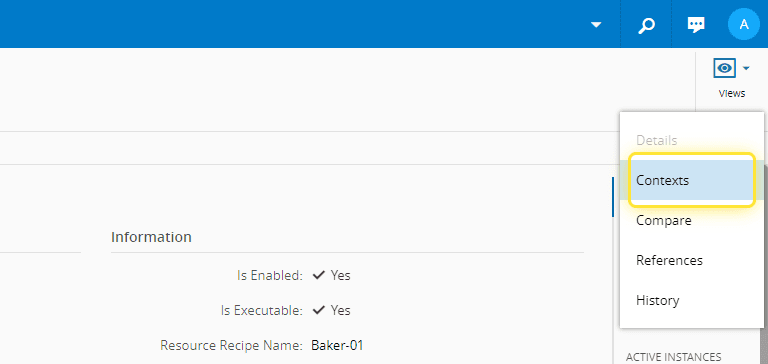
4. Select the Views menu.#
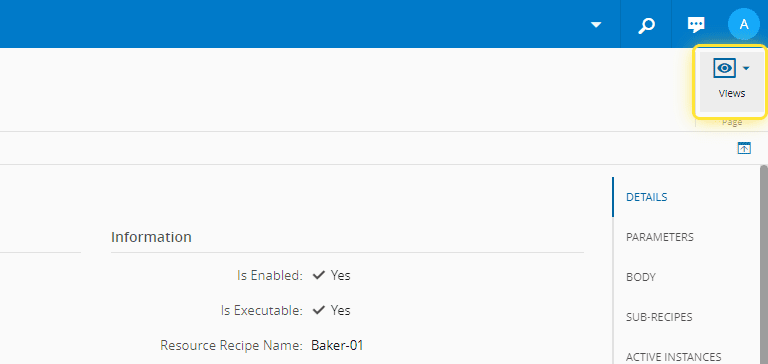
5. On the Views menu, select Contexts.#
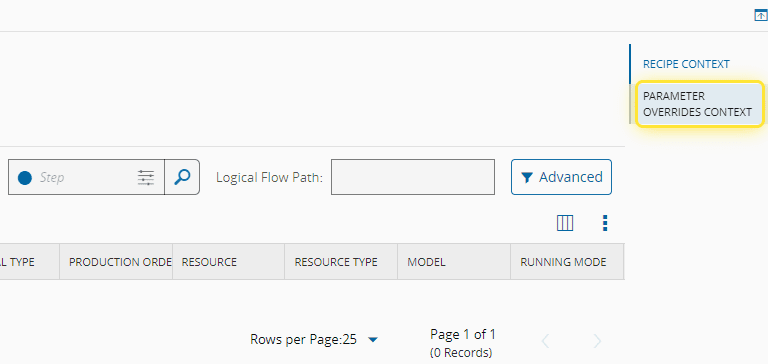
6. Go to the Parameter Overrides Context section.#
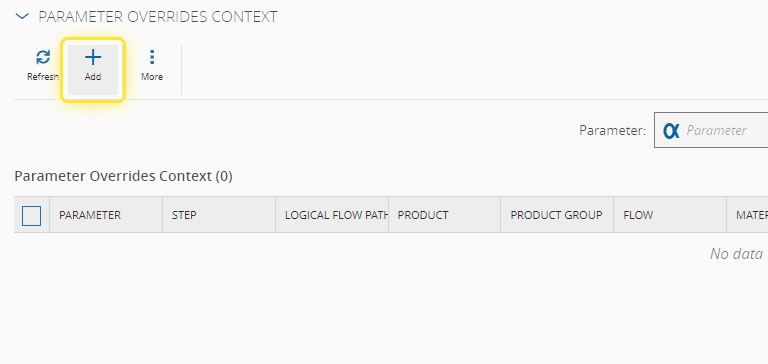
7. Select the Add option.#
Info
For more information, see Recipe Parameter Override Context - Critical Manufacturing Documentation Portal ⧉
8. Select the desired Parameter to Override.#
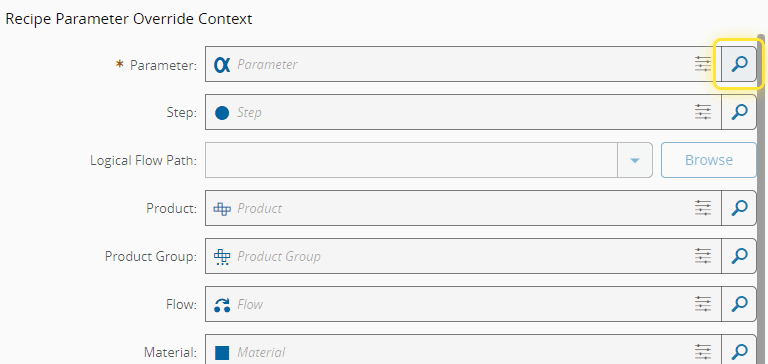
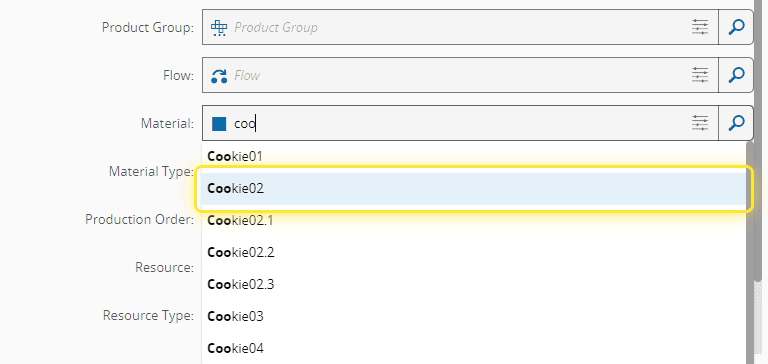
9. Fill in the remaining conditions to be considered.#
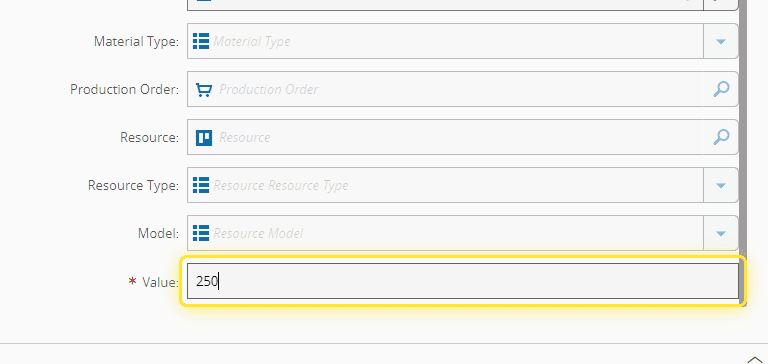
10. Fill the new value.#
Info
This value will substitute the default value of the parameter to this Recipe on the conditions that where defined in this context.
11. Select Add to finish.#