How to: Add a Recipe Body#
1. Go to the Business Data menu.#

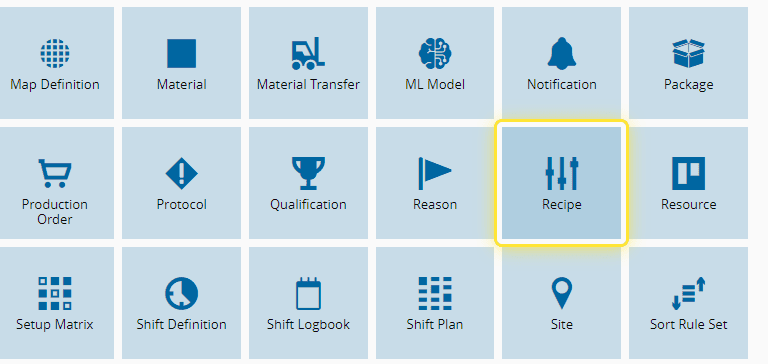
2. Select the Recipe entity.#
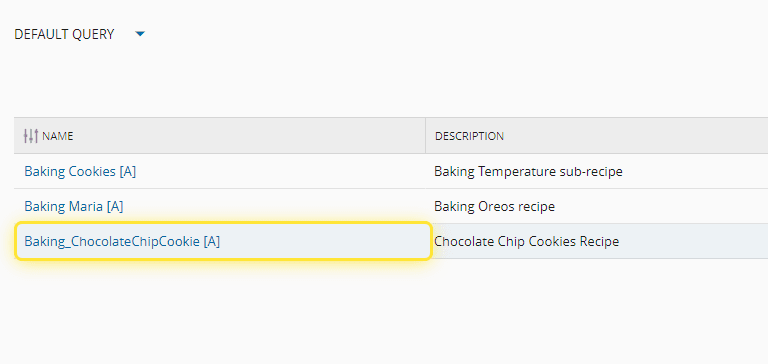
3. Select the desired Recipe.#
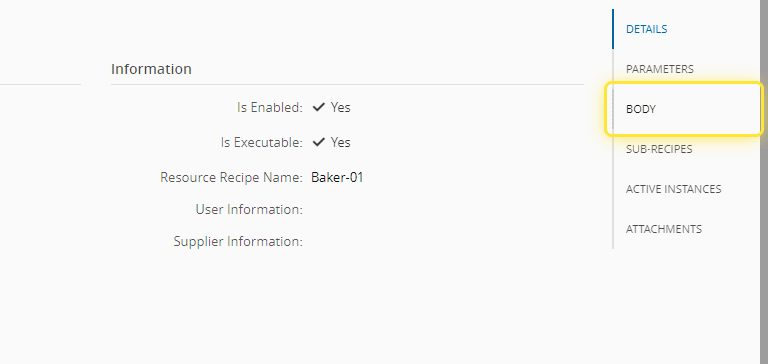
4. Go to the Body section.#
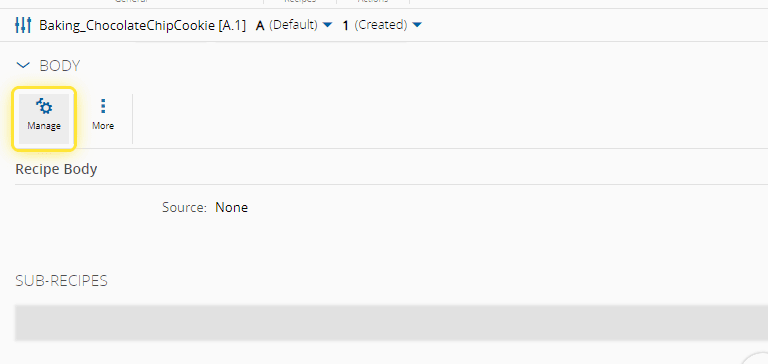
5. Select the Manage option.#
Info
For more information, see Manage Recipe Body - Critical Manufacturing Documentation Portal ⧉
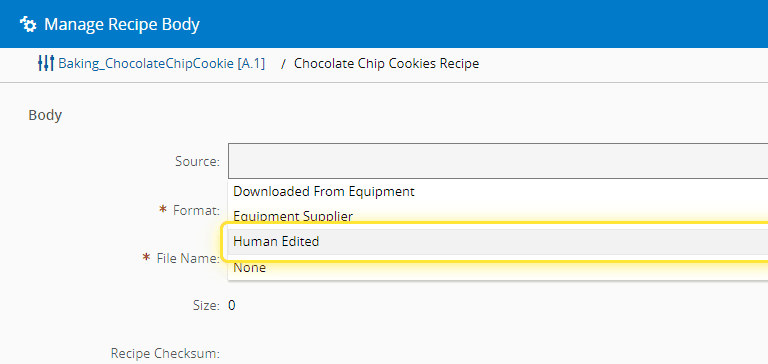
6. Select the desired type of source.#
7. Fill in the required files.#
For this case we will manually upload the Recipe Body file.
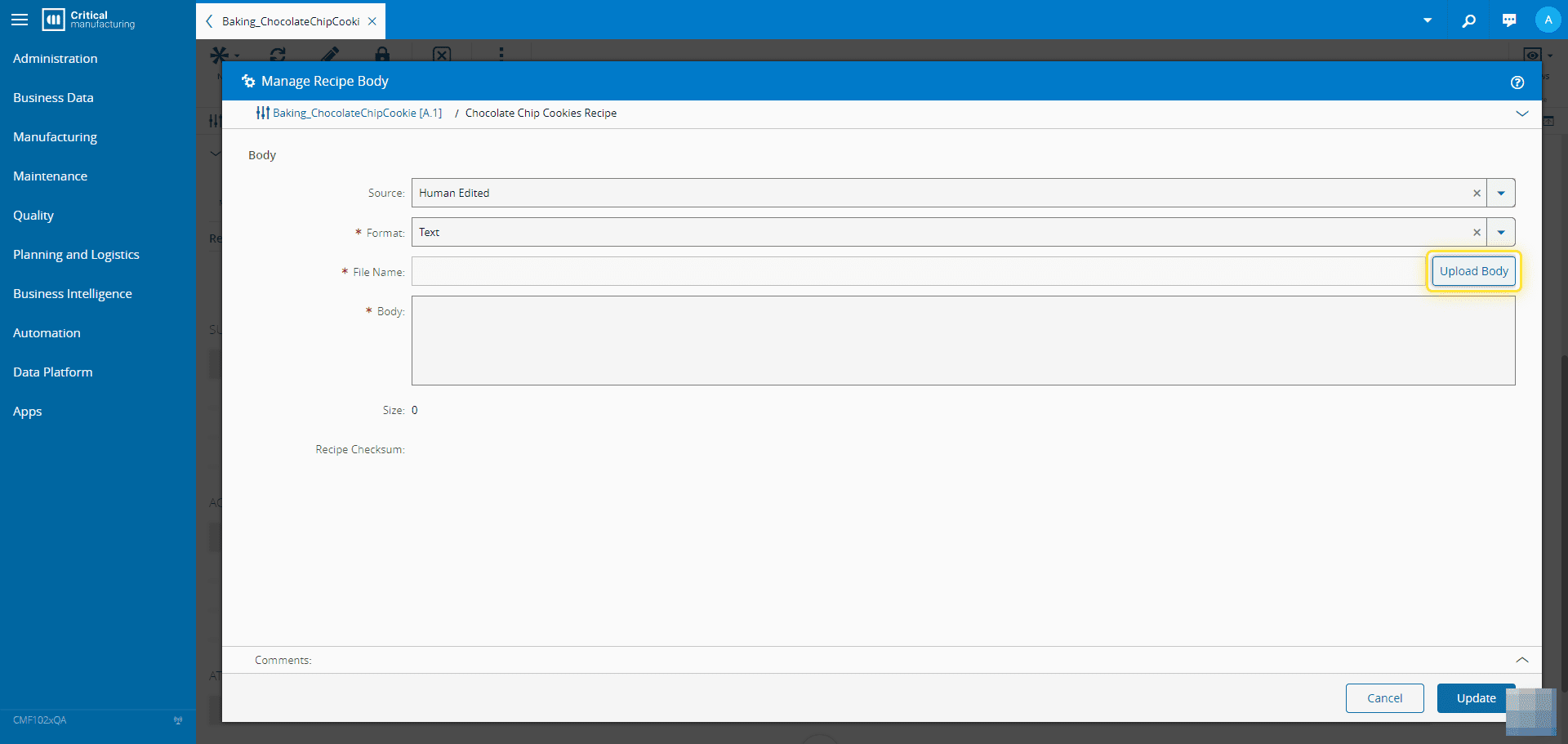
8. Select Update to finish.#