How to enable a Resource for Recipe Management#
1. Go to the Business Data menu.#

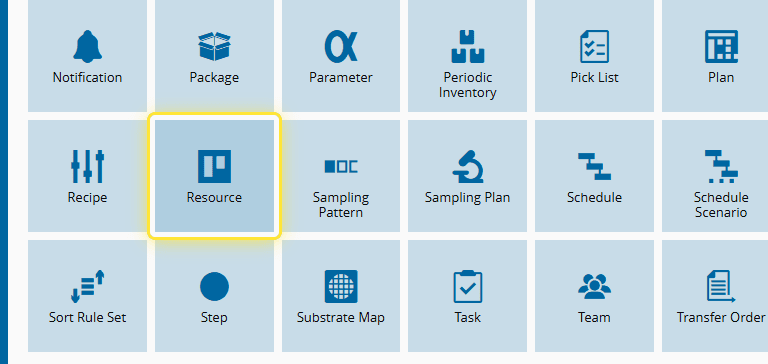
2. Select the Resource entity.#
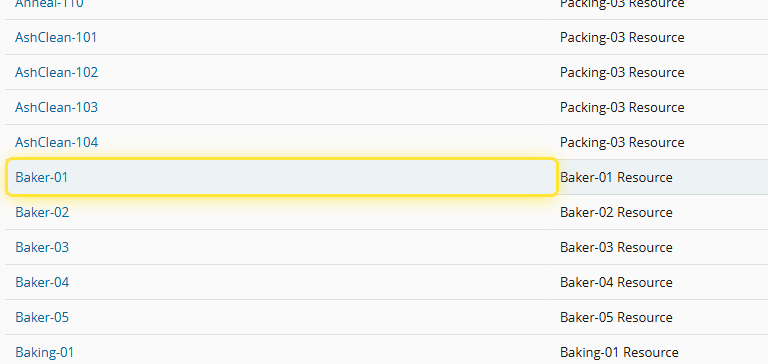
3. Select the Resource you want to manage.#
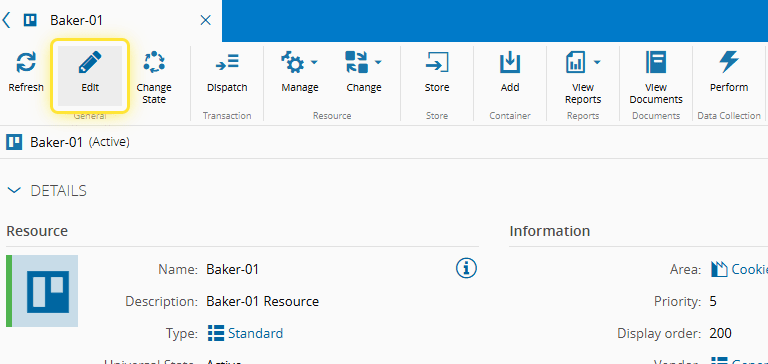
4. Select Edit.#
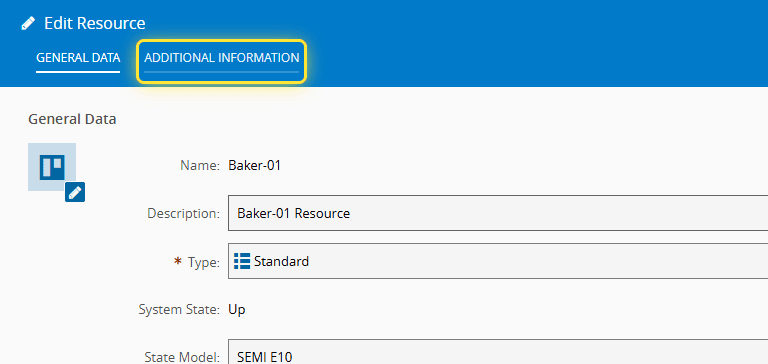
5. Open the Additional Information tab.#
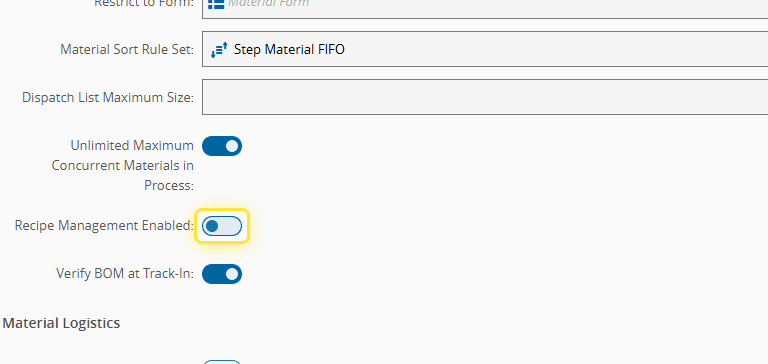
6. Enable the Recipe Management option.#
7. Select Save.#