How to Remove a Recipe from a Resource#
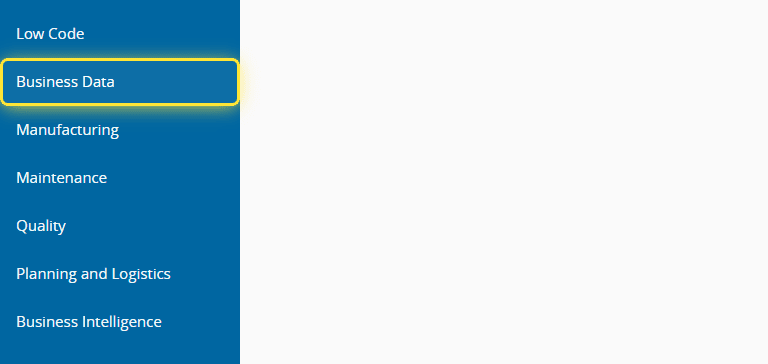
1. Go to the Business Data menu.#
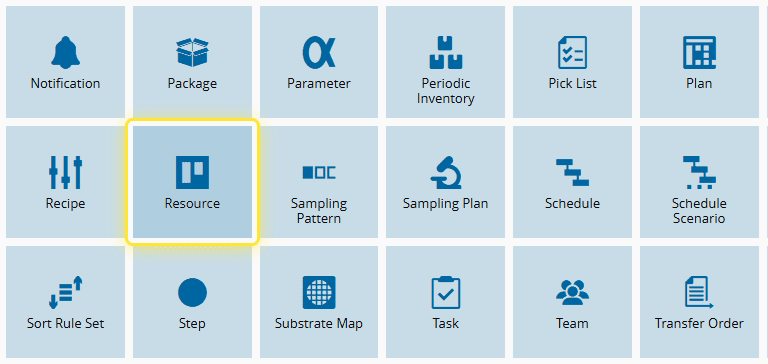
2. Select the Resource entity.#
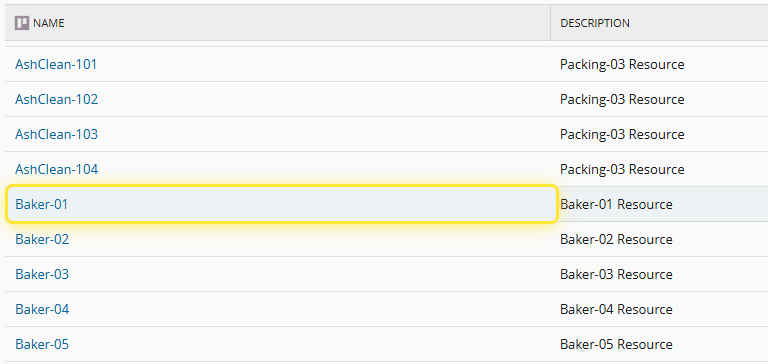
3. Select the desired Resource.#
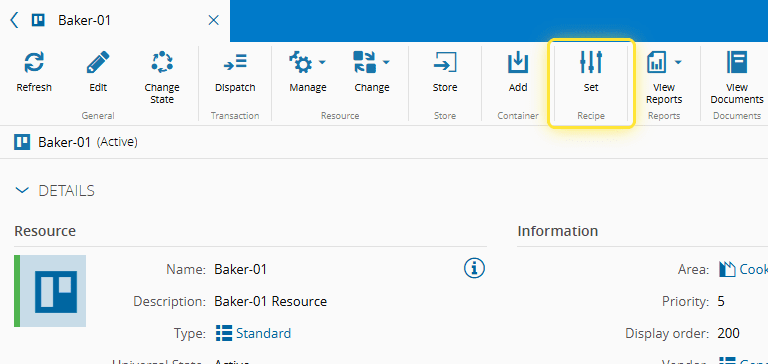
4. Select Set Recipe.#
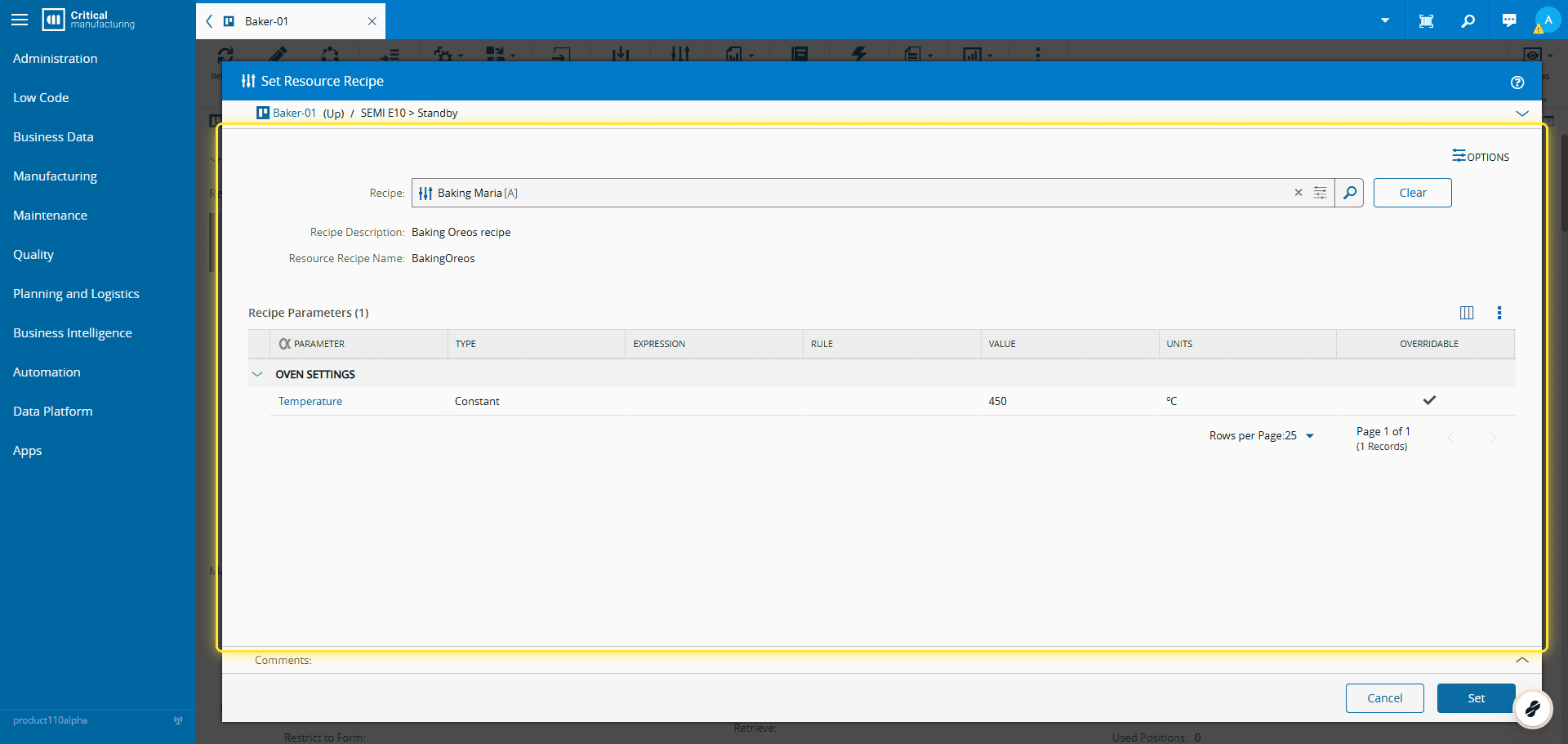
5. In the Set Recipe Wizard you can validate the selected Recipe.#
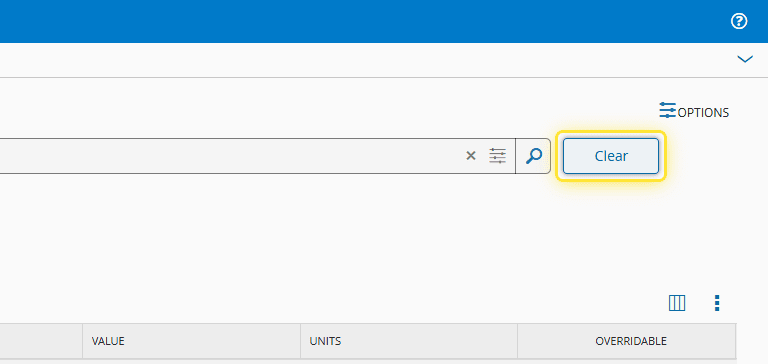
6. Select Clear to remove the selected Recipe.#
7. Select Set to save your changes.#